 By the NAXTECH team · Published 29 Sept 2026 · Updated 8 Nov 2026 · Hands-on with v1.0
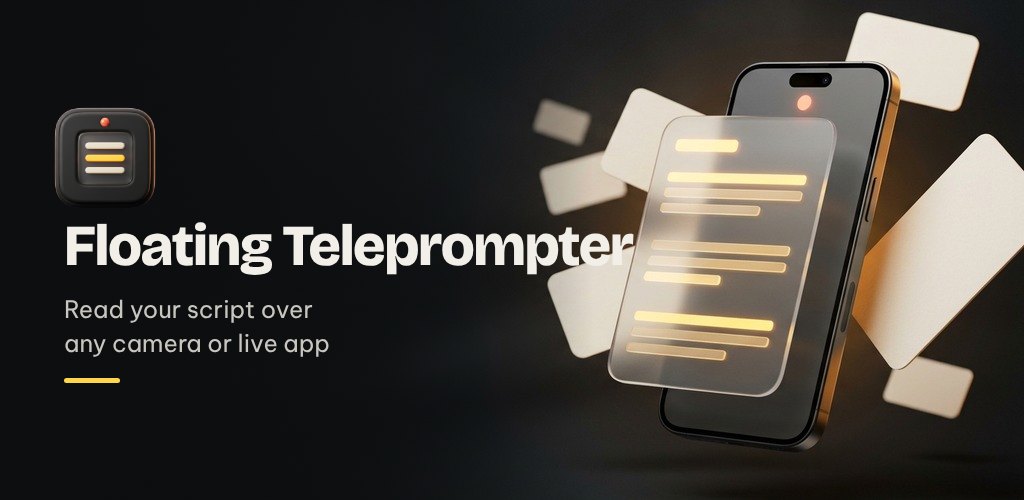
You wrote the perfect script, you hit record, and three seconds in you are already paraphrasing your own words into mush. Reading to camera without looking away is the oldest problem in video — taping notes next to the lens or glancing at a second phone never looks natural. Teleprompter solves it by putting the words exactly where your eyes already are.
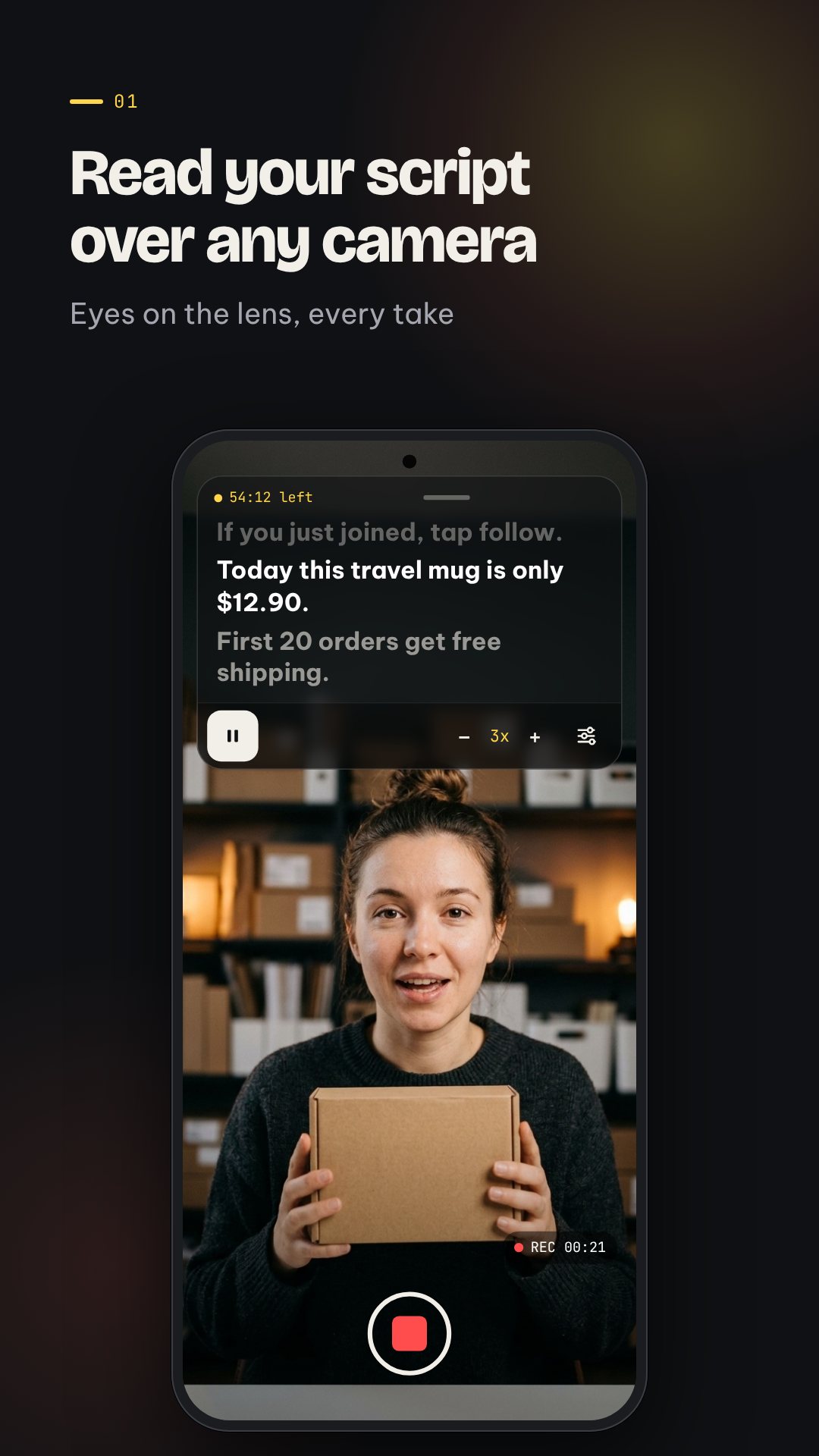
Teleprompter is a floating, see-through script window that scrolls over any camera or live app — your native camera, a streaming app, a video call — so your gaze stays on the lens while the lines come to you. Everything lives on your device, so scripts never leave the phone and the prompter works with no connection at all.
The overlay drops a draggable script window on top of whatever app you are recording in, and you tune it in real time: scroll speed from 1x to 10x, text size from 14 to 42sp, and background opacity from 10% to 90% so the words float over your shot without hiding it. Snap the window to the top, middle or bottom to line it up with the lens, and the prompter keeps the screen awake so it never dims mid-take.
Shooting into a glass teleprompter rig or a mirror? Flip the text horizontally or vertically so it reads correctly through the glass. When you need the screen, tap to shrink the whole prompter into a small floating bubble you can park out of frame, then tap again to expand it — your place in the script is kept either way.
Scripts are plain text, so they stay portable, but a light markup gives you control where it matters. Wrap text in **double asterisks** for bold, ==equals== to highlight prices in amber, and ++plus signs++ to flag an offer or call-to-action in coral. Drop a [PAUSE 2s] mark (anywhere from 0.5 to 10 seconds) and the scroll stops on cue so you can hit a beat, show the product, or let a point land before it rolls on.
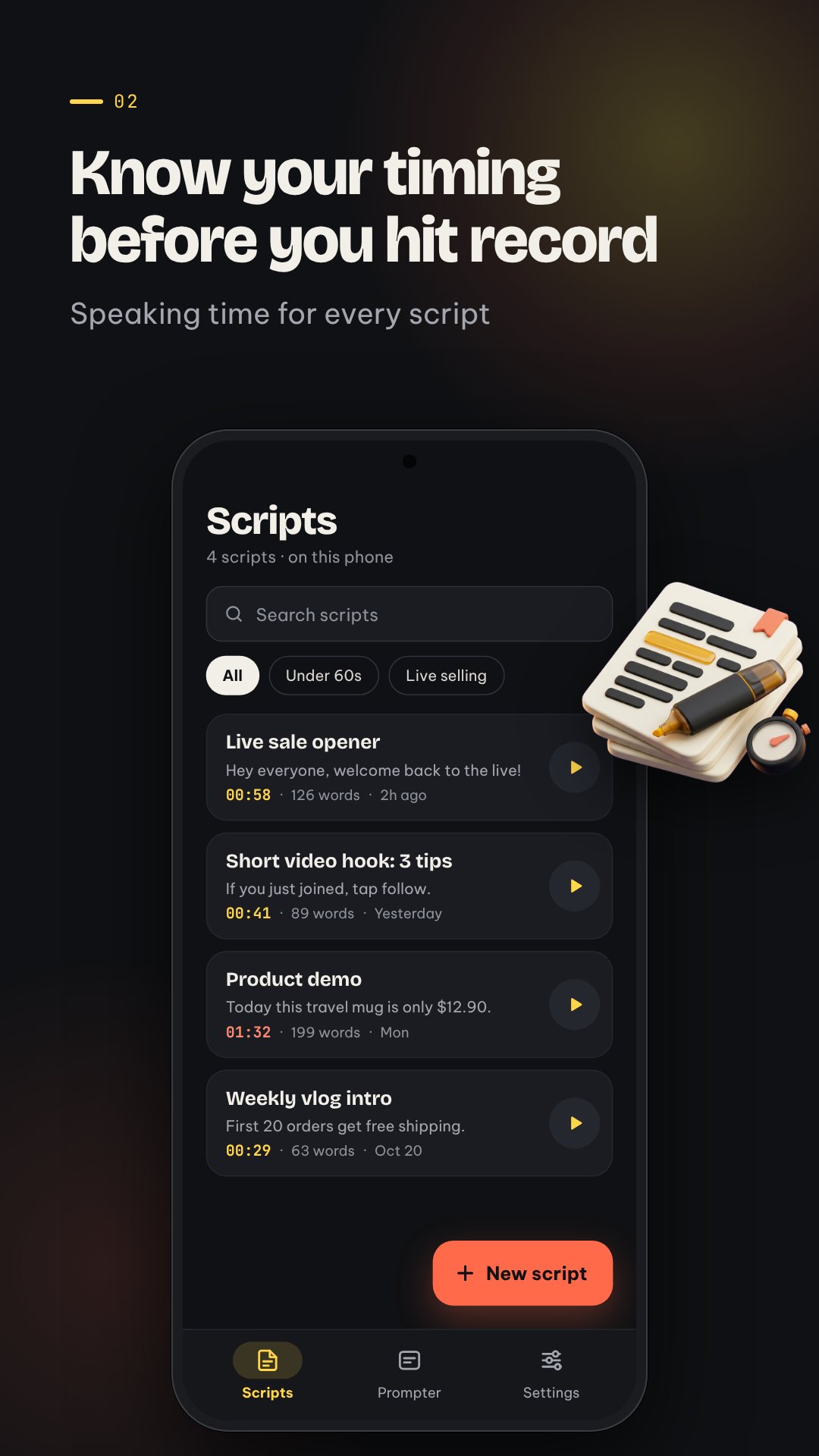
Every script shows a speaking-time estimate based on words per minute, and the counter is language-aware — for Thai, Chinese and other scripts without spaces it counts roughly 4.5 characters as a word, plus the time your pause marks add. So a "2-minute intro" really is two minutes, not a guess.
Not every shot needs the overlay. The built-in full-screen prompter runs right inside the app — pick a countdown of 0, 3 or 5 seconds, let it scroll, and at the end a finish card shows your read time, your actual words-per-minute and how many pauses you hit. Starter templates for a live-selling script, a hook and a demo get you off a blank page.
Scripts are stored locally with no account and no sign-up. To copy them or move to a new phone, export every script to a single JSON backup file and import it back later. The interface is available in English (US and UK), Portuguese, Spanish, Indonesian, Vietnamese and Thai.
The floating window needs Android's "display over other apps" permission, and the overlay runs as a foreground service so it stays put while you record. Teleprompter is free and ad-supported, with an optional unlock for an ad-free stretch of overlay time; the full-screen prompter is always free, and your scripts are never uploaded.
Yes. Once you grant the "display over other apps" permission, the script window floats on top of your camera, streaming or video-call app so you can read while looking at the lens.
Yes. You can flip the text horizontally or vertically so it reads correctly through a beam-splitter glass or a mirror.
Yes. Scripts are stored on your device and the prompter needs no connection; only ads require the internet.
For languages written without spaces it counts about 4.5 characters as one word and adds your pause marks, so the estimate stays realistic.