Glowboard: an LED banner scroller that turns your phone into a sign
 By the NAXTECH team · Published 17 May 2026 · Updated 23 Aug 2026 · Hands-on with v1.0
Glowboard at a glance
- What it is
- An LED banner scroller that turns your phone screen into a glowing sign.
- Platform
- Android · works fully offline, no account needed.
- Price
- Free, with ads and an optional Pro upgrade (lifetime or yearly).
- Core modes
- Scrolling banner · Light stick · Beat sync · Multi-phone sign · Airport pickup · Countdown & clock.
- Fonts
- 20 display faces across Latin, Thai, Japanese, Korean and Chinese scripts.
- Best for
- Concerts, K-pop fan chants, airport pickups, game day and parties.
You are three rows from the stage, the lights drop, and you want the whole section to see the two words you have been saving all week — but all you are holding is a phone. That gap between a phone screen and a real light-up sign is exactly what Glowboard was built to close.
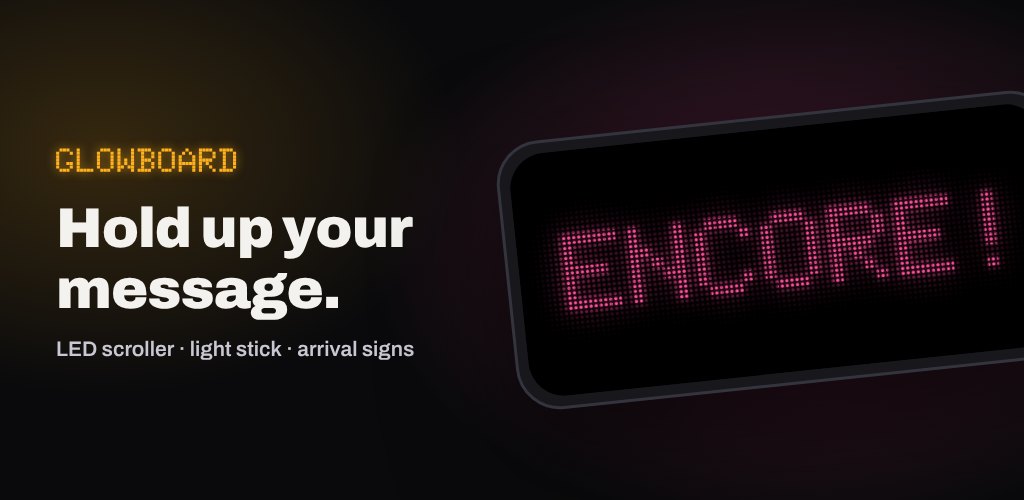
Glowboard is an LED banner scroller: you type a message, pick a look, and your screen becomes a bright, glowing sign that reads clearly from the back row or across an arrivals hall. Everything runs on the device, with no account and no connection required, so your sign is ready the moment the moment arrives.
A banner editor built like a real LED panel
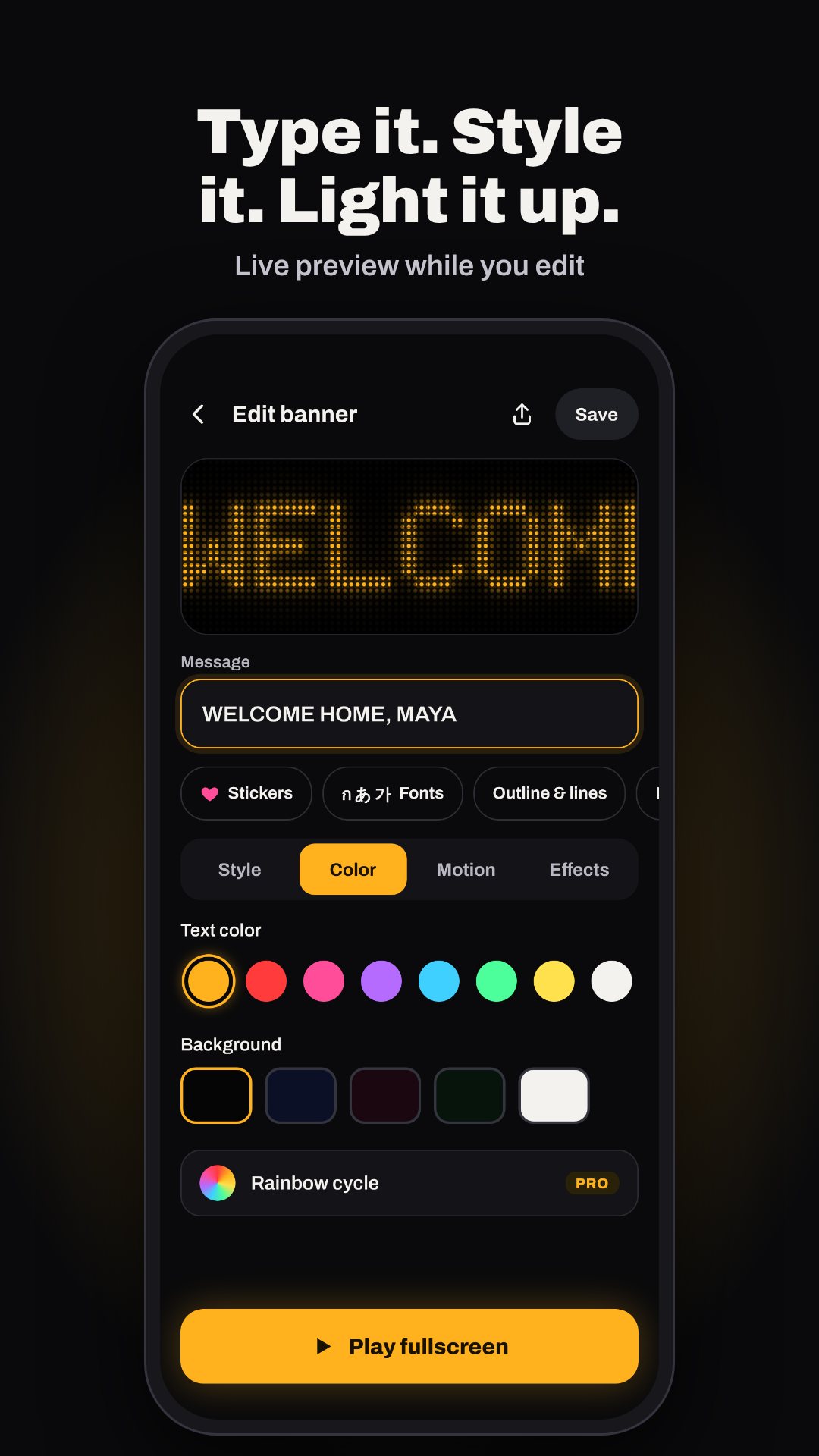
Type any message and Glowboard renders it on an LED dot grid with a per-letter glow, just like a hardware sign. Choose from 20 display fonts — dot matrix, pixel, arcade, heavy block and a Pro neon tube — grouped by script so Thai, Japanese, Korean and Chinese messages get the right face automatically. Set the scroll direction (left, right, up or still), dial the speed from 1 (easy to read) to 10 (stadium fast), and layer on blink, mirror text for a car windshield, outline, drop shadow, a rainbow cycle or one of the gradient fills. There are eight text colours, eight backgrounds, eight gradients, 12 glowing LED stickers and 18 symbols to drop straight into the message.
Light stick and beat sync for the show
Switch to Light stick and the whole screen becomes one colour with a solid, pulse, strobe or rainbow effect — a touch lock keeps it from turning off when the crowd jostles you. Beat sync goes further: it listens through the microphone and makes the lights react to the music in three modes — text pulse, colour flash and a 12-bar equalizer — with low, medium and high sensitivity for a quiet room or a full stadium. The audio is analysed on the device only while beat sync is open; nothing is ever recorded or uploaded.
One sign across many phones
The multi-phone sign turns a group into a single banner. One person types a short message, Glowboard splits it one letter per phone (up to 12), and a QR code shares the style — friends tap Join, scan, and pick their position. A light wave then runs across all the phones in sync, timed to start on the next minute using each phone's own clock, so no internet is needed to line it up.
Everyday signs, not just concerts
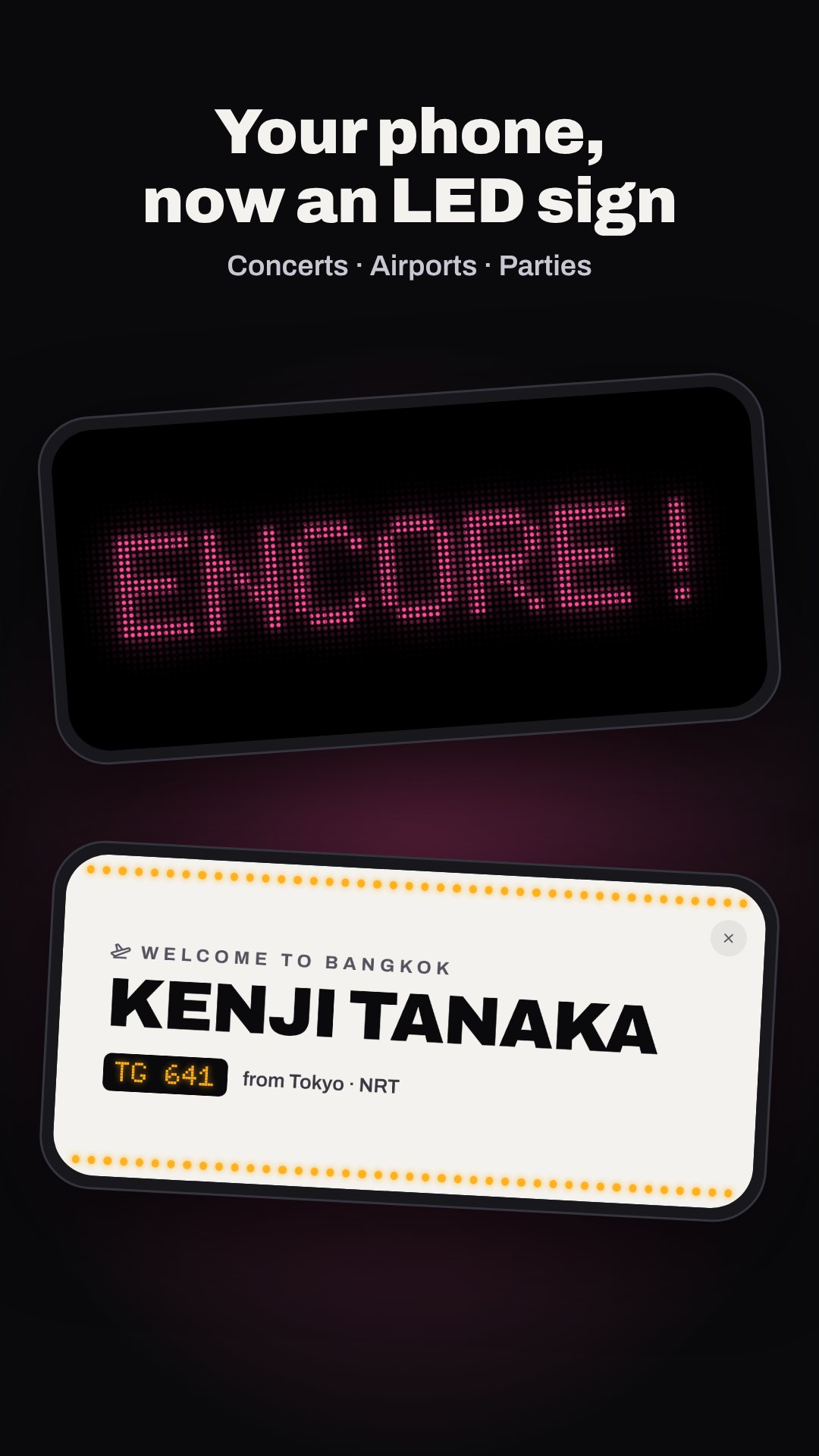
- Airport pickup — a clean name sign with greeting, flight and origin, in white-board, LED amber or hi-vis styles, held up at full brightness.
- Countdown & clock — a giant countdown that flashes and buzzes over the last 10 seconds, plus a 12/24-hour clock and a count-up stopwatch.
- Templates — ready-made signs for concerts, airports, parties, sports and the road, from "ENCORE!" to "YOUR RIDE IS HERE".
- Export — save your sign as an image or an animated GIF (5, 10 or 15 seconds), copy the text, or share it; nothing is uploaded.
- Quick tile & widgets — relaunch your last banner from a quick-settings tile or a home-screen widget.
How to turn your phone into a scrolling LED sign
- Type your message in the quick box on the Home tab, or start from a template.
- Open the editor to choose a font, colour and scroll speed (1 easy-read to 10 stadium-fast).
- Add LED stickers or switch on glow, rainbow or the LED dot grid.
- Tap Play full-screen — brightness jumps to 100% and the screen stays awake.
- Lift it up, or save it to My Banners to replay in a single tap.
Good to know before your first sign
Beat sync needs microphone access and the multi-phone join uses the camera to scan a QR code; both are optional and used only for those features. Glowboard works fully offline with no account — only ads and the optional Pro font trial use a connection. It is free with ads, and an optional Pro upgrade (lifetime or yearly) removes ads and unlocks extra fonts, rainbow, gradient and GIF effects, Pro stickers and unlimited saved banners.
Frequently asked questions
Does Glowboard work offline?
Yes. The banner, light stick, multi-phone, countdown and export features all run on your device with no account; only ads and the Pro font trial need a connection.
Can several phones make one sign together?
Yes. The multi-phone sign shares a style by QR code and splits a word one letter per phone, up to 12, with a light wave that syncs on the next minute using each phone's clock.
Does beat sync record audio?
No. The microphone is analysed on-device only while beat sync is open, and nothing is recorded or uploaded.
Is Glowboard free?
Yes, it is free with ads. An optional Pro upgrade (lifetime or yearly) removes ads and unlocks extra fonts, effects, GIF export and unlimited saved banners.