Mic to BT Speaker: turn your phone into a live wireless microphone
 By the NAXTECH team · Published 7 Feb 2026 · Updated 5 May 2026 · Hands-on with v1.1
Mic to BT Speaker at a glance
- What it is
- A wireless-microphone and megaphone app that streams your live voice to a Bluetooth speaker.
- Platform
- Android · no account, no sign-up.
- Price
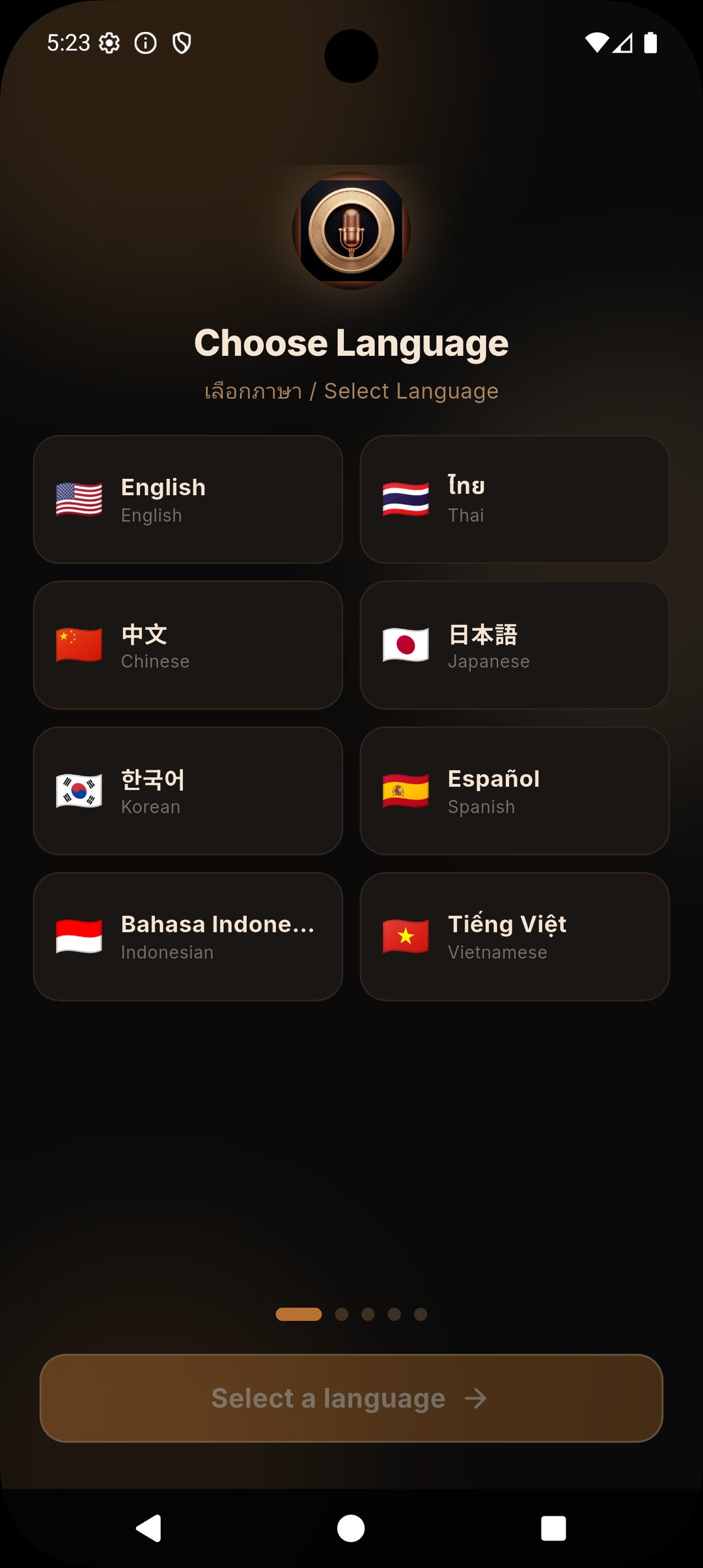
- Free, supported by ads.
- Core controls
- Volume gain 0.1×–5× · Noise Suppression · Echo Cancellation · Play over music · Backing track · Output picker.
- Interface languages
- English, Thai, Chinese, Japanese, Korean, Spanish, Indonesian, Vietnamese.
- Best for
- Teachers, tour guides, event hosts, karaoke and home announcements.
You have a Bluetooth speaker across the room and a voice that needs to carry — but no microphone, and no cable long enough to reach. Maybe you are teaching a class, leading a walking tour, calling bingo at a party, or trying to be heard over music in the kitchen. The speaker is right there, already paired to your phone. The piece that is missing is a microphone. That is the whole job Mic to BT Speaker was built to do.
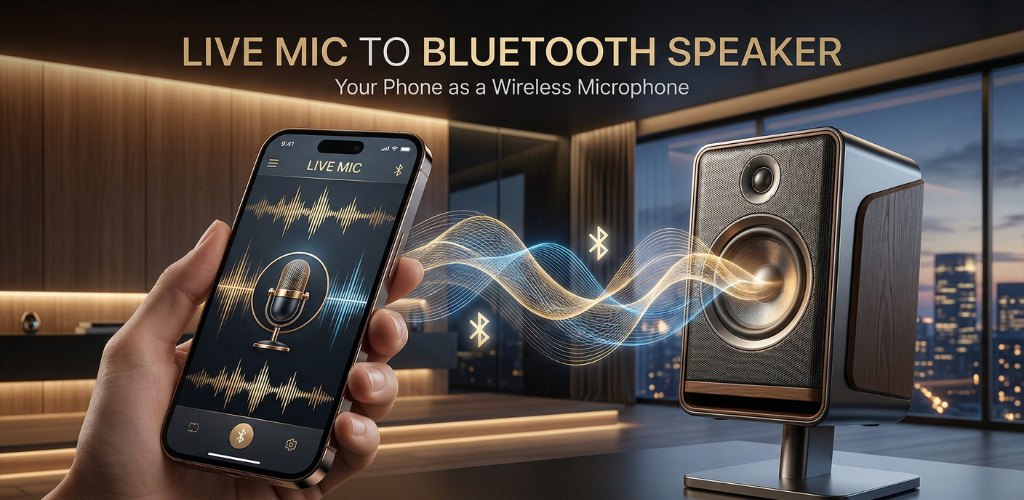
Pair your speaker once in Android's Bluetooth settings, open the app, and tap the big copper mic button. From that moment your phone's microphone is live, and everything you say is sent straight to the speaker — your phone becomes the wireless mic, and the Bluetooth speaker becomes the PA system.
A proper live-voice pipeline, not a recorder
Under the hood the app opens a real-time audio path: it captures from the microphone at 44.1 kHz and plays it back the instant it arrives, routed through the phone's voice-communication audio mode so the system treats it as a live call rather than media playback. That voice path is what lets the two hardware effects below actually do their work, and it keeps the loop tight enough to use as a stand-up microphone.
Volume gain from a whisper to a shout
Bluetooth speakers vary wildly in loudness, and so do rooms. The Volume Gain slider runs from 0.1× up to 5×, so you can pull a booming speaker down to a background level or push a quiet voice up to fill a hall. The current multiplier shows live as you drag — 1.0×, 2.4×, 5.0× — and a round VU arc around the mic button reacts to how loud you are actually speaking, so you can see the signal, not just guess at it.
Noise Suppression and Echo Cancellation built in
Two toggles sit under the mic. Noise Suppression uses Android's hardware noise suppressor to pull down steady background hum — a fan, an air-conditioner, street noise. Echo Cancellation uses the acoustic echo canceler to fight the howl-round you get when a live mic and a loud speaker share a room. Both are on by default and switch off the moment you tap them, so you can trade a little processing for a more natural tone when the room is already quiet.
Talk over the music, or add your own backing track
Play over music keeps whatever is already playing — Spotify, YouTube, a party playlist — running underneath your live voice instead of pausing it, which is exactly what you want for karaoke or talking over a track. If you would rather bring your own, the Background Audio button lets you pick an audio file from your device and play it as a backing track, with its own volume slider from 0% to 100% so the music never buries you.
Controls that respect a live performance
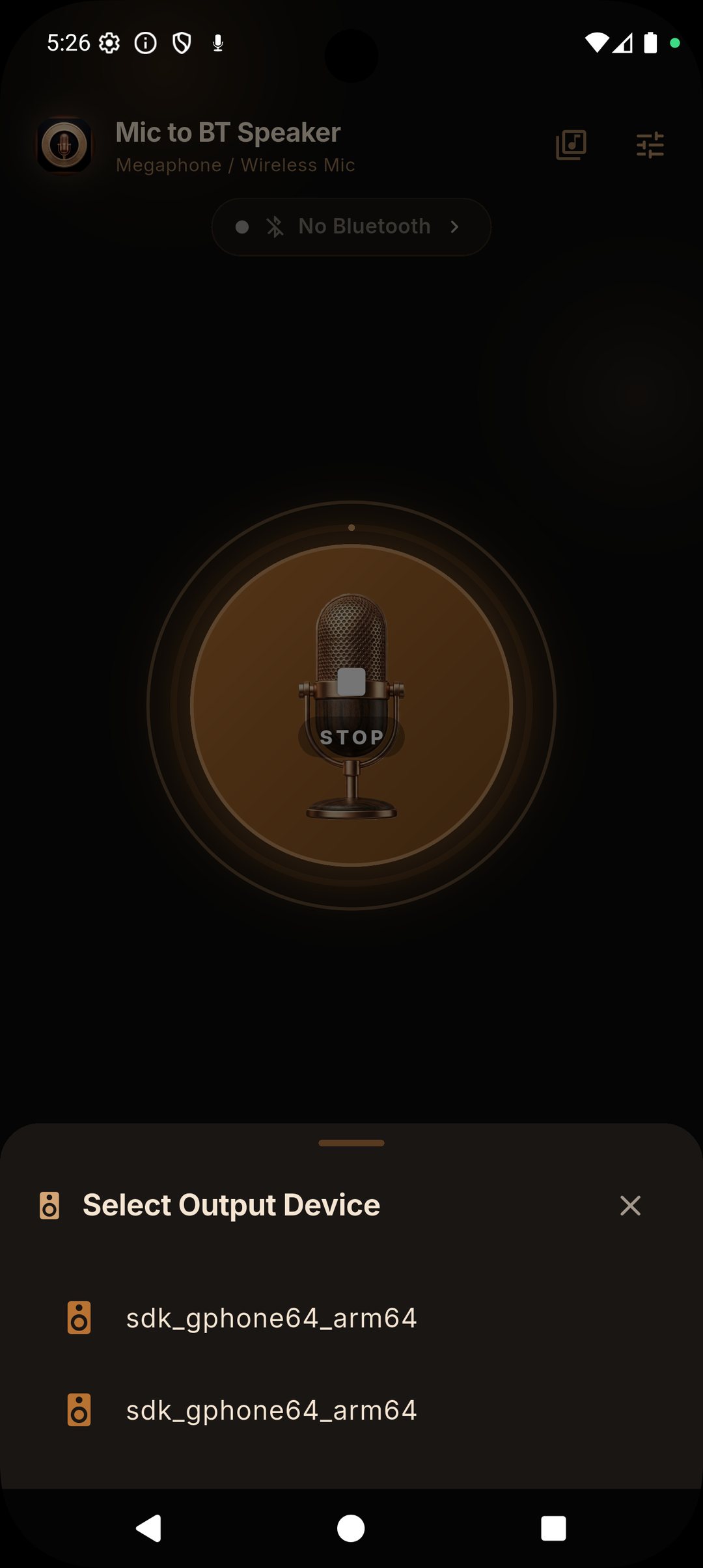
- Output picker — when more than one output is available, choose which Bluetooth speaker or device your voice goes to.
- Bluetooth status pill — shows at a glance whether a speaker is connected, and displays its battery level when the speaker reports one.
- Quick Settings tile — add the "Mic to BT" tile to your notification shade to start or stop streaming without opening the app.
- Background streaming — a microphone foreground service keeps your voice flowing even when you switch apps or lock the screen.
- Mute — cut the mic instantly for a private aside, then unmute to carry on.
How to use your phone as a wireless mic
- In Android Settings → Bluetooth, pair and connect your speaker first.
- Open Mic to BT Speaker and grant the microphone permission when asked.
- Check the status pill reads Bluetooth Connected, then tap the big mic button to go live.
- Set the Volume Gain to match the room, and toggle Noise Suppression or Echo Cancellation if you need them.
- Tap the mic again to stop, or mute for a quick pause.
Good to know before you start
Bluetooth always adds a little delay between your voice and the speaker — usually a fraction of a second — which is normal and depends on your speaker's codec and version; speakers with aptX or Bluetooth 5.0+ feel the most immediate. For that reason the app is ideal for announcements, teaching and talk-over-music, and less suited to tight live singing where perfect timing matters. The app is free and shows ads, and needs only the microphone and Bluetooth permissions to work.
Frequently asked questions
Do I need to pair the speaker inside the app?
No. Pair and connect the speaker in Android's own Bluetooth settings first; the app then streams to whatever speaker is connected.
Will there be a delay between my voice and the speaker?
A small Bluetooth delay is normal and depends on your speaker's codec and version — speakers with aptX or Bluetooth 5.0+ are the most responsive.
Can I play music and talk at the same time?
Yes. Turn on Play over music to keep other apps' audio running under your voice, or load your own backing track with its own volume control.
Is Mic to BT Speaker free?
Yes, it is free to download and supported by ads, with no account required.