 By the NAXTECH team · Published 24 Oct 2026 · Updated 1 Nov 2026 · Hands-on with v2.0
Your thumb is sore, the idle game needs the same button pressed a few hundred more times, and you are starting to wonder why a phone cannot just do this for you. That is the exact chore Auto Clicker takes off your hands. It floats a small widget over whatever app you are in, taps the spots you mark, and keeps going until you tell it to stop.
Auto Clicker is an automatic tap, swipe and record tool for Android. It performs gestures through the system Accessibility service — the only way Android lets an app tap for you — so it works on top of games, forms and menus without needing root. Everything runs on your device, offline, with no sign-in.
The Home screen opens straight onto a mode grid. Multi-point taps a set of targets in order — up to 3 points free, up to 30 with Pro. Single tap hammers one spot as fast as you like, down to a 1 ms interval on Pro (100 ms free). Swipe runs scroll-and-drag paths with a straight or natural curve, so you can auto-scroll a feed or drag across the screen. Record captures your own taps, holds and swipes and replays them exactly.
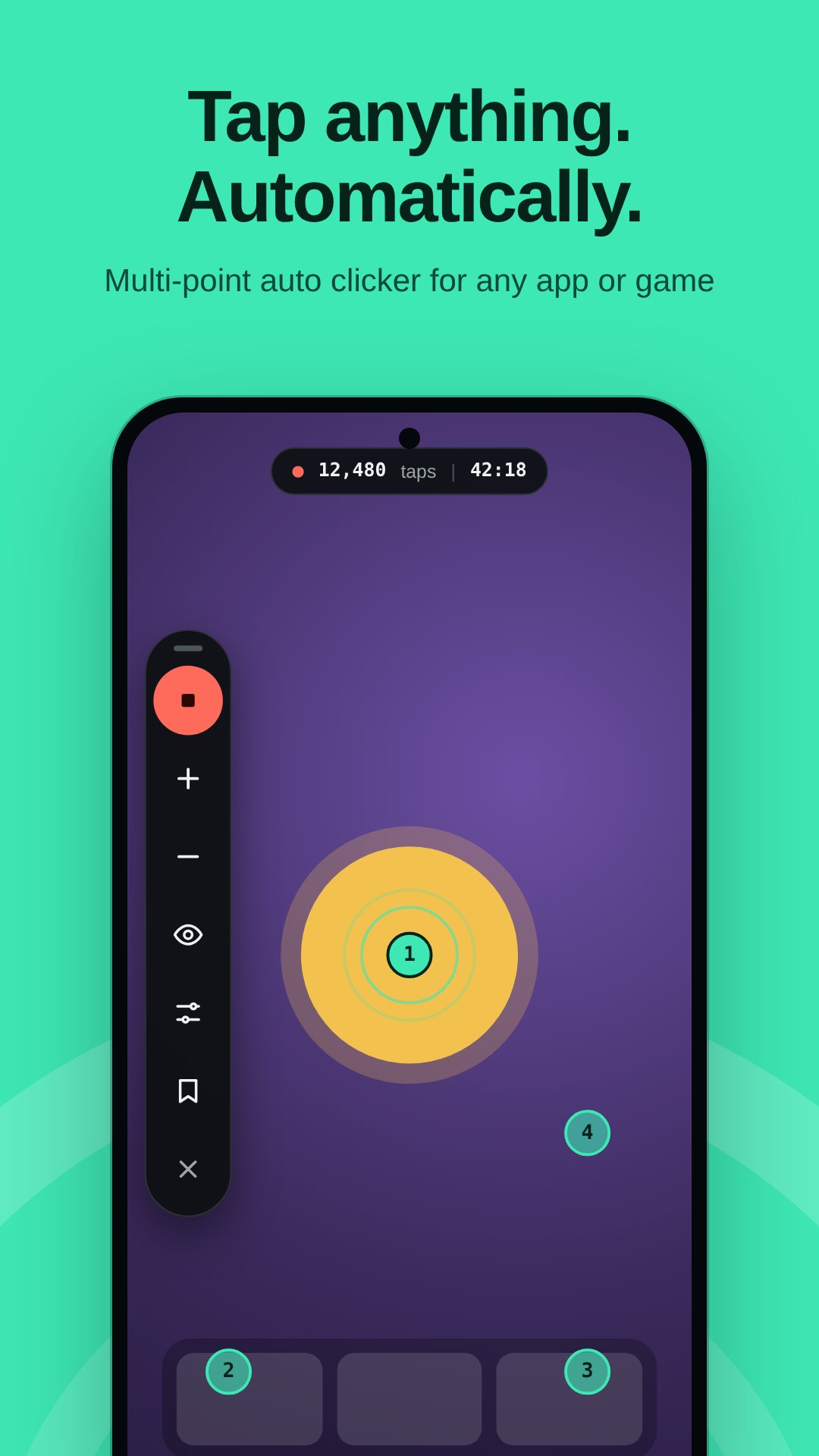
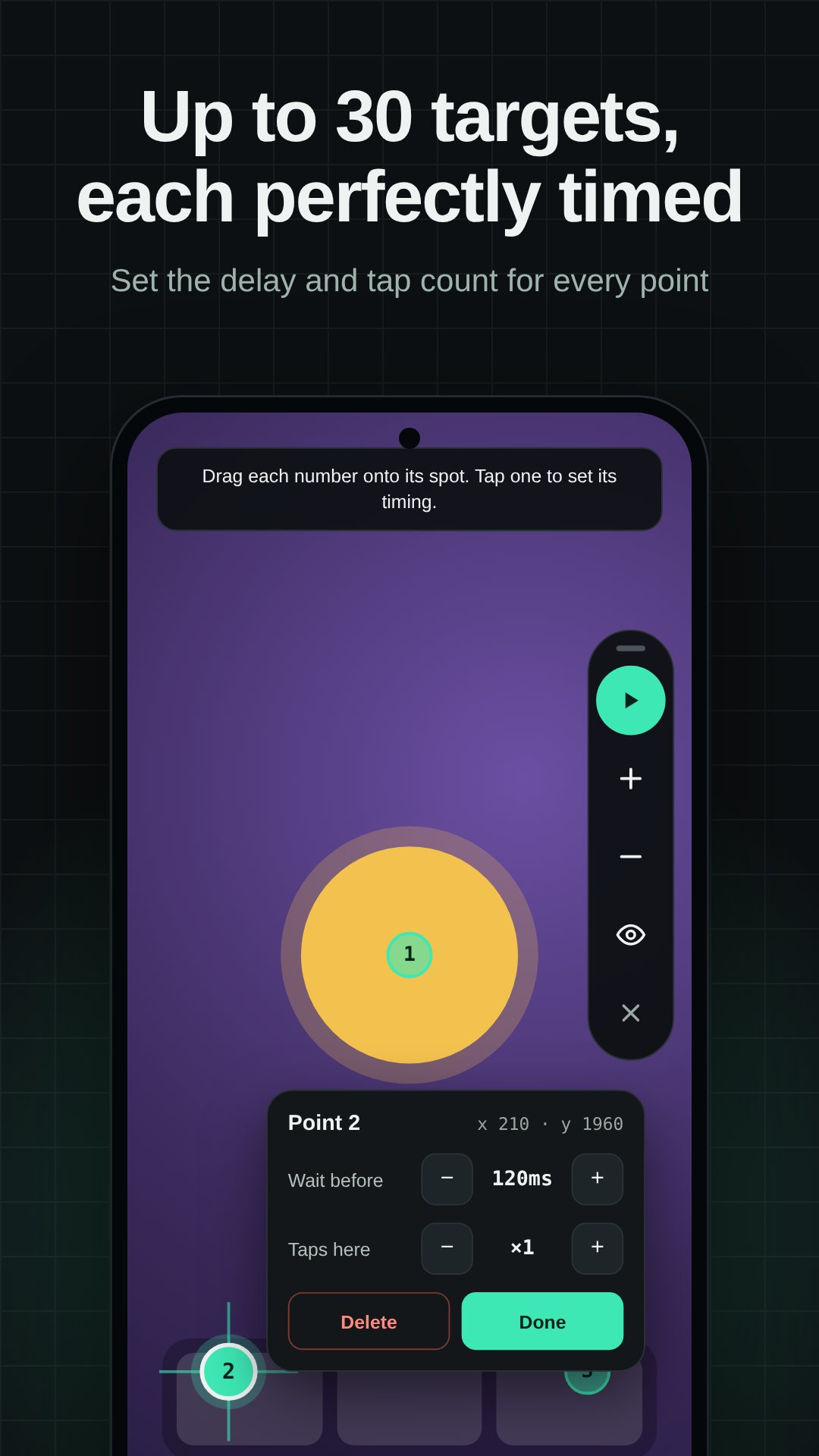
Each script is yours to shape. Set the interval between taps, the hold time each press stays down (raise it to 80–120 ms for stubborn games that ignore quick taps), and a repeat count from 1 to 100,000 or leave it infinite. A stop-after timer ends the session on its own. Per point you can set an individual delay and a number of taps, and two switches change how a run feels: Multitouch fires every point at once, while Humanize adds a small random offset and timing jitter so the taps are not pixel-perfect robots.
Tap Launch widget and a compact control floats over your current app. Drag it by its handle to any edge, and make it smaller or see-through in Settings so it never covers the button you actually need. A short haptic tick confirms when a run starts and stops. When you finish, a summary shows how many taps and swipes ran and for how long.
Android only lets apps tap and swipe for you through an Accessibility service, and Auto Clicker uses it for nothing else: it does not read your screen, and no data is collected or shared. If taps stop after a few minutes, that is your phone sleeping the app — set it to Unrestricted in Battery settings (and allow Autostart on Xiaomi, Oppo and Vivo). The app is free with ads and offers an optional Pro unlock, including short Pro passes, to remove interstitials and open Swipe, Record, bigger point counts and Humanize.
No. It performs every tap and swipe through Android's Accessibility service, so it runs on a normal, unrooted phone.
Some games skip very short presses — raise Hold to about 80–120 ms and set the interval above 0.1 s and they should register.
Yes. Record mode captures your taps, holds and swipes and replays them exactly, as many times as you set.
Yes, it is free with ads, and offers an optional Pro unlock for unlimited points, Swipe, Record, Humanize and no interstitials.