API Tester: a real HTTP & WebSocket client that fits in your pocket
 By the NAXTECH team · Published 28 Jan 2026 · Updated 7 Aug 2026 · Hands-on with v2.0
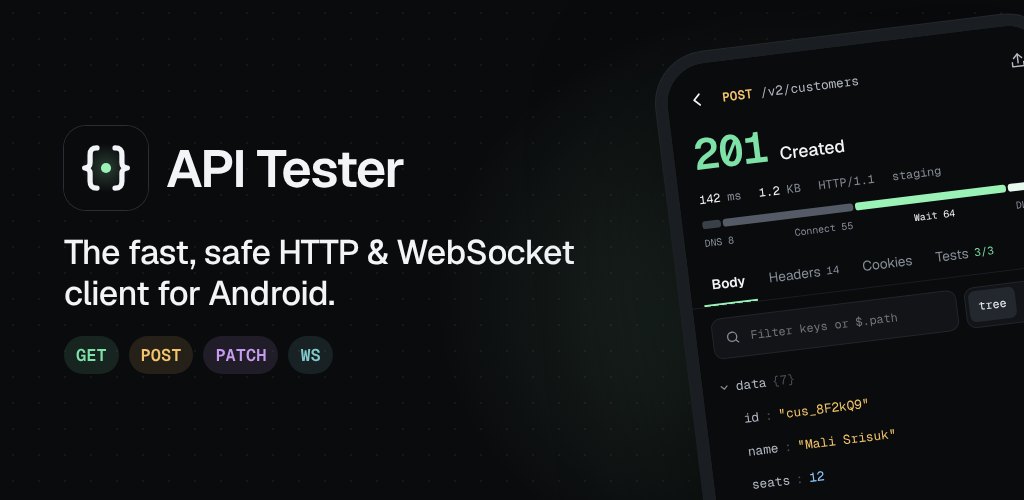
API Tester at a glance
- What it is
- A fast HTTP and WebSocket client for building, sending and testing API requests.
- Platform
- Android · requests run on device, no account needed.
- Price
- Free, with ads and an optional one-time Pro unlock.
- Methods
- GET, POST, PUT, PATCH, DELETE, HEAD, OPTIONS and WebSocket.
- Imports
- Postman v2/v2.1 collections, Postman environments, pasted cURL.
- Best for
- Backend, mobile and QA developers who need to poke an API on the go.
A webhook is misbehaving, you are away from your desk, and all you have is your phone — and every "API app" on it is either a toy or a login wall. That gap, between a quick curl on a laptop and nothing usable in your pocket, is exactly what API Tester was built to close.
API Tester is a proper HTTP and WebSocket client for Android. It carries the pieces you actually reach for — a real request composer, environment variables, saved collections, test assertions and a sequential runner — and sends every request straight from your device, so you can debug a staging endpoint from a train seat without waiting on anything.
A composer that behaves like the tools you know
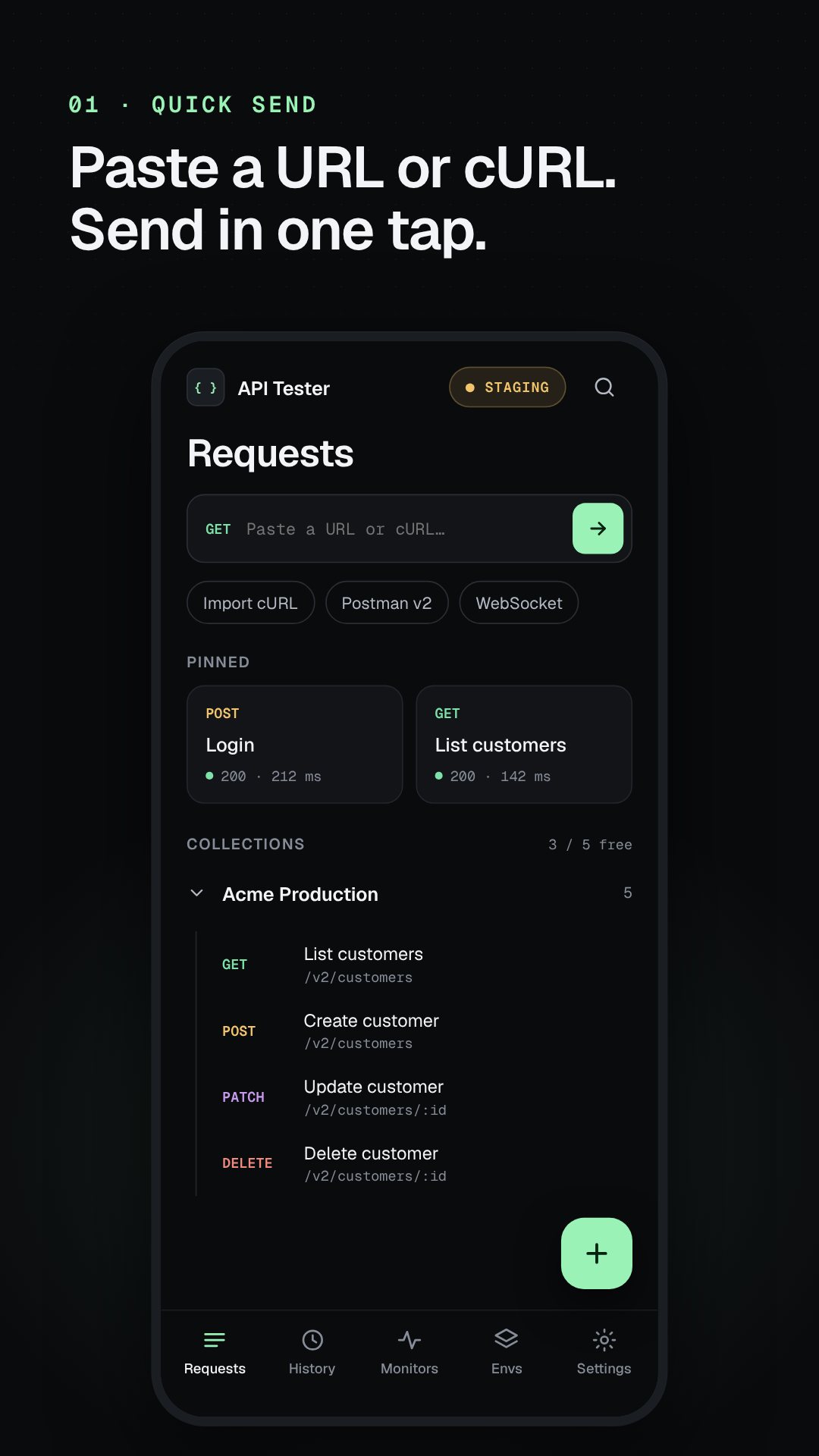
Build any request across the seven HTTP methods (GET, POST, PUT, PATCH, DELETE, HEAD, OPTIONS) with full control over query params, headers and body. The body editor speaks JSON, and the app is careful about the little things that bite you elsewhere — switch a POST to a GET and it asks before letting a leftover body ride along; pick HEAD and it reminds you the body will be ignored. Already have a command? Paste a cURL string and API Tester parses it — quotes, escapes, line continuations and Chrome's $'…' bodies included — straight into an editable request.
Environments, variables and secrets done right
Wrap anything that changes between servers in a {{variable}} and swap the whole set by changing environment. Built-in dynamic variables cover the common cases — {{$timestamp}}, {{$isoTimestamp}}, {{$randomInt}} and {{$uuid}} — so you never hand-type a nonce again. Tokens and other secrets go into the device's encrypted secure storage, and any environment you mark as protected raises a production guard: a POST, PUT, PATCH or DELETE against it needs a deliberate hold-to-confirm before it fires.
Tests, extraction and a collection runner
Attach assertions to any request and check the status, response time in milliseconds, a JSON path, a header or the body text, with operators from equals and contains to is below, exists and is missing. Pull values out of a response with a minimal JSONPath engine ($.key, [0], [-1], [*], .length) and the collection runner carries them forward — so a login step can hand its token to every request that follows, each card showing passed, failed or skipped.
More than a one-off send
- WebSocket client — open a socket, send frames and watch each message in or out with its own latency stamp.
- OAuth 2.0 — fetch tokens (including client-credentials and PKCE flows) through a real sign-in, with the callback handled by the app.
- Response diff — compare two JSON responses line by line to see exactly what changed.
- Code export — turn any request into a snippet in cURL, Dart, JS fetch, Python or Kotlin.
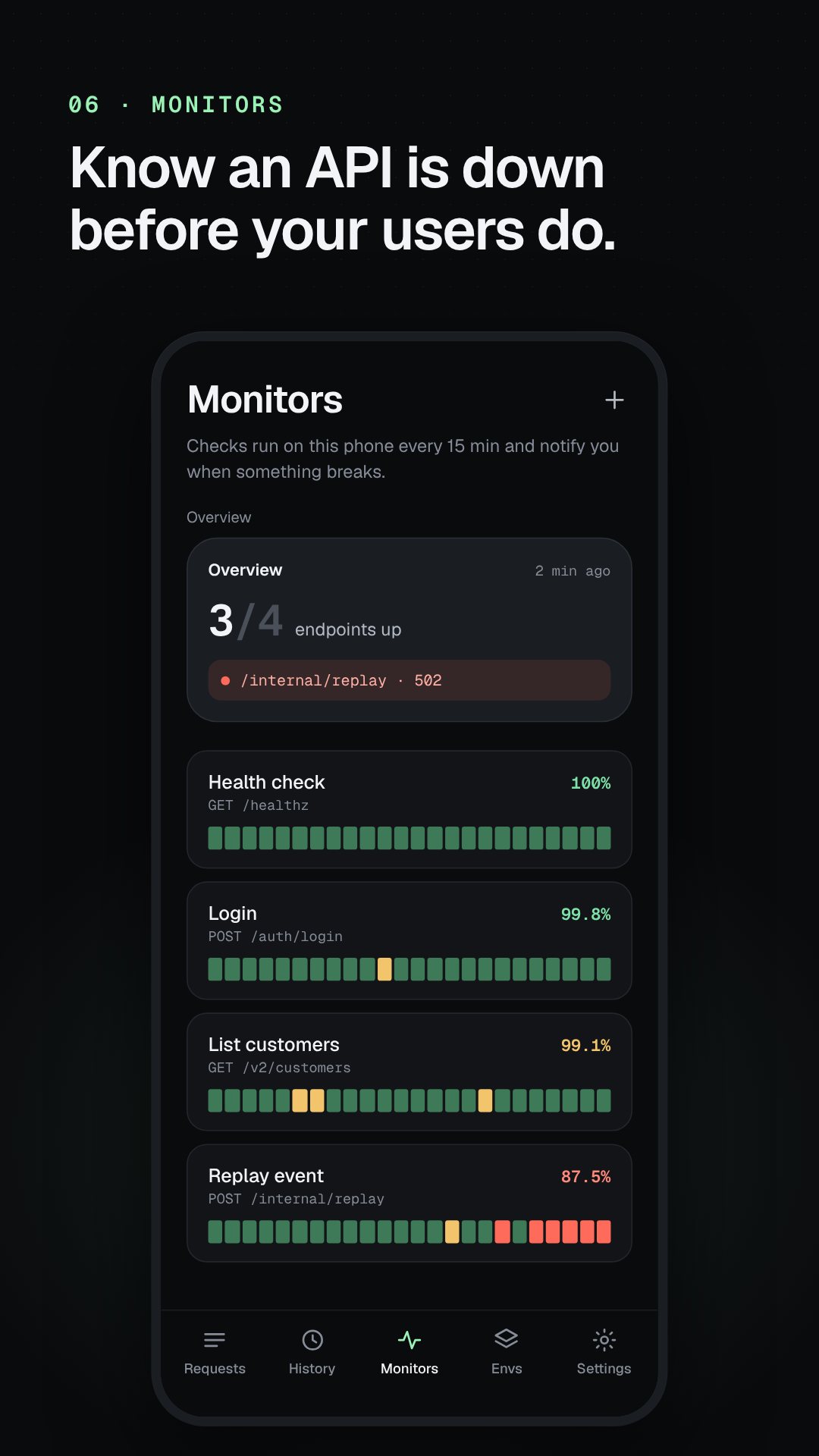
- Monitors — schedule a request to run in the background and get a notification, with a home-screen widget showing the latest status.
- Import & export — bring in Postman v2/v2.1 collections and environments, or back up your own and share it.
How to chain a login into an authorised request
- Create an environment and set a
{{baseUrl}}variable for your server. - Add a POST login request and give it an extraction that reads
$.tokeninto a variable. - In the next request, put
Authorization: Bearer {{token}}in the headers. - Drop both into a collection and open the runner.
- Run it — the login's token flows into the second call, and each step reports passed or failed.
Built for quick, safe work on the go
Starter templates like httpbin sit on the empty state so you can send something real in seconds, and requests created from a template don't count toward the free limit. The free tier keeps up to 5 saved requests and 50 history items; a one-time Pro unlock lifts those limits and removes ads. Cleartext http:// is blocked until you switch it on in Settings, so local dev servers work without leaving the door open by accident.
Good to know
API Tester needs only internet, network-state and notification permissions — the last so monitors can alert you; it asks no access to your camera, location or files beyond the backups you choose to import. The app is free with ads and offers an optional in-app purchase.
Frequently asked questions
Can I import my Postman collections?
Yes. API Tester reads Postman v2 and v2.1 collections and environments, and you can also paste a cURL command to turn it into an editable request.
Does it support WebSocket and OAuth?
Both — there is a dedicated WebSocket session view with per-message latency, and OAuth 2.0 token flows including client credentials and PKCE.
Can I run several requests in sequence?
Yes. Group them in a collection and the runner sends them in order, passing variables extracted from one response into the next.
Is API Tester free?
It is free to download with ads. A one-time Pro unlock removes ads and lifts the free limits on saved requests and history.