Okie: a daily safety check-in app for people who live alone — with a pet that nudges you first
 By the NAXTECH team · Published 6 Nov 2026 · Updated 8 Nov 2026 · Hands-on with v1.0
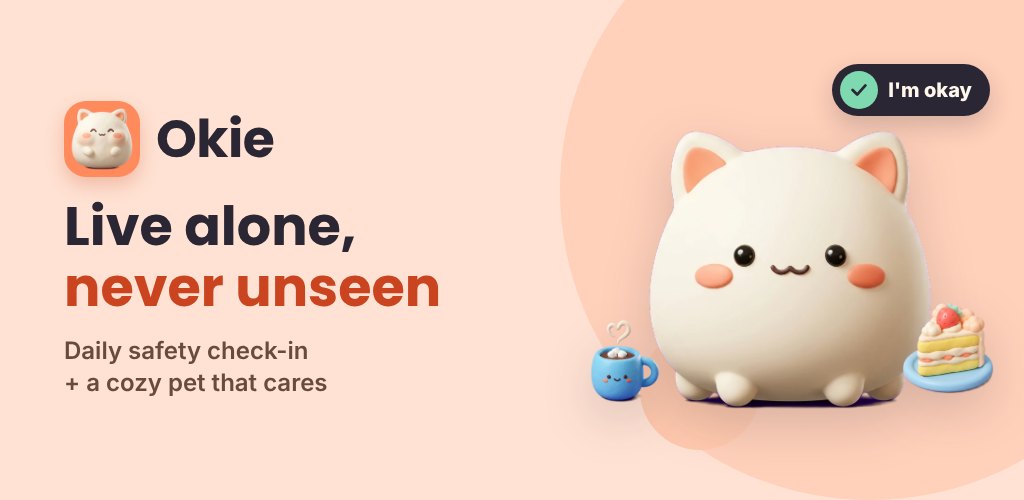
Okie at a glance
- What it is
- A daily "I'm okay" check-in for people who live solo, with a cozy virtual pet.
- Platform
- Android · works offline, no account needed.
- Price
- Free, with ads and optional in-app purchases.
- How it protects you
- Miss your deadline → pet nudges you → Okie prompts you to text your contact your last location.
- Companions
- Six pets, two free: Momo the cloud cat and Tofu the mochi bunny.
- Best for
- Solo dwellers, older relatives, and anyone who wants a gentle daily safety net.
You live alone, and the quiet thought at the back of your mind is simple: if something happened to me today, how long before anyone noticed? Most "emergency" apps answer that with panic buttons you hope you never have to press. Okie takes the opposite approach — a single calm tap each day that says "I'm okay," backed up by a little pet who worries about you before anyone else has to.
Okie is a solo safety check-in app wrapped around a cozy virtual companion: pick a daily deadline, tap in before it passes, and life carries on. Miss it, and a gentle escalation begins — pet first, people only if you stay silent. Everything runs on your device with no account, so it keeps watch even with no signal.
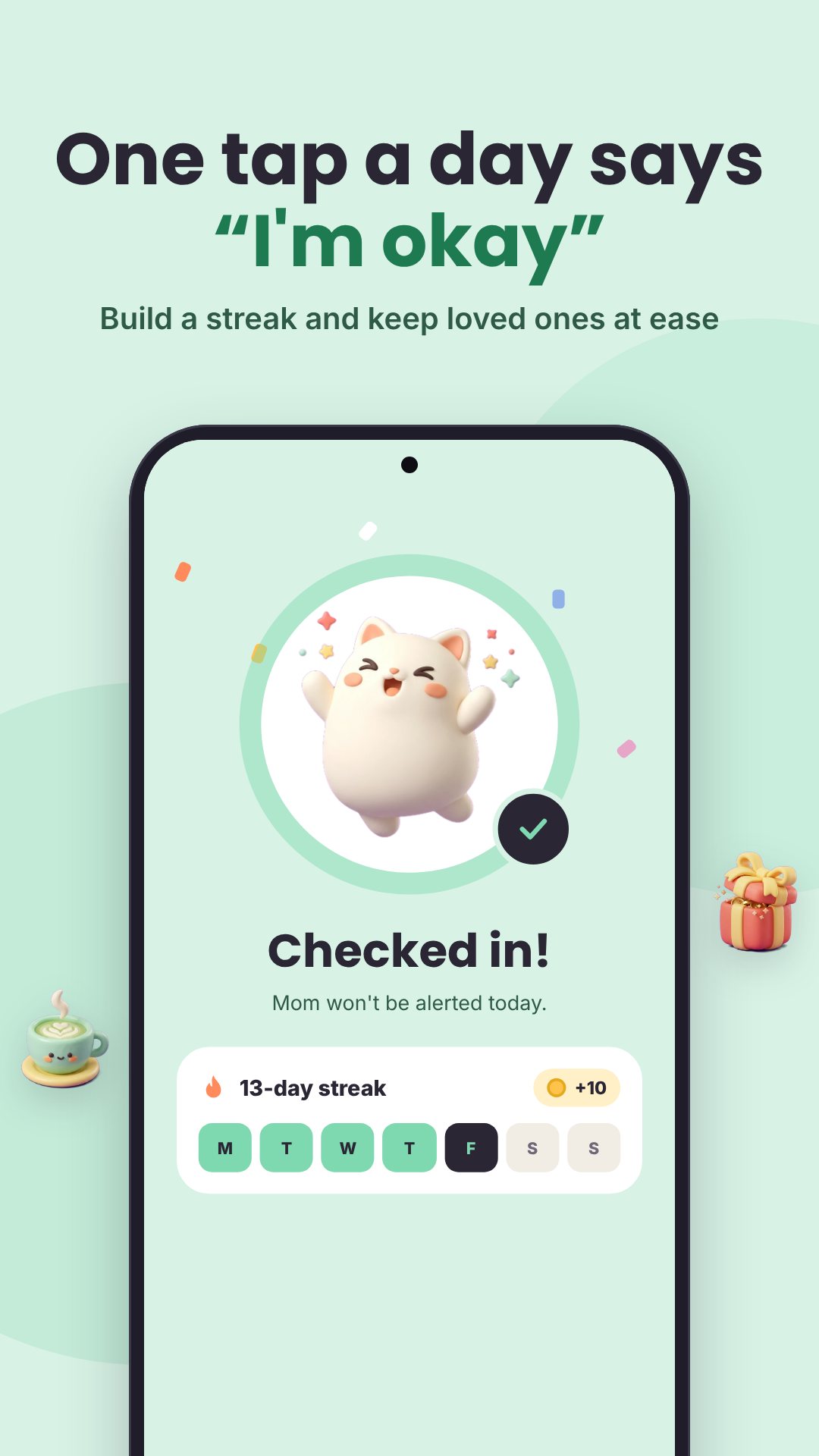
One tap a day that says "I'm okay"
Set a daily deadline (it defaults to 10 PM), choose which days of the week it applies, and pick a grace window of 15, 30, 60 or 120 minutes before anything happens. Each day you open Okie and check in with one tap — or use the home-screen widget to send "I'm okay" without even unlocking into the app. A running streak and an on-time history keep the habit feeling rewarding rather than nagging.
A gentle escalation, not a blaring alarm
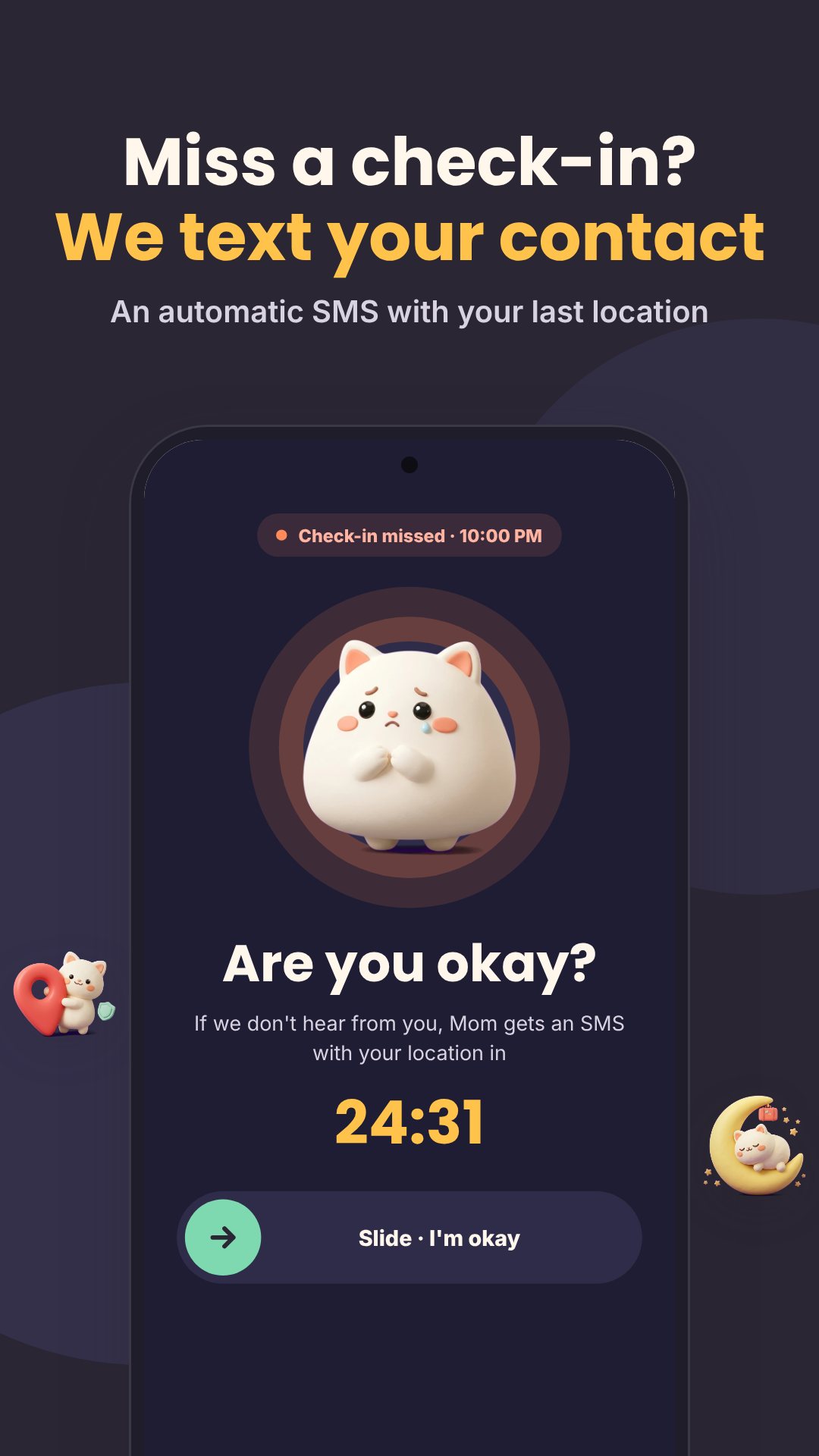
This is where Okie earns its keep. If your deadline and grace window both pass, your pet nudges you first with a notification. Still nothing? Okie opens an "Are you okay?" screen, then a 10-second SOS countdown with a tick each second. If that finishes, Okie drafts a safety message to your emergency contacts — including your last known location as a map link — and hands it to your own SMS app to send. Okie deliberately asks for no SMS-sending permission, and reads location only while the app is open.
Emergency contacts and away mode
Add the people who should hear from you, each tagged by relation — family, friend, partner, neighbour or landlord — and mark one as your primary contact. You can fire a clearly labelled test alert any time so everyone knows what a real one looks like. Travelling, staying at a friend's or in hospital? Away mode pauses check-ins — pick Tonight, Weekend, 5 days or a custom range up to 60 days — and can message your contacts that you'll be out of touch, so nobody gets a false alarm.
A pet that makes the habit stick
Okie ships six companions — Momo the cloud cat, Tofu the mochi bunny, Pudding the puff penguin, Maple the maple fox, Sesame the toast hamster and Peach the peach axolotl — with Momo and Tofu free from the start. Your pet has fullness, happiness and energy, lives in a room you decorate with coins you earn (a moon lamp, cloud bed, strawberry rug, fairy lights), and quietly reacts to whether you've checked in today.
The Mood Jar and your month in colour
Feeding your pet is also how you check in with yourself. Pick one of eight moods — Joyful, Calm, Okay, Tired, Sad, Stressed, Lonely or Mixed — and your pet eats the matching snack while the feeling drops into your Mood Jar as a marble. Add tags like work, sleep, people or money and a short note. The Insights screen then paints your month as a mood calendar, shows your mood mix, your check-ins-on-time rate, and the tags that most often lift you.
How Okie's daily check-in works
- In Schedule, set your daily deadline, the days it applies, and a grace window (15–120 minutes).
- Add at least one emergency contact and mark your primary.
- Each day, tap Check in — or use the home-screen widget — before the deadline.
- If you miss it, your pet nudges you, then Okie opens the "Are you okay?" screen.
- If you stay silent through the countdown, Okie drafts the alert with your last location for you to send.
Good to know
Okie works fully offline with no sign-up. It is a companion and reminder tool, not a medical or emergency-dispatch service — it never calls emergency services for you, and the safety text is only sent when you confirm it in your own SMS app. The interface is available in a dozen languages, and the app is free with ads and optional in-app purchases.
Frequently asked questions
Does Okie send alerts automatically without me?
No. If you miss your check-in, Okie drafts the message with your last location and opens your own SMS app — the text only goes out when you send it.
Does Okie work without an internet connection?
Yes. Check-ins, reminders and your pet all run on the device with no account, so Okie keeps watch even offline.
Which pets are free?
Momo the cloud cat and Tofu the mochi bunny are free; four more pets are available as optional in-app purchases.
What happens if I'm away for a few days?
Turn on Away mode (Tonight, Weekend, 5 days or a custom range) to pause check-ins, and optionally let your contacts know you'll be out of touch.