 By the NAXTECH team · Published 19 Jan 2026 · Updated 31 Aug 2026 · Hands-on with v1.0
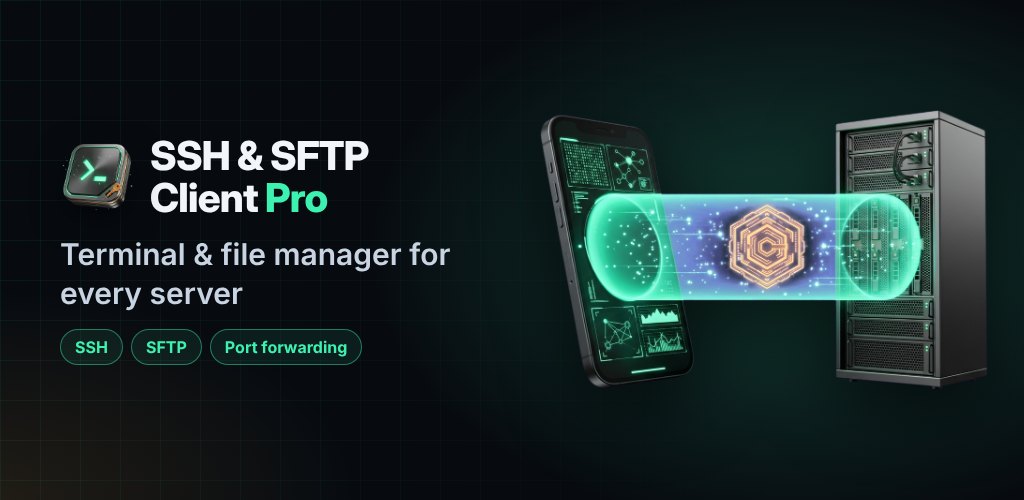
A server goes quiet while you are out, and all you have is the phone in your pocket — but the SSH "client" you installed is a cramped text box with no Ctrl key, no file manager and no way to open a tunnel. That gap between a toy terminal and the tools you have on a laptop is the whole problem. SSH & SFTP Pro was built to close it.
It pairs a proper xterm terminal emulator with an SFTP file manager, an on-device key generator, port-forwarding tunnels and a live server monitor — the things a developer actually reaches for — in one app. Your hosts, keys and known-hosts live in local secure storage, so there is no account to create and nothing synced to someone else's cloud.
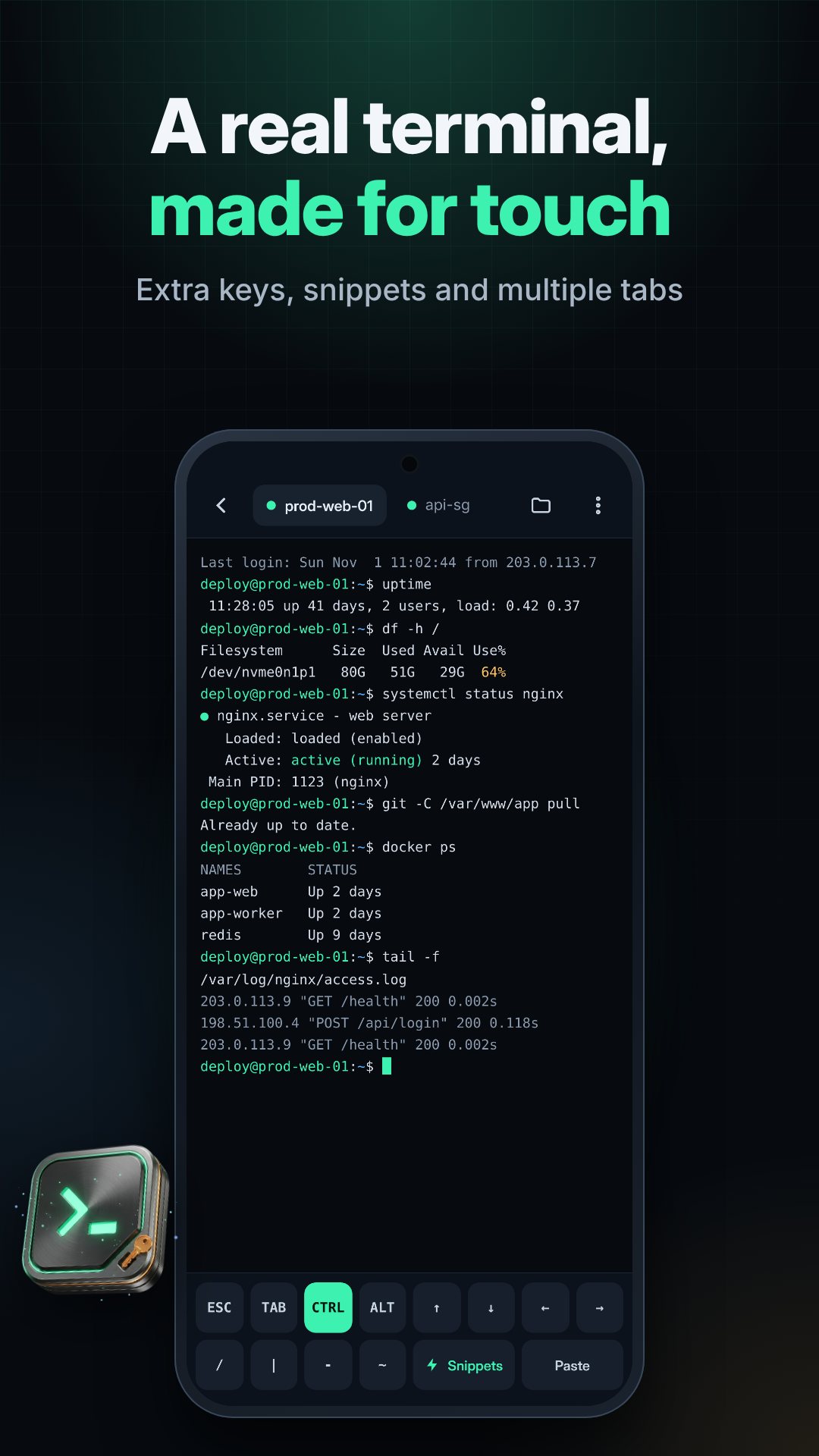
The terminal is built on xterm, with session tabs so you can keep several servers open at once and an extra-keys bar that gives you the Ctrl and Alt modifiers a phone keyboard leaves out — the difference between quitting vim cleanly and force-killing the app. A command palette and saved snippets put your common one-liners a tap away, and snippets with $variables prompt you for the values before they run. The screen stays awake while you work, and six color schemes are built in — Night Ops, Paper and Amber CRT are free, with Deep Sea, Phosphor and Ember in Pro.
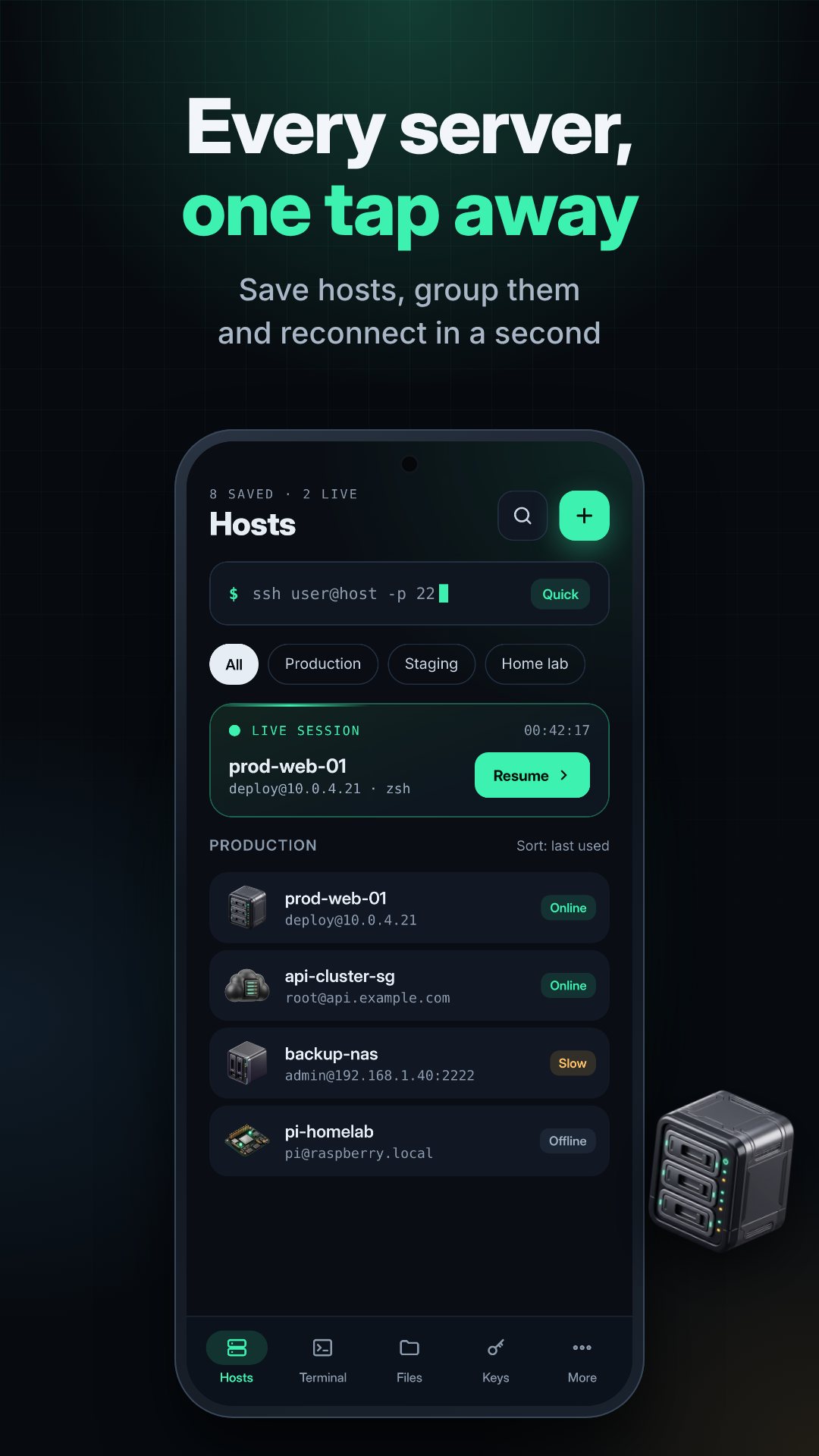
The Files tab opens an SFTP session to any saved host, reusing the same SSH connection the terminal is on. Browse remote directories, upload and download through a transfer queue, read file details, and open text files in a built-in editor so a quick config fix never means pulling the file down to your laptop first.
Key-based auth is first-class here. The generator creates Ed25519 (the recommended default), ECDSA on the P-256, P-384 and P-521 curves, or RSA at 2048, 3072 or 4096 bits — all on the phone, in OpenSSH format. You can import existing keys, including PuTTY .ppk files, and gate any key behind biometric unlock so a stolen phone is not a stolen server. Host keys are checked against a known-hosts list so a changed fingerprint stops you before you type a password.
-L), remote (-R) and SOCKS (-D) tunnels, so you can reach a database or a web UI that only listens on the far side.There is no cloud account behind this app. When you want your hosts, keys and snippets on a second device, export an encrypted vault file and move it through your own Google Drive or Dropbox with the share sheet; the other device imports and merges it, newer entries winning. An app lock with biometrics keeps everything behind your fingerprint, and backups are disabled at the OS level so your private keys do not leak into a device backup.
SSH & SFTP Pro keeps a lightweight foreground service alive while a session, transfer or tunnel is running, so Android does not cut your connection mid-upload. The interface is translated into 12 languages. The app is free with ads, and a one-time Pro purchase removes them and unlocks tunnels, monitoring, alerts, broadcast, session recording, the extra themes and vault sync; several Pro tools can also be unlocked for 24 hours by watching a rewarded ad.
No. Your hosts, keys and known-hosts are stored locally on the device in secure storage, so there is nothing to sign up for and nothing kept on our servers.
Ed25519 (recommended), ECDSA on the P-256, P-384 and P-521 curves, and RSA at 2048, 3072 or 4096 bits, all in OpenSSH format. It can also import existing keys, including PuTTY .ppk files.
Yes. It supports local (-L), remote (-R) and SOCKS (-D) port forwarding, so you can reach services that only listen on the remote side.
Yes, it is free to download with ads. An optional one-time Pro purchase removes ads and unlocks tunnels, monitoring, alerts, broadcast and more.