 By the NAXTECH team · Published 28 Sept 2026 · Updated 5 Nov 2026 · Hands-on with v1.0
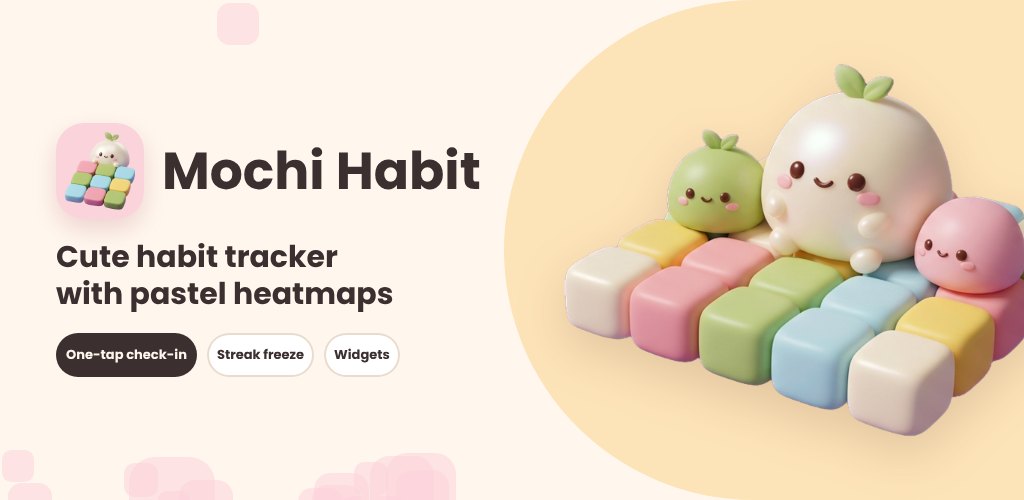
You miss one day — one — and the little flame resets to zero, and somehow that is the end of the whole thing. Most habit apps are quietly built around punishment: a broken streak feels like a failing grade, so you stop opening the app rather than face it. Mochi Habit was made for exactly that moment, to keep a single off day from sinking a month of real effort.
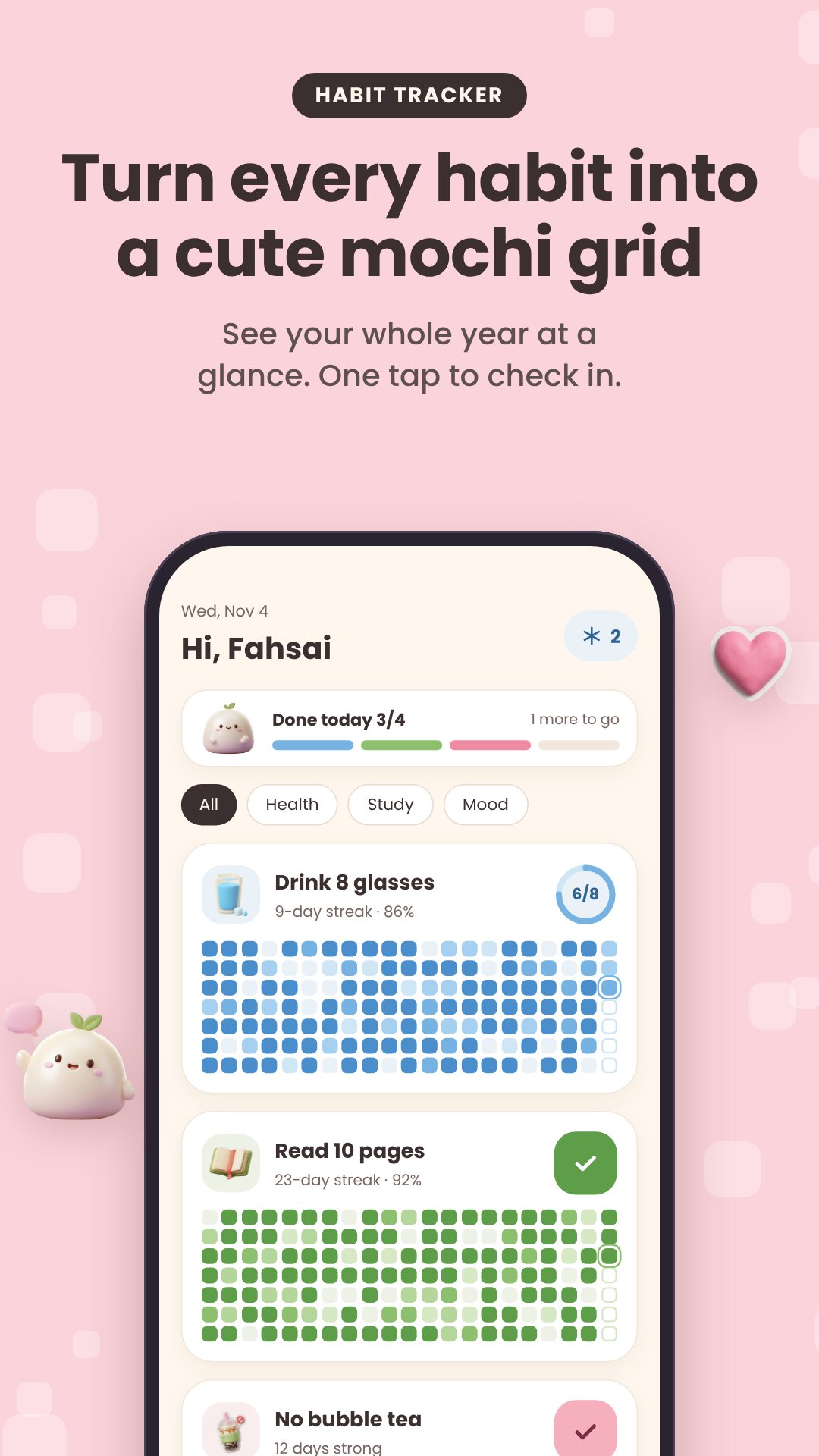
It is a pastel habit tracker that turns each routine into a soft, GitHub-style heatmap grid — columns are weeks, and every day fills in a deeper shade as you hit your target. Everything lives on your device in a local database, so it opens instantly, works on a plane, and never asks you to sign in.
Not every goal is a simple checkbox, so Mochi Habit lets you shape each one. Track a build habit (drink water, read) or a quit habit (no late-night scrolling), and choose a plain yes/no tick or a counted goal with your own unit — 8 glasses, 30 minutes, 20 pages. Schedule it on specific weekdays or as a looser X times a week, add as many reminder times as you like, and give it a sticker, a colour, and one of six tile shapes: squircle, bubble, heart, star, paw or flower.
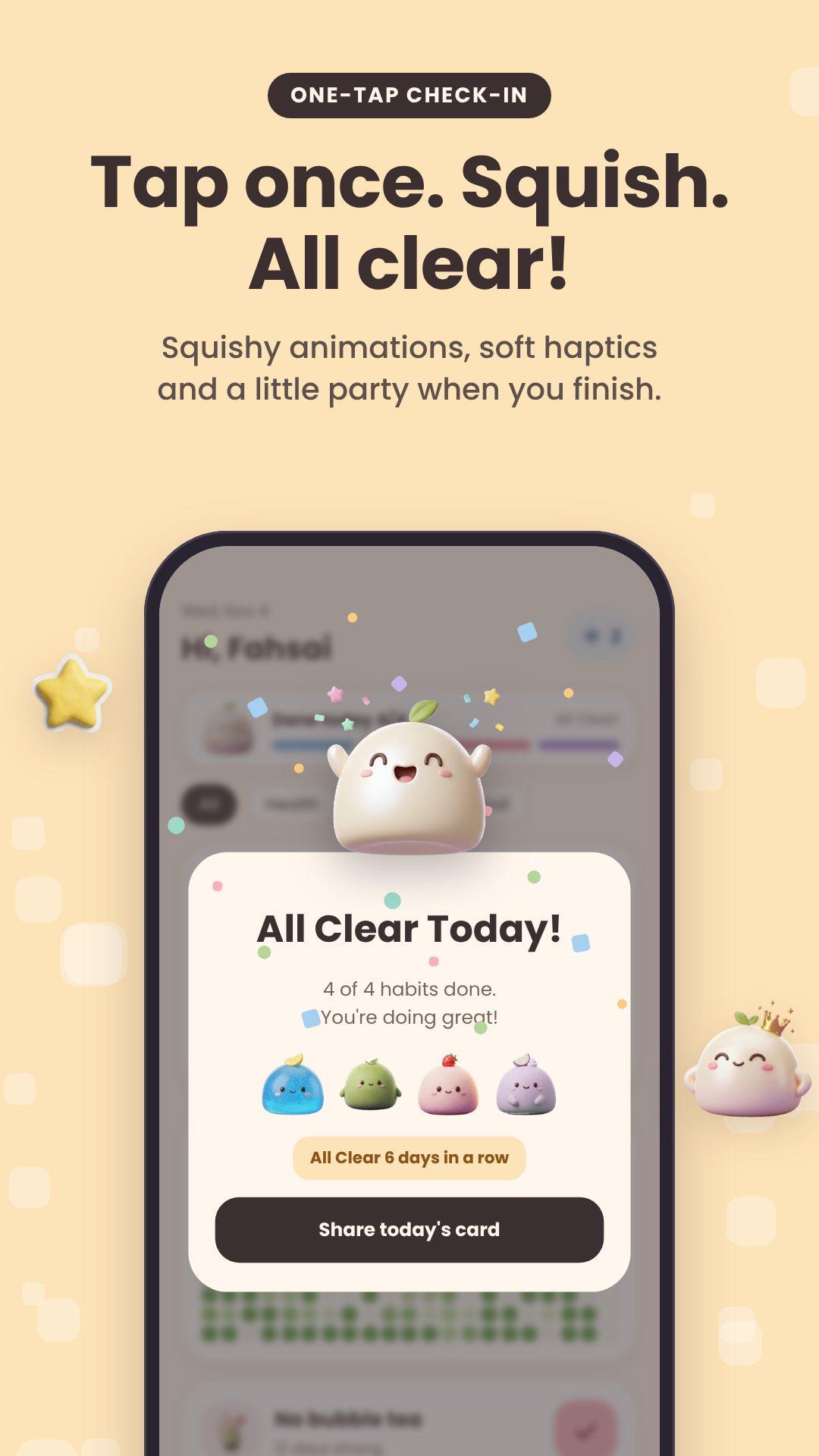
This is the heart of the app. You start with a small wallet of Mochi Freezes (two to begin, capped at five). Miss yesterday and the app gently offers to spend one to patch the gap, so your streak stays alive. You can also mark a planned Rest day that counts as kept rather than missed — useful for a rest day at the gym or a day off by design. Out of freezes? Earn another by watching a short rewarded ad. The goal is the opposite of a guilt machine: a bad week should cost you a freeze, not your momentum.
Real life means you sometimes remember on Thursday that you did the thing on Monday. The retro check-in opens a month calendar where you can tap any past day and set its status, its count, and a short note — so your grid reflects what really happened, not just what you remembered to tap in time.
Beyond streaks, the stats tab shows your current and best streak, 30-day and all-time consistency, and a weekday breakdown that quietly tells you your best and weakest day of the week. Hitting milestones unlocks collectible badges — 7 days, 30 days, 100 days, a full year, your first "All Clear" day, and a Comeback badge for getting back on track. At year's end, Pro users get a five-slide, auto-advancing Year in Review story.
Dress the app in Cozy Cream or Midnight Mochi, pin a live home-screen widget that mirrors your real grid, and open the Share Studio to export a picture of your progress in four layouts — grid, receipt, polaroid or year — sized for a story or a post, saved straight to your gallery. You can also link a habit to a focus timer (15, 25, 45 or 60 minutes) to start a session the moment you check in.
The free version tracks up to four habits (watch an ad for a seven-day bonus slot), with the Cozy Cream theme and squircle tiles. A one-time Pro purchase removes ads and unlocks unlimited habits, every colour and shape, the widget, full stats, the archive and both themes. Your data stays on the device; a local backup exports to CSV or a .mochi file you can re-import, with no account anywhere.
Yes. Everything is stored in a local database on your phone, so the app works with no connection and never asks you to sign in.
You can spend a Mochi Freeze to keep your streak alive, or mark a planned Rest day that counts as kept instead of missed.
Yes. A habit can be a simple yes/no tick or a counted goal with your own unit and daily target, such as 8 glasses or 30 minutes.
Yes, it is free with ads, and offers an optional one-time Pro purchase that removes ads and unlocks unlimited habits and customisation.