 By the NAXTECH team · Published 27 Feb 2026 · Updated 12 Aug 2026 · Hands-on with v1.0
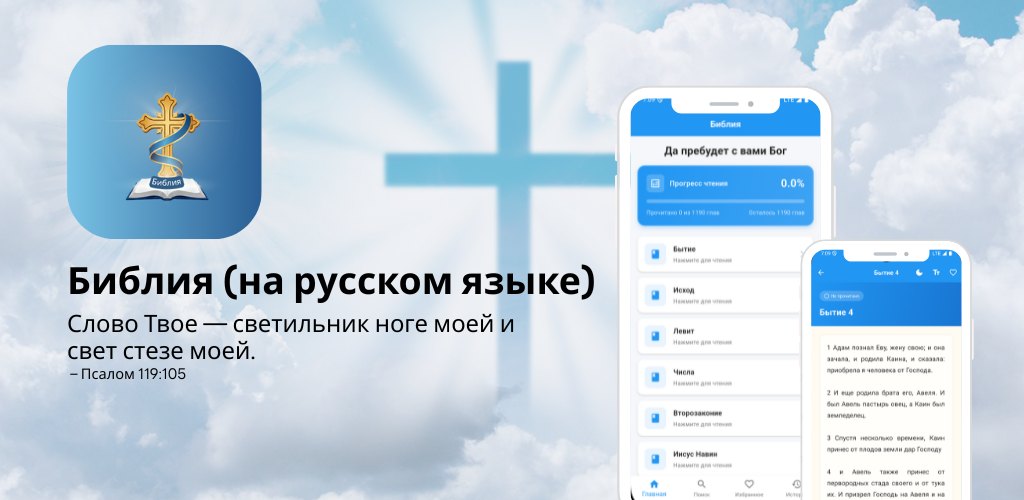
You open a Bible app on the bus, the signal drops into a tunnel, and the screen just spins — or it has forgotten the chapter you were in last night. For anyone trying to read Scripture a little every day, those two small frustrations are the whole problem: Scripture that needs a connection, and an app that never remembers your place. Библия was built around fixing both.
Библия is a complete Russian Synodal Bible (Синодальный перевод) packaged as a clean mobile reader. Every one of the 66 books — from Бытие (Genesis) to Откровение (Revelation), 1,190 chapters in all — ships inside the app in a bundled database, so the text is there the moment you open it, on a plane, in a tunnel, or with mobile data switched off.
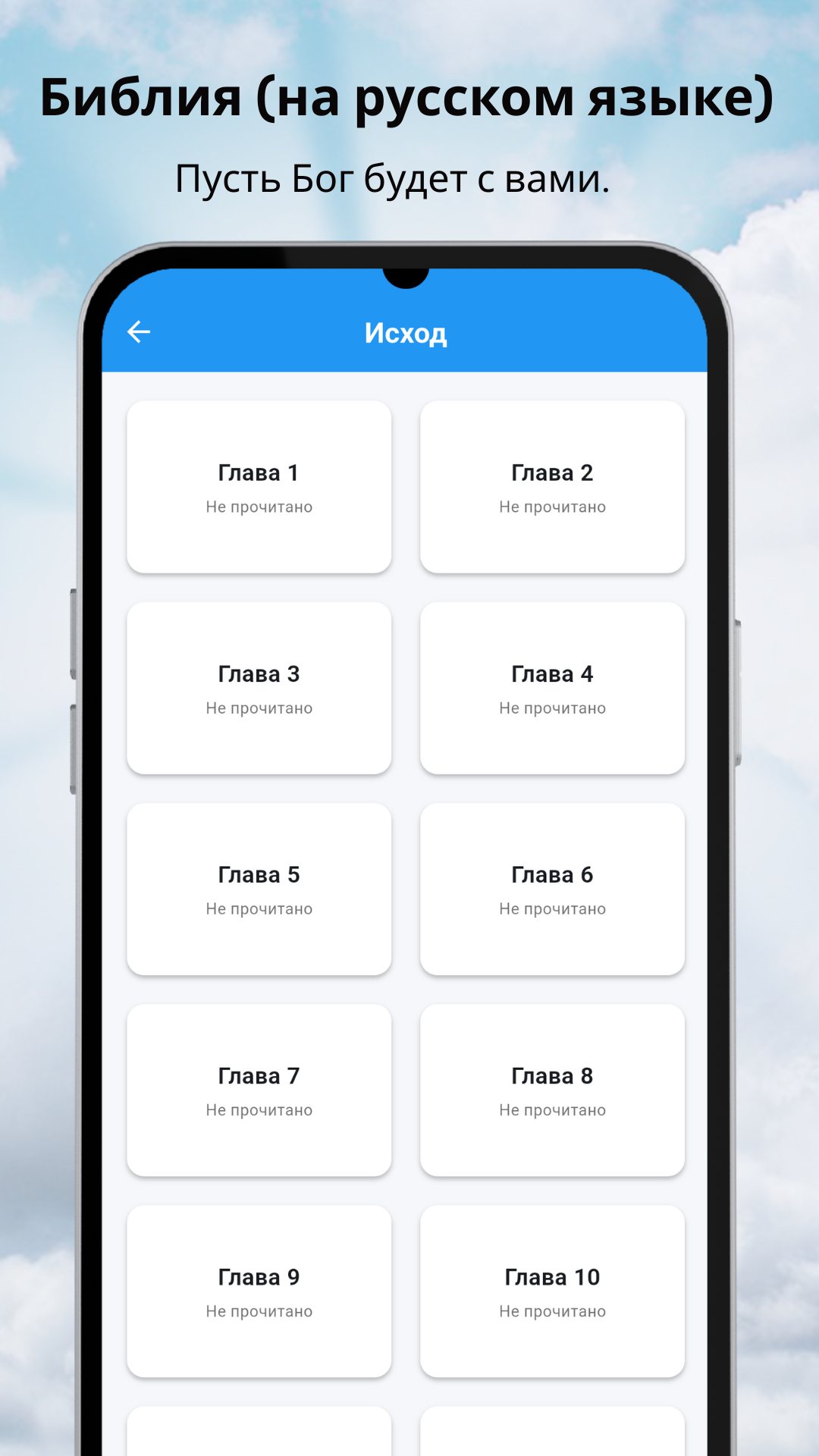
There is no download step and no login. The full Synodal text, with its numbered verses, lives in a local database that installs with the app, so reading never waits for a server. The home screen opens on all 66 books laid out as a simple list — the Old Testament from Бытие through Малахия, then the New Testament from Матфея to Откровение — and tapping a book shows its chapters so you can jump straight to, say, Псалтирь 23 or Иоанна 3.
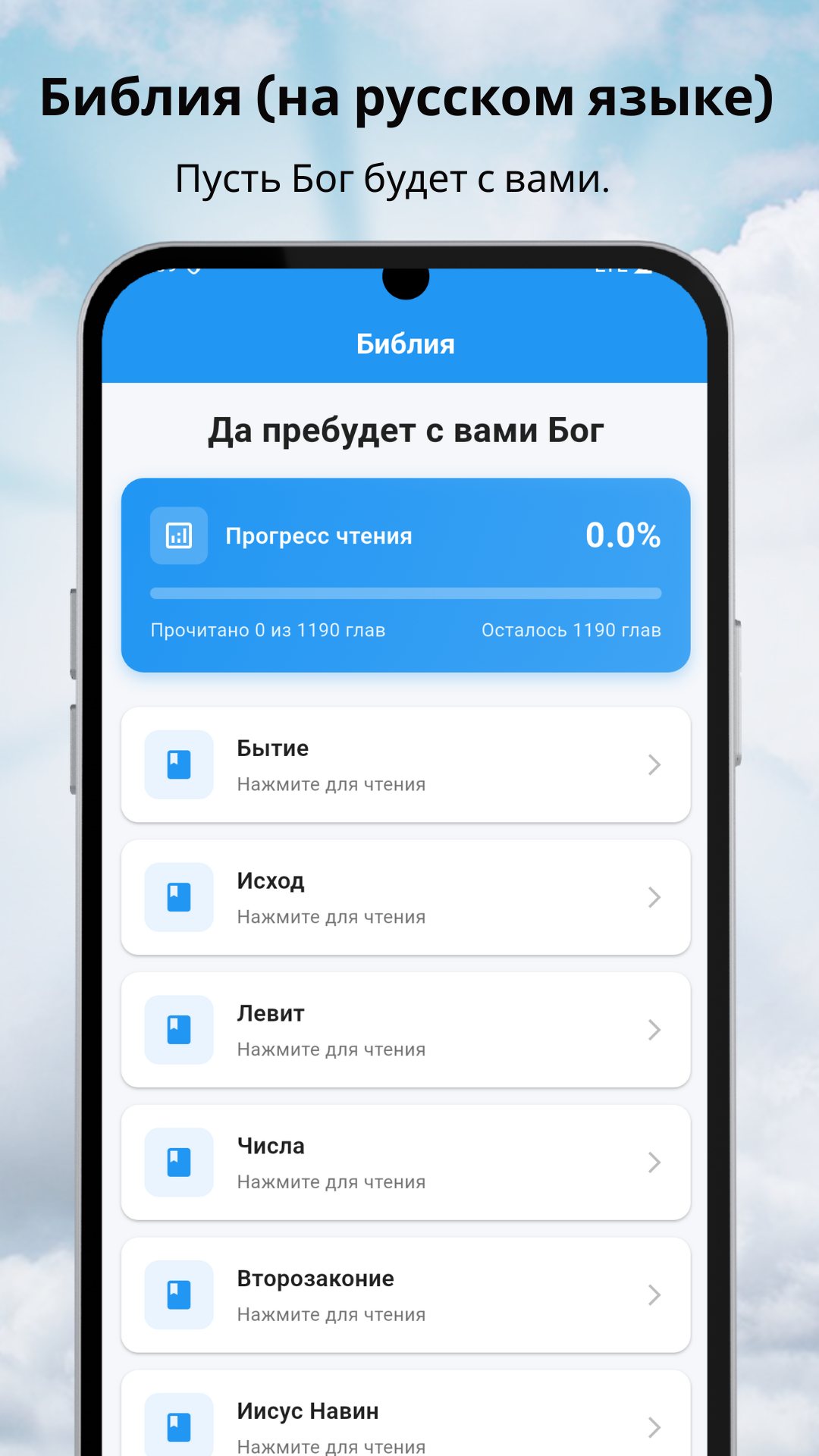
This is the feature that turns "I should read more" into an actual habit. The home screen carries a reading-progress card: a percentage, a progress bar, and a plain count — "Прочитано X из 1190 глав" (read X of 1,190 chapters) and "Осталось Z глав" (Z chapters left). A chapter is marked Прочитано (read) automatically when you open it, so the bar moves as you go and you can see a year-long reading plan slowly filling up without ticking anything off by hand.
Inside a chapter, an adjustable font size slides from 14 up to 28 points with a live preview, and your choice is remembered for next time. A Day/Night toggle switches between a light page and a dark one for late-evening reading without glare. Each chapter also shows its own Прочитано / Не прочитано (read / unread) status, and you can add it to Favourites right from the reader.
Библия uses the Russian Synodal translation, a public-domain text that has been read in Russian-speaking churches and homes for well over a century. The app needs no special permissions, collects no account, and works with the connection off; it is free and shows ads to support development.
Yes. The full Synodal Bible is stored inside the app, so all reading, search, favourites and history work with no connection.
The Russian Synodal translation (Синодальный перевод), the complete 66-book canon with numbered verses.
Yes. Chapters are marked read as you open them, and the home screen shows your progress out of all 1,190 chapters, plus a History tab of recent chapters.
Yes, it is free to download and read, supported by ads, with no account required.
 By the NAXTECH team · Published 31 Jan 2026 · Updated 6 May 2026 · Hands-on with v1.0
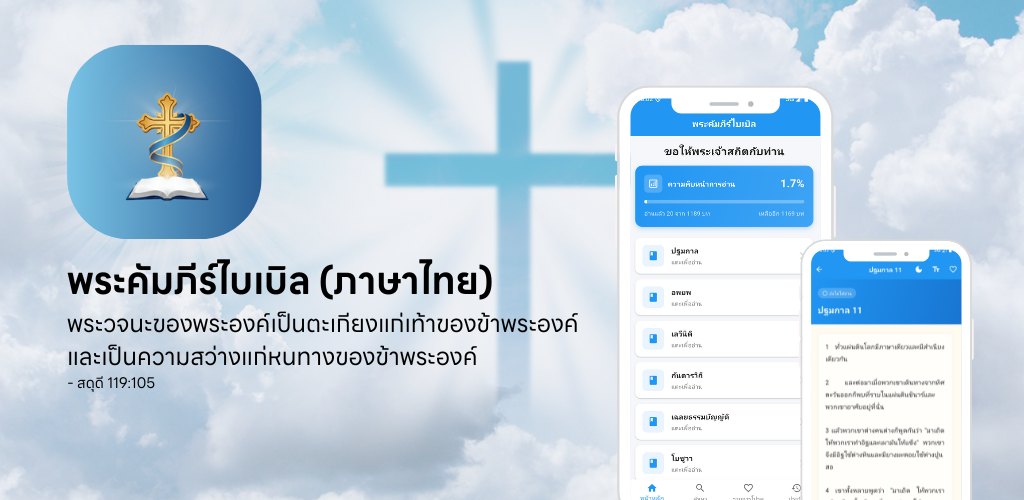
You open your Bible app on the bus, lose signal in the tunnel, and the passage you were halfway through simply will not load. For anyone who reads Scripture on the move, that gap between a connected app and a book you can always open is the whole problem. Thai Bible (พระคัมภีร์ไบเบิล) was built to close it.
Thai Bible is a fully offline reader for the Scripture in Thai. Every book and chapter is bundled inside the app in a local database, so the text opens the instant you tap it — on a plane, in a tunnel, on a mountain trail — with no connection and no sign-in. It greets you each morning with ขอให้พระเจ้าสถิตกับท่าน, "may God be with you," and then stays out of the way so you can read.
The home screen lists the books of the Bible as clean, tappable cards. Choose a book and you get its chapters in order; tap a chapter and the passage opens in a calm reading view with a justified column and generous line spacing. Nothing to download first, nothing to configure — the whole library is on your device from the moment you install.
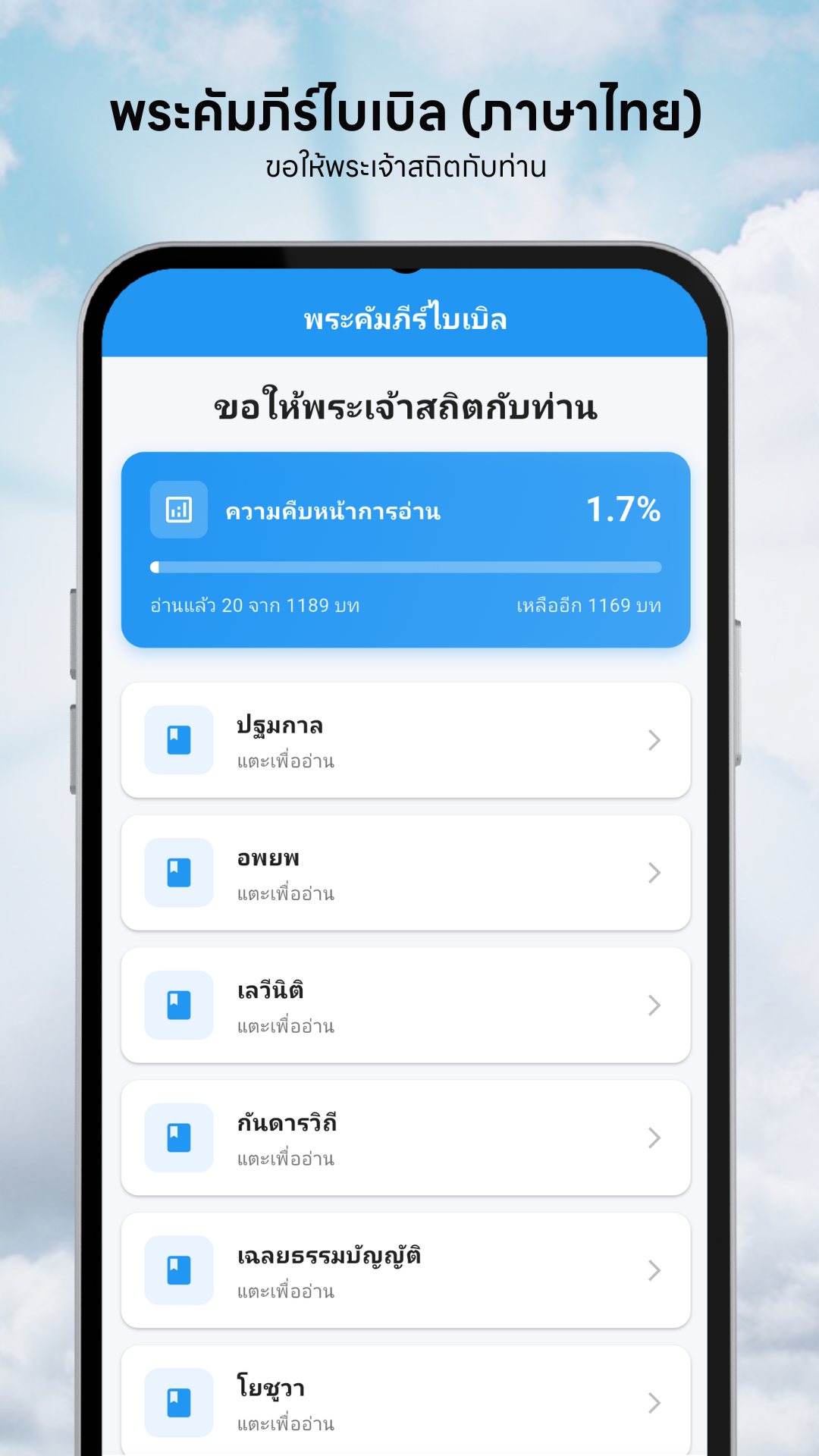
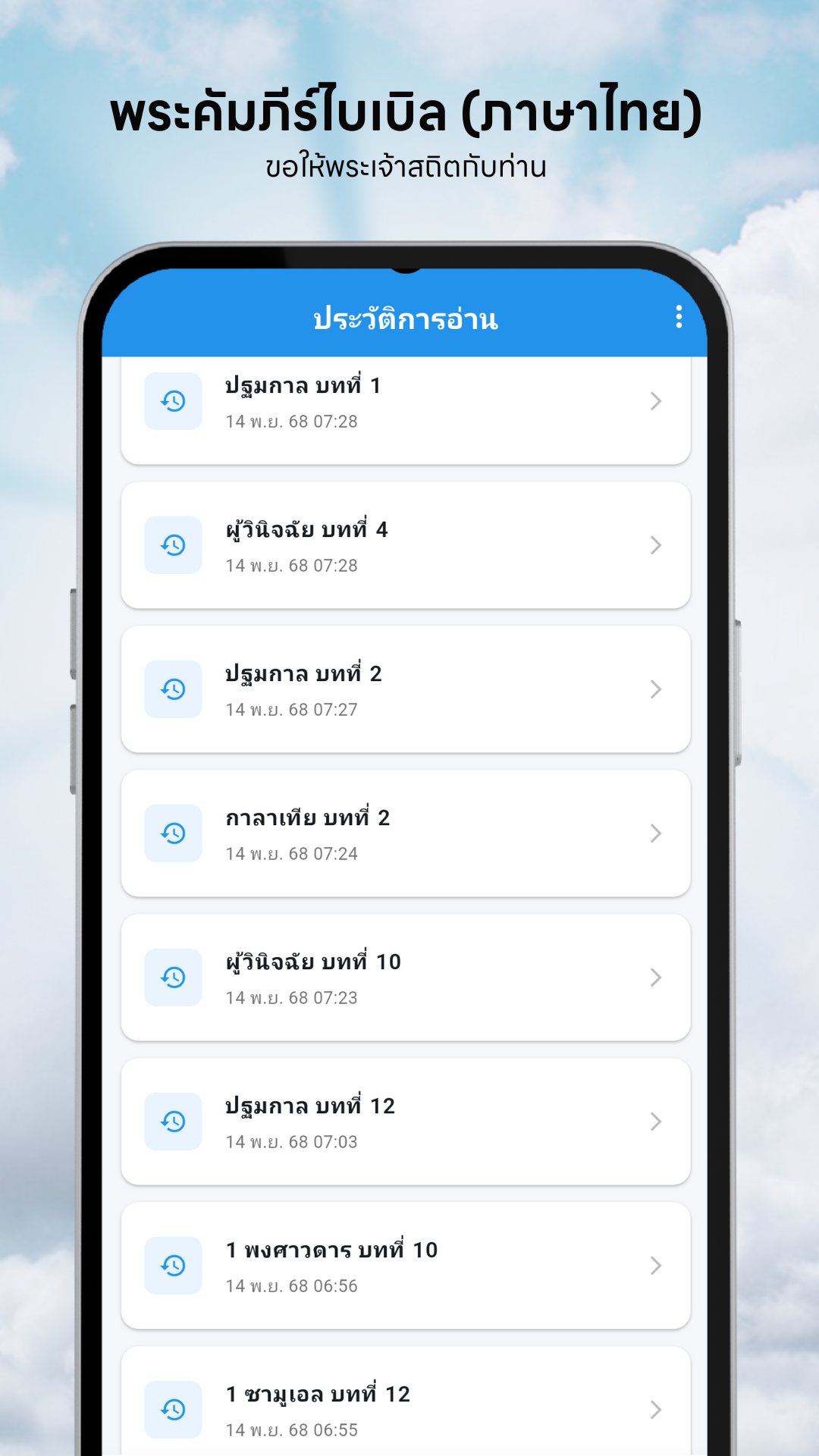
This is the feature that keeps you coming back. A card at the top of the home screen shows how far through the whole Bible you are — a percentage, a progress bar, and a plain count of chapters read out of the total, plus how many are left. You never tick anything manually: the moment you open a chapter, Thai Bible marks it read and advances the bar. Over a year of daily reading, that quiet counter turns "someday" into a visible, finishable goal.
The search tab looks inside the Scripture itself. Type a word or phrase and it scans both chapter titles and the full body text, returning every passage that contains it with a live result count — so a half-remembered line is a few keystrokes away, even offline.
Open any passage and the reading controls sit in the top bar. Drag the font-size slider anywhere from 14 to 28 points and your choice is remembered next time. Switch between a warm sepia day mode and a dark night mode that is kind to the eyes after dark. And because every passage is selectable text, you can press-and-hold to copy a verse straight into a message or your notes.
Thai Bible is free, supported by a single modest banner — and even that is considerate: the app shows no ads on your first reading session of the day, and only begins showing the banner from the second screen you open. It also requests no special permissions — no camera, no location, no contacts — because everything it needs is the text already on your phone.
Yes. The complete Scripture is bundled inside the app as a local database, so every book, chapter and search works with no internet connection and no account.
Each chapter is marked read automatically the moment you open it, and the home screen shows your percentage, chapters read out of the total, and how many remain.
Yes. The search tab looks through both chapter titles and the full passage text and lists every match, all on your device.
It is free. A single banner helps support it, but your first reading session of the day is ad-free and the banner only appears from the second screen onward.