 By the NAXTECH team · Published 22 May 2026 · Updated 25 Aug 2026 · Hands-on with v2
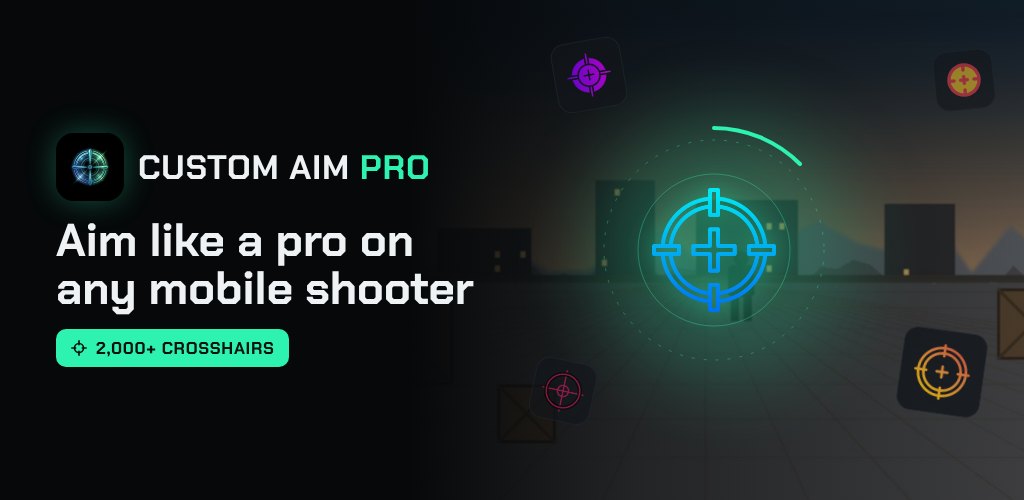
You line up a shot from the hip, and the moment you need it most your reticle is a faint speck — or nothing at all — against a busy map. On a small phone screen, finding the exact centre of your aim fast is half the fight, and the default crosshair rarely helps. Custom Aim Pro fixes that by painting a crosshair you chose directly over the game and holding it in place, shot after shot.
It works as a floating overlay, so there is nothing to mod and nothing to root — you pick a crosshair, size it, colour it, tap Start, and the reticle rides on top of the game exactly where you parked it.
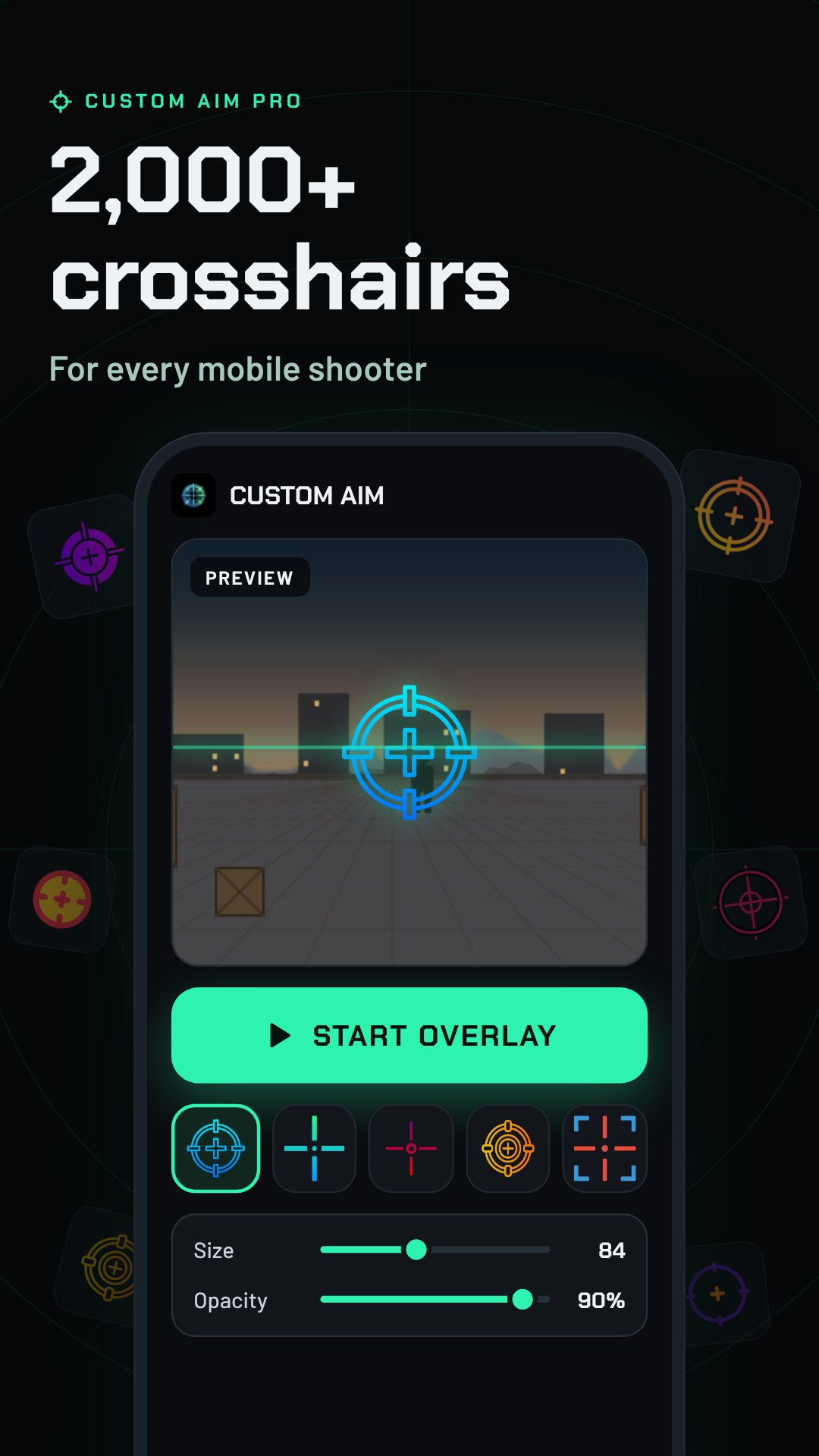
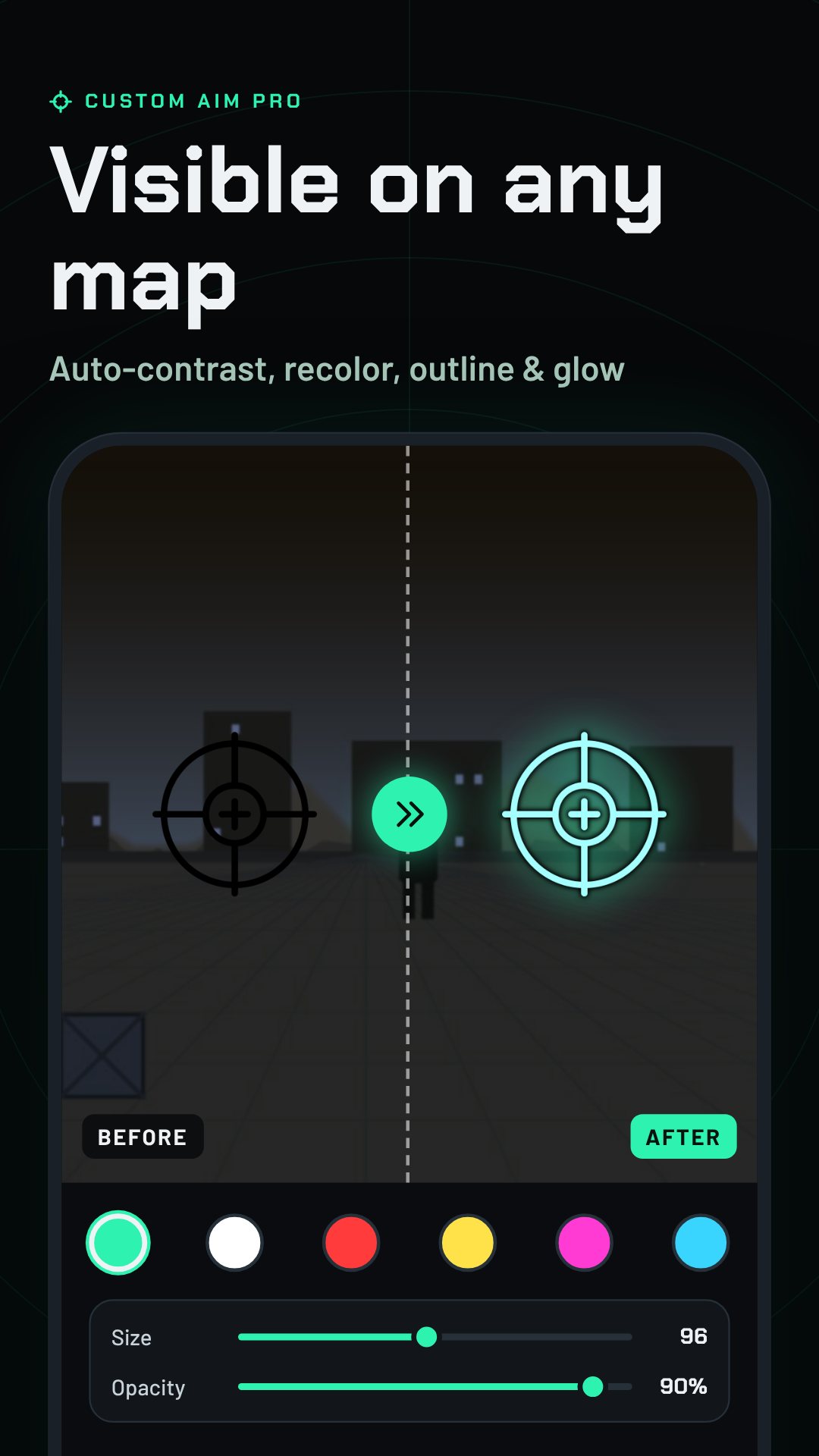
The catalogue holds 2,021 crosshairs, grouped into six tabs — Trending, Cross, Circle, Aim, Scope and FPS — so you can jump straight to the shape you like instead of scrolling forever. Each one carries a short gamer callsign, and an auto-contrast option quietly recolours very dark crosshairs so they still read against a dark map. Tap any one to preview it on a shooting-range scene before it ever reaches your game.
Not satisfied with a preset? The Builder draws a parametric crosshair from sliders you control: line length 0–40, thickness 1–10, gap 0–30 and opacity 20–100, with toggles for a centre dot, an outer ring and an outline, in six colours. Every design compiles to a short share code like CAP-L16T3G6DRO-2EF2B0 — paste a friend's code to load their exact reticle, or share yours as a scannable QR image.
Once a crosshair is on screen you tune the way it sits: drag size and opacity, rotate it up to 90°, add a glow or an outline, and use the nudge pad to shift it a pixel at a time until it lines up perfectly with your screen's aim point. Save the result as a preset and tie it to a specific game, so your PUBG Mobile reticle and your Free Fire reticle are each one tap away.
Custom Aim Pro can auto-switch to the right preset when it notices you've opened a supported game, and it stays out of the way with a 40dp bubble that snaps to the screen edge and fades. Tap the bubble for a six-action radial menu to swap crosshairs, nudge, or stop the overlay — all without leaving your game. There's a Quick Settings tile and app shortcuts too, so you can start your last crosshair without even opening the app.
About a fifth of the library is marked Pro, and the Neon Esports Pack adds 40 glow crosshairs for players who want the bright esports look. A Daily Drop gives you a new Pro crosshair each day, and claiming it builds a 7-day streak that rewards a run of free style features. The app is free with ads; Pro and the packs are optional.
Custom Aim Pro uses the standard Android overlay permission to draw a crosshair above your games — it does not read, touch or modify game files. The overlay and Builder run on-device with no account. It contains ads, with optional in-app purchases, and never shows an ad on top of the overlay itself.
Yes. It recognises seven supported games — PUBG Mobile, Free Fire, CoD Mobile, Blood Strike, Fortnite, Standoff 2 and Arena Breakout — and can auto-switch to the preset you saved for each.
No. It draws the crosshair in a floating window using Android's standard “draw over other apps” permission, so there is no root or game modification involved.
There are 2,021 crosshairs across six categories, plus a Builder for designing and sharing your own by code.
Yes, it is free with ads, and offers optional in-app purchases such as Pro and the Neon Esports Pack.