 By the NAXTECH team · Published 4 Sept 2026 · Updated 17 Oct 2026 · Hands-on with v1.0
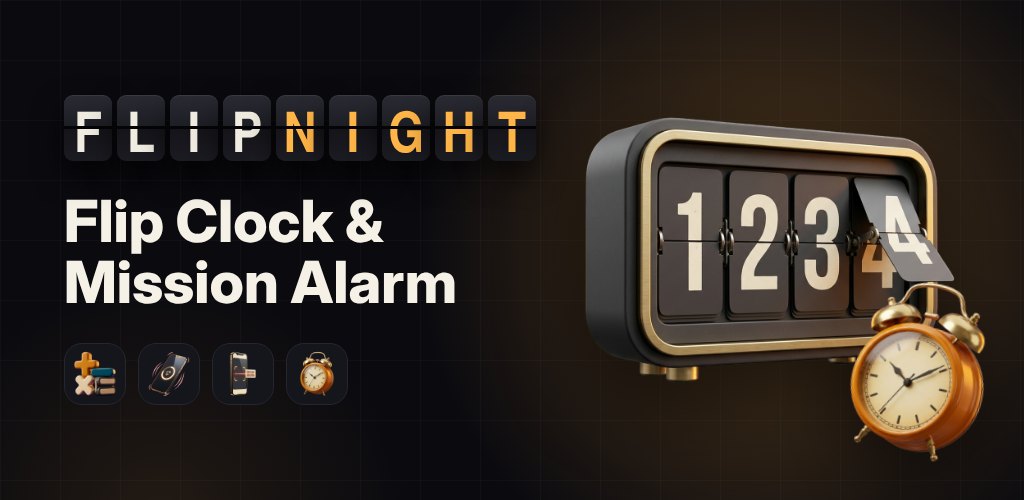
It is 6:30 a.m., the alarm is going off, and your thumb finds the snooze button before your brain is even awake. Ten minutes later it happens again. The ordinary alarm clock loses that fight every morning because dismissing it takes no thought at all. Flipnight was built around a simple idea: make turning the alarm off require just enough of your mind that, by the time it is quiet, you are actually up.
During the day, though, it is not nagging you — it is a good-looking flip clock for your desk and a bedside display for your nightstand. One app covers the whole cycle from lights-out to out-of-bed, and the clock and alarms keep running with no connection.
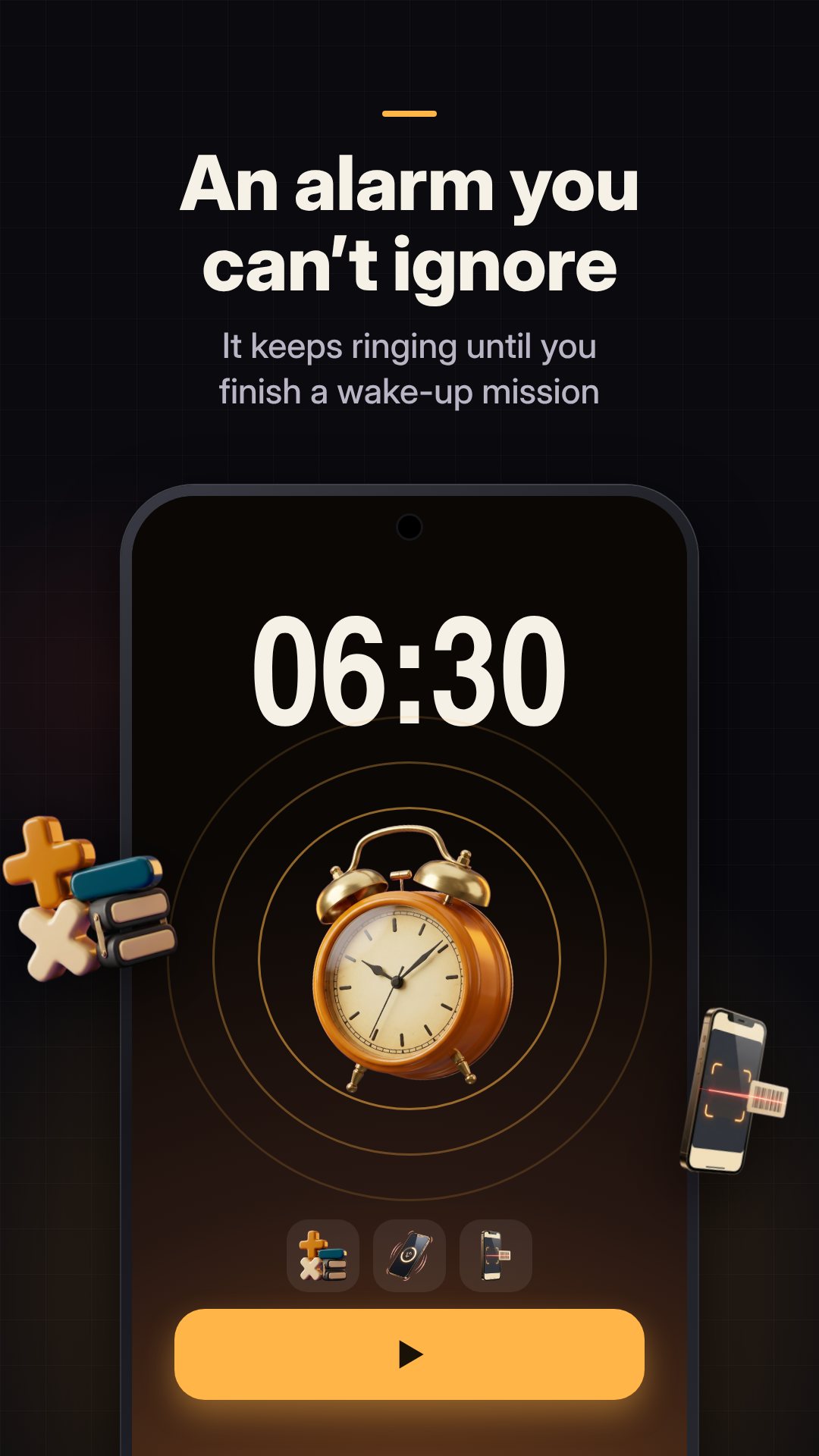
Every alarm can be guarded by a wake-up mission, and there are four to choose from. Math gives you a run of problems — easy single-digit addition, normal two-digit add-and-subtract, or hard multiplication — and you pick how many to answer. Shake makes you shake the phone a set number of times (fifty by default). Scan asks you to walk to a barcode or QR code you registered in advance — the toothpaste in the bathroom, a box in the kitchen — and scan that exact item to make it stop. Memory flashes a sequence you have to repeat back.
The clever part is what happens while you work: touching the screen only mutes the alarm for about 30 seconds, and an on-screen bar visibly drains. Go idle and the sound comes straight back, so you cannot set the phone down and drift off mid-problem. There is a safety fallback too — if a mission ever stalls, Flipnight drops to a few simple problems so you are never trapped by a scanner that will not focus.
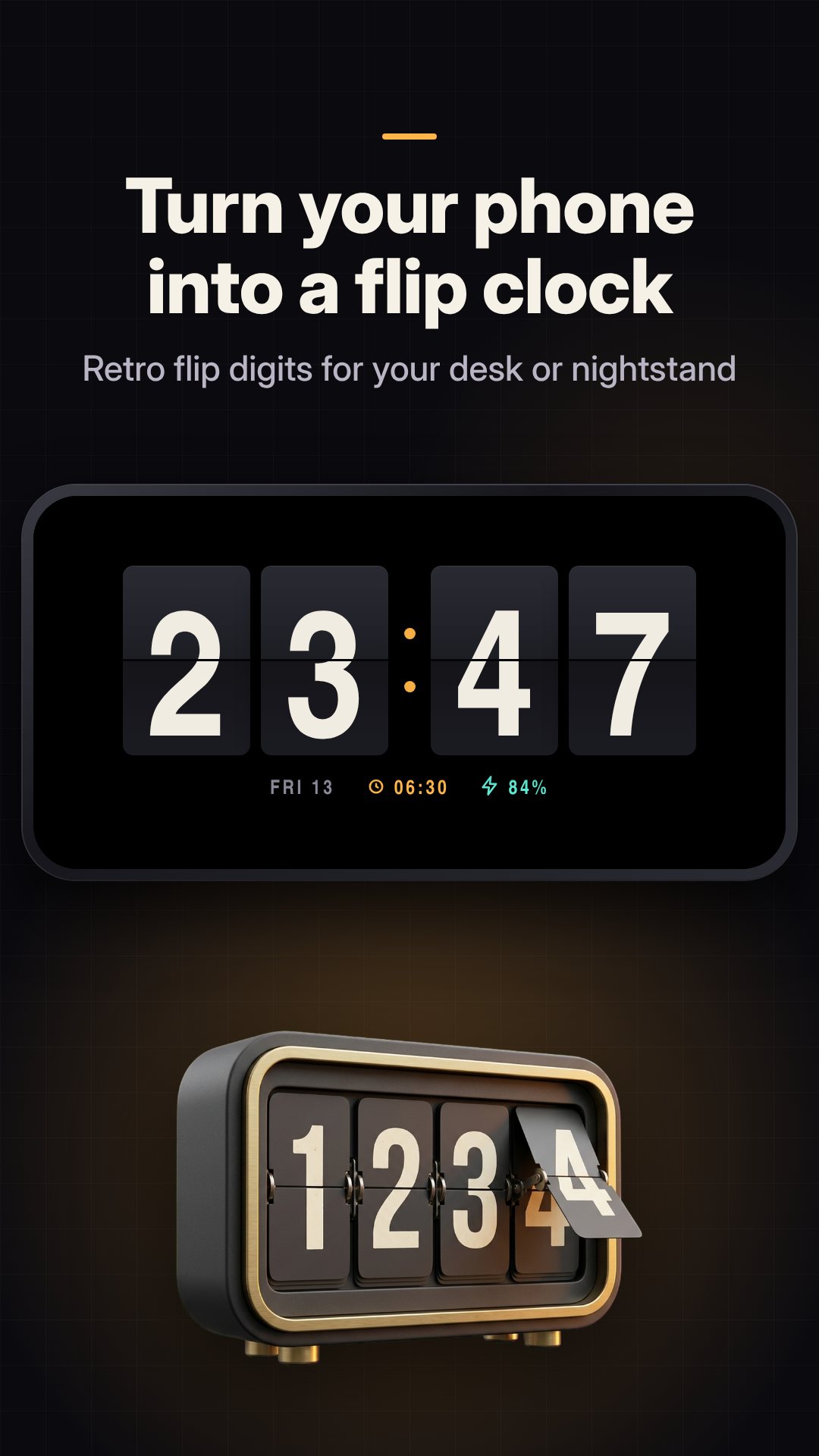
The clock itself is an animated flip display with a satisfying tile-turn on every minute. Flipnight ships eight faces — Classic and Minimal are free, and the pack adds Cyberpunk, Wooden, Neon Tube, Nixie, Space Age and Marble Gold, each with its own palette. A gallery lets you filter by all, free, premium or owned, and you can recolour the digits from six preset colours.
Nightstand mode is made for leaving the phone on charge overnight: it goes landscape and always-on, dims the screen automatically, and shifts the clock a little every 90 seconds to spare OLED panels from burn-in. A touch lock stops a stray swipe from waking the interface, and a battery readout keeps an eye on the charge. There is even a deep-red night palette for the digits so the glow does not light up the room.
Not every alarm needs to be a drill sergeant. Flipnight has eight built-in sounds across three moods — gentle (Sunrise Chimes, Morning Birds, Ocean Waves), loud (Classic Bell, Digital Beep, Air Horn) and retro (Synth Wake, 8-bit Rise) — and a gradual-volume option that fades the sound up instead of jolting you awake. Each alarm also carries its own repeat days, label, vibration toggle, snooze length and a snooze limit, plus a lighter Nap mode for daytime rests.
Afterwards, a Wake Stats tab charts how long it took you to get out of bed each day, your current wake-up streak, average wake time and total snoozes, with a week or month view — all kept on your device. Clear a mission and the Good Morning screen greets you with a little confetti and your streak, and runs ad-free.
Flipnight uses exact alarms and a full-screen notification so it fires on time and shows over the lock screen, and it re-registers your alarms after a reboot. For reliable ringing, allow notifications and let it ignore battery optimisation when asked. The camera permission is used only for the barcode scan mission, and the interface is available in 20 languages. The app is free with ads, and optional in-app purchases unlock the premium faces, extra sounds and an ad-free Pro experience.
Each alarm can require a mission — solving math, shaking the phone, scanning a barcode or repeating a sequence — and touching the screen only mutes it briefly, so the sound returns until the mission is done.
Yes. The flip clock, nightstand display and alarms all run on your device, with no account or connection required.
It auto-dims and shifts the clock position every 90 seconds to reduce burn-in on OLED screens, and offers a dim red night palette for the digits.
Yes, it is free to download with ads, and offers optional in-app purchases for premium faces, extra alarm sounds and an ad-free Pro upgrade.