 By the NAXTECH team · Published 29 Jun 2026 · Updated 26 Aug 2026 · Hands-on with v1.0
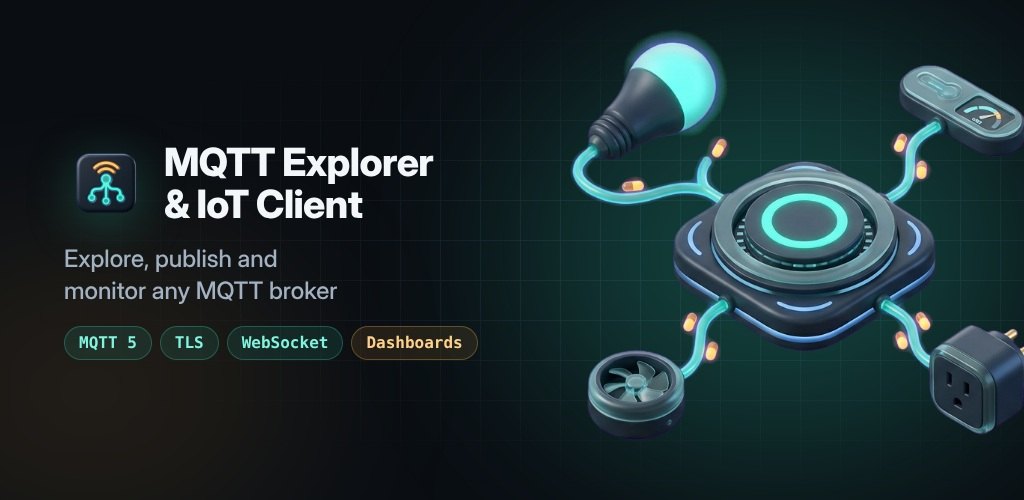
A sensor goes quiet, a relay will not switch, and you are standing in the garage wondering whether the broker ever got the message — with only a laptop-bound desktop tool to tell you. For anyone wiring up IoT devices, that gap between the broker and the phone in your pocket is the daily friction. MQTT Explorer was built to close it: a genuine broker client, not a toy, that you carry with you.
MQTT Explorer connects to any broker over MQTT 5.0 or 3.1.1 — plain TCP, TLS, WebSocket or secure WebSocket — then gives you the tools you would reach for on the desktop: a live topic tree, a publisher, dashboards, value charts, payload decoders and an automation engine, all stored on the device so your brokers and history stay with you.
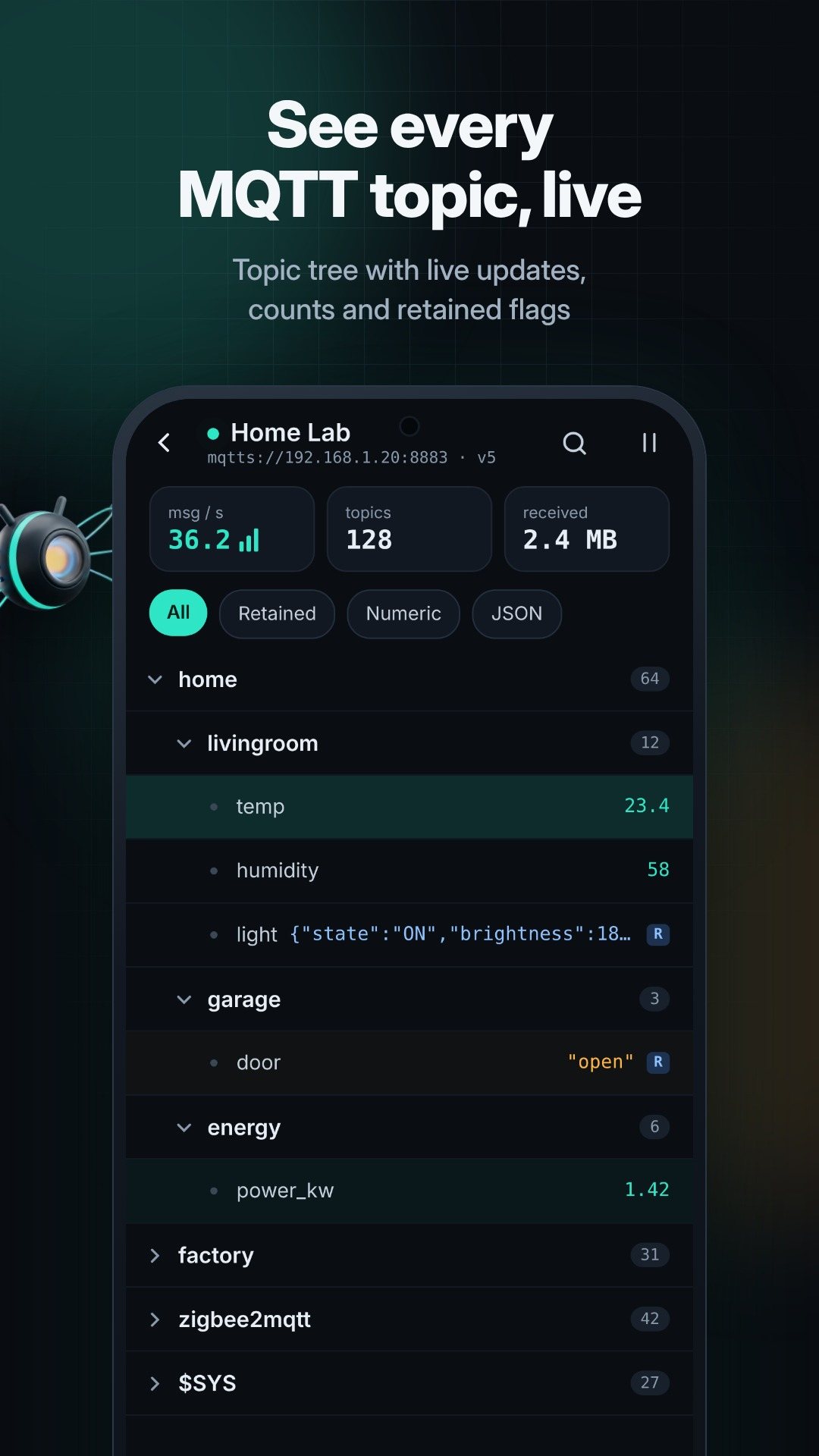
The heart of the app is the topic explorer. Subscribe, and the tree fills in as retained and live messages arrive, each node showing a payload preview and how many topics sit beneath it. Filter the view to retained, numeric or JSON topics to cut through a noisy broker, and open any topic to inspect the raw message. Three public broker presets — Eclipse Mosquitto (test.mosquitto.org), HiveMQ and EMQX — are built in, so you can start exploring in seconds without typing a host.
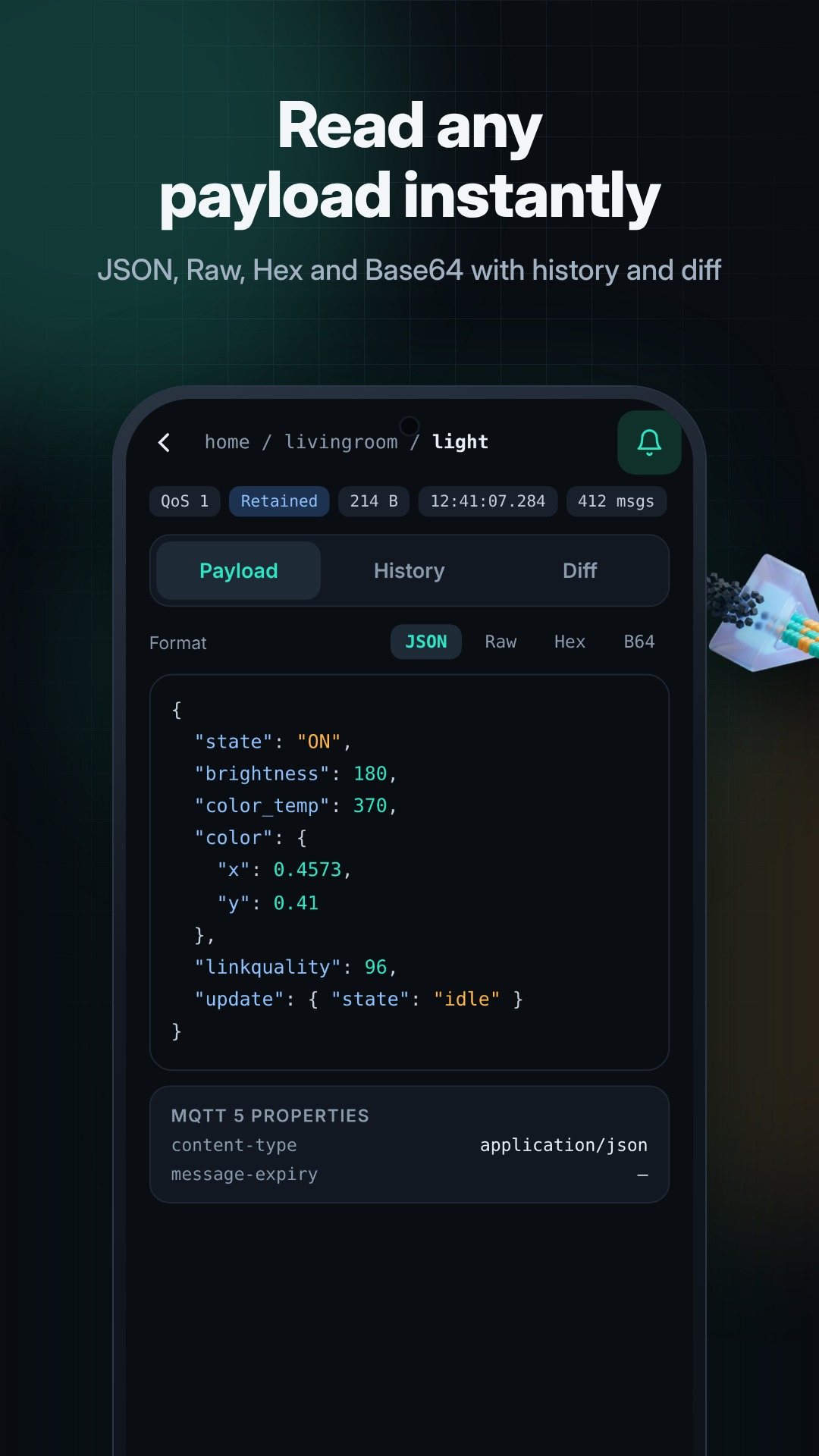
The publisher sends JSON, plain text or raw hex, with QoS 0, 1 or 2 and the retain flag, and it validates JSON and hex before you hit send so you never push a malformed message. Payloads you use often save as reusable templates — topic, body, QoS and retain in one tap.
Pin any topic to a custom dashboard as a value tile, gauge, toggle, slider or button; a control widget publishes back to topic/set so you can flip a relay or nudge a setpoint. Numeric topics get a live value chart with the change over the visible range, an above-threshold alert, and CSV export for taking the series into a spreadsheet. The same values ride onto home-screen widgets — a sparkline, a value readout and a switch — and a Quick Settings tile connects or disconnects your last broker from the notification shade.
Not every device speaks JSON. The decoder rules read payloads as Text, Hex, Base64, Int16 (LE/BE), UInt32 LE, Float32 LE, raw Protobuf or Sparkplug B, matching the first rule that fits. The automation engine watches a topic — a whole value or a JSON path — and when it crosses your condition it can send a local notification, publish a message, or call a webhook, with a time window and a cooldown so it does not spam you.
For protected brokers, load a CA certificate, add a client certificate and key for mutual TLS, or allow a self-signed cert on a test server. A foreground service keeps the session alive while you are connected, so automations and alerts keep running in your pocket. Pro users also get a record & replay studio that captures a message stream and plays it back to a broker at adjustable speed, a benchmark that measures throughput, latency and packet loss, and a retained cleaner for wiping stale retained messages in bulk.
MQTT Explorer is free and ad-free. The free tier covers 3 brokers, 5 subscriptions, 8 dashboard widgets, 3 automations and one hour of history; the optional Pro upgrade raises those limits, extends history to seven days, and unlocks recording, benchmarking and CSV export. Camera access is used only for the QR scanner that imports a broker's settings. Everything runs against the brokers you choose — there is no account to create.
Yes. You can connect with MQTT 5.0 or 3.1.1 over TCP, TLS or WebSocket, and MQTT 5 messages keep their user properties.
Yes. It supports TLS with a CA certificate, an optional client certificate and key for mutual TLS, and a self-signed option for test brokers.
Yes. A foreground service keeps the session connected so automations and alerts keep firing, and a Quick Settings tile toggles your last broker.
Yes, it is free and ad-free, with an optional Pro purchase that raises the limits and unlocks recording, benchmarking and CSV export.
Get MQTT Explorer on Google Play →
 By the NAXTECH team · Published 3 Mar 2026 · Updated 25 Sept 2026 · Hands-on with v1.0
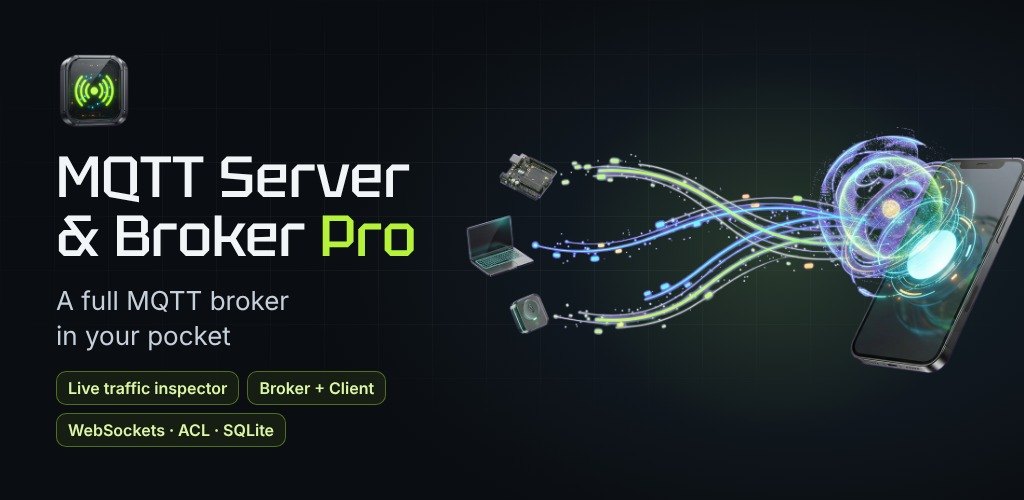
You have an ESP32 on the bench, a Home Assistant box in the cupboard and a Node-RED flow half-wired — and every one of them is waiting on a broker you have not stood up yet. Spinning up Mosquitto on a laptop or renting a cloud broker just to watch two sensors talk is more friction than the job deserves. MQTT Server & Broker Pro removes that step: the phone in your pocket becomes the broker.
It is a genuine broker, not a client pointed at someone else's server. Start it, and your devices connect straight to the phone over Wi-Fi, a hotspot or cellular — it binds to every local IPv4 interface — so an MQTT network comes up in seconds with nothing else running.
The broker opens the endpoints real deployments need. Plain MQTT over TCP on port 1883 is on by default; a WebSocket listener on 8083 (path /mqtt) lets browser dashboards connect; and the secure pair — TLS on 8883 and WSS on 8084 — carries encrypted traffic with your own certificate and key. Every port is editable, and the listeners screen shows each endpoint as a QR code so a device or teammate can scan the address instead of typing it.
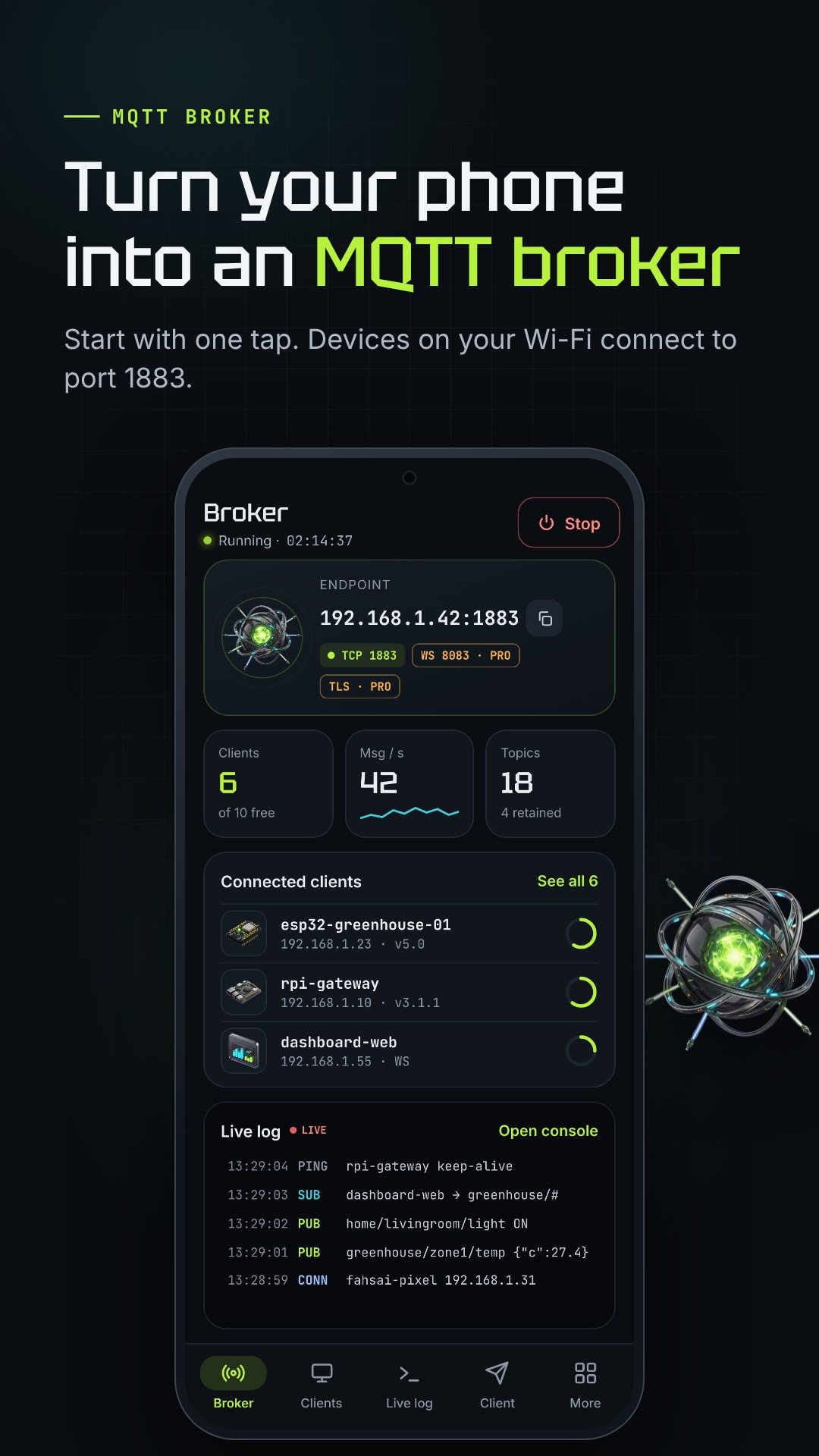
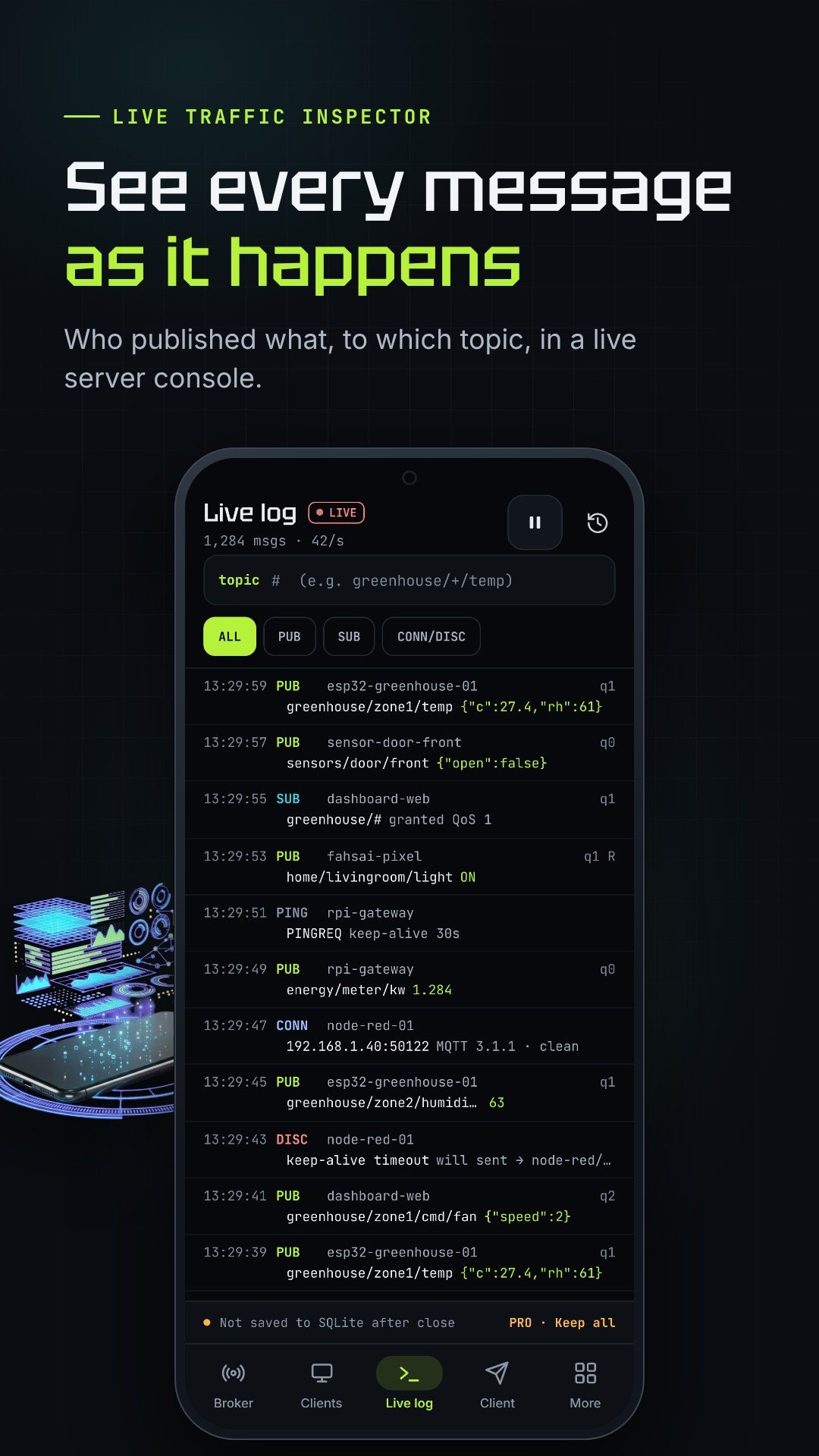
Debugging is about visibility, so the broker keeps a live console of up to 3,000 events, newest first, that you can pause, resume and narrow with a topic filter. The Clients tab lists who is connected with online and idle filters, and tapping a client opens the full picture — subscriptions, last will, keep-alive and next ping, published and received counts, and address — with one tap to disconnect or ban an IP.
You do not need a second app to check the wiring. The Client tab is a real MQTT client built in: publish to any topic at QoS 0, 1 or 2 with an optional retain flag, subscribe to a filter, and watch the acknowledgements (PUBACK, PUBCOMP) come back. Republish any message you captured in the log straight from its detail view.
For anything beyond a bench test, turn on authentication. Create users with roles — admin, device or read-only — where passwords are stored as salted, stretched SHA-256 hashes, never in the clear. Then write access rules that allow or deny publish, subscribe or both on a topic filter, evaluated in order, so a sensor can only post to its own branch while a dashboard reads everything.
tcp://192.168.1.20:1883.test/#.The broker, the live log, the test client, the topic tree and the first hour of stats are free, with ads, and allow up to 10 connected clients. Pro removes the ads and unlocks WebSockets, Auth & ACL, SQLite history, TLS and long-range stats, as a monthly or yearly subscription or a one-time lifetime purchase, with a 24-hour trial.
This is a local-network broker: devices reach it on the phone's IP, so keep the phone on the same network while it serves. TLS listeners need a certificate and key you supply. The free tier shows ads and caps simultaneous clients at 10; everything runs on the device with no account.
It is a real broker — your devices connect directly to the phone. A separate test client is built in so you can publish and subscribe to check it.
MQTT over TCP (1883), WebSocket (8083, path /mqtt), and the secure TLS (8883) and WSS (8084) listeners, all with editable ports.
Yes. Pro adds users with admin, device or read-only roles and per-topic access rules for publish and subscribe; passwords are stored as salted SHA-256 hashes.
With Pro, messages persist to an on-device SQLite database you can browse and export to CSV or JSON. The free tier keeps a live log of up to 3,000 events.