 By the NAXTECH team · Published 7 Oct 2026 · Updated 21 Oct 2026 · Hands-on with v1.0
Your crops finish in seven minutes, the world boss respawns in twelve, your energy refills in half an hour — and you are trying to hold all three in your head while you actually play. Miss one and you lose the harvest or the spawn. That juggling act is the problem Game Timer was built to end: it keeps the countdowns on screen so your memory does not have to.
Game Timer is a floating multi-timer and counter overlay for mobile gamers. Each timer or tally lives in its own bubble that sits on top of your game, keeps counting, and loops back around on its own — so you glance, not calculate. Everything runs on your device, with no account and no sign-in.
The whole app is built for one-finger play. A single tap resets a bubble and starts it again, even after it has hit zero, so there is no Stop → Reset → Start dance mid-fight. Turn on Auto loop and a crop or cooldown timer restarts the moment it ends. Double-tap pauses and resumes, and a long press lets you drag a bubble anywhere or open its menu — gestures you can remap in the Overlay settings.
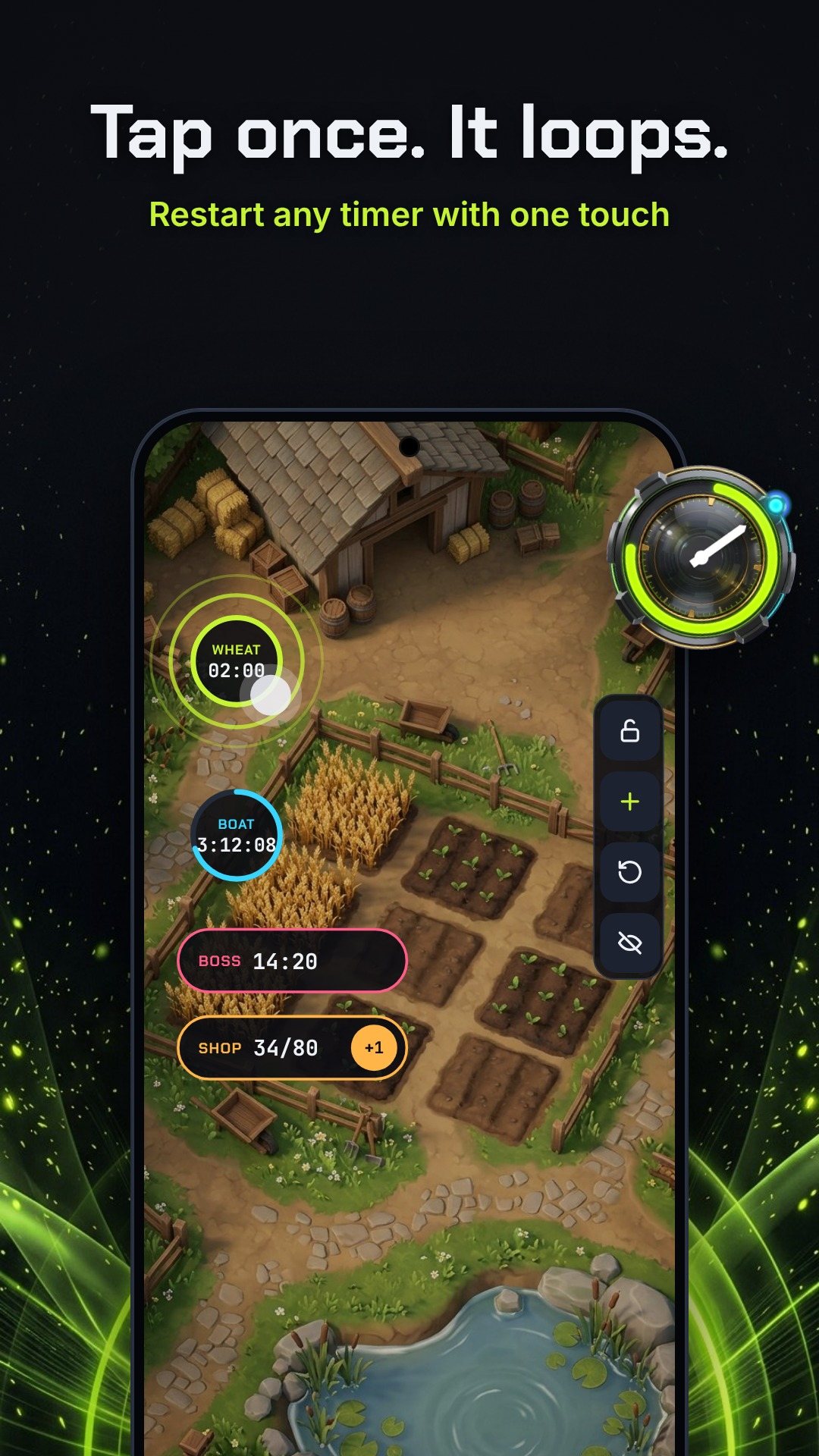
The clever part is Ghost Mode. Lock the overlay and your swipes, taps and shots pass straight through every bubble to the game underneath — the bubbles are there to read, not to get in the way. A small side dock always stays touchable so you can unlock again. And when a timer ends you do not get a pop-up blocking the action: instead you get a glow pulse ring, a short vibration, an optional beep, and an overtime count-up that shows how long ago it finished.
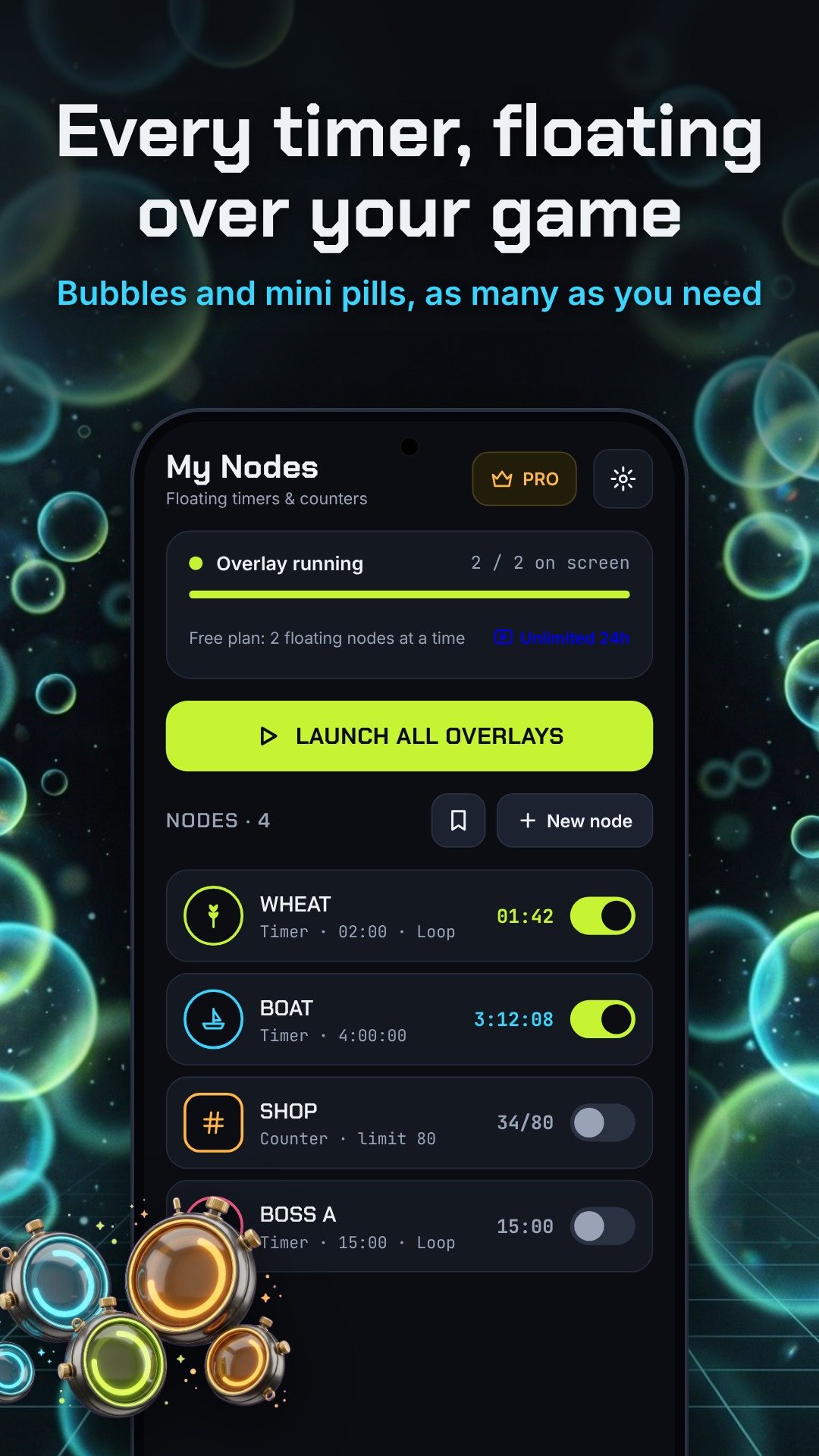
Every node starts the same way. Pick Timer or Counter, choose a bubble or a space-saving mini pill, give it a short label, an icon and a border colour, then save and float it. Timers take an hours / minutes / seconds duration with auto-loop, buzz and beep toggles. Counters are for tallies — set a start value, a tap increment, a target limit and a point where the bubble turns red, then tap the bubble to add and hold it for −1 or reset. Counters can even auto-reset at midnight local time, which is perfect for daily quests.
The icon picker keeps things safe: it is stocked with generic art sorted into Farm, Combat and Loot categories, so nothing is tied to a specific game.
You do not have to build everything by hand. The Presets tab ships ready-made packs you load with a single tap:
With Overlay Pro you can also save your own node sets as custom preset packs, cover art and all.
In Overlay settings you can set the bubble size, the active and idle opacity, and how long a bubble waits before it dims when untouched, plus snap-to-edge so bubbles tuck against the screen border. A quiet status notification keeps a foreground service alive so long timers stay accurate in the background — and for marathon sessions the app can point you to the battery setting that stops Android from killing it.
The free plan floats 2 nodes at a time. Watch one short ad to unlock unlimited nodes and Ghost Mode for 24 hours, or get Overlay Pro for unlimited floating nodes forever, Ghost Mode always on, your own preset packs and no ads. The app is Android-only, runs offline, and its interface is localised into a dozen languages. It contains ads, with optional in-app purchases.
Yes. The timers and counters float on top of any app as system overlays, and the icons are generic art that is safe to use with any game.
No. Turn on Ghost Mode and your swipes and shots pass straight through the locked bubbles; when a timer ends you get a glow ring, a short buzz and a beep instead of a pop-up.
The free plan floats 2 nodes at once. Watch one short ad for unlimited nodes and Ghost Mode for 24 hours, or upgrade to Overlay Pro to keep them forever with no ads.
Yes. A small status notification keeps a foreground service alive so timers stay accurate, and counters can auto-reset at midnight local time.
Get Game Timer on Google Play →
 By the NAXTECH team · Published 22 May 2026 · Updated 25 Aug 2026 · Hands-on with v2
You line up a shot from the hip, and the moment you need it most your reticle is a faint speck — or nothing at all — against a busy map. On a small phone screen, finding the exact centre of your aim fast is half the fight, and the default crosshair rarely helps. Custom Aim Pro fixes that by painting a crosshair you chose directly over the game and holding it in place, shot after shot.
It works as a floating overlay, so there is nothing to mod and nothing to root — you pick a crosshair, size it, colour it, tap Start, and the reticle rides on top of the game exactly where you parked it.
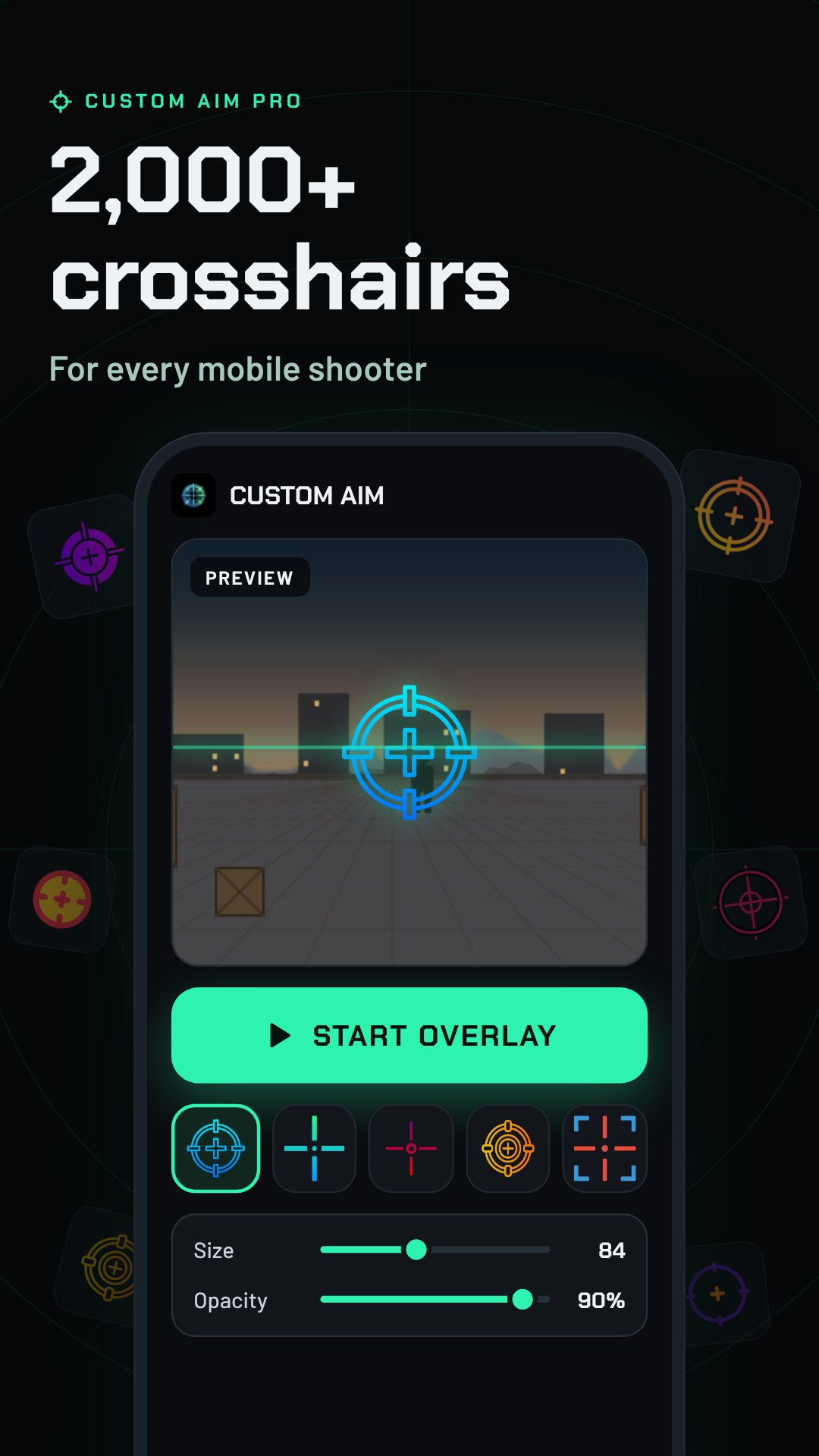
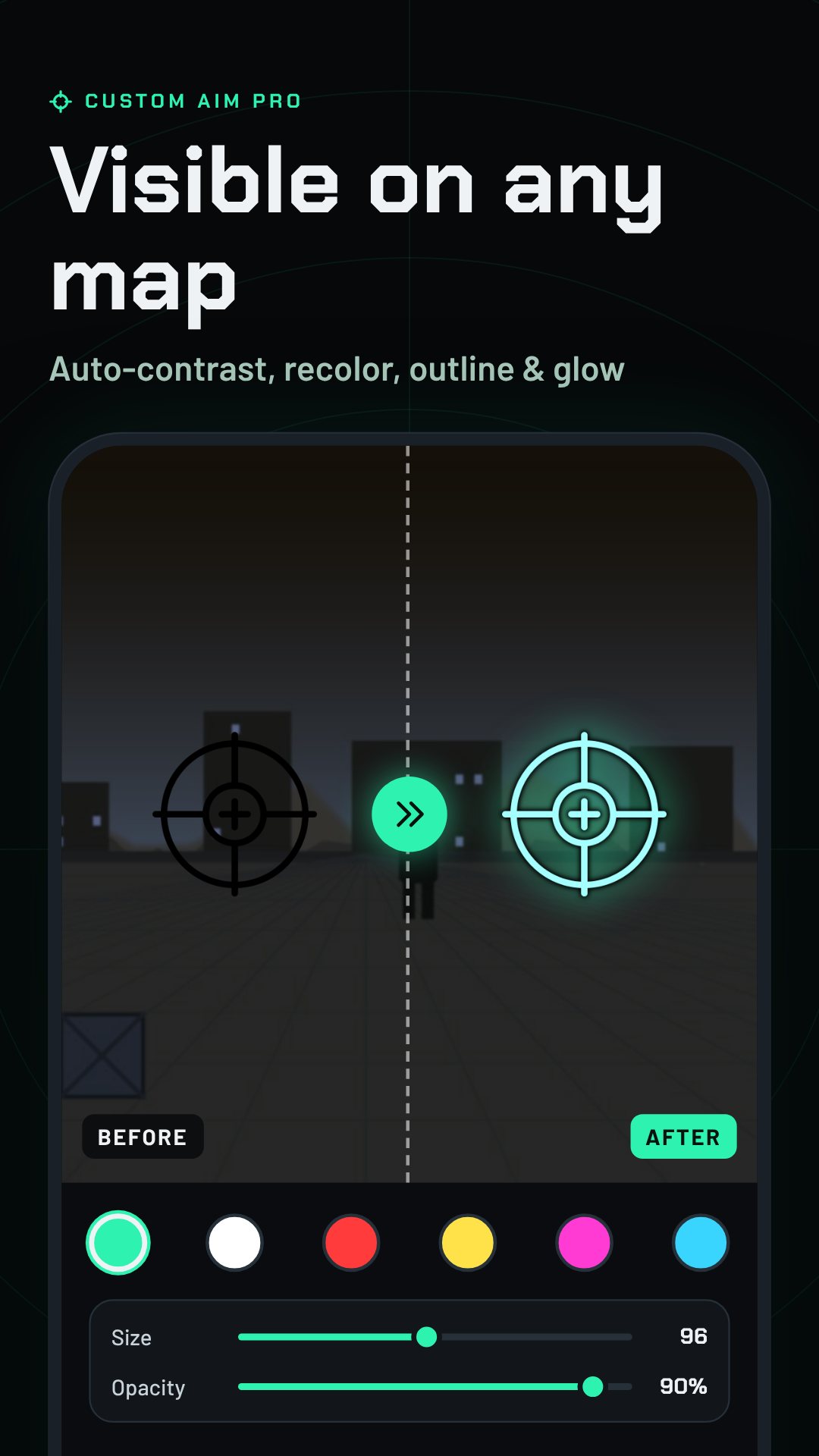
The catalogue holds 2,021 crosshairs, grouped into six tabs — Trending, Cross, Circle, Aim, Scope and FPS — so you can jump straight to the shape you like instead of scrolling forever. Each one carries a short gamer callsign, and an auto-contrast option quietly recolours very dark crosshairs so they still read against a dark map. Tap any one to preview it on a shooting-range scene before it ever reaches your game.
Not satisfied with a preset? The Builder draws a parametric crosshair from sliders you control: line length 0–40, thickness 1–10, gap 0–30 and opacity 20–100, with toggles for a centre dot, an outer ring and an outline, in six colours. Every design compiles to a short share code like CAP-L16T3G6DRO-2EF2B0 — paste a friend's code to load their exact reticle, or share yours as a scannable QR image.
Once a crosshair is on screen you tune the way it sits: drag size and opacity, rotate it up to 90°, add a glow or an outline, and use the nudge pad to shift it a pixel at a time until it lines up perfectly with your screen's aim point. Save the result as a preset and tie it to a specific game, so your PUBG Mobile reticle and your Free Fire reticle are each one tap away.
Custom Aim Pro can auto-switch to the right preset when it notices you've opened a supported game, and it stays out of the way with a 40dp bubble that snaps to the screen edge and fades. Tap the bubble for a six-action radial menu to swap crosshairs, nudge, or stop the overlay — all without leaving your game. There's a Quick Settings tile and app shortcuts too, so you can start your last crosshair without even opening the app.
About a fifth of the library is marked Pro, and the Neon Esports Pack adds 40 glow crosshairs for players who want the bright esports look. A Daily Drop gives you a new Pro crosshair each day, and claiming it builds a 7-day streak that rewards a run of free style features. The app is free with ads; Pro and the packs are optional.
Custom Aim Pro uses the standard Android overlay permission to draw a crosshair above your games — it does not read, touch or modify game files. The overlay and Builder run on-device with no account. It contains ads, with optional in-app purchases, and never shows an ad on top of the overlay itself.
Yes. It recognises seven supported games — PUBG Mobile, Free Fire, CoD Mobile, Blood Strike, Fortnite, Standoff 2 and Arena Breakout — and can auto-switch to the preset you saved for each.
No. It draws the crosshair in a floating window using Android's standard “draw over other apps” permission, so there is no root or game modification involved.
There are 2,021 crosshairs across six categories, plus a Builder for designing and sharing your own by code.
Yes, it is free with ads, and offers optional in-app purchases such as Pro and the Neon Esports Pack.