 By the NAXTECH team · Published 22 Oct 2026 · Updated 5 Nov 2026 · Hands-on with v2.0
Your battery is down to two bars, you pull into a charging bay you found on a generic map, and the only connector on the post is one your car cannot take. Anyone who drives an EV in Thailand knows that sinking feeling: plenty of pins, no way to know which ones will actually charge your car — and no signal to check. สถานีชาร์จรถไฟฟ้า was built to answer the only question that matters at that moment: where is the nearest charger my car can plug into, and how do I get there?
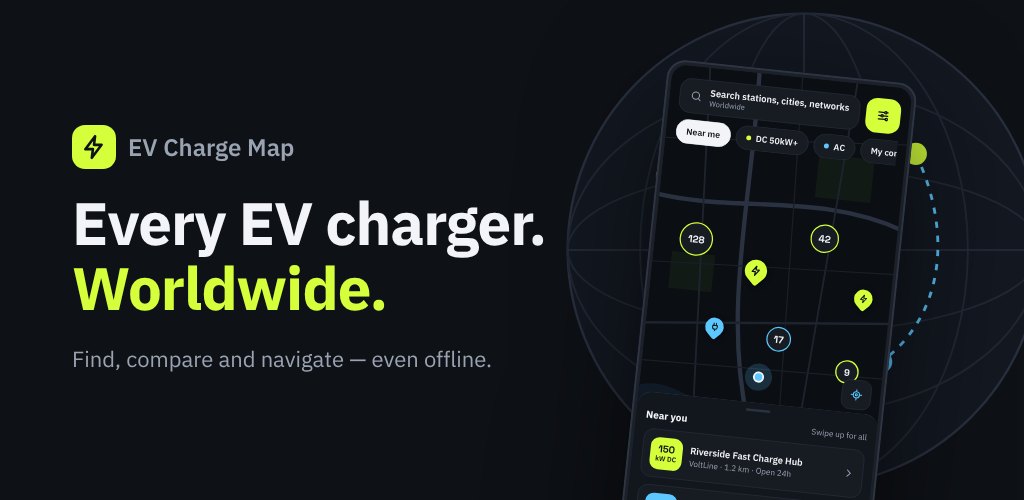
It is a dedicated EV charging map for Thailand. You tell the app which connectors your car uses once, and from then on the map filters itself to stations that can really charge you. Because the station data is bundled into the app, the search keeps working when the mobile signal does not.
The home screen is a live OpenStreetMap map with clustered station markers, so a dense city like Bangkok stays readable and a quiet highway still shows every option. A search bar looks up stations, cities and charging networks, and quick filter chips cut the map down in one tap: Near me, DC 50kW+ for fast charging, AC, and My connectors to hide everything your car cannot use. A "near you" sheet swipes up to list the closest stations with their distance from you.
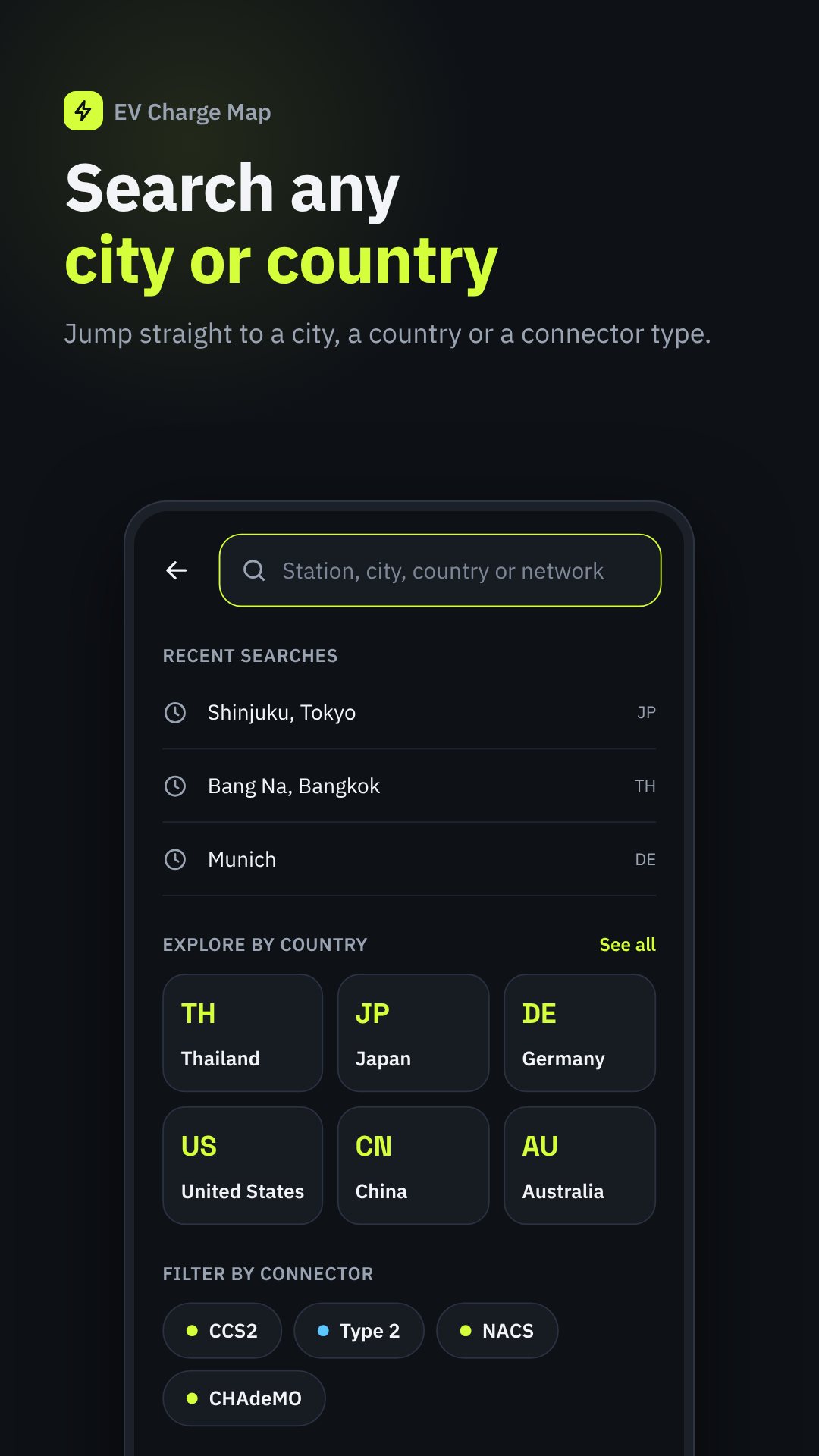
EV connectors are a mess of standards, and the app treats that head-on. It knows CCS2 and Type 2 (the DC and AC standards common across Europe and Asia, including Thailand), plus NACS, CCS1, CHAdeMO (DC, Japan) and GB/T (DC/AC, China). Each station card shows which plugs are on site, how many ports of each, and flags the ones that fit your car, so you are never guessing from an ambiguous icon.
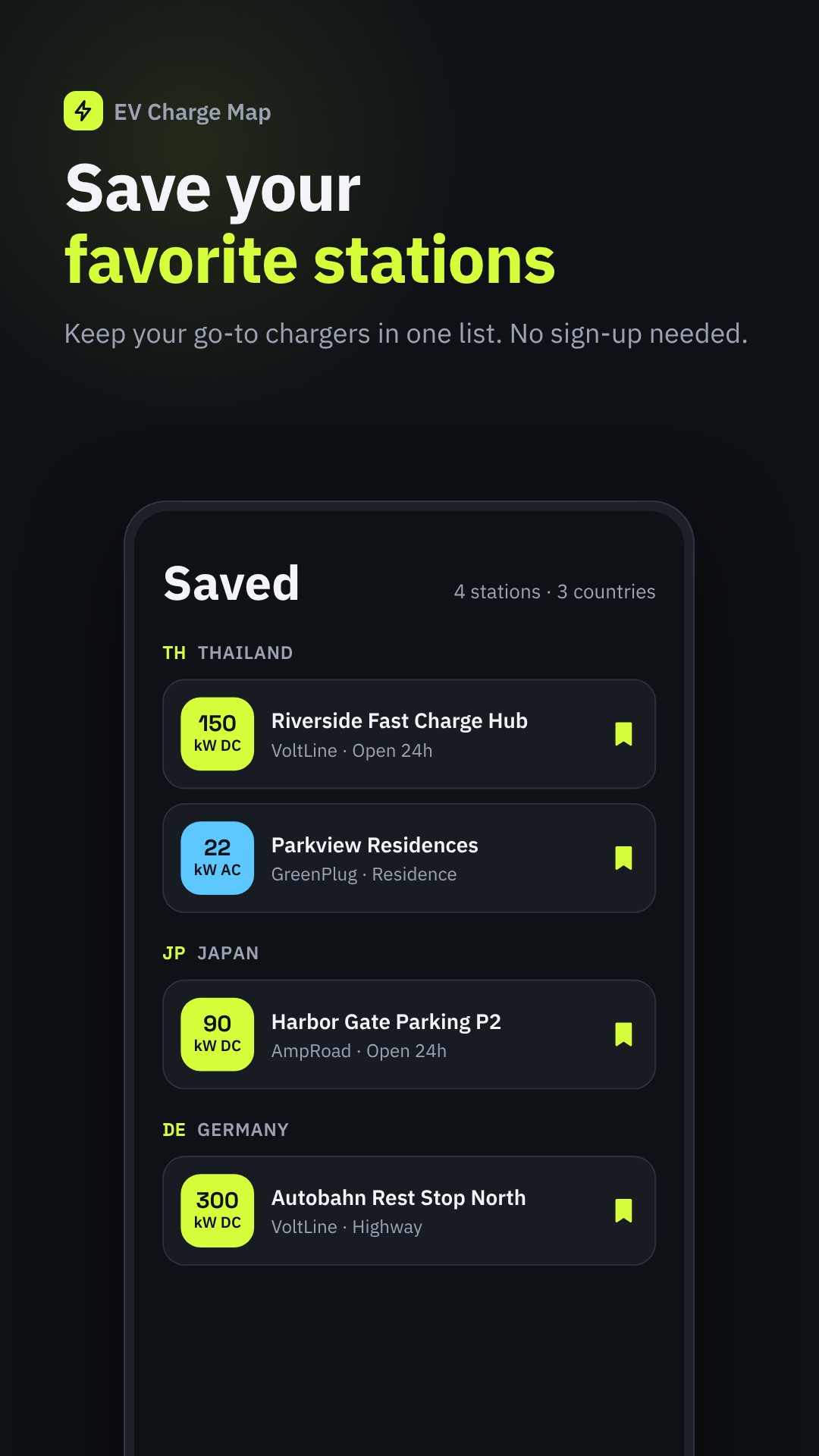
The stations you need most are often on a rural highway with one bar of signal. สถานีชาร์จรถไฟฟ้า ships station data inside the app and lets you manage offline map packs by country, showing how much storage each uses and when an update is available. Your Saved stations, the search and the station details all keep working with no connection — exactly when you need them.
Set your preferred distance unit (km or miles) and currency so prices and distances read the way you expect, and switch the interface between ten languages — Thai, English, Japanese, Chinese, Korean, German, French, Spanish, Indonesian and Vietnamese — which makes it as usable for visitors renting an EV as for locals.
Location access is optional and only used to show nearby stations and your distance from them; you can browse the whole map without it. Pricing and hours come from a community database and can change, which is why the in-app Report wrong info button exists. The app is free and supported by ads.
Yes. Station data is built into the app and you can keep offline map packs, so search, saved stations and station details work with no signal.
Set your connectors under Settings → My car, then tap the "My connectors" filter on the map to hide any station your vehicle cannot plug into.
Yes. Each station has a Navigate button that hands off to Google Maps for turn-by-turn directions, and you can copy or share the address too.
Yes, it is free to download and is supported by ads; no account is required to use it.