 By the NAXTECH team · Published 29 Mar 2026 · Updated 13 Sept 2026 · Hands-on with v4.0
It is the morning of Wan Phra and you have already missed it — no alms offered, no rice set aside, the day half gone before you remember. The Thai lunar calendar does not line up neatly with the Gregorian one on your phone, so holy days, observed holidays and the long weekends you were going to travel on keep slipping past. วันพระ วันหยุด ปฏิทินไทย (Thai Buddhist Calendar) was built to end that — it keeps the Thai lunar reckoning and your daily life on the same page.
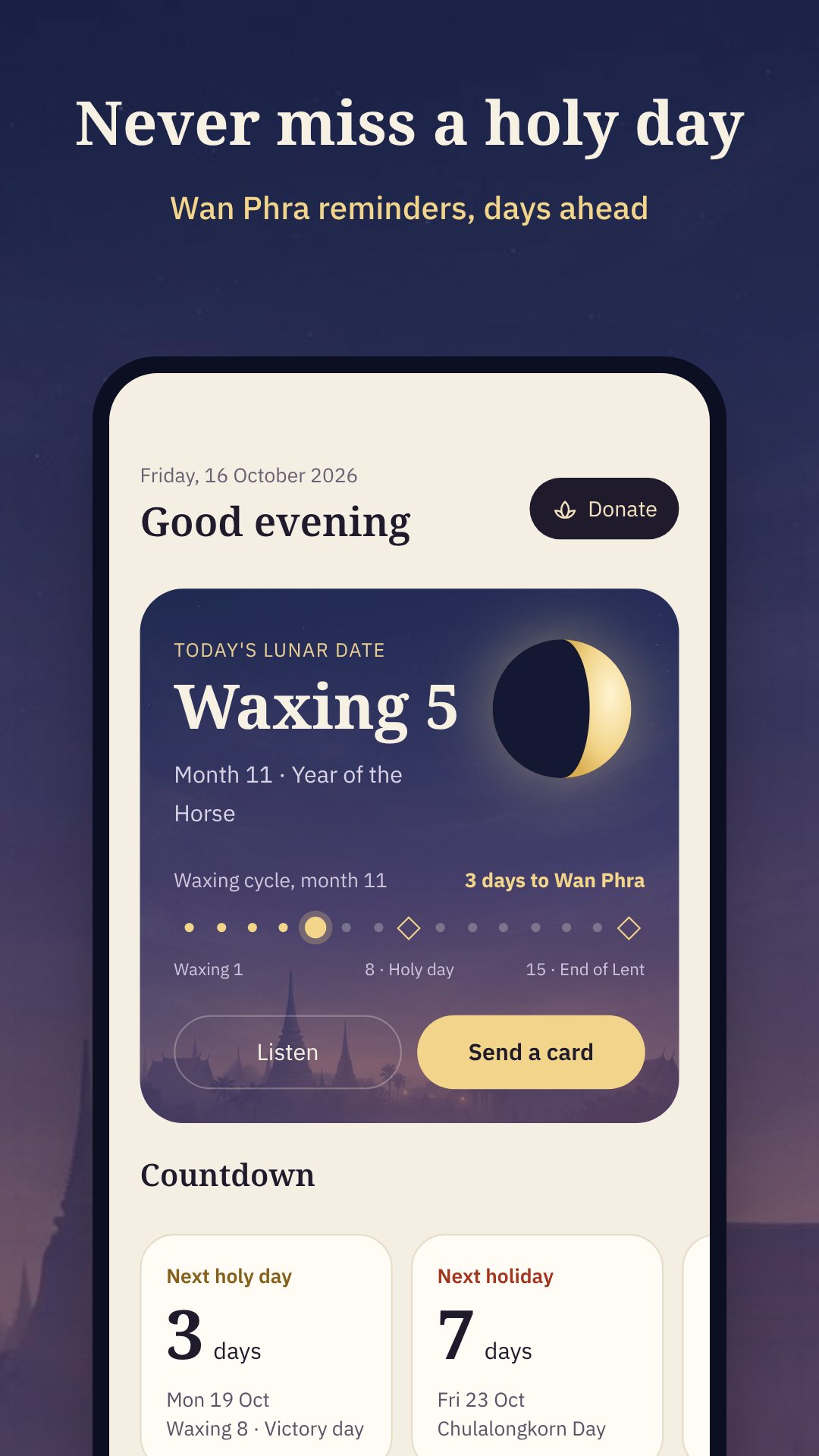
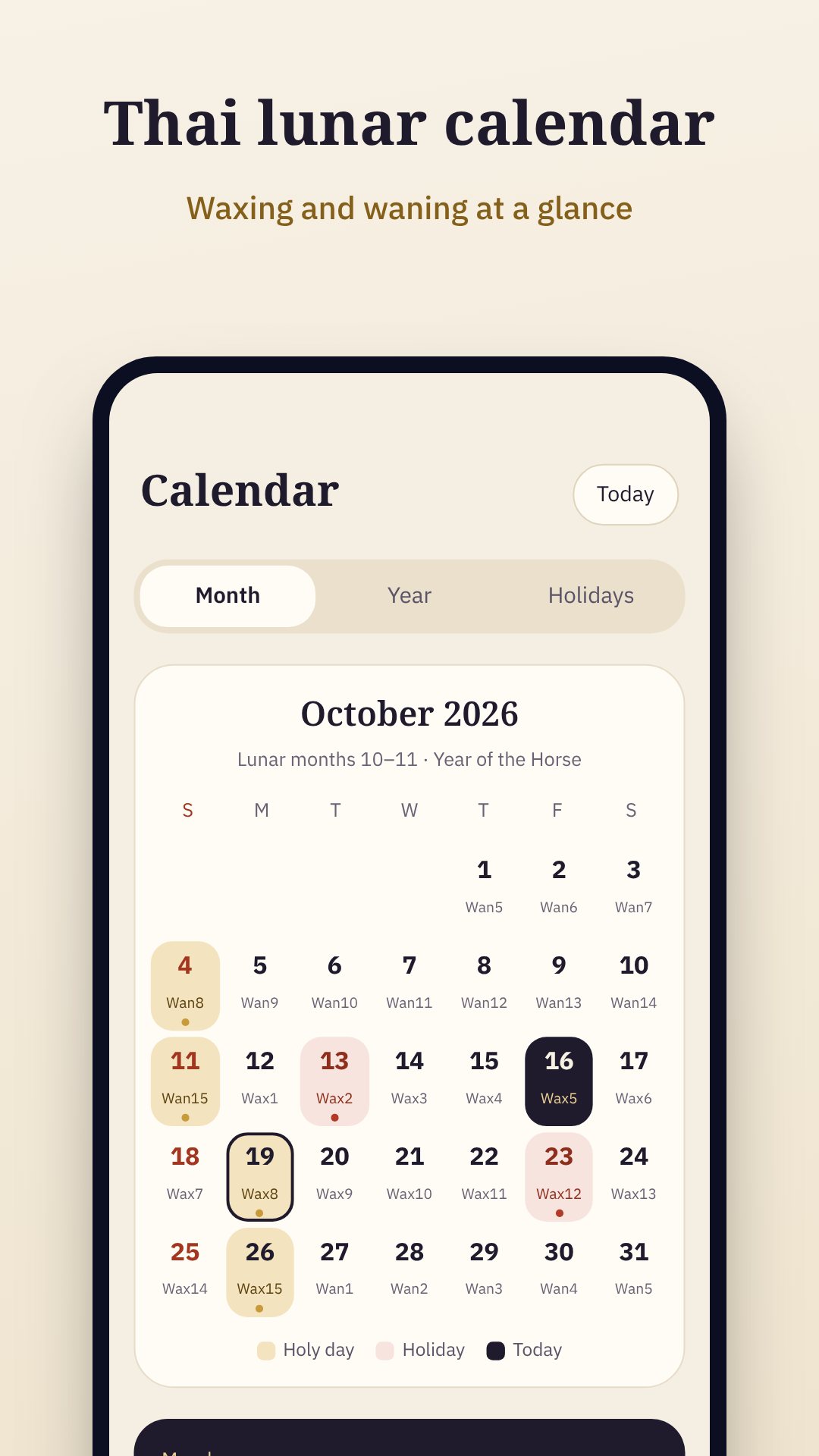
At its heart is a proper Thai lunar calendar: the app reads Wan Phra and holy days from a bundled offline database, so the dates are correct whether or not you have a signal. Open the Today screen and you see the lunar date (ขึ้น/แรม ค่ำ), the moon phase, the next Wan Phra countdown, and the day's holiday or observance at a glance.
The calendar classifies every day the way Thai life actually uses it — Buddhist holy days (วันพระ), public holidays (วันหยุดราชการ), royal and state observances, and cultural days — and flags the observed (ชดเชย) dates and long weekends so you can plan travel ahead of time. A home-screen widget comes in two sizes (a 4×2 and a compact 2×1) and shows the current Thai date, moon phase and the countdown to the next Wan Phra without opening the app.
Planning a wedding, a housewarming, a new car or the opening of a shop? The auspicious-day tool rates days from 1997 to 2040 for five life events — buy a car, wedding, housewarming, open a business and merit making — using the traditional Thai system of วันธงชัย (victory days), วันอธิบดี (ruling days) and the วันจม / วันฟู / วันลอย (sinking, floating, drifting) classification, alongside the Thai Kalayok day reckoning. Each day gets a plain rating so you are not left decoding an almanac.
This is where the app goes beyond a calendar. It carries a merit book (สมุดบันทึกบุญ) where you tick off the day's good deeds — offering alms, keeping the precepts, chanting or meditating, giving, and acts of kindness — and it keeps a streak so the habit sticks. A built-in meditation timer runs quiet sessions (5, 10, 15, 20 or 30 minutes) with a soft breathing guide, a bell at the start and end, and a screen that stays awake — and it never shows ads mid-session. There are eight guided techniques from อานาปานสติ (mindfulness of breathing) to เมตตาภาวนา (loving-kindness), a library of chants and merit prayers you can have read aloud, the five and eight precepts, and a fresh dhamma quote for all 365 days of the year.
Everything runs on device: the lunar dates, holidays, auspicious calculations, chants and quotes are all bundled, so the app works offline and asks for no account. It requests only the permissions it needs — notifications and exact alarms for reminders, wake-lock to keep the screen on during meditation — and never your camera or location. You can also share a Wan Phra or festival greeting card, pick from 19 themes and 8 wallpapers, and remove ads with a one-time purchase.
Yes. Wan Phra, holidays, auspicious days, chants and the dhamma quotes are all stored on your device, so it works with no connection and no account.
Yes. Turn on the Wan Phra reminder in Settings and choose your time; the app uses exact alarms and reschedules after a reboot so the alert is not missed.
Yes. The Calendar sync tool exports an ICS file of Wan Phra and holidays that you import into Google, Apple or Outlook Calendar — no sign-in required.
Yes, it is free with ads, and offers optional in-app purchases for extra themes and wallpapers and to remove ads.