 By the NAXTECH team · Published 5 May 2026 · Updated 12 Aug 2026 · Hands-on with v1.0
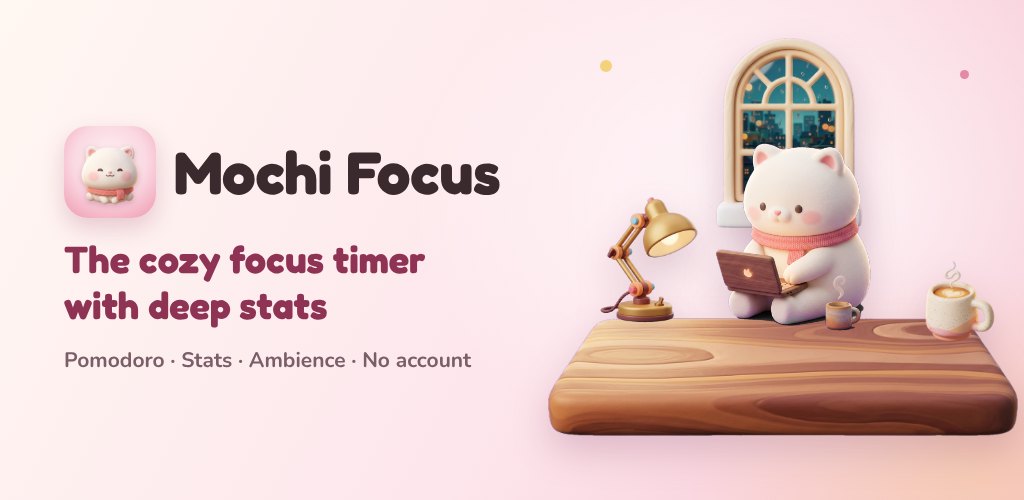
You set a timer, promise yourself an hour of real work, and twenty minutes later you are reading messages with no memory of switching. Most focus apps answer that with guilt — a wilting tree, a broken streak, a scolding notification. Mochi Focus takes the opposite route: finishing a session feels like a small, warm reward, and the app quietly keeps the numbers that tell you when you actually do your best work.
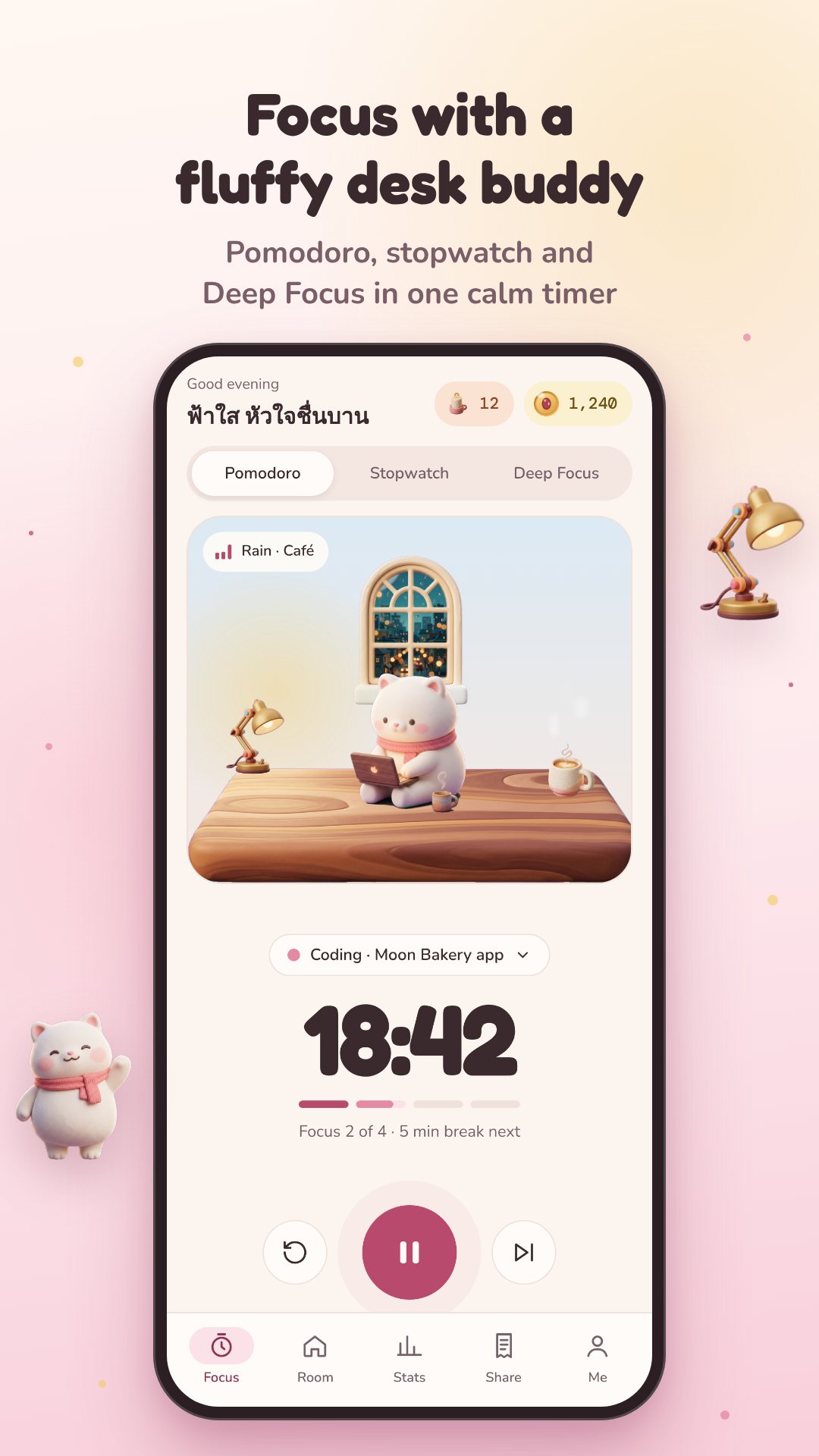
At its heart is a Pomodoro timer with three modes — classic Pomodoro, an open-ended Stopwatch for flow work, and a strict Deep Focus — and one-tap presets for 25/5, 50/10 and 90/20 minute cycles, or a custom length. Every focused minute earns one "bean", the gentle currency that ties the whole experience together.
The engine stores when a session started rather than counting ticks, so the countdown stays honest even if Android kills the app in the background or your phone reboots mid-session. In Deep Focus mode, leaving the app for more than about ten seconds burns the session — but you can rescue it with a single opt-in rewarded video (free if you own Pro), or keep the partial time you earned. There are no interstitial ads during focus, ever.
Spend your beans in a little room you decorate as you focus. The catalog holds desk items like a lamp, bookshelf, hourglass and snow globe; window scenes for rain, spring, summer, sunset, autumn and snow; a shelf of mugs from latte to matcha to pumpkin; and three animated buddies — Mochi, Yuzu the capybara and Kinako the shiba — who work, nap and cheer alongside you. Some items unlock by level or streak, so the room grows with your habit.
Mochi Focus ships eight seamless ambient loops — rain, fireplace, café, keyboard, forest, waves, desk fan and night train — and lets you blend their volumes into your own backdrop. Prefer not to fiddle? Tap a ready-made scene like Rainy café, Night coder, Library or Cabin and start working.
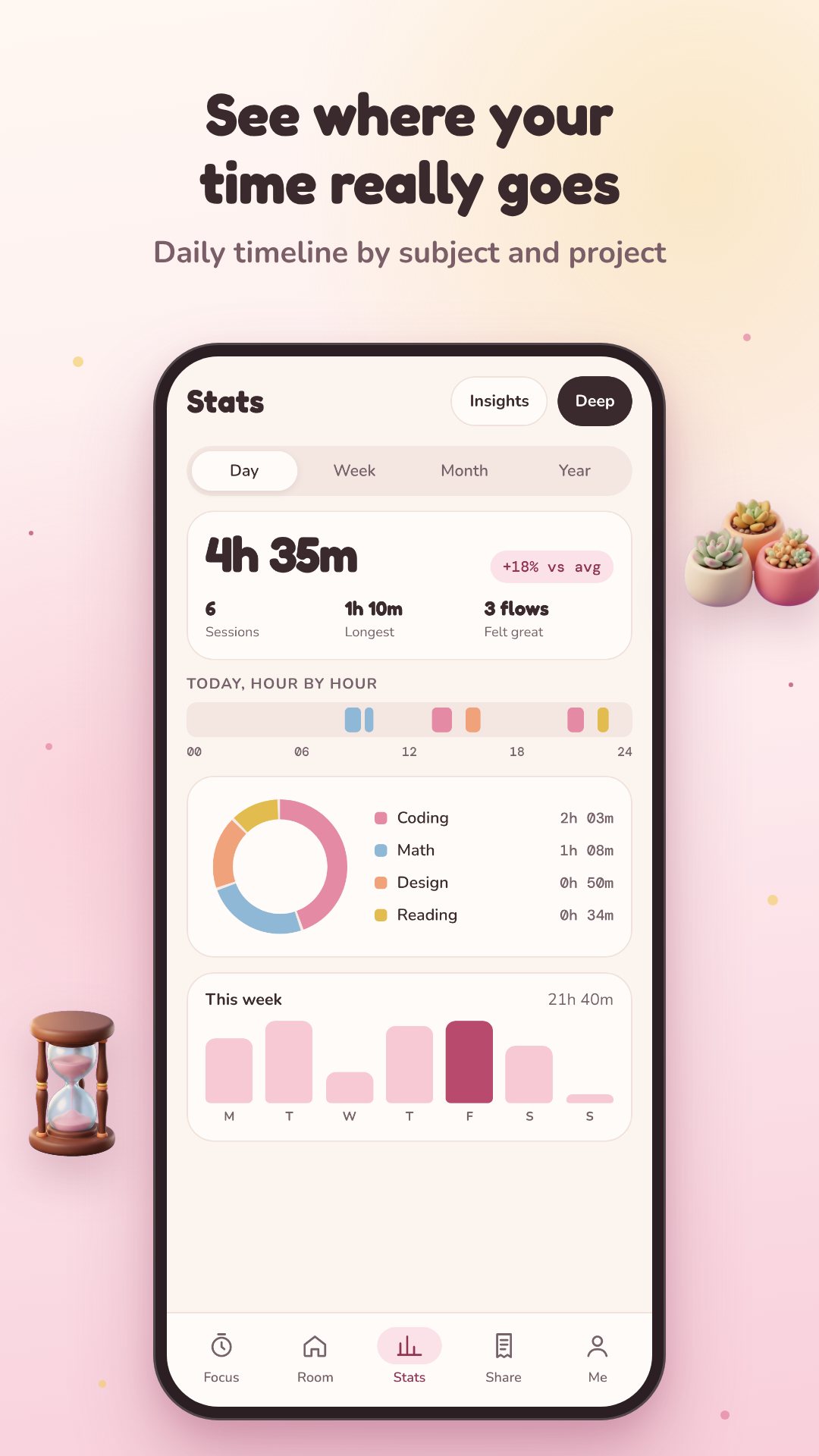
Every session is logged on-device and charted by Day, Week, Month and Year — a tag donut, daily bars, a timeline of your focus blocks and a year heatmap. The optional Deep Stats go further: they work out your chronotype (Night Owl, Early Bird or Daytimer), find your golden window — the time and weekday your focus runs longest — and write plain-language insights about warm-up time and task switching. You can export a CSV timesheet or a full JSON backup whenever you like.
The streak is forgiving: any ten focused minutes keeps a day warm, and up to two rest days each week bridge the gaps so one busy stretch doesn't erase your progress. Daily quests and a weekly bean jar give you reasons to come back without turning study into a grind, and a landscape Standby clock lets you prop the phone on your desk while you work.
Mochi Focus is Android-only and stores sessions on-device; nothing syncs to a server and no sign-in is required. The free tier covers Pomodoro, five tags, Day and Week stats and the receipt poster. A one-time Pro purchase unlocks unlimited tags and projects, hourly rates, premium sounds, deep stats, CSV export and double beans.
Yes. The timer, sounds, stats and your whole room run entirely on your device, with no account and no connection needed.
Leaving for more than about ten seconds burns the session, but you can rescue it with one opt-in rewarded video — free if you own Pro — or keep the partial time.
No. The only ads are rewarded videos you choose to watch; interstitials never interrupt focus.
A one-time purchase unlocks deep stats, unlimited tags and projects, premium sounds, CSV export, all poster styles and double beans after every session.