Ghost Touch Fixer: block a cracked screen's phantom taps without a repair
 By the NAXTECH team · Published 31 May 2026 · Updated 18 Oct 2026 · Hands-on with v1.0
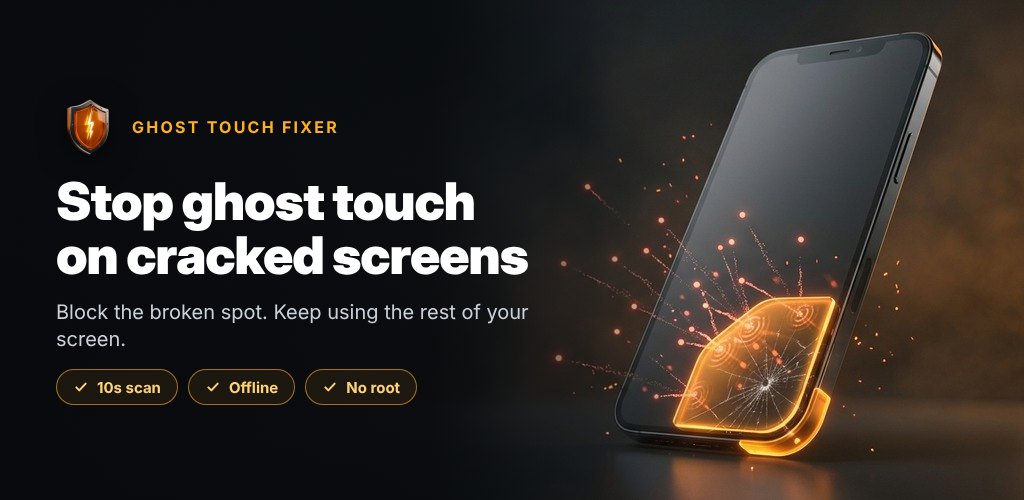
Ghost Touch Fixer at a glance
- What it is
- An Android utility that covers cracked or phantom-touch screen areas with transparent touch-blocking zones.
- Platform
- Android · 100% offline, no root, no account needed.
- Price
- Free, with ads and an optional reward-video unlock.
- Core tools
- 10-second ghost scan · dead-zone test · blocking zones · corner & edge-guard presets · floating control bubble.
- Languages
- English, Hindi, Portuguese, Indonesian, Filipino, Spanish and Vietnamese.
- Best for
- Anyone nursing a cracked or glitchy phone instead of paying for a new screen.
Your phone is tapping things you never touched — opening apps, typing ghost letters, closing the game you are mid-match in — because one corner of the glass is cracked. A new digitizer costs real money, and replacing the phone costs more. Ghost Touch Fixer takes a different route: instead of repairing the screen, it fences off the broken part so the working part carries on.
The app places transparent touch-blocking zones — thin overlay plates that sit on top of every app, game and the home screen and quietly swallow any tap that lands inside them. Taps outside the zone work exactly as before. Everything runs on your device, with no root and nothing leaving the phone.
A 10-second scan that finds the phantom taps for you
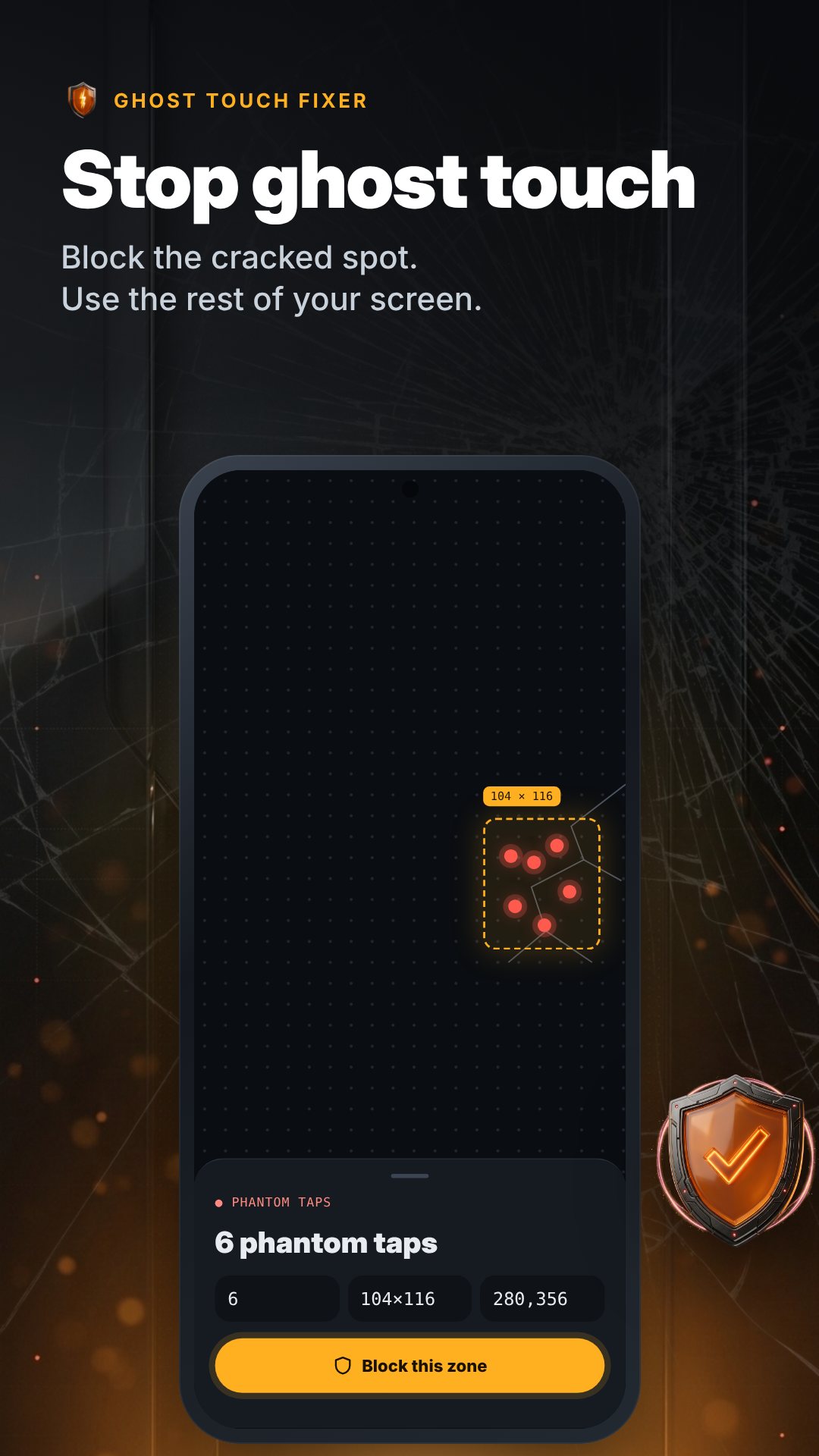
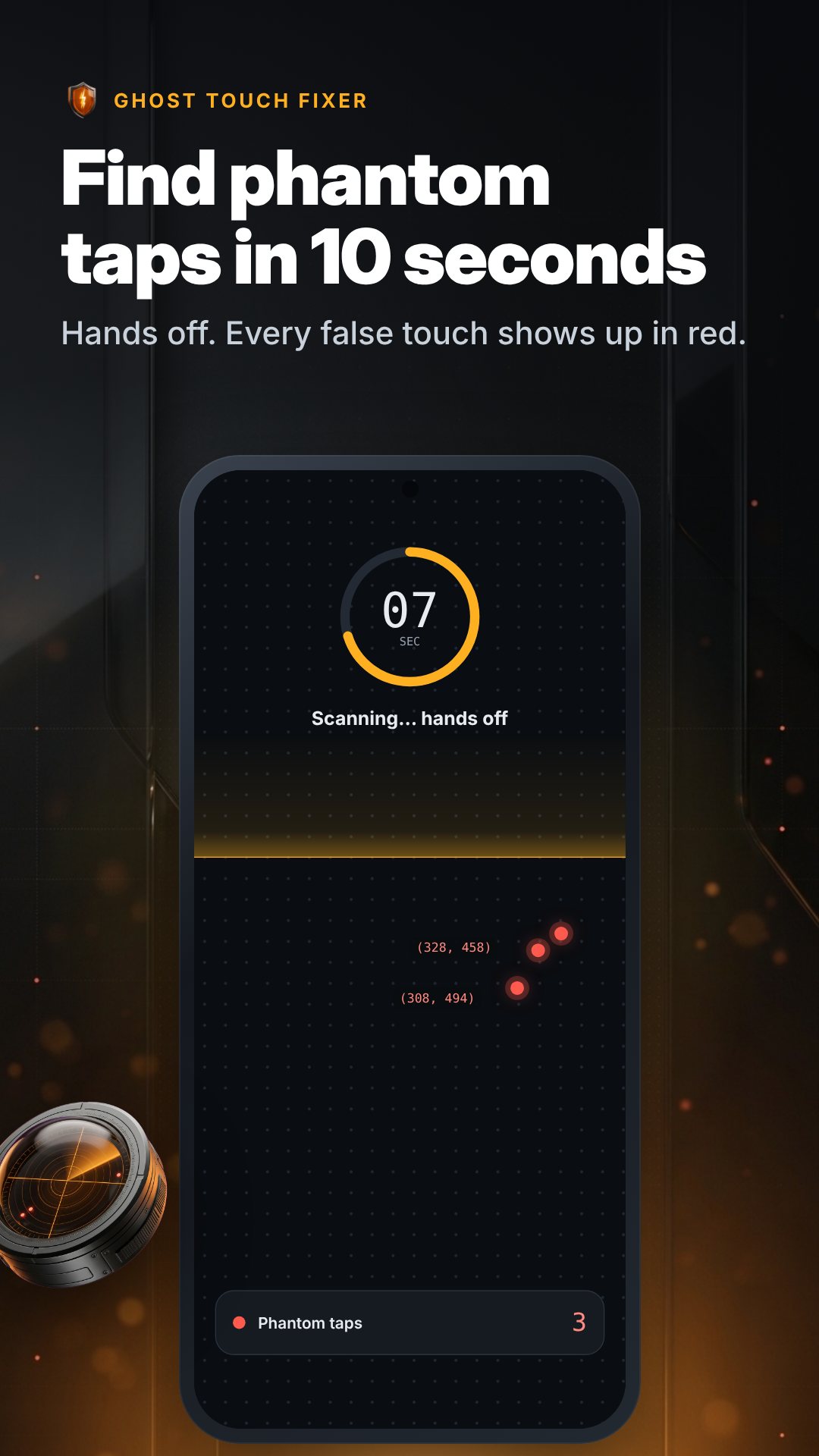
You do not have to guess where the damage is. Open the detector, lay the phone flat and leave it alone for ten seconds. Every spontaneous tap the screen fires gets plotted in red, and the app groups taps that fall within about 80 dp of each other into clusters — one proposed blocking zone per bad spot, largest first. Each suggested box is drawn with 24 dp of padding around the taps so the shield comfortably covers the whole misbehaving area, and the result screen shows the tap count, the zone size and its position before you commit.
A dead-zone test for the opposite problem
Some screens do not tap too much — they tap too little. The dead-zone test splits the display into a grid (six columns wide, scaled to your screen) and asks you to swipe over every square like finger-painting. Any square that never lights up does not respond to touch, so the app outlines it in red and can turn those unresponsive patches into blocking zones too — useful for marking a region you will simply stop relying on.
Shields you can shape, plus one-tap presets
Every zone is adjustable in a live editor: drag to position, set width and height in dp, pick a tint (Red, Amber, Blue or Graphite), choose a corner radius, and set opacity anywhere up to 60%. You can also lock a zone so it ignores drags and swallows every touch. For common damage there are one-tap presets — a cracked-corner block for any of the four corners, and an edge guard that runs a thin strip down the left side, or both sides at once, to stop a curved screen from registering palm taps while you game.
It stays on while you use other apps
Once a shield is active, a foreground service keeps it alive across the whole system, and a notification lets you pause, resume or stop it from the shade. An optional floating control bubble rides over other apps — tap it to pause or resume, drag it out of the way, and it remembers where you left it.
How to block a ghost-touch spot
- Grant Display over other apps and notifications when the app asks — that is all it needs.
- Open the detector, lay the phone flat and tap Start 10s scan, then keep your hands off.
- When the scan finishes, review the red dots and the suggested zone on the result screen.
- Tap Block Detected Ghost Zone Now, or open the editor first to tweak size, tint and opacity.
- Leave the app — taps inside the zone now do nothing, and you can pause anytime from the notification or bubble.
Free, with an optional unlock
The free plan runs one blocking zone, which is enough for a single cracked corner. If your screen has damage in more than one place, the Multi-Zone Shield unlock — earned by watching one reward video — raises the limit to five zones at once, adds fully invisible 0%-tint shields, and lets shields restart on boot so they return after a reboot.
Good to know
Ghost Touch Fixer is a practical workaround, not a hardware repair: it hides a damaged area, it does not fix the glass or digitizer underneath. For security, Android hides overlays while install and permission screens are open, so shields briefly lift there and return automatically when you leave.
Frequently asked questions
Does Ghost Touch Fixer repair my screen?
No. It places a transparent zone that blocks taps over the damaged area so the rest of the screen stays usable — it does not fix the physical glass or digitizer.
Does it work inside games and other apps?
Yes. The blocking zones sit on top of the whole system, so they swallow taps in any app, game or on the home screen until you pause or stop them.
Do I need root or an internet connection?
Neither. It runs 100% offline with no root; it only asks for "Display over other apps" and notification permission.
How many zones can I use?
The free plan gives you one zone; watching a reward video unlocks the Multi-Zone Shield for up to five zones at once, plus invisible shields and start-on-boot.