 By the NAXTECH team · Published 22 Apr 2026 · Updated 9 Sept 2026 · Hands-on with v2.0
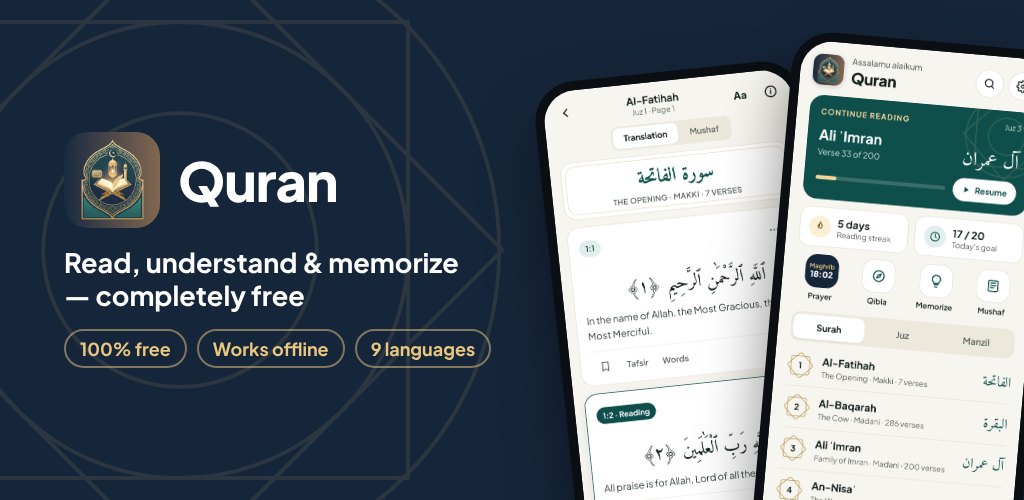
You open a Quran app to read a few verses before bed, and it wants a login, a download, and a connection you do not have — then it hides the tafsir behind a paywall. For anyone who just wants to read, understand and remember the Quran, that friction is the whole problem. This app was built to remove it: the complete text, the meaning of every word, and the classical commentary all live on your device, free and offline, from the first launch.
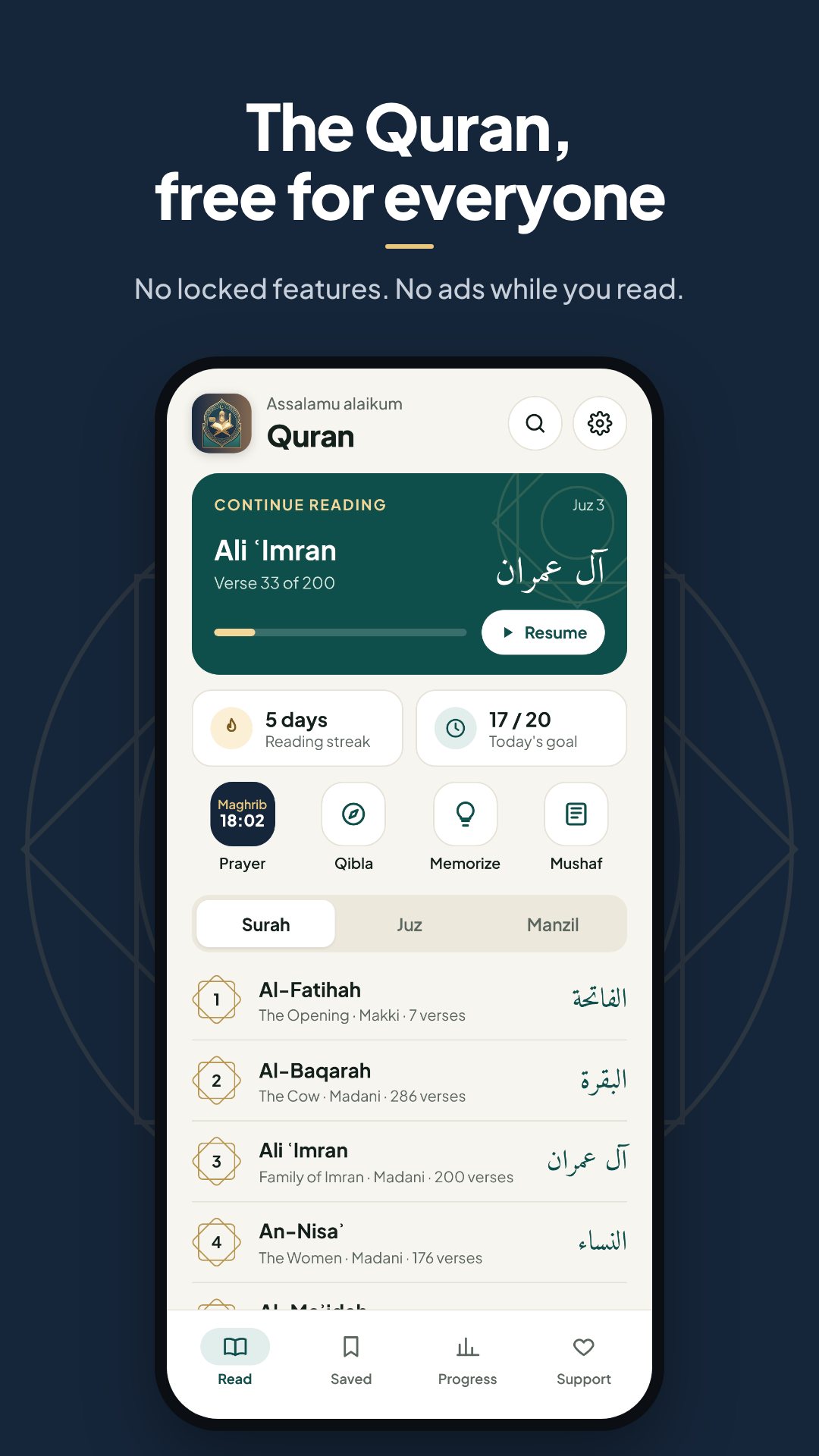
It is a full Quran reader rather than a single-feature tool. You get the entire Uthmani text — all 114 surahs and 6,236 verses — alongside word-by-word translation, two tafsirs, a memorization trainer and offline prayer times, with nothing to unlock and no reader ads.
Browse by surah, by Juz (the 30 classical divisions) or by Manzil (the 7 weekly divisions), and jump straight to any reference — type 2:255 to land on Ayat al-Kursi. A true 604-page Mushaf view mirrors the printed Madani layout for anyone who reads by page, and the app always reopens exactly where you left off. The Arabic is set in the Amiri Quran and Amiri typefaces, with adjustable size and light, sepia and night themes for comfortable reading at any hour.
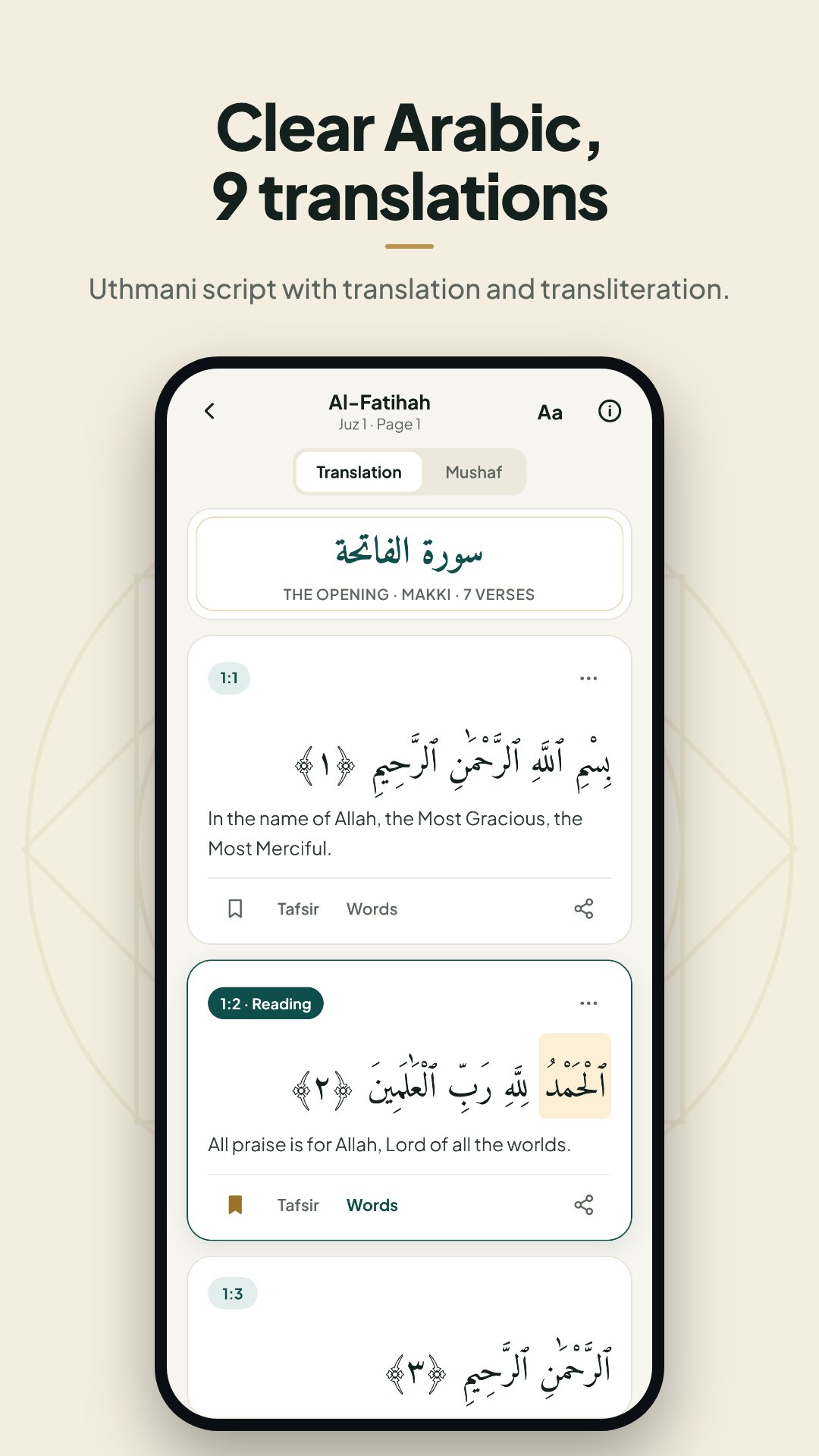
Each verse can show a word-by-word translation and transliteration, so you can follow the Arabic even before you read the script fluently. For deeper study there are 13 full translations — English, Indonesian, Urdu, Bengali, Turkish, French, Spanish, Russian, Chinese, German, Italian, Portuguese and Hindi — and two classical commentaries built in: Tanwir al-Miqbas (Ibn Abbas) and Tafsir al-Jalalayn. The Arabic text is sourced from the King Fahd Glorious Quran Printing Complex, so what you study is a verified Uthmani script.
The Hifz module turns memorization into a guided loop: read the verse in full, then hide every other word to test your recall, then recite the whole verse from memory. Each surah you learn enters a spaced-review queue — the app tracks what is due, and you can mark a passage "remembered" or push it to review tomorrow. It is the discipline a teacher gives you, running quietly in your pocket.
2:255.Because the app already knows your location, it calculates prayer times with 13 calculation methods — Muslim World League, ISNA, Umm al-Qura, Karachi, Egypt, Tehran, Diyanet (Türkiye), JAKIM (Malaysia), Kemenag (Indonesia), MUIS (Singapore) and the Gulf, Kuwait and Qatar authorities — using an astronomical algorithm that needs no internet. A Qibla compass points you to Makkah, the current Hijri date sits alongside, and you can set reminders for reading, a verse of the day, and the prayers themselves.
The app requests no internet permission for its content, so all 114 surahs, every translation and both tafsirs are read entirely from your device. Location stays on the phone and is used only for prayer times and Qibla; notifications power your reminders. There is no account, and your bookmarks, notes and progress never leave the device.
Yes. The full Arabic text, all 13 translations, both tafsirs and the prayer-time calculations run on your device, with no internet permission required for the content.
It is free with no ads in the reader and no locked chapters or features; development is supported by optional one-time or monthly donations.
Two classical commentaries are built in: Tanwir al-Miqbas min Tafsir Ibn Abbas and Tafsir al-Jalalayn, shown beside the verse you are reading.
Yes. The Hifz trainer walks you from reading, to hiding alternate words, to reciting from memory, and schedules each learned surah for spaced review.