 By the NAXTECH team · Published 11 Jul 2026 · Updated 11 Sept 2026 · Hands-on with v2.0
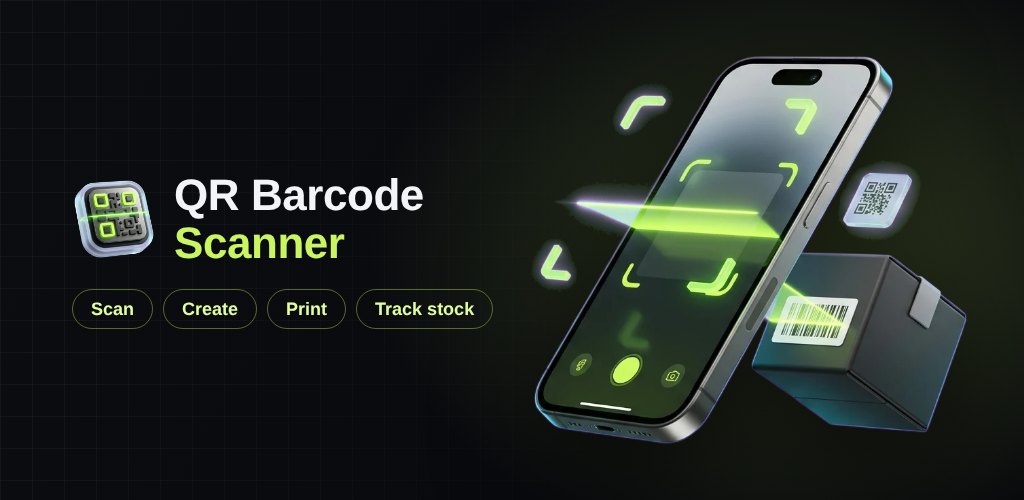
You scan a barcode at the till, and the app just copies the number — then you still have to open a spreadsheet to find out whether you have any left in the back. Most scanner apps stop at reading a code. QR Barcode Scanner was built to carry on from there: read the code, understand what it is, and tie it to the product sitting on your shelf.
It does three jobs that usually need three separate apps — scan any QR or barcode, create your own codes, and track stock against them — and all of it runs on the phone, offline, with nothing uploaded.
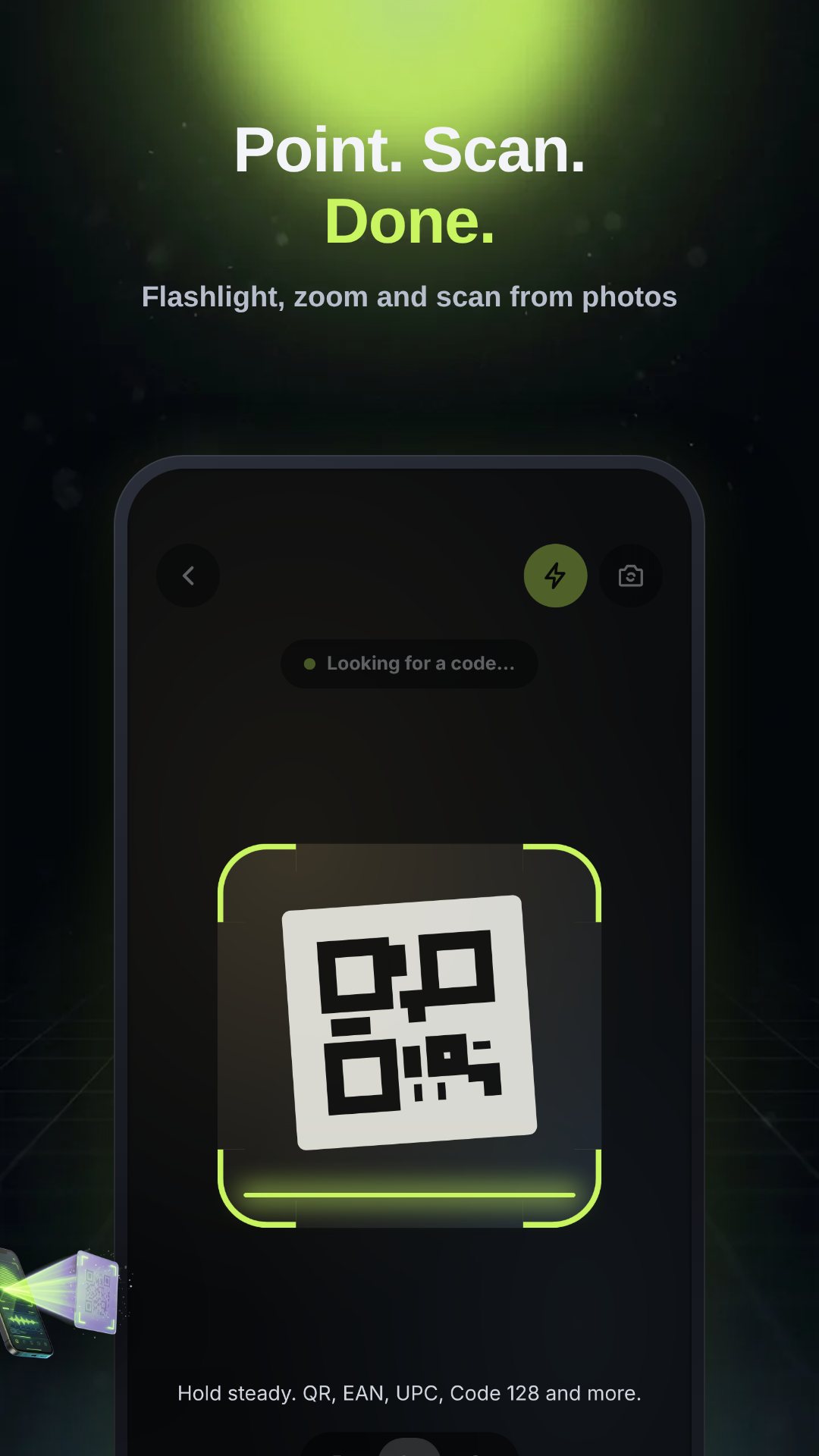
The camera scanner locks onto QR codes and the common retail barcodes — EAN, UPC, Code 128 and more — with a steady on-screen laser guide, a flashlight toggle for dim stockrooms, a front/back camera switch and three zoom steps for codes you can't get close to. No camera on hand? Pick a photo from the gallery and it reads the code straight out of the image. The moment it catches a code, it works out what kind it is — a link, plain text, a Wi-Fi network, an email, a phone number, a contact or a product code — and shows the matching action. Links are checked for HTTPS and the domain is spelled out before you tap, so you see where a code is sending you.
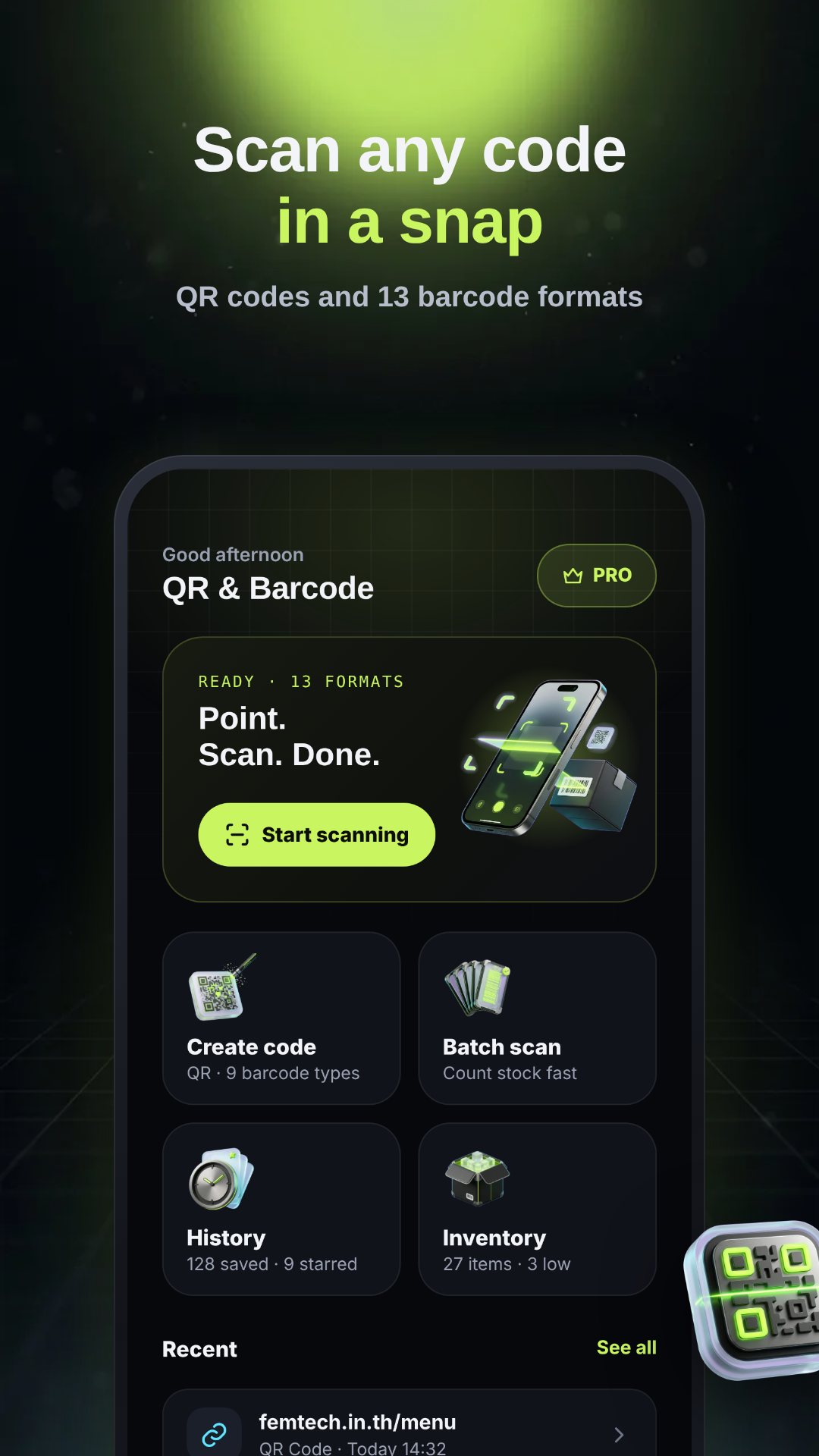
The generator builds a QR code from a URL, free text, Wi-Fi credentials, a contact card, an email or a phone number — or one of nine barcode symbologies: Code 128, Code 39, Code 93, EAN-13, EAN-8, UPC-A, UPC-E, ITF and Codabar. Everything previews live as you type, and the app validates the data for you — the right digit count for EAN and UPC, an even number of digits for ITF, the A–D start/end rule for Codabar, the allowed character set for Code 39 — so you never save a code that won't scan. You can style a QR with your own foreground and background colors, square or round dots and corners, with a low-contrast warning if a combination would stop the code reading. Save it as a PNG to the gallery, or lay it out as an A4 sticker sheet in Large, Medium, Small or Mini sizes and export or print the PDF with the name under each code.
Add a product by scanning its barcode to fill the field, then set its name, SKU, category, price, starting stock and a low-stock alert threshold. From then on the barcode is the shortcut: scan it to pull up the product, tap Stock in or Stock out, and every movement is logged with its before-and-after count. The inventory view totals your units and their value, flags anything at or below its reorder point, and lets you search by name, SKU or barcode. For receiving a delivery, Batch scan runs the camera continuously, counts each code as it passes, and applies the whole lot as stock-in in one go — or exports the tally as CSV.
The camera is used only to read codes — nothing is recorded or uploaded, and your scans, products and history stay in a database on the phone. The app works with no account and no connection, which is what you want at a market stall or in a stockroom with no signal. It is free with ads, and a one-time or yearly Pro purchase removes them.
Yes. Scanning, code creation and stock tracking all run on the device, and your data is stored locally with no account required.
QR codes plus nine barcode symbologies: Code 128, Code 39, Code 93, EAN-13, EAN-8, UPC-A, UPC-E, ITF and Codabar.
Yes. You can save a single code as a PNG or lay codes out on an A4 sticker sheet in four sizes and save or print the PDF.
Yes, it is free to download with ads, and an optional Pro purchase removes all ads.