POS by PokPok: a point-of-sale app that keeps the counter moving
 By the NAXTECH team · Published 28 Apr 2026 · Updated 15 Jul 2026
POS by PokPok at a glance
- What it is
- A point-of-sale app for cafes, restaurants and small retail counters.
- Platform
- Android phones and tablets.
- Who it is for
- Owners and staff who ring up orders, take payment and track sales.
- Core jobs
- Build an order, take payment, print or send the ticket, and review the day's totals.
- Price
- See the current listing on Google Play.
- Best for
- Independent shops that want a till without heavy hardware.
It is the lunchtime rush, there is a queue to the door, and the one thing standing between a happy customer and a walkout is how fast you can take the order and the payment. For a small cafe or shop, the till is not an accessory — it is the bottleneck. POS by PokPok is built to take that bottleneck away by turning the Android device you already own into a point-of-sale terminal.
Rather than committing to a bulky register and a service contract, you open the app, tap through the order, take payment and hand over the receipt. The point of a modern POS is to make the common path — add items, total, pay, next customer — fast enough that the line keeps moving.
Ring up an order in a few taps
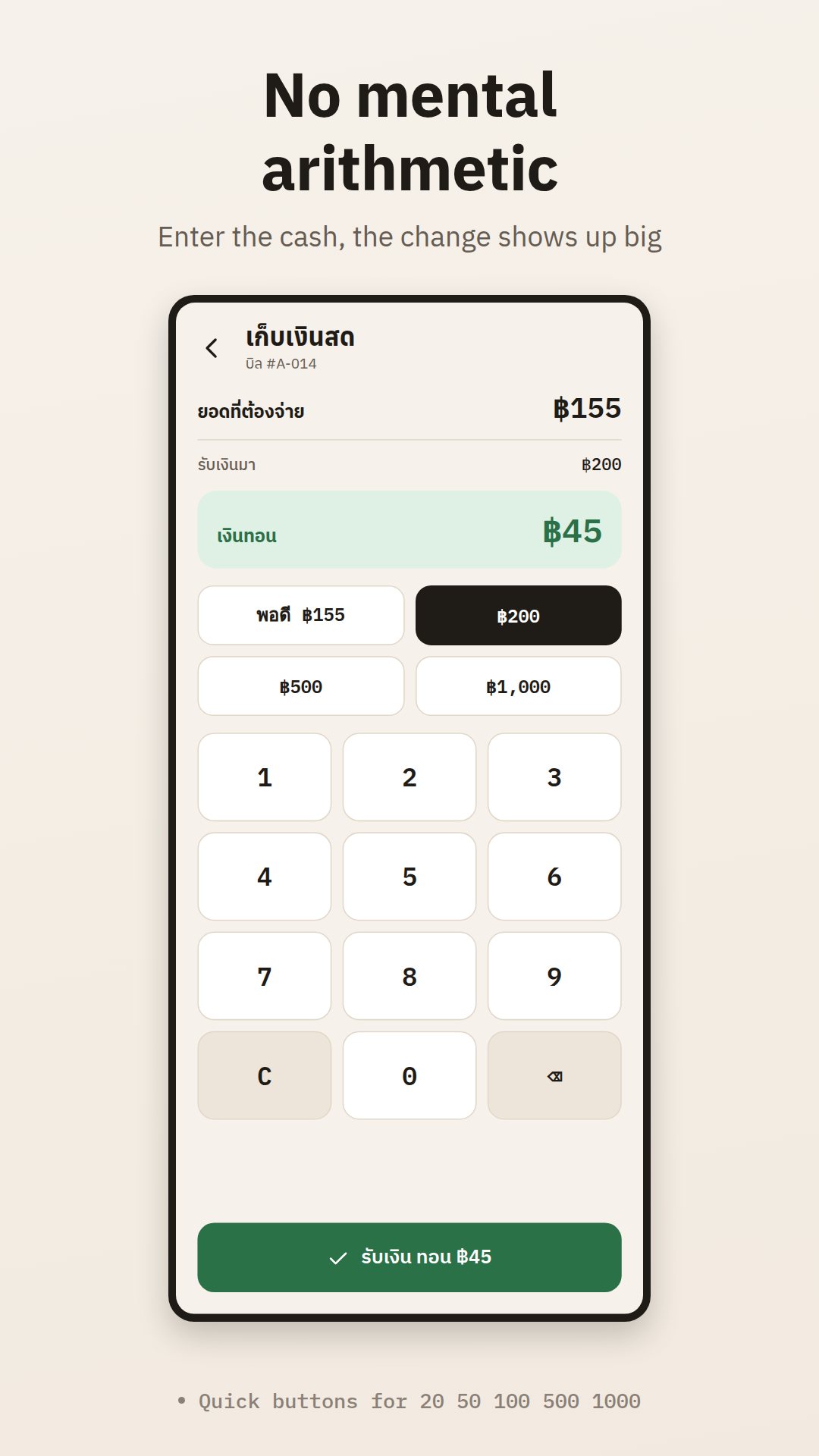
The heart of any point-of-sale app is the order screen, and POS by PokPok is organised around it. You tap items to build the running order, adjust quantities, and watch the subtotal and total update as you go. When the order is complete, you move straight to payment and close it out, ready for the next customer — the whole loop designed to be quick enough for a busy counter.
A till that fits in a pocket or on a stand
Because it runs on standard Android hardware, the same app works on a phone you carry to the table and on a tablet parked on a stand by the register. That flexibility is the appeal for a small business: no dedicated terminal to buy, and a spare device can step in if the main one is busy or out of charge.
See where the day stands
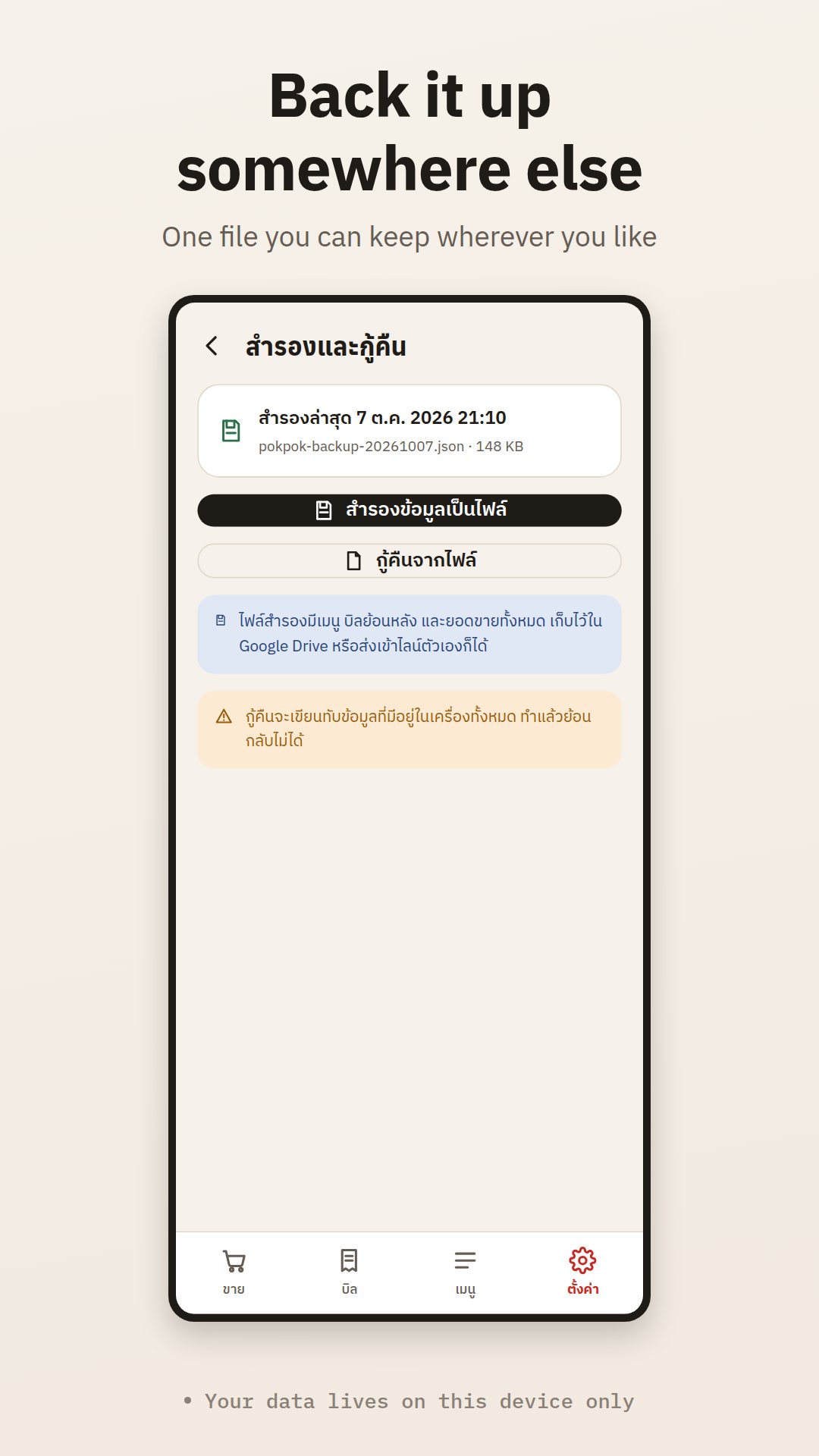
A point-of-sale app is only half the job if it forgets the sale the moment it closes. POS by PokPok keeps the register side and the review side together, so an owner can look at how the counter is doing rather than piecing it together from a drawer of paper receipts.
How to take your first order with POS by PokPok
- Open the app on your Android phone or tablet and go to the order screen.
- Tap items to add them to the running order and adjust quantities as needed.
- Check the subtotal and total, then move to payment.
- Take the payment and close out the sale.
- Repeat for the next customer, then review your totals at the end of the shift.
Made for small counters
The app is aimed at the independent cafe, food stall or small shop — the places where the owner is often the one at the register, and where a simple, fast till matters more than a long feature list. Keeping the common path short is the design goal.
Good to know
Features, pricing and supported hardware can change between releases, so the Google Play listing is the source of truth for what the current version includes. If you rely on specific peripherals such as a receipt printer or cash drawer, confirm compatibility before you depend on them in service.
Frequently asked questions
What is POS by PokPok?
It is an Android point-of-sale app that turns a phone or tablet into a till for taking orders and payments at a small cafe, restaurant or shop.
What hardware do I need?
An Android phone or tablet to start. Any additional hardware, such as a receipt printer, depends on the version, so check the Play listing.
Is it for restaurants or retail?
It suits small counters in either setting — anywhere you build an order, take payment and want to review the day's sales.
Where can I see the current price and features?
The Google Play listing shows the up-to-date price, screenshots and the feature set for the current release.