Piggo: a savings goal app that turns saving into a daily habit
 By the NAXTECH team · Published 25 Feb 2026 · Updated 18 Jul 2026 · Hands-on with v1.0
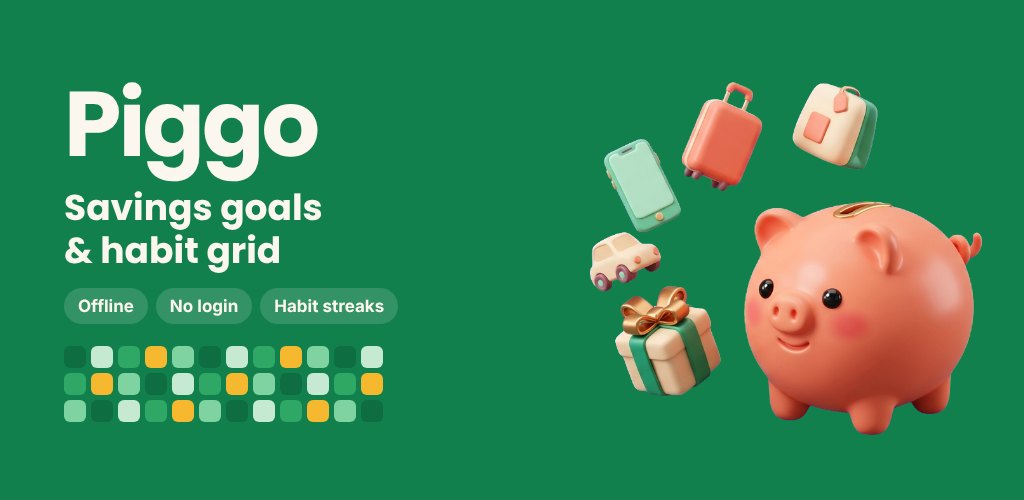
Piggo at a glance
- What it is
- A savings-goal tracker with a habit grid, built so saving becomes a streak you don't want to break.
- Platform
- Android · fully offline, no sign-up or account.
- Price
- Free with ads; optional Piggo Plus (monthly, yearly or lifetime).
- Core pieces
- Savings goals · Habit grid & streaks · Insights · Badges & levels · Home-screen widgets.
- Languages
- 10 — English, Thai, Spanish, Portuguese, Indonesian, Vietnamese, Japanese, Korean, German, French.
- Best for
- Anyone saving toward something specific who wants the process to feel light and visual.
You decide to save for the trip, the new phone, the emergency buffer — and two weeks later the plan is a number in your head that never quite happens. The gap between wanting to save and actually doing it, day after day, is the whole problem Piggo was built around. Instead of treating a goal as one big far-off total, it breaks it into a small action you repeat until it sticks.
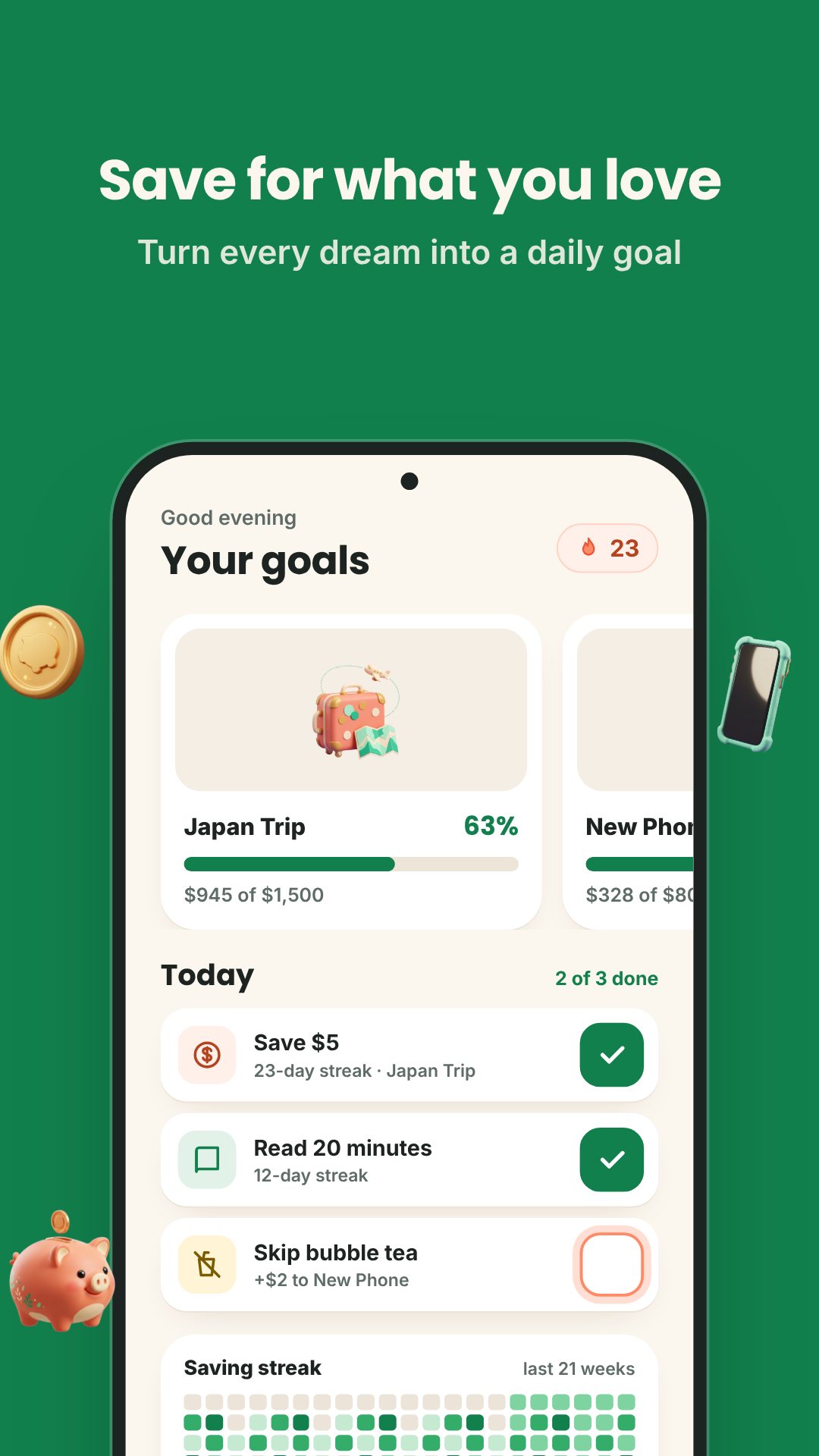
Piggo is two apps that help each other. One side is a savings goal tracker — set a target, add deposits, watch a progress bar fill. The other is a habit grid that turns "save a little today" into a streak. Everything is stored in a single file on your device, so there is no account to make and nothing waits on a connection.
Set a goal, then feed it a little at a time
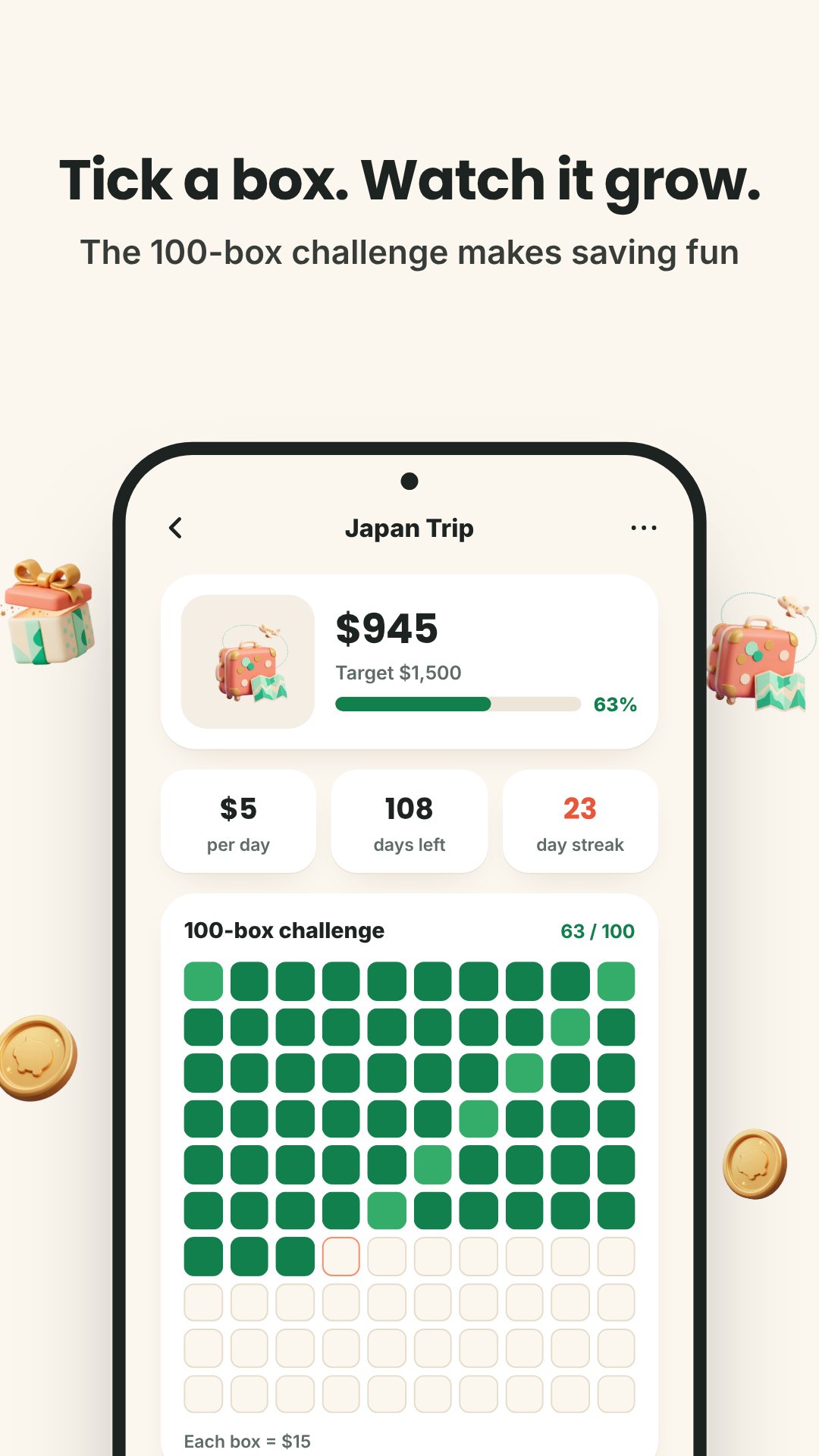
Create a goal with a name, a target amount and an optional deadline, and give it a face — Piggo ships 31 built-in cover pictures, or you can drop in your own photo. Each goal has a saving plan (daily, weekly or monthly) and a progress tracker you can show as filling boxes or a grid. Adding money is a quick number-pad deposit; you can log a withdrawal too, so the total always matches real life. When a goal fills up, the app marks it complete with a bit of confetti. The free plan keeps three active goals at once, and Piggo Plus lifts that to unlimited.
A habit grid that pays into your goal
Habits are where the saving actually gets done. Name a habit, give it one of 12 icons (coin, book, water drop, cup, running, moon, leaf, heart, pen, dumbbell, cart or sun), pick a colour, and choose which weekdays it runs. The grid fills in as you check off each scheduled day, and Piggo tracks your current streak, best streak and completion rate. The clever part: you can link a habit to a goal with an amount, so every time you check in — say, your "skip the coffee" habit — that amount is automatically deposited into the goal. The habit you keep and the money you save become the same action.
Keep the streak alive
Missed a day? Piggo doesn't just reset you to zero and shrug. A Streak Freeze counts a missed scheduled day as done, and Piggo Plus includes three freezes a month; on the free plan you can restore a broken streak with a rewarded ad (once every seven days). It's forgiveness built in on purpose, because one slip shouldn't undo three weeks of effort.
See where the money is going
- Insights — saved totals by week, month or year as a bar chart, plus your overall habit hit-rate.
- Badges & levels — earn XP as you save and check in, climb through eight levels, and unlock milestone badges like First Coin, 7- and 30-day streaks, a finished goal, 100 check-ins and 300 deposits.
- Home-screen widgets — a goal-progress widget with a quick-add button, a habit grid you can check off without opening the app, and a 2×2 streak flame.
- Share cards — turn a goal or streak into an image to post, with an option to hide the amounts.
- Reminders — a daily save nudge, a streak-risk alert in the evening, milestone and weekly summaries, all with quiet hours.
Yours, private, and under lock
Because Piggo keeps everything on device, you can protect it with a PIN or your fingerprint / face, and the app re-locks itself after a minute in the background. Your data stays yours: export a backup file whenever you like and restore it on a new phone, no cloud account involved. Piggo works in 10 languages and 10 currencies (USD, EUR, GBP, THB, JPY, KRW, IDR, VND, BRL and MXN), formatting amounts and dates the way your region expects.
How to start saving with Piggo
- Open Piggo, pick your language and currency, and tap New goal.
- Name the goal, set a target and an optional deadline, and choose a cover picture or your own photo.
- Add your first deposit on the number pad to see the progress bar move.
- Create a habit for the small daily action, set its weekdays, and link it to the goal with an amount.
- Check the habit off each day, keep the streak going, and let the deposits stack up until the goal is done.
Good to know
Piggo is a personal savings and habit tracker, not a bank or budgeting account — it records the money you set aside, it doesn't hold or move funds. It's free to download and supported by ads, with an optional Piggo Plus upgrade that removes ads and unlocks unlimited goals, premium themes, habit colours, extra share templates and three monthly Streak Freezes.
Frequently asked questions
Does Piggo need an account or the internet?
No. Everything is stored locally on your phone, so you can create goals, log deposits and check off habits completely offline, with no sign-up.
How many goals can I track for free?
The free plan keeps three active goals at a time; Piggo Plus makes goals unlimited.
What happens if I miss a day?
A Streak Freeze counts a missed day as done — Plus includes three a month, and free users can restore a broken streak with a rewarded ad once a week.
Can a habit add money to a goal automatically?
Yes. Link a habit to a goal with an amount, and every check-in deposits that amount into the goal for you.