Periodic Table: the elements, quizzes and chemistry tools in one offline app
 By the NAXTECH team · Published 29 Jul 2026 · Updated 27 Oct 2026 · Hands-on with v2.0
Periodic Table at a glance
- What it is
- A periodic table reference, chemistry toolkit and spaced-repetition learner in one app.
- Platform
- Android · works fully offline, no account and no permissions needed.
- Price
- Free, with ads and an optional Pro in-app purchase.
- Covers
- All 118 elements · Bohr models · isotopes · solubility · pH indicators · reactions · calculators.
- Languages
- Element data in 11 languages, including English, Spanish, French, German, Japanese and more.
- Best for
- High-school and university chemistry students, and anyone revising the elements.
It is the night before the exam, you are staring at a photocopied periodic table, and you still cannot reliably name the symbol for antimony — let alone balance the equation on question four. A wall chart tells you where an element sits; it does not help you remember it, and it certainly will not do the arithmetic. Periodic Table was built to be the one app that closes that whole gap: look something up, understand why it behaves the way it does, drill it until it sticks, and run the calculation — without ever leaving the app or going online.
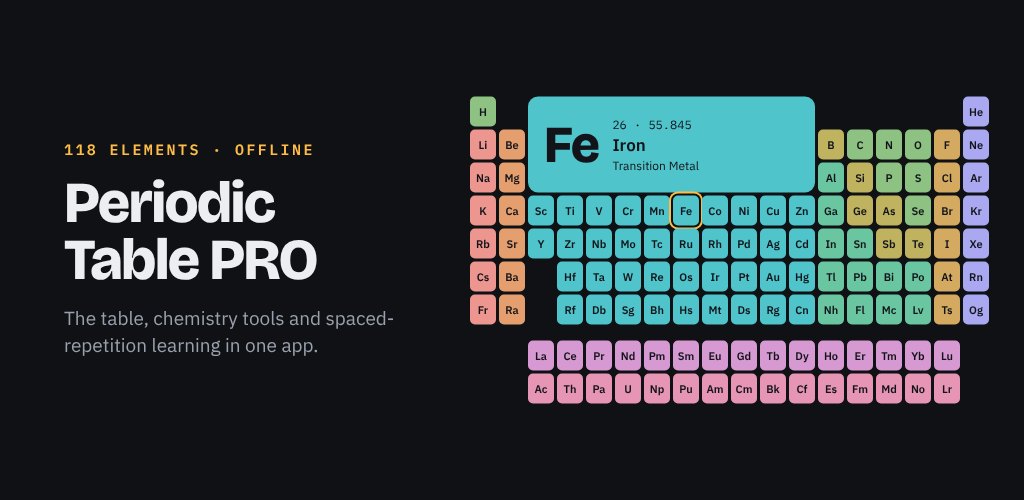
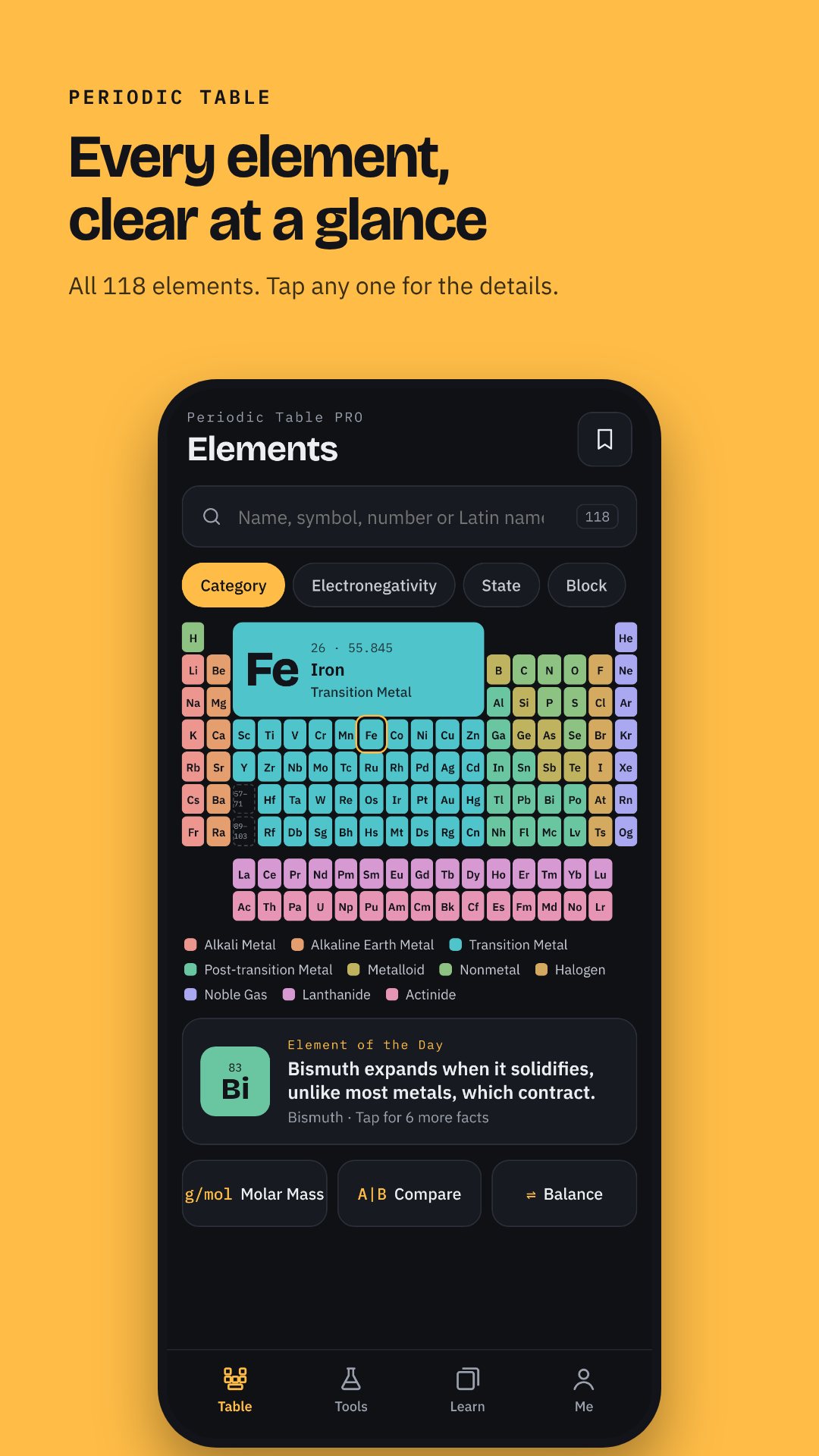
At its core is a clean, colour-coded table of all 118 elements, grouped by family — alkali metals, halogens, noble gases, lanthanides and the rest — so the trends are visible before you tap anything. Everything runs on device, with no sign-in and no permissions requested, so it works just as well in a lab basement as on the bus.
An element card that explains, not just lists
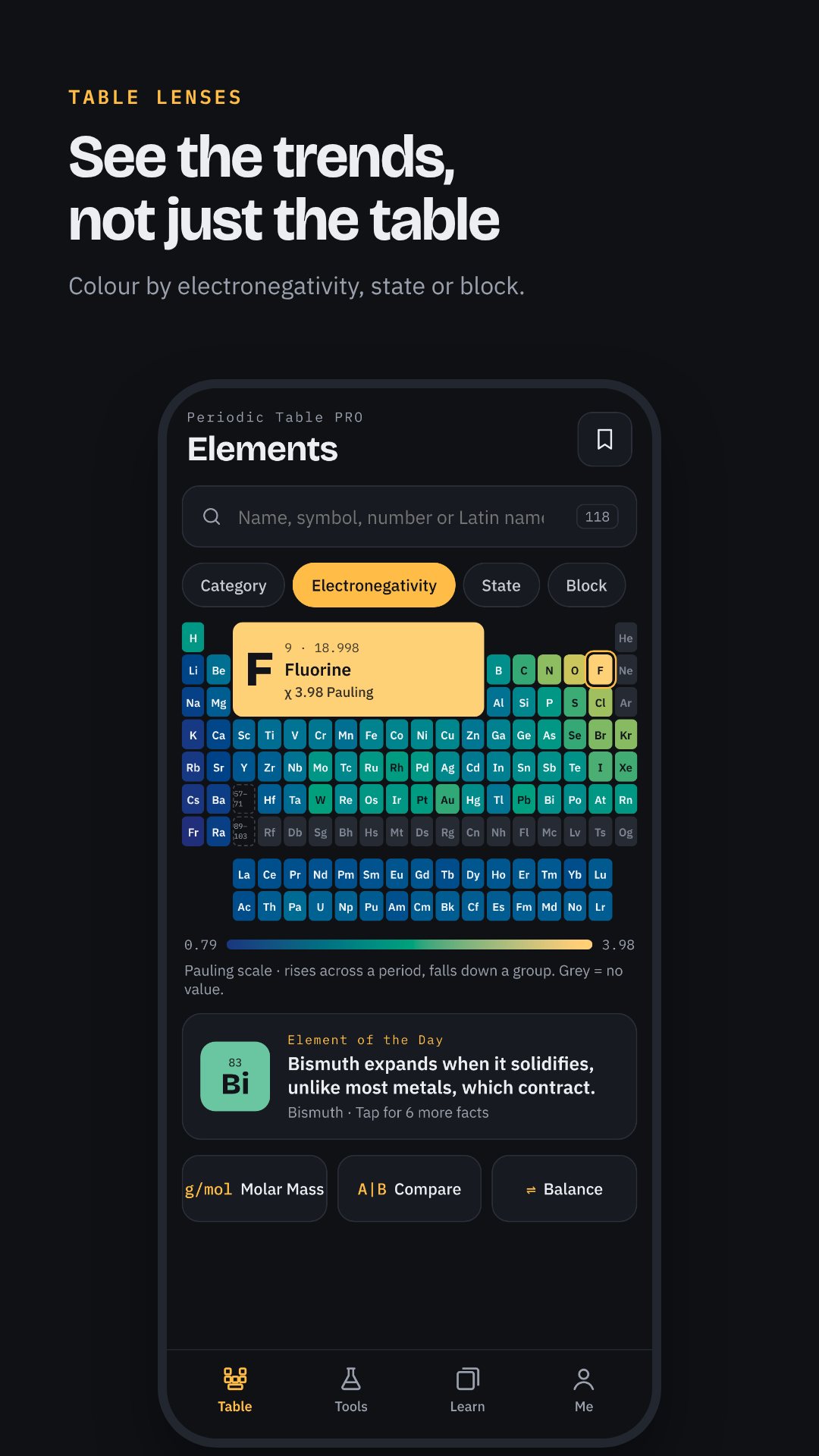
Tap any tile and the element opens to a full card split into Data, Isotopes and Safety tabs. The Data tab shows atomic number and mass, electron configuration, electronegativity, melting and boiling points, density, oxidation states and ionization energy, plus who discovered it, when, and where the name comes from. A built-in Bohr model draws the electron shells for you, and an NFPA safety diamond shows the health, flammability and reactivity ratings at a glance. The Isotopes tab lists every isotope with its half-life and decay mode.
Compare two elements and see why they differ
Pick any two elements side by side and the Compare view does more than stack their numbers. A "Why they differ" note explains the trend in plain language — why an element further along the same period is a smaller atom that holds its electrons more tightly, or which of two elements pulls bonding electrons more strongly and in which direction a bond between them leans. It turns the table from a lookup into a periodic-trends tutor.
Learn the elements with spaced repetition
The Learn tab is a proper study system, not a gimmick. It uses Leitner-box spaced repetition — six boxes with review intervals of 0, 1, 3, 7, 16 and 35 days — so cards you know well come back less often and the ones you keep missing come back fast. A mastery map colours all 118 elements by how well you know them, each day serves a short mixed session of symbols, names, numbers and families, and a streak counter keeps you honest.
Five practice modes to drill the gaps
- Name → Symbol — given the element name, pick the correct symbol.
- Symbol → Name — given the symbol, pick the correct element name.
- Number → Element — given the atomic number, pick the right element.
- Match the category — sort elements into their correct family.
- Find it on the table and Speed run — locate an element on the real layout, or race the clock.
Chemistry calculators and reference tables
The Tools tab carries the working chemistry you actually need. A molar mass calculator with a chemical keyboard parses any formula, an equation balancer shows the balance step by step, a mole ⇆ gram converter handles particles too, and a solutions calculator covers molarity and dilution. Alongside them sit four reference databases: an interactive solubility table of anions against common cations, a pH indicator database with 22 indicators and their colour changes, a searchable reaction database of 60 common reactions, and the full isotopes and half-lives tables.
How to memorise the elements with Periodic Table
- Browse the table and tap a few tiles to read their cards and Bohr models.
- Open the Learn tab and start today's mixed spaced-repetition session.
- Grade each flashcard honestly so the Leitner boxes schedule your reviews.
- Hit a weak spot with a practice mode — try Symbol → Name or Speed run.
- Come back daily to keep your streak and watch the mastery map fill in.
Good to know
Periodic Table works entirely offline and asks for no device permissions, so nothing you do leaves your phone. The interface and element data are available in eleven languages. The app is free and contains ads, with an optional Pro in-app purchase that removes ads and unlocks the full practice modes and unlimited calculator use.
Frequently asked questions
Does Periodic Table work offline?
Yes. All 118 element cards, the calculators, reference tables and the spaced-repetition learner run on your device, with no account and no internet connection required.
How does the learning system work?
It uses Leitner-box spaced repetition with six boxes and review intervals of 0, 1, 3, 7, 16 and 35 days, so elements you know resurface less often and weak ones come back sooner.
What chemistry tools are included?
A molar mass calculator, a step-by-step equation balancer, a mole-to-gram converter and a solutions calculator, plus solubility, pH indicator, reaction and isotope reference tables.
Is Periodic Table free?
Yes, it is free to download with ads, and offers an optional Pro in-app purchase that removes ads and unlocks the full set of practice modes.