 By the NAXTECH team · Published 24 Jul 2026 · Updated 18 Oct 2026 · Hands-on with v1.2
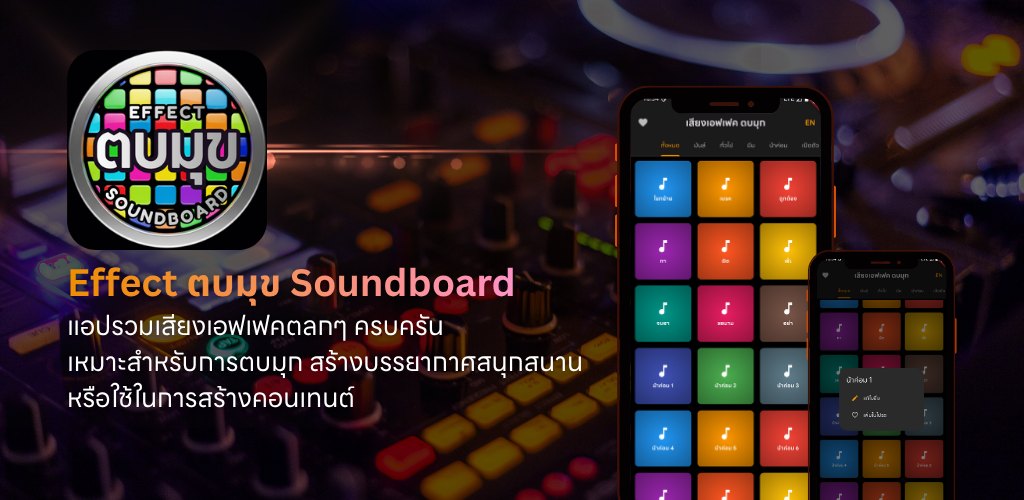
The joke lands, the room goes quiet — and you fumble through three apps trying to find that one "ตบมุข" drop before the moment is gone. Every Thai comedy fan, live streamer and party host knows that feeling. A punchline without its sound effect is only half a punchline. Effect ตบมุข Soundboard was built to put the right sound under your thumb the instant you need it.
It is a Thai meme soundboard holding over 100 sound effects — the classic ตบมุข (punchline) stings, applause, "น้าค่อม" clips, viral TikTok memes, Thai voice lines and dance tracks — all bundled in the app so they fire instantly, even with no signal.
The library is split across nine categories plus an All tab that gathers every sound in one place. The tabs run along the top — Topmuk (ตบมุข) for punchline drops, Nakom (น้าค่อม), Memes, Thai voices, Thai music, Openings, Applause (ปรบมือ), Dance and General — so the sound you want is a swipe and a tap away. Swipe left or right to move between categories without lifting your eyes from the show.
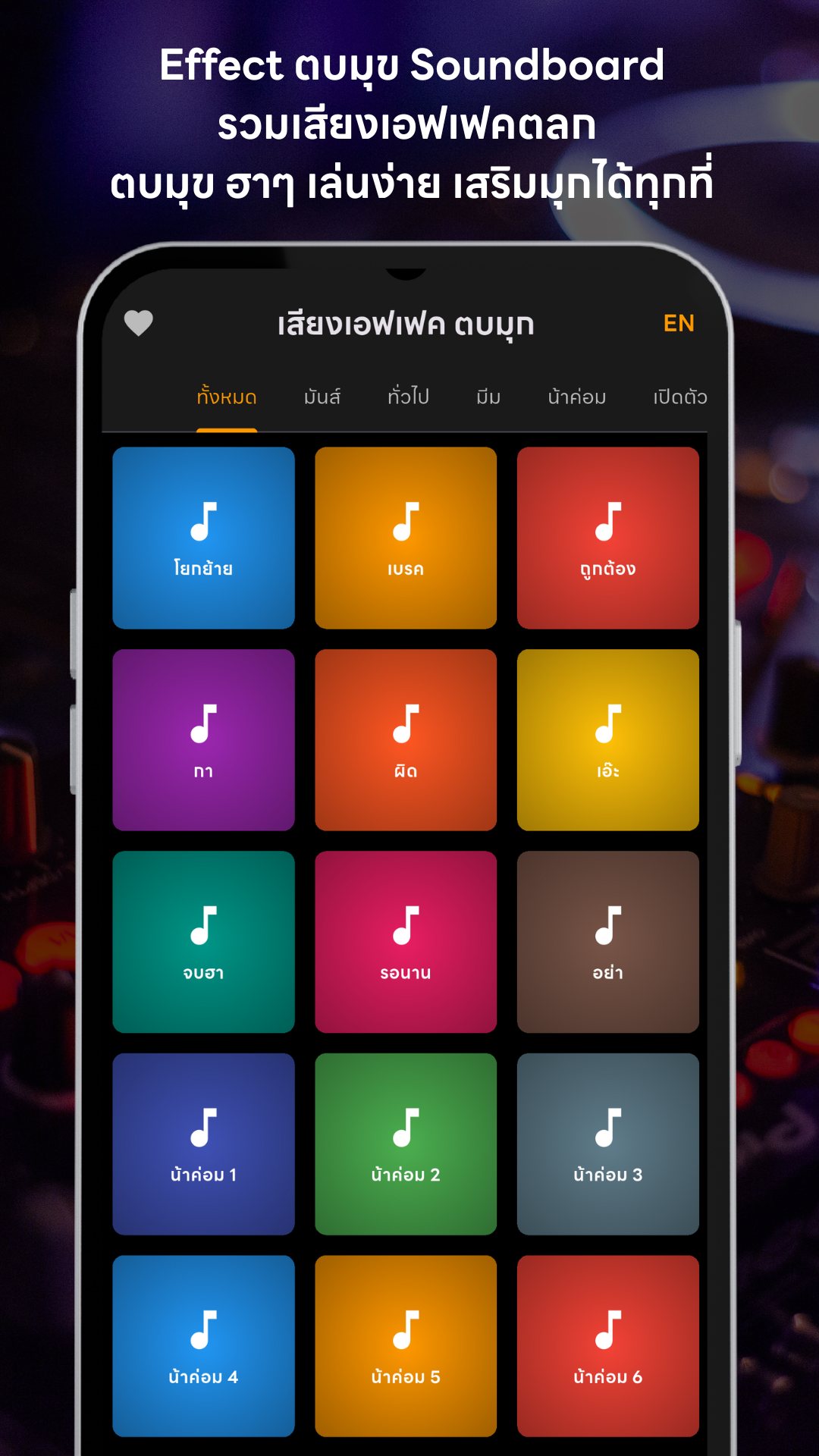
Every sound is a single tap. Tap once to play, tap the same button again to stop, and a thin progress bar runs across the button so you always know how much of the clip is left. Because the player mixes audio, you can layer several sounds at once — drop a drumroll under a crowd cheer, or a meme sting over a music loop — which is exactly what you need when you are driving a live from one phone.
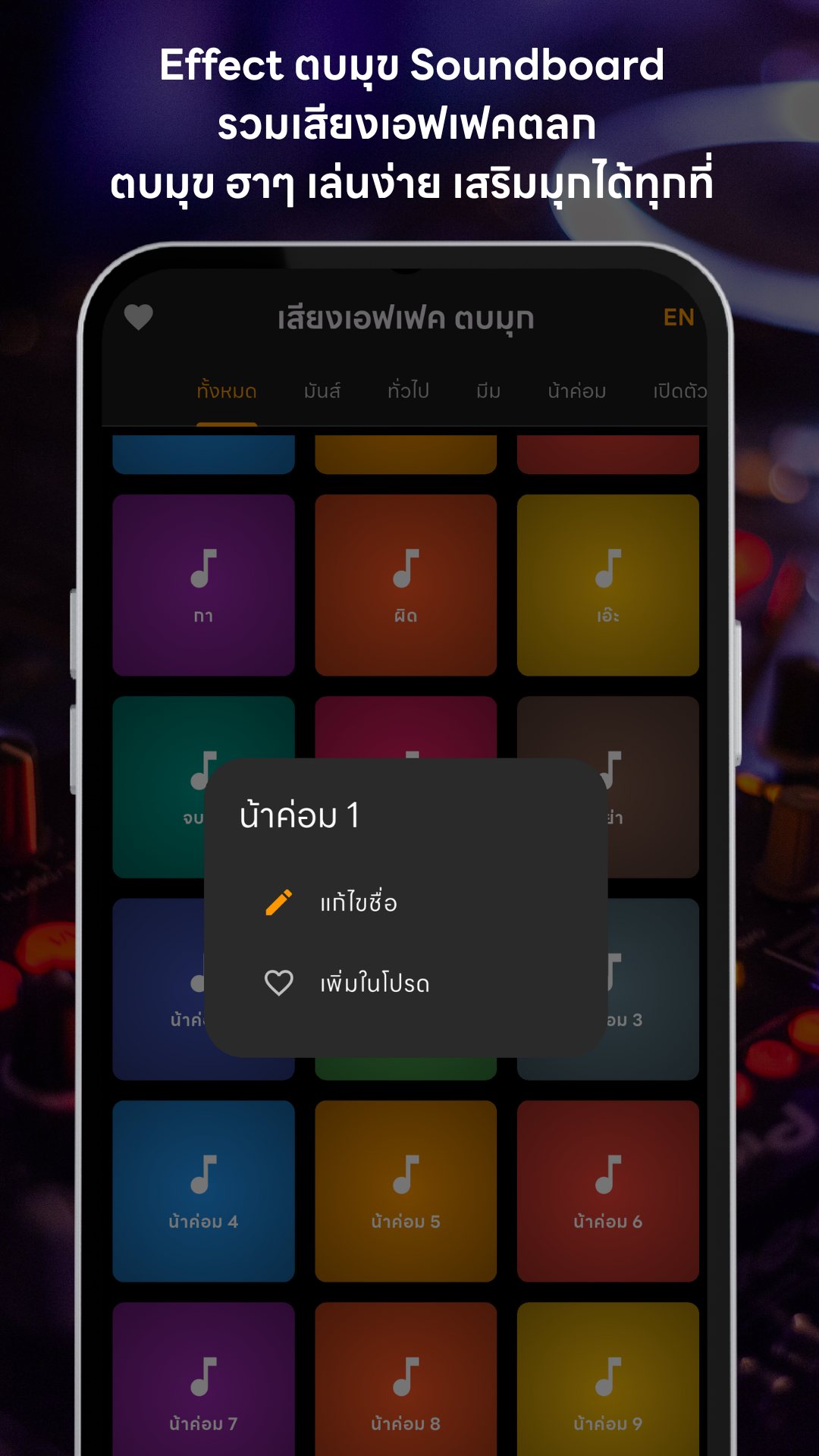
Long-press any button to open its menu. From there you can rename the button in whatever wording makes sense to you — the custom name is kept per language — or add the sound to your Favourites ❤️. The heart icon up top opens a dedicated Favourites page that pulls your go-to sounds out of every category into one fast board, so your best bits are never more than two taps away mid-stream.
When a session gets hectic, tap the ⛶ icon to enter Fullscreen mode: the app bar and the bottom banner disappear and the grid widens to fit more buttons on screen at once (up to seven columns in landscape). It is the mode built for a fast-moving TikTok live or a party where you are triggering a sound every few seconds.
The whole interface flips between Thai and English with the TH/EN button in the corner. Sound labels come with ready-made Thai names, so "topmuk" reads as "ตบมุข" and the meme clips carry their familiar Thai nicknames — handy whether you grew up with these sounds or are discovering Thai internet comedy for the first time.
Effect ตบมุข Soundboard is free. The sounds all live inside the app, so playback works offline and the app asks for no special permissions — no microphone, camera or location. It shows a small banner ad, and when you open Favourites or Fullscreen you may see a skippable rewarded ad; watch it through and you earn a 5–30 minute ad-free window during which the banner disappears. The app also supports Play in-app updates so you get new sounds without hunting for them.
Yes. Every sound effect is bundled inside the app, so the board works with no internet connection.
Yes. The player mixes audio, so you can layer several sounds — tap another button and it plays over the first.
Long-press any button to rename it or add it to Favourites, which opens on its own fast-access board.
It is free. There is a banner ad, plus optional skippable rewarded ads that grant 5–30 minutes of ad-free time.