 By the NAXTECH team · Published 15 Feb 2026 · Updated 19 Aug 2026 · Hands-on with v1.0
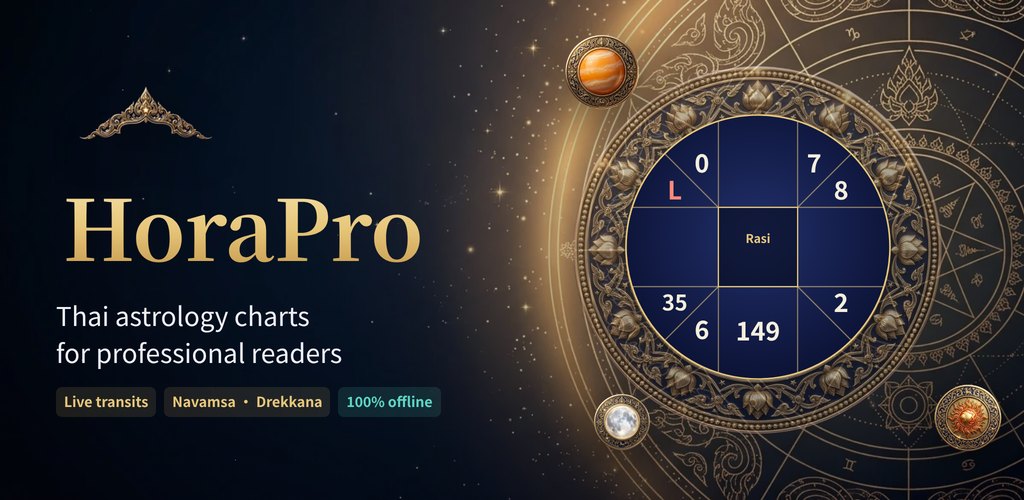
You are sitting across from a client, their birth time in front of you, and the generic horoscope app on your phone has no idea what a lagna is, let alone a taksa ring. For anyone who reads Thai astrology, the gap between a Western pop-astrology app and a real reader's workbench is the whole problem. HoraPro (โหราโปร) was built to close it.
HoraPro is a Thai astrology toolkit built around a proper chart engine — a clean-room implementation using Meeus/VSOP87 planetary formulas, the Lahiri ayanamsa, and the classical Thai calculation rules a reader actually relies on. Everything runs offline, on your device, with no account, so a reading at a client's table never waits for a signal and never leaves your phone.
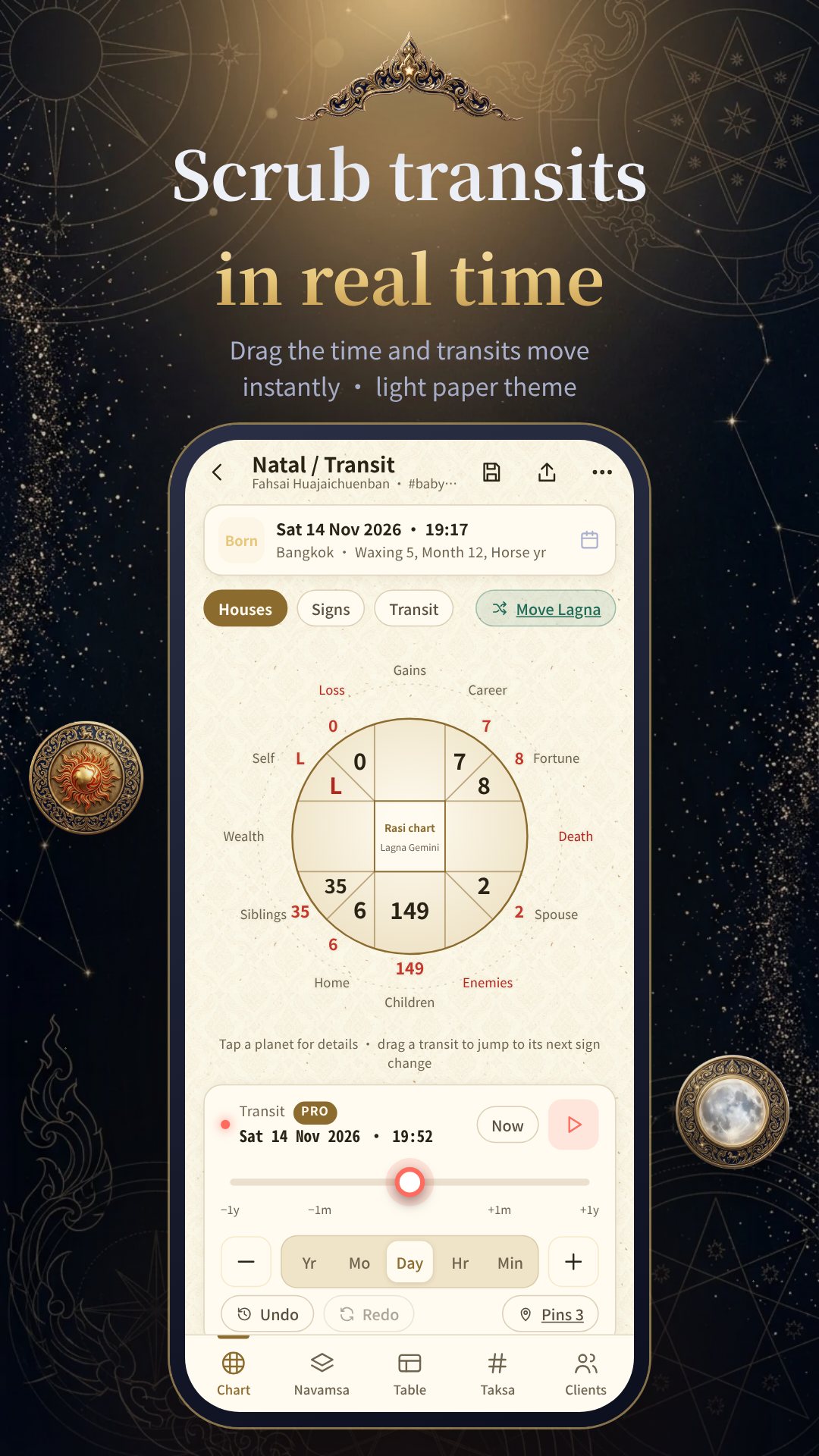
The chart wheel is the heart of the app. HoraPro draws the natal chart (จักร์กำเนิด) and a transit (จร) ring together, with the twelve signs and the twelve Thai houses — ตนุ, กดุมภะ, สหัชชะ and the rest — labelled the way you learned them. Tap any sign or planet to read its exact degree, its house, and whether it is retrograde; long-press a transit planet and drag to jump to its next sign change. Years are entered on Buddhist-era (พ.ศ.) wheels, and the engine is verified across B.E. 2127–2620.
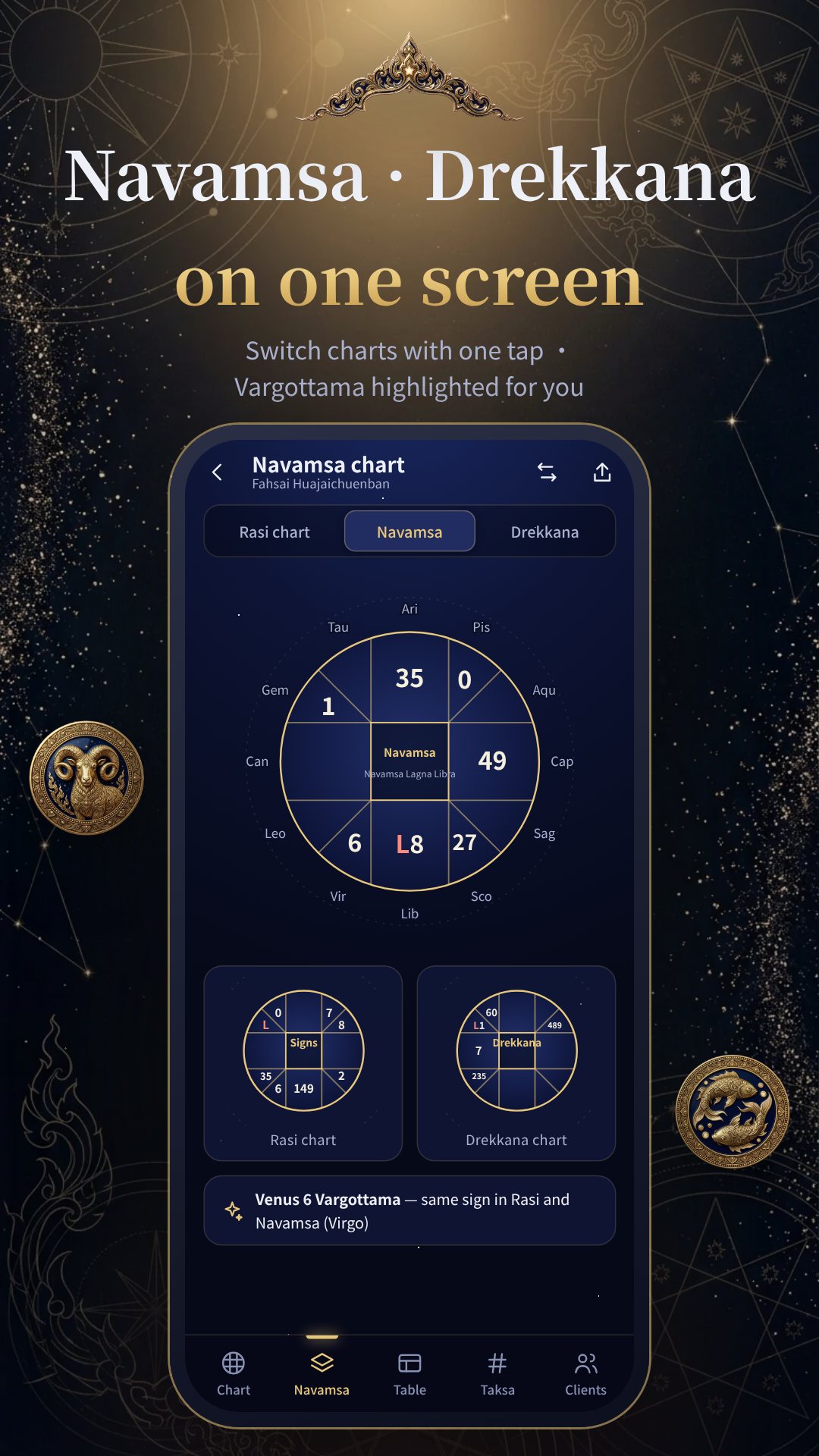
Thai astrology is more than planet positions, and HoraPro brings the classical layers with it. The Taksa (ทักษา) ring lays out the eight cells — บริวาร, อายุ, เดช, ศรี, มูละ, อุตสาหะ, มนตรี and กาลกิณี — in a 3×3 grid for both the birth and the current age. The 7×9 table (เลข 7 ตัว 9 ฐาน) and Taksa Yook (ทักษายุค) tools render the number systems many Thai readers work from, and Treewai and Taksa-by-age follow the life-period cycles. Sub-charts include the Navamsa (นวางค์) and Drekkana (ตรียางค์) divisions, with Vargottama planets flagged automatically.
No two Thai lineages calculate identically, so HoraPro makes the method yours. In Calculation settings you choose the ephemeris (astronomical vs Thai Suriyayatra), the ayanamsa, the 18-minute Suriyayatra adjustment, the lagna method, how Rahu and Ketu are found (mean vs true node, the Thai 679-day Ketu vs opposite Rahu), and whether periods follow the weekday planet over 108 years or Vimshottari over 120. You can even add Neptune, Pluto, Bacchus and the Midheaven (ทศมลัคน์) as extra bodies.
HoraPro doubles as a quiet client book (สมุดลูกค้า). Save each person with their birth data and dated notes, reopen their chart in a tap, and pick birthplaces from the Thai province list or add a foreign location by latitude and longitude. The free tier holds up to 15 clients; Pro removes the limit. Because client data is sensitive, the app locks behind a PIN or biometric — the PIN is kept only as a salted SHA-256 hash in Keystore-backed storage — and it blocks screenshots and the Recents preview. Backup and restore writes a file you control that is never uploaded.
When the reading is done, the chart sheet exports a print-ready A4 page as PDF or PNG at roughly 300 dpi. Base templates are free (watermarked), while template packs and watermark-free branded sheets unlock through in-app purchase.
HoraPro presents traditional Thai astrology for cultural, educational and reference use; it does not replace professional advice. The engine is verified for Buddhist years 2127–2620, and the app is free with ads and optional in-app purchases.
Yes. The chart engine runs entirely on your device, so you can cast and read charts with no connection and no account.
Your choice — the Lahiri ayanamsa with an astronomical ephemeris, or the traditional Thai Suriyayatra method, set in Calculation settings.
Yes. The built-in client book stores birth data and dated notes; the free version holds up to 15 clients and Pro removes the limit.
All data stays on your device — backups are a file you control and are never uploaded, and a PIN or biometric lock plus screenshot blocking protect the app.