 By the NAXTECH team · Published 25 Jan 2026 · Updated 2 Oct 2026 · Hands-on with v1.0
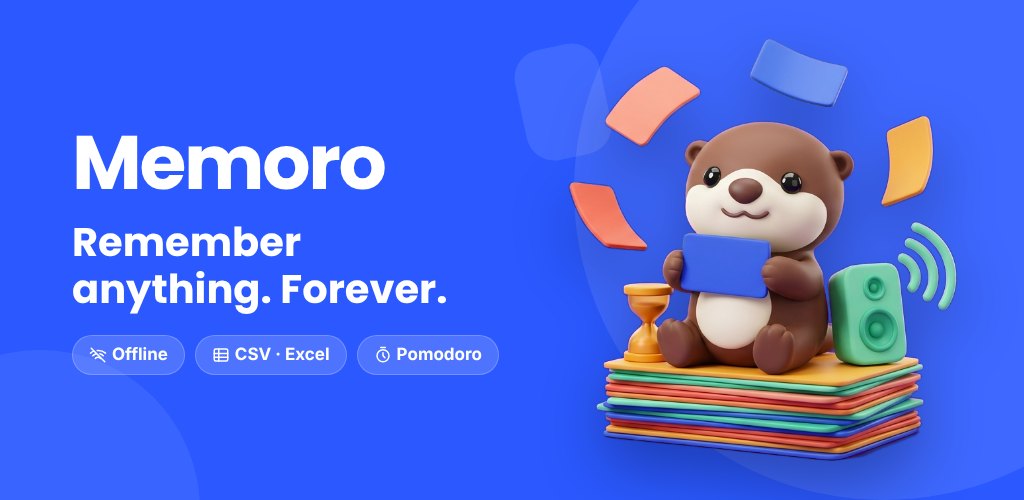
You sit down to review 40 cards, and twenty minutes later you have learned nine of them and scrolled a feed for the rest. The hard part of memorising with flashcards was never the cards — it is staying on the cards. Memoro was built around that exact problem: a proper spaced-repetition deck on one side, and a focus timer that keeps you in the chair on the other.
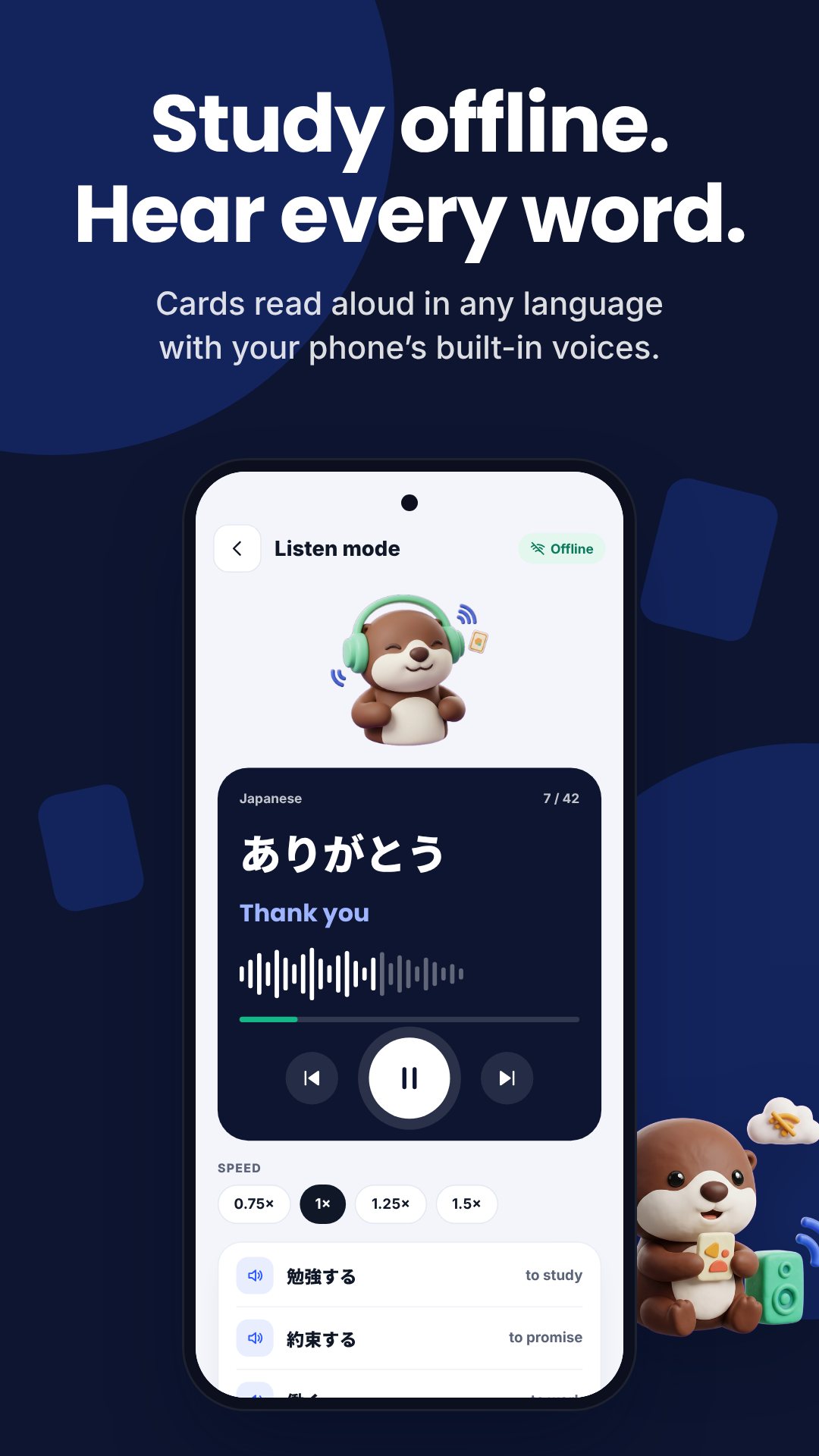
Memoro is an offline flashcards app for Android. The whole study loop — scheduling, reviewing, text-to-speech, quizzes and stats — runs on your device with no account and no connection, so a review session on the train never stalls waiting for a signal.
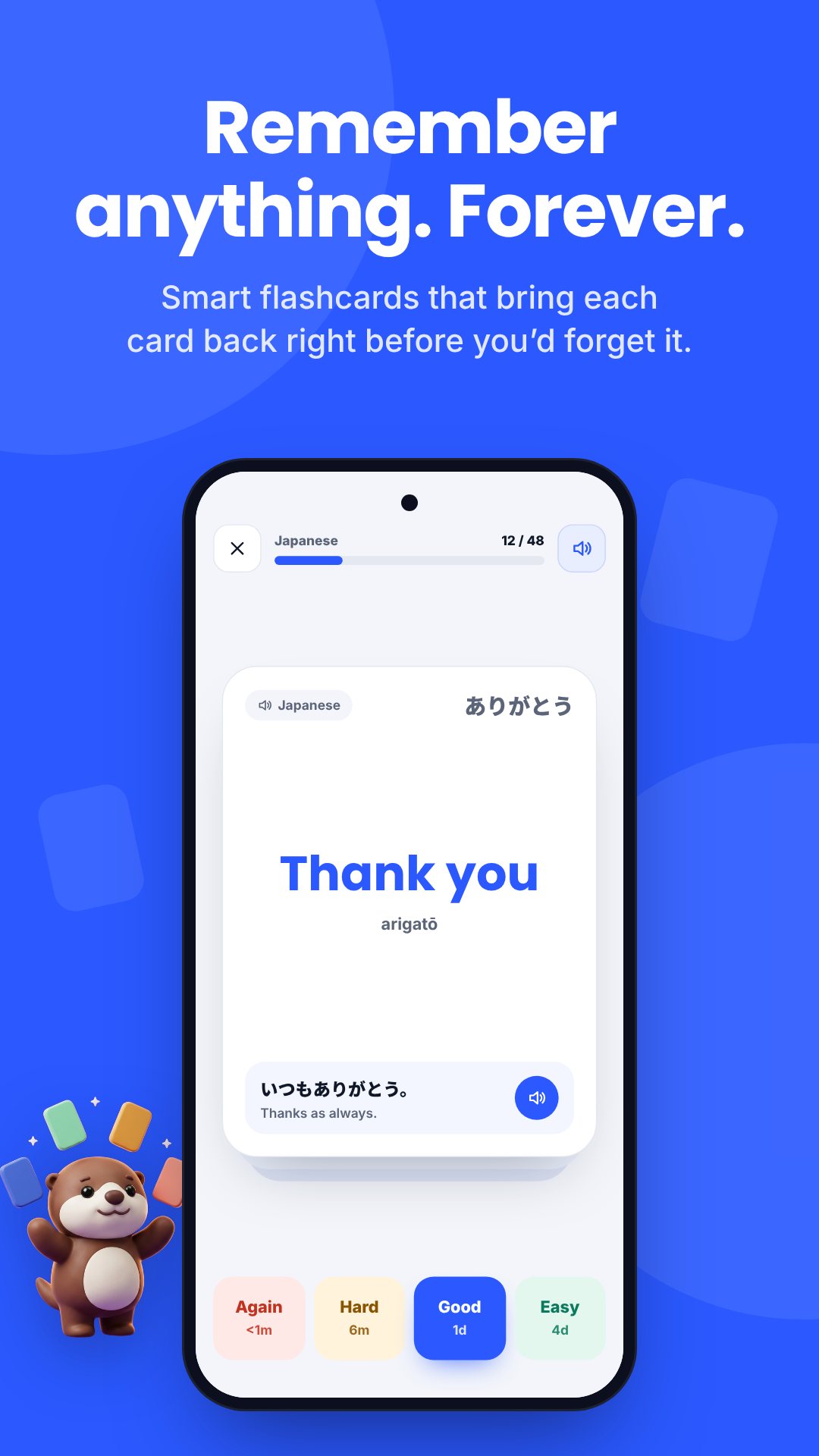
Under the hood Memoro runs an Anki-style SM-2 scheduler, not a flip-through pile. Each card moves through new, learning, review and relearning states, with short learning steps (1 and 10 minutes) before it graduates to days-long intervals. When you reveal a card you rate it Again, Hard, Good or Easy, and the app recalculates the next due date from the card's ease and interval — so the cards you find hard come back sooner and the ones you know get out of your way.
The timer is a first-class part of Memoro, not a bolt-on. Run a classic Pomodoro — four work rounds with a 5-minute break between them and a 15-minute long break — or flip to a count-up stopwatch to just log how long you studied. During a block you can loop one of three ambient sounds (rain, cafe or forest), turn on Do Not Disturb, and keep the screen on. The timer keeps counting while you flip through cards, and a notification tells you when the block is done.
Memoro reads cards aloud through your device's text-to-speech engine, which works offline once the voice for that language is installed. Turn on auto-play to hear the front of each card as it appears — useful for pronunciation on the Spanish Basics starter deck — or record your own audio clip for a card when you tap record.
Beyond plain review, the Daily Quiz mixes three question types so recall does not get lazy:
At the end you can jump straight to the cards you missed and review them.
You do not have to type everything. Memoro imports from CSV, TSV, TXT and Excel (.xlsx) files through the system file picker, with a column mapper so you point front, back and tags at the right columns, plus an option to skip duplicates. Export a single deck to CSV or back up every deck at once as a ZIP. If you want to learn right away, six free starter decks ship with the app: Spanish Basics, Anatomy · Skeleton, Chemistry Elements, World History Dates, Academic Vocabulary and Python Essentials.
Memoro tracks a daily streak, cards reviewed, focus minutes and a retention percentage, and plots your reviews-per-day. A roughly five-month heatmap shows which days you actually studied, so the habit is visible, not just the card count.
Studying, scheduling, quizzes and stats all run offline on your device; only ads and the Pro purchase need a connection. The free version shows ads, and Memoro Pro (a one-time lifetime unlock or a monthly/yearly subscription) removes ads and lifts the limits to unlimited decks, cards and quizzes. Reading cards aloud needs a text-to-speech voice installed for that language, and recording a card uses the microphone only when you tap record.
Yes. Reviewing, the SM-2 scheduling, quizzes, stats and the focus timer all run on your device, so you can study with no connection and no account.
Yes. Memoro imports CSV, TSV, TXT and Excel (.xlsx) files with a column mapper for front, back and tags, and can skip duplicates on the way in.
It is built into the app: run a Pomodoro or stopwatch with optional ambient sound and Do Not Disturb while you review, and the timer keeps counting as you flip through cards.
Yes, it is free with ads. Memoro Pro is an optional upgrade that removes ads and unlocks unlimited decks, cards and quizzes.