 By the NAXTECH team · Published 19 Jul 2026 · Updated 14 Sept 2026 · Hands-on with v2.0
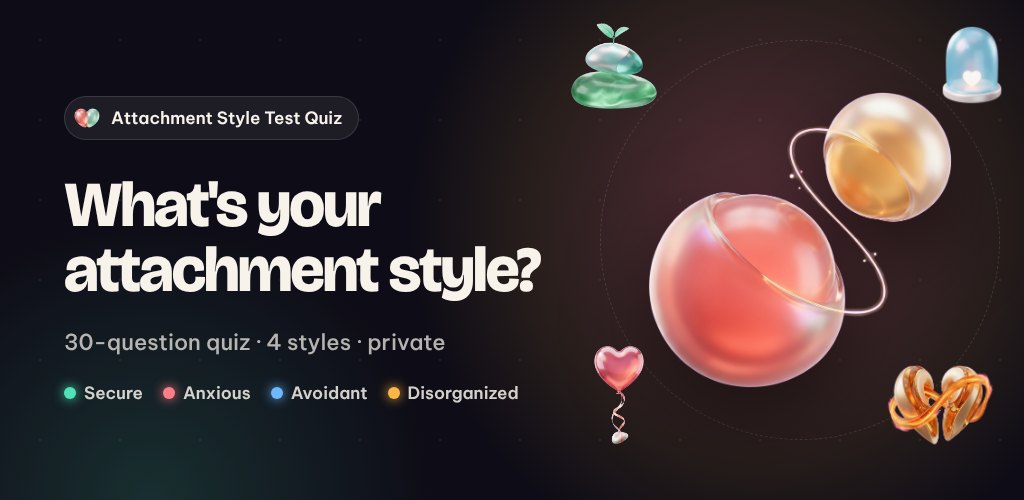
You replay the same argument in your head — why you went quiet, or why you kept texting, or why closeness felt like a trap the moment it arrived. Most of us never got a name for the pattern, let alone a map out of it. Attachment Style was built to give you both, in about five honest minutes.
The app is a relationship self-discovery quiz grounded in attachment theory — the idea that the way you bonded early in life still shapes how you handle intimacy, conflict and distance today. It sorts you into one of four styles and, instead of leaving you with a label, hands you small things to practise.
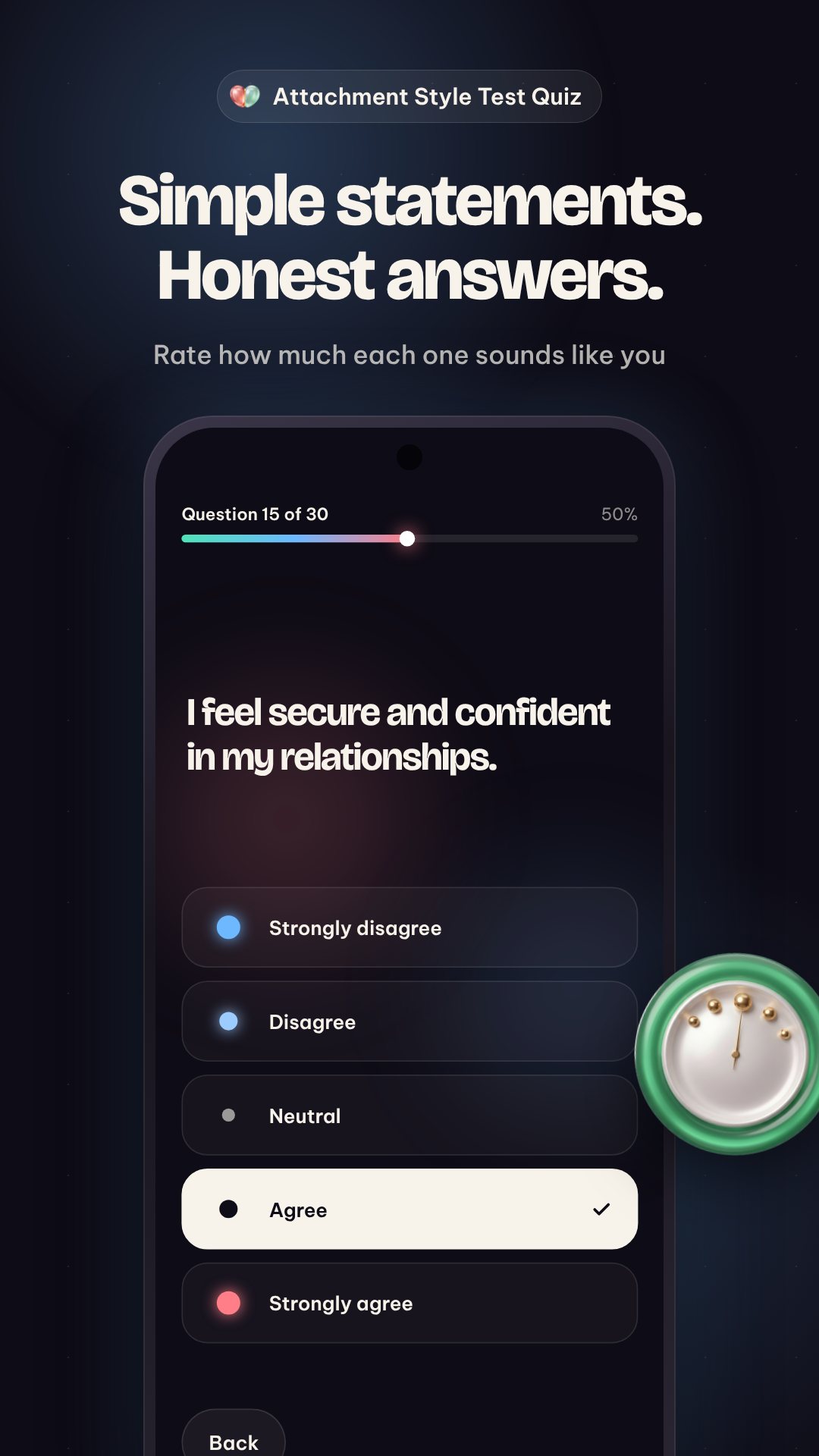
The quiz is 30 short statements — things like "I find it easy to get emotionally close to others" — and you rate each one on a simple five-point agree-to-disagree scale. There is no timer and no right answer. A halfway checkpoint at question 15 lets you pause and reset, which keeps gut answers honest instead of performative. When you finish, a brief analyzing animation leads into your reveal.
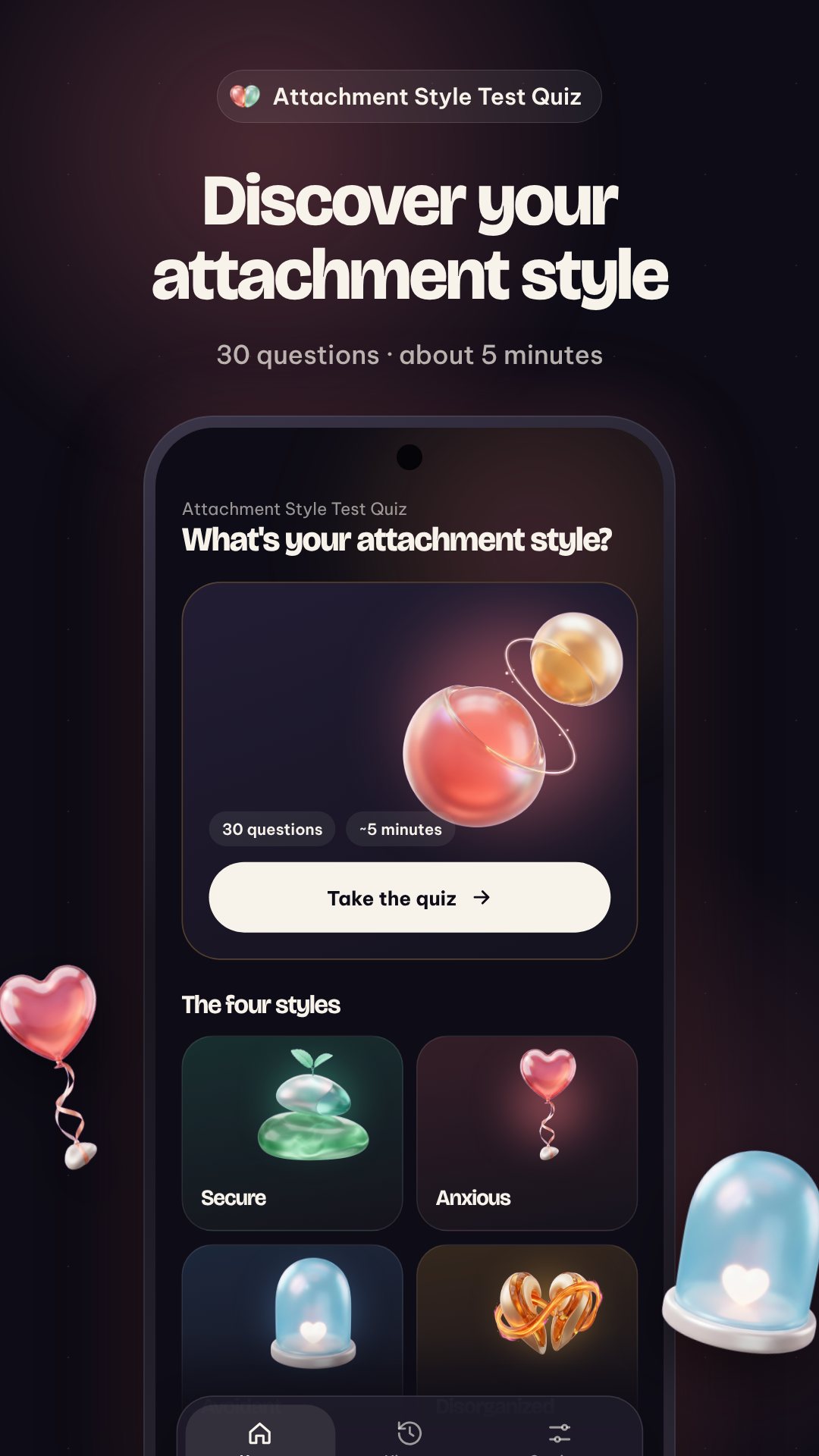
You get a primary style — Secure, Anxious (Preoccupied), Avoidant (Dismissive) or Disorganized (Fearful-Avoidant) — but also a percentage breakdown across all four, because almost nobody is one pure type. Each result spells out the common patterns of that style in plain language: how you communicate needs, how you handle a partner's absence, where intimacy and independence sit for you. It is explicitly not a clinical diagnosis — it is a mirror to help you notice and name what you do.
Relationships are a pairing, so the Compatibility tool lets you set You and Them to any two styles and reads the match back across all ten possible combinations. For each pairing it shows where it shines, what to watch for, and one concrete thing to try together — for example, how a secure partner's consistency can calm an anxious partner's worry, and the small, predictable check-ins that help.
The Grow tab is where insight turns into habit. Each day it surfaces a rotating reflection prompt ("What do you do first when someone you love seems distant?") and three micro-practices drawn from a set of nine — short scripts like naming a need out loud or asking for space with a promise, each tagged with a one-to-three-minute time. A streak counter and a Monday-first week view keep you coming back, and a Learn section explains each style when you want the theory.
Results are saved to an on-device History, so you can retake the test over time and watch yourself shift — no sign-up, no cloud account, the whole quiz runs locally. Set a daily reflection reminder at a time you choose, and share a styled result card when you want to compare notes with a partner or friend.
Attachment Style is a tool for self-reflection and education, not a medical or psychological assessment, and it does not replace advice from a qualified professional. The app is free with ads; a single remove-ads purchase clears banners and the pre-result interruption if you prefer a quiet run.
No. It is a self-reflection quiz based on attachment theory, meant to help you understand your patterns — not a clinical or medical diagnosis.
About five minutes: 30 short statements rated on a five-point agree-to-disagree scale, with a halfway checkpoint to pause.
The quiz runs on your device with no sign-up, and your results stay in an on-device history. It is free with ads, with an optional purchase to remove them.
Yes. The Compatibility explorer pairs any two of the four styles and shows where the match shines, what to watch for, and something to try together.
Get Attachment Style on Google Play →
 By the NAXTECH team · Published 23 Jun 2026 · Updated 19 Aug 2026 · Hands-on with v1.0
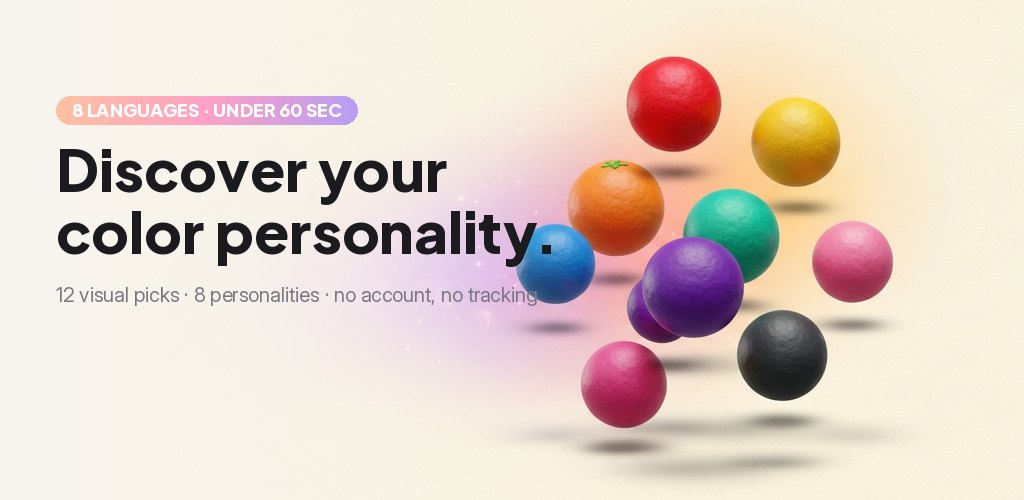
You scroll past another personality quiz that asks forty earnest questions and hands back a label you forget by lunchtime. Most of them feel like paperwork. Color Personality takes the opposite route: it asks you to do the one thing you already do without thinking — pick the color that pulls at you right now — and reads your instincts from the choices you make.
The whole test is twelve visual questions, each offering four colors to choose from. There is nothing to type and nothing to overthink. You answer with your gut, the app tallies which colors you reach for, and at the end it names your dominant color personality out of eight.
Every question is a prompt like “Pick the color that calls to you right now,” followed by four swatches. Because you are choosing on instinct rather than rating statements on a scale, the test moves fast — most people finish in a couple of minutes — and it feels more like play than a profile form. The twelve questions sweep across moods, settings and preferences so no single answer decides your result.
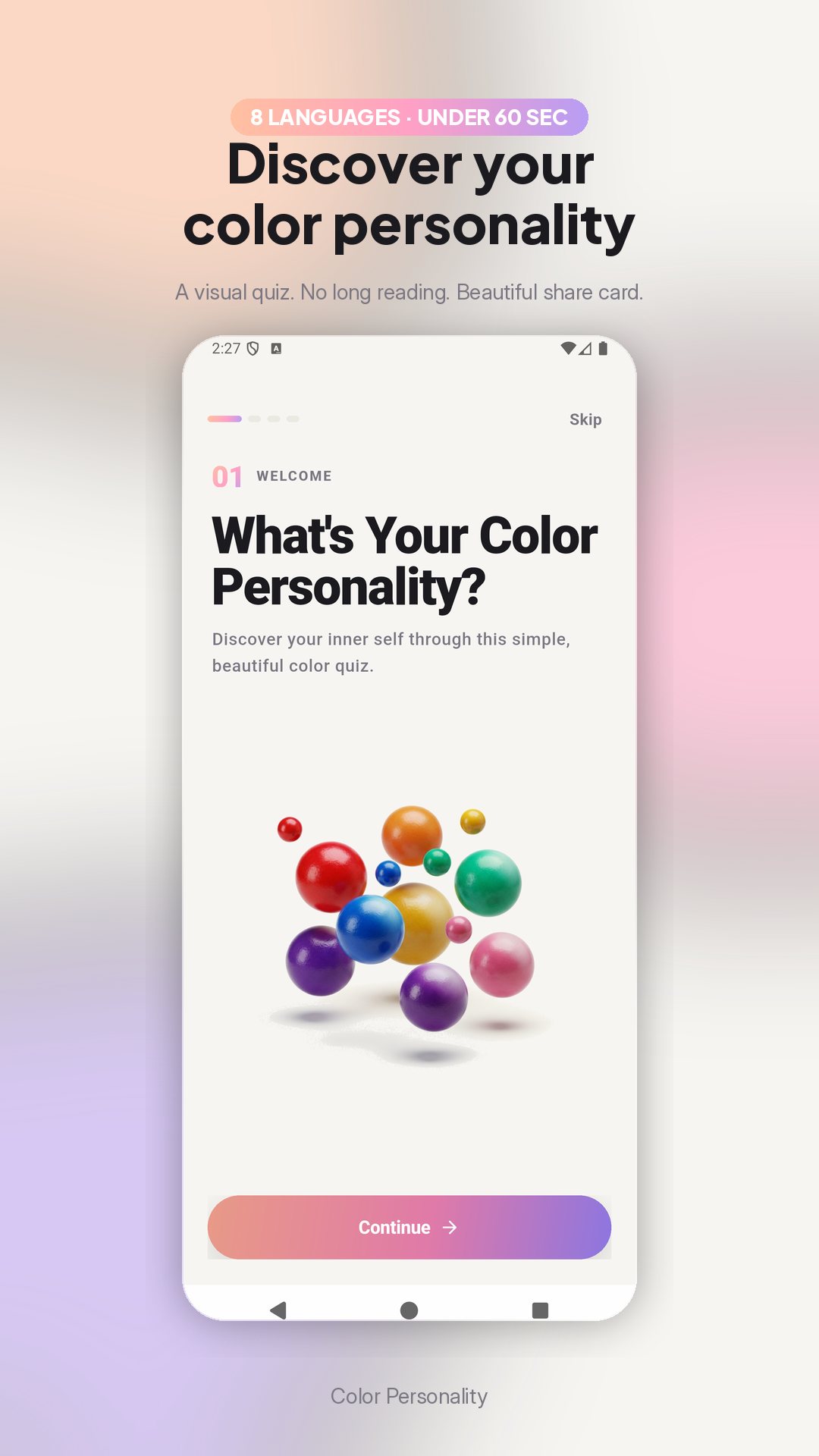
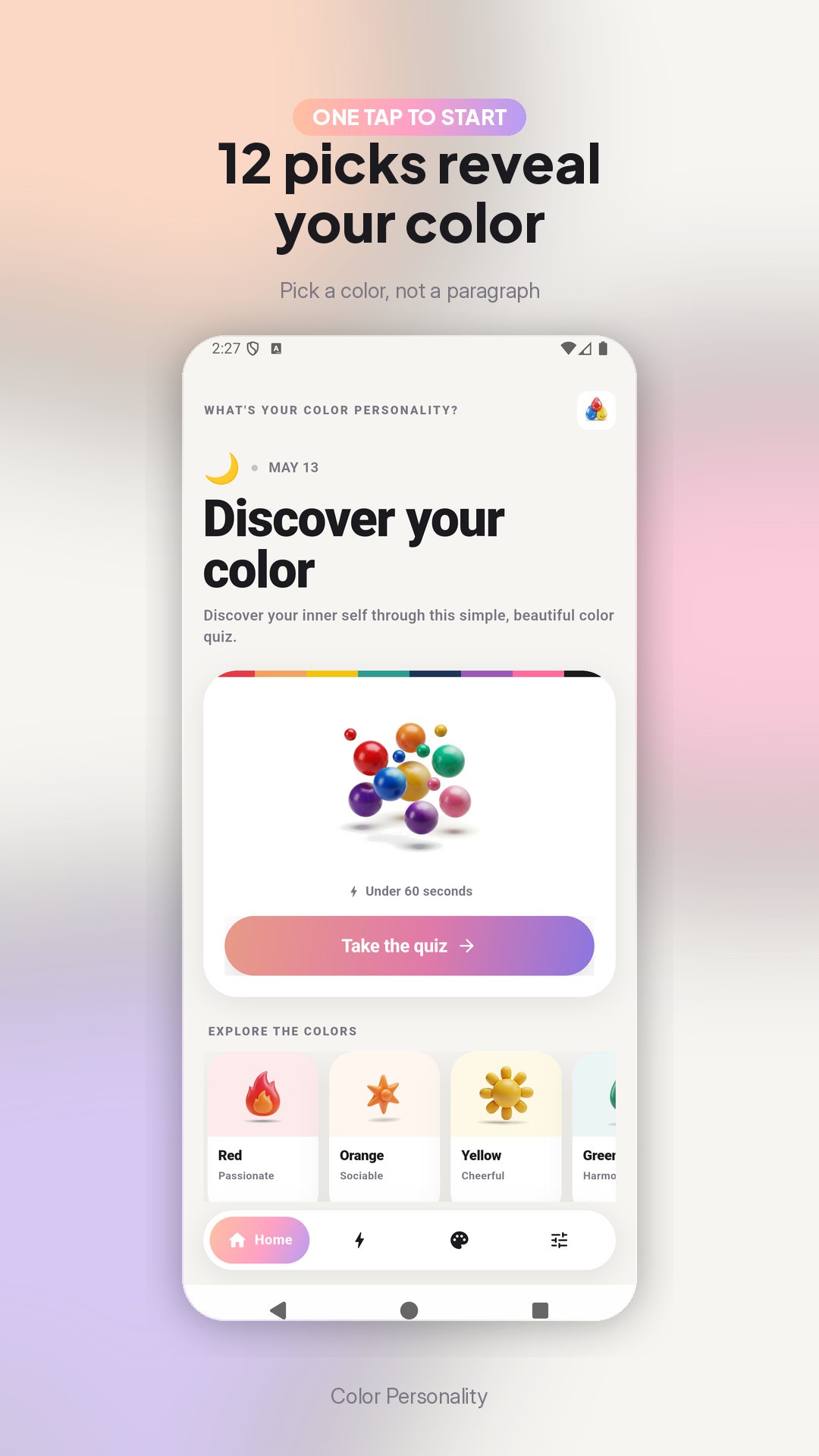
Your answers map onto one of eight color personalities, each with its own character and four headline traits:
Each result opens with a short read of who you are, then a fuller description of your strengths and how your color shows up in daily life — plus a ready-made tagline like “My personality is Blue! I’m a calm and trustworthy thinker,” made to share.
People are rarely a single shade. The Palette Pro view takes your top three colors by how often you picked them and blends them into one portrait — which color leads, which shades are woven in, and what that mix says about you. It is the difference between “you are Blue” and “Blue leads, with threads of Green and Purple” — a layered read that fits real people better.
The Combinations screen pairs your primary color with its best matches across three areas — love, career and style. If your color is Blue, for instance, the app points you to the shades it harmonises with in each, a playful way to think about who you click with and what suits you.
Moods move, and so can your result. Color Personality keeps a history of your past results — up to fifty — stored on your device, so you can retake the quiz another day and watch how your dominant color shifts over time. Nothing needs an account, and your results stay on your phone.
Color Personality is made for self-discovery and fun, not clinical assessment — it is a playful quiz, not a diagnostic test. The app is free with ads and offers a single optional in-app purchase, and its content is available in several languages. Compare results with friends and family to see how well you really know each other.
About two minutes. It is twelve visual questions, and you answer each by tapping a color rather than typing anything.
Eight — Red, Orange, Yellow, Green, Blue, Purple, Pink and Black — each with its own description and four key traits.
Yes. The app keeps a history of your results on your device so you can retake the quiz and see how your color changes over time.
Yes, it is free to download with ads, and offers one optional in-app purchase for the extended palette view.
Get Color Personality on Google Play →
 By the NAXTECH team · Published 19 Jun 2026 · Updated 13 Sept 2026 · Hands-on with v1.1
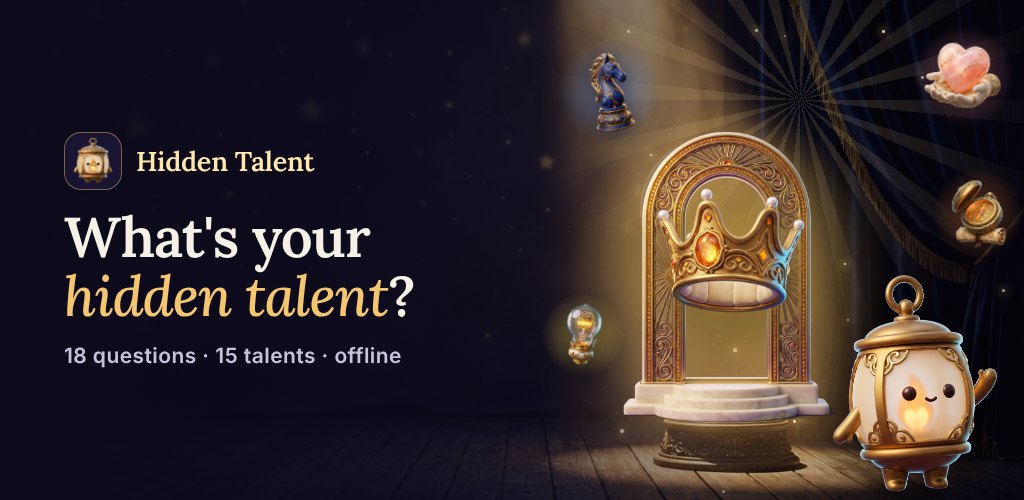
You already know you are good at something — you just cannot put a name to it. You are the friend who smooths over an argument, or the one who can see three moves ahead, or the one who makes a dull commute funny. Generic "find your strengths" advice never quite lands, because it asks you to grade yourself before you know what you are even looking for. Hidden Talent flips that around: it asks easy questions and does the naming for you.
Hidden Talent is a lighthearted personality quiz that turns 18 quick questions into one of 15 named talents — from The Hidden Comedian to The Hidden Strategist, The Hidden Healer to The Hidden Dreamer. There are no right or wrong answers, nothing to study, and nothing to sign up for. The whole thing runs on your phone, so you can take it on a plane, in a queue, or passing the phone around a dinner table.
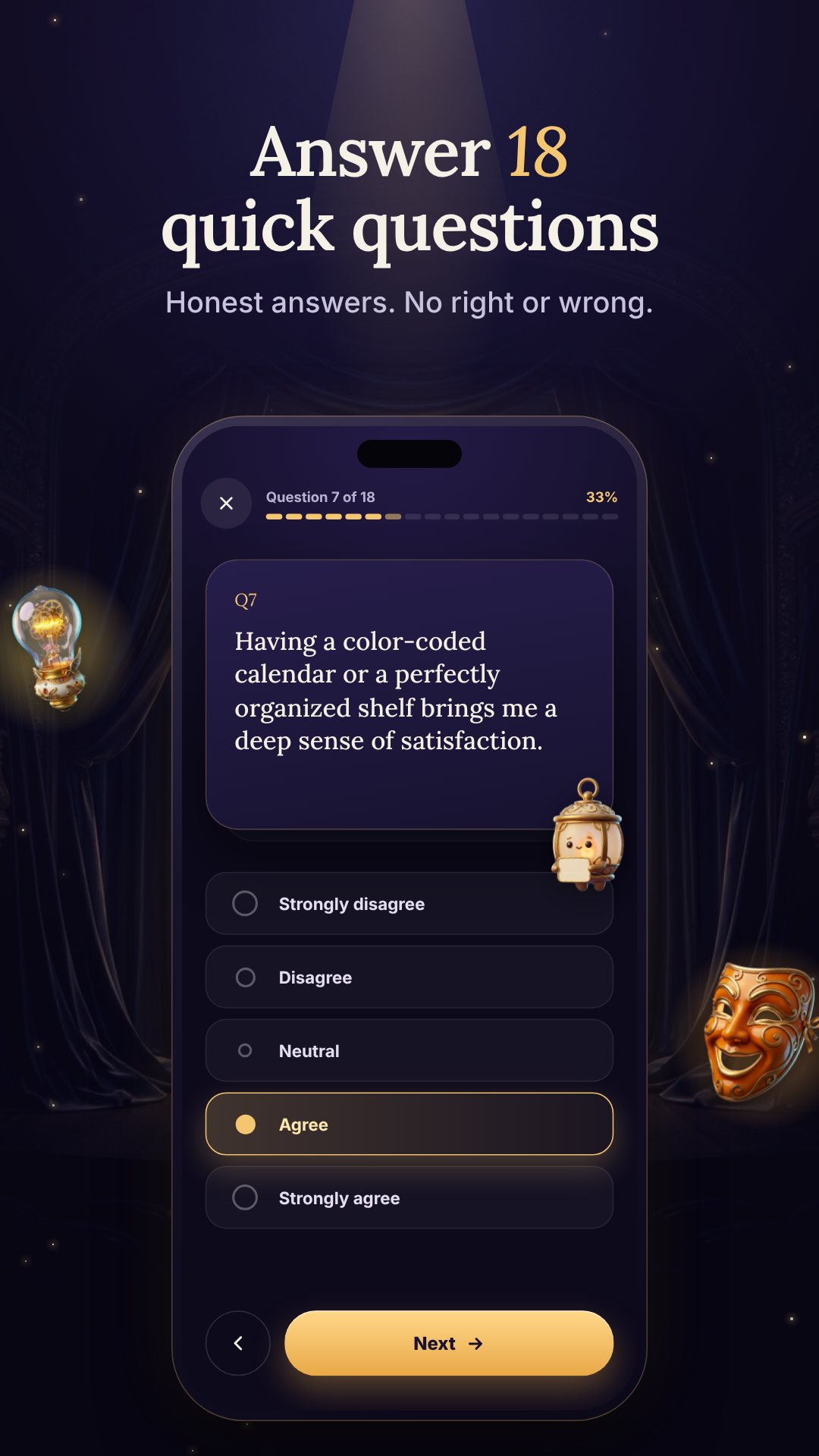
The quiz is a single pass of 18 questions about how you see the world, deal with people, and tackle problems. You answer each one on a familiar five-point scale — Strongly disagree, Disagree, Neutral, Agree, Strongly agree — so it feels less like a test and more like thinking out loud. Neutral answers simply sit out of the scoring, so the result leans on the questions you actually felt strongly about. Your guide through it all is Lumi, a lantern mascot who lights the stage one question at a time.
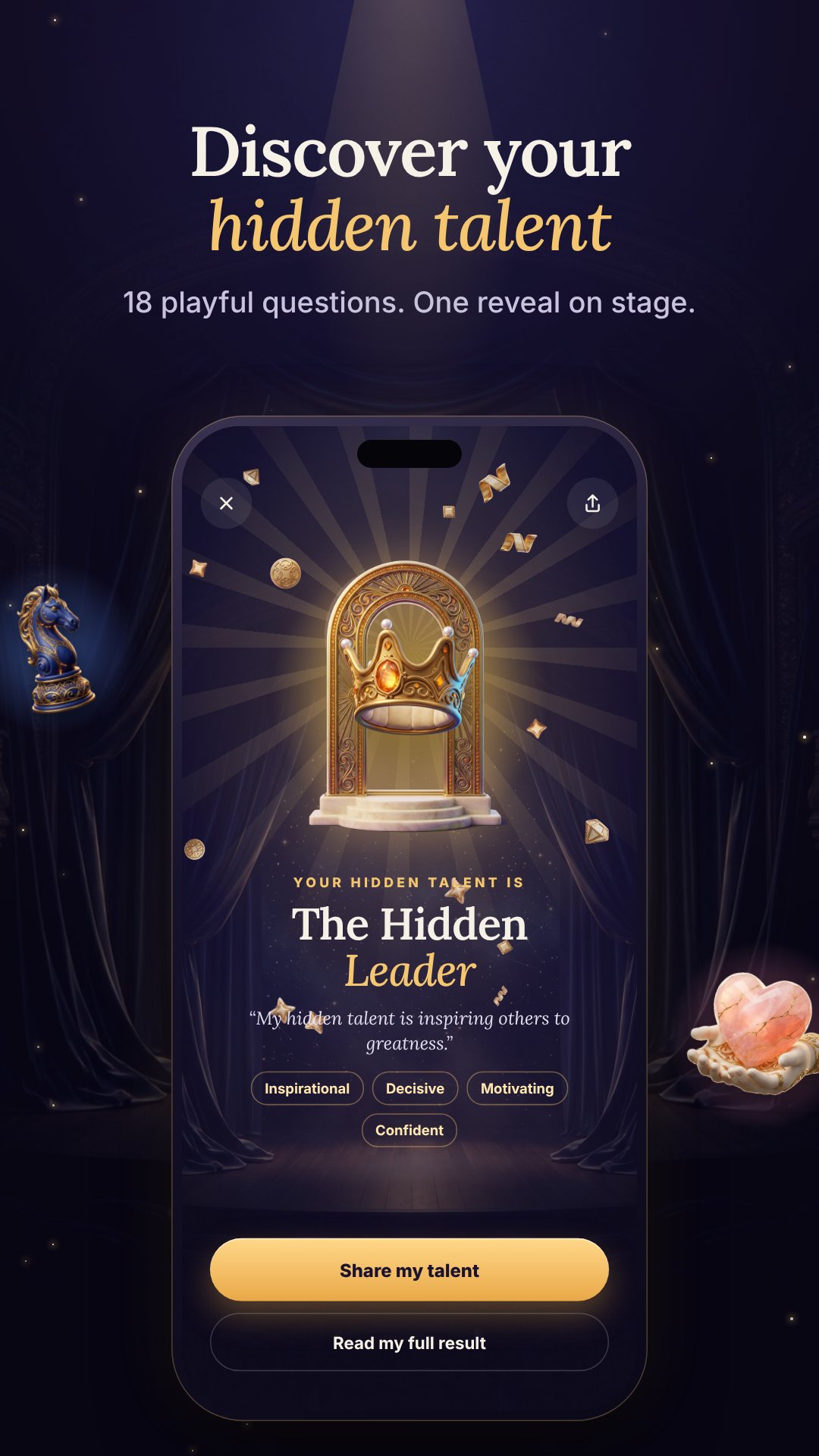
Most quizzes sort you into a handful of broad types. Hidden Talent scores your answers across 15 distinct talents, and every one of them can win — there is no "default" result. Each talent arrives with its own write-up: a short summary, a longer celebration of what makes it special, four trait keywords (The Hidden Strategist, for example, reads as Analytical, Logical, Forward-thinking and Methodical), and a one-line share tagline. It is a genuine reveal, not a label slapped on at the end.
Your headline talent is the one your answers leaned toward most, shown with a match percentage — a higher number means your answers pointed more strongly at that talent. If one result is not enough, the optional Top 3 Talents unlock reveals your three strongest talents side by side with a bar-chart breakdown, which is where most people find the real surprise sitting in second or third place.
Everything happens on your device. Hidden Talent works fully offline, with no accounts and no servers — your answers never leave your phone, and your saved history lives only on it. The app is free to download with ads, and offers a single optional in-app purchase for the Top 3 breakdown. It is made for fun and self-reflection, not clinical assessment.
About two to three minutes — it is a single pass of 18 short questions with nothing to read up on first.
Fifteen named talents, and every one can be your result, so friends taking it rarely land on the same one.
Yes. It runs entirely on your device with no account and no internet connection required, so your answers stay private.
Yes, it is free with ads. An optional in-app purchase unlocks the Top 3 Talents bar-chart breakdown.