 By the NAXTECH team · Published 19 May 2026 · Updated 22 Oct 2026 · Hands-on with v1.1
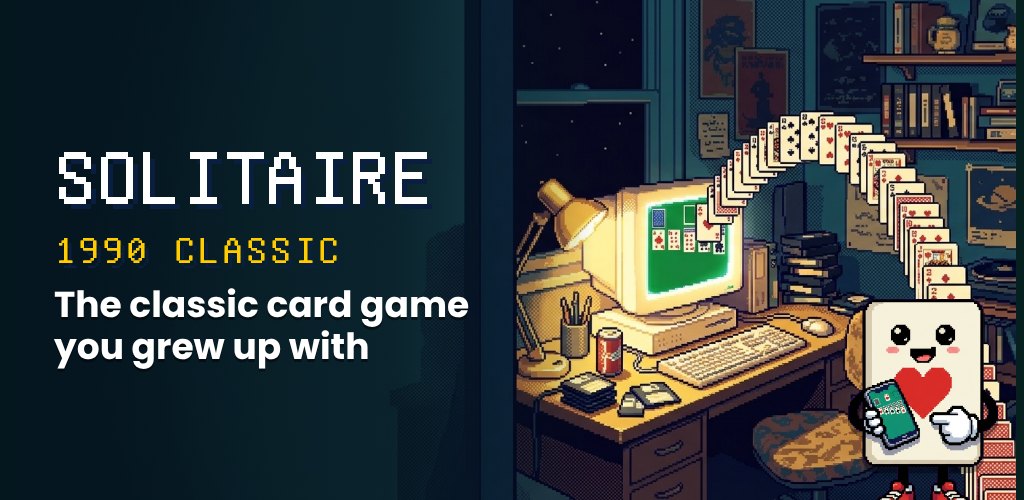
You remember it: the green felt, the little stack of cards that bounced down the screen when you won, and a quiet afternoon on a beige PC. Most solitaire apps on your phone today bury that feeling under banner ads, pop-ups and video interruptions. Solitaire 1990 Classic was built to hand it straight back to you.
This is a careful recreation of the Windows Klondike Solitaire that a whole generation learned to play — the same deal, the same rules, the same look — rebuilt natively for Android so it runs offline, with no account and no advertising of any kind.
Under the retro skin is a complete Klondike engine. Every game deals a shuffled 52-card deck into seven cascades — one card in the first column up to seven in the last, with only the top card face-up — and holds the remaining 24 cards in the stock. You build the four foundations up from Ace to King by suit, and stack the tableau down in alternating red and black. Each deal is tied to a game number, so the same seed always produces the same layout if you want to replay a hand.
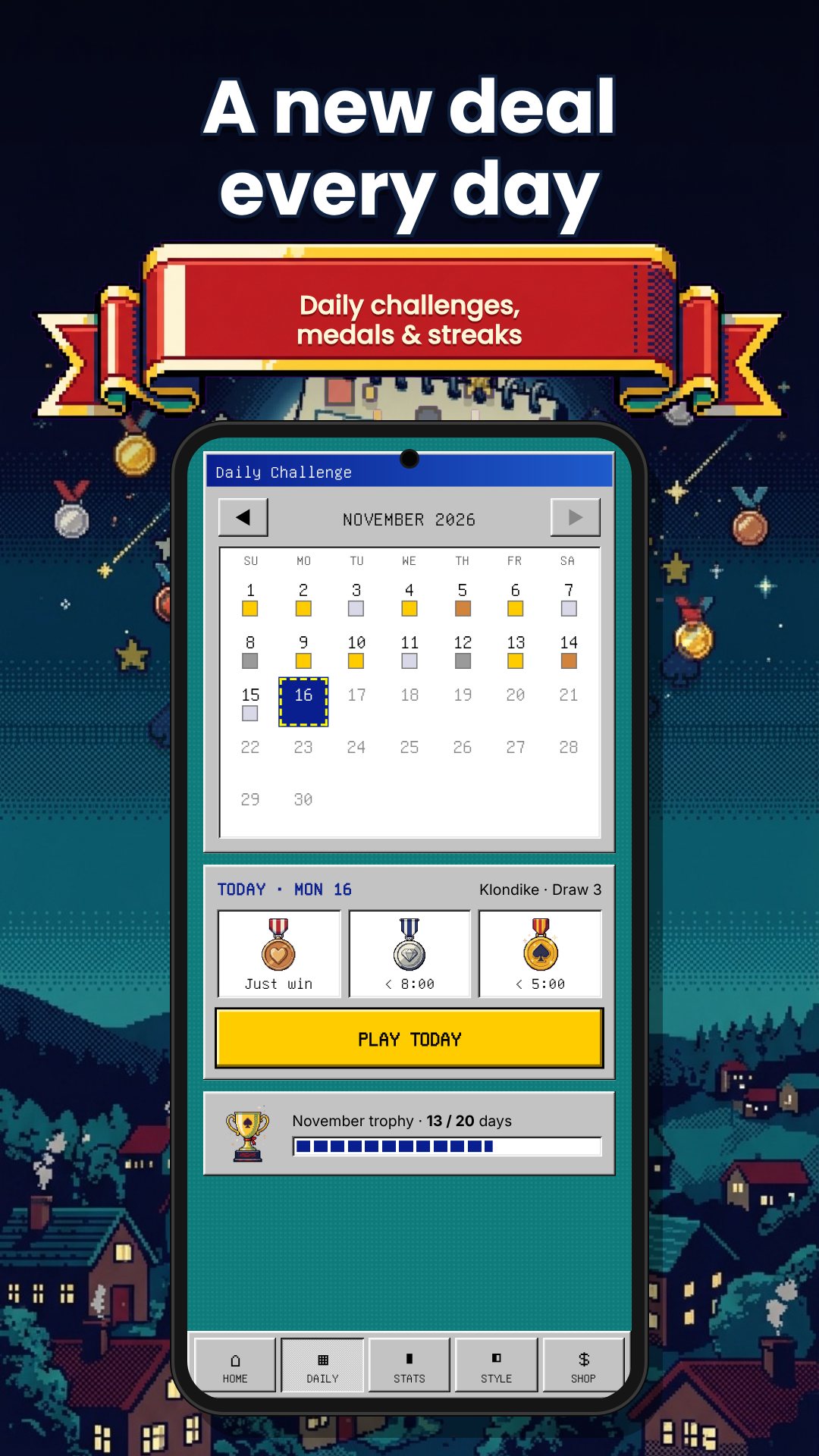
Pick the challenge you grew up with. Draw 1 turns over a single card from the stock for a gentler game; Draw 3 deals them in threes for the harder, more strategic version. You can switch at any time, and when the stock runs out the waste pile recycles back so you can keep working the hand.
The table plays in both portrait and landscape, and a built-in zoom runs from 0.7× to 1.5× in small steps so you can size the cards to suit you — a genuinely useful touch for older players or anyone on a small screen. A reset returns you to 1× whenever you want the default view back.
There are no banner ads, video ads or pop-ups anywhere in the game. The developer built it as a tribute to simpler times and kept it free with no limitations; a single optional in-app donation is the only purchase, and it unlocks nothing you don't already have. The app needs no internet connection and no sign-in — the only permission it requests is the billing permission that powers that optional donation.
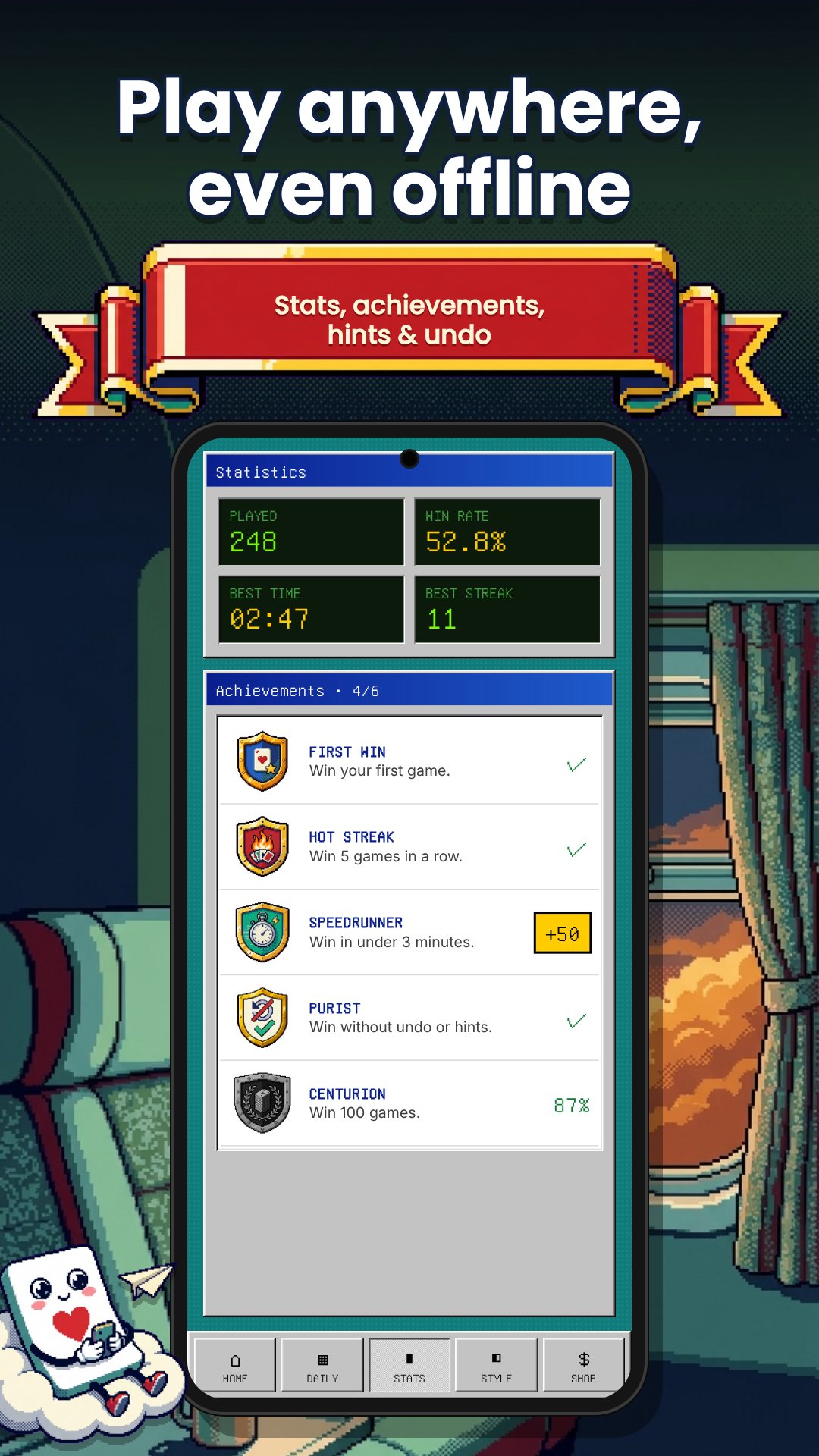
Solitaire 1990 Classic is rated for everyone, with no violence or inappropriate content, which makes it an easy pick for kids, parents and grandparents alike. Everything runs on your device, so you can play on a plane, on the train or anywhere with no signal.
No. There are no banner, video or pop-up ads anywhere; the game is completely free with only one optional donation to support the developer.
Yes. You can switch between Draw 1 and Draw 3 at any time from the Game menu to match the difficulty you prefer.
Yes. The whole game runs on your device with no account and no internet connection required.
Yes. A built-in zoom scales the table from 0.7× up to 1.5×, and it plays in both portrait and landscape for comfortable viewing.
Get Solitaire 1990 Classic on Google Play →
 By the NAXTECH team · Published 12 Feb 2026 · Updated 31 Aug 2026 · Hands-on with v1.0
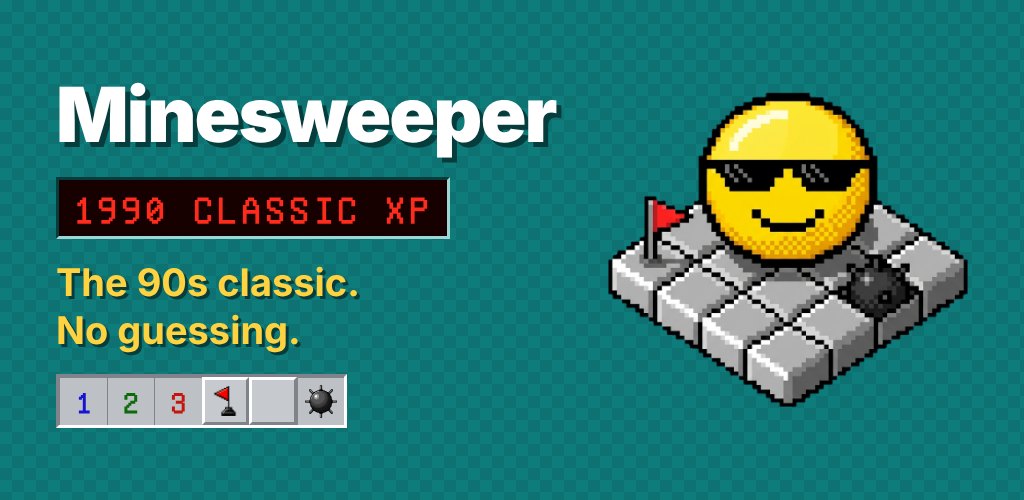
You have cleared ninety cells, the clock is at your best pace, and then the board hands you two squares and one mine between them — pure guess. You click, you lose, and nothing about it was your fault. For anyone who grew up on the grey Windows minefield, that coin-flip ending is the one thing that still stings. Minesweeper 1990 was built to keep the look and lose the guess.
It is the classic game, pixel font and all: raised bevels, flags, numbers, and a window titled Minesweeper 1990. Underneath, a logic solver checks each board so you can play a mode where every square can be deduced — no luck required.
Turn on No-Guess Mode and the generator lays the mines after your first tap, then runs an internal solver to confirm the layout is solvable by logic alone. A board that passes is marked verified and carries a NO-GUESS tag, so a clean, careful game is never thrown away by a 50/50 at the end. Your first tap is always safe, and an optional safe-zone opens a small clearing around it to get you started.
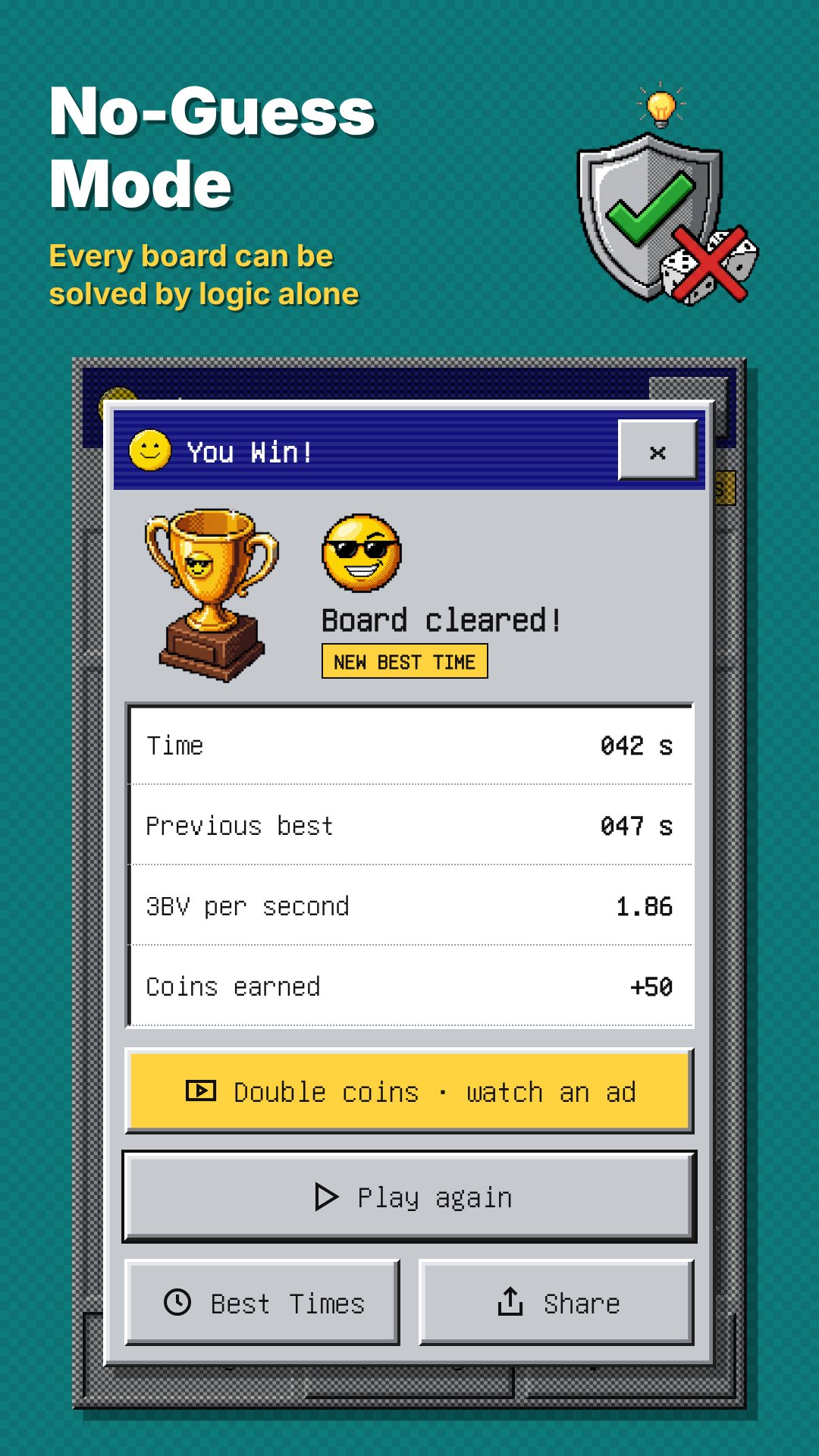
The standard difficulties are exactly where you remember them — Beginner (9×9, 10 mines), Intermediate (16×16, 40 mines) and Expert (16×30, 99 mines) — and a Custom option lets you set your own width, height and mine count. Every level keeps its own record book: games played, win rate, best and average time, current and longest win streaks, and your best 3BV per second for players who chase efficiency.
Tap to dig, and switch to Flag with one button — or turn on long-press-to-flag and tune the long-press delay from fast to slow to match your thumb. Chording is built in: tap any open number whose flags are all placed and it clears the rest of its neighbours at once. Sound and vibration are optional, question marks can be toggled on, and a half-finished game is saved so you can tap Continue later. If a stray tap hits a mine, you can watch a short video to undo that single move.
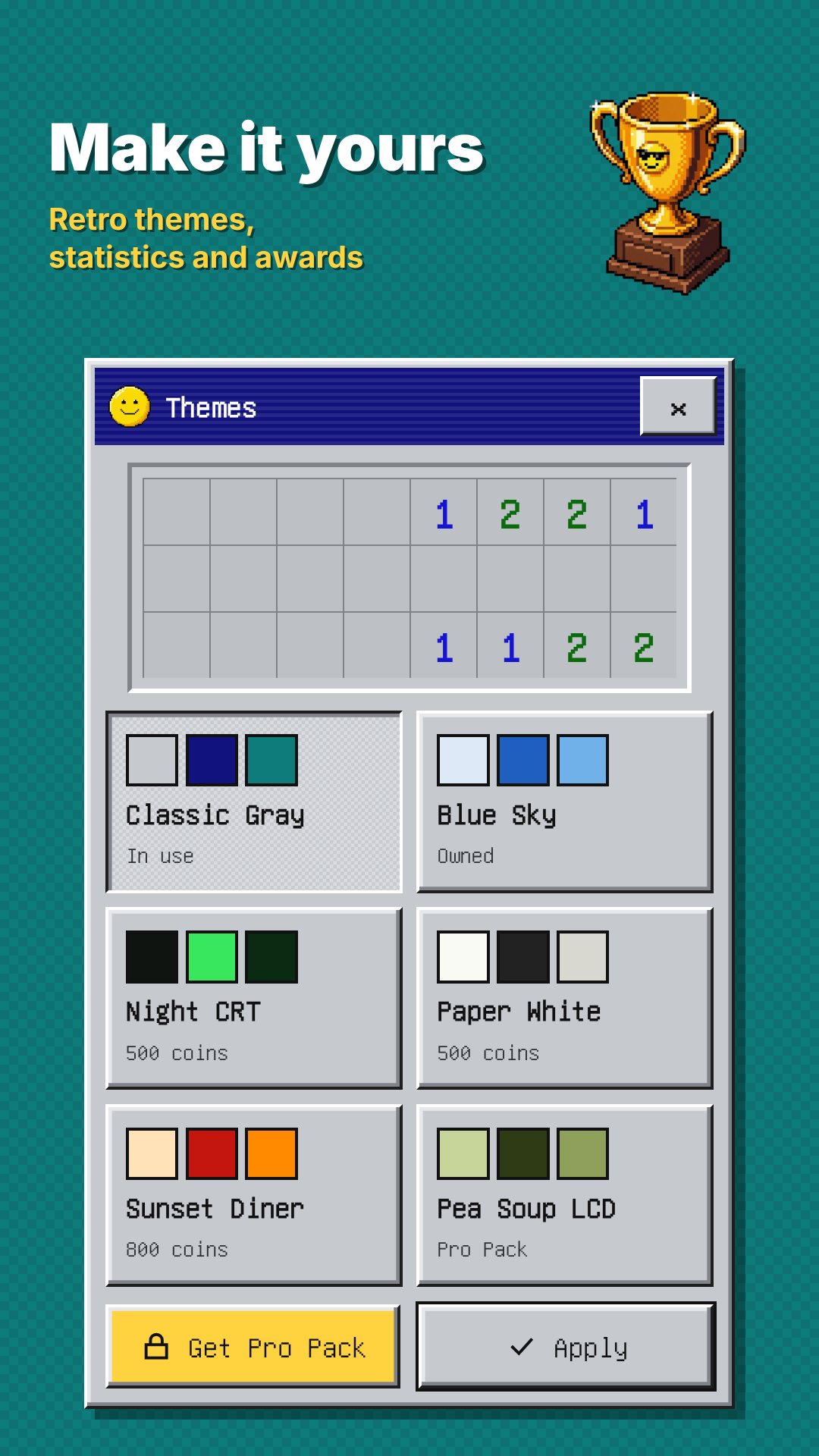
The Daily Challenge serves one No-Guess board each day and tracks your day streak; clear every day of the month and you earn the trophy. Wins also pay out coins you can spend on six retro themes — Classic Gray and Blue Sky to start, then Night CRT, Paper White, Sunset Diner and the Pro-only Pea Soup LCD. There are seven awards to chase too, from First Sweep and Speed Demon (Beginner under 30 seconds) to Pure Logic (50 No-Guess wins), Chord Wizard, Week Warrior, Expert Cleared and Perfectionist.
Minesweeper 1990 plays fully offline; the only network use is for ads, and it asks for no camera, location or contacts. It is free to download, supported by ads, with one-time in-app purchases and no subscriptions — Remove Ads, hint packs, coins, or a Pro Pack that removes ads, unlocks every theme and gives unlimited hints. Stuck on a tough spot? A hint marks one cell that is safe to open; you start with three and can earn more by watching a short video.
It generates boards that a logic solver has verified can be cleared by deduction alone, so you never lose a game to a 50/50 guess.
Yes — 9×9, 16×16 and 16×30 are all there, along with a Custom option to set your own board and mine count.
Yes. The game, your stats and the Daily Challenge all run on your device; a connection is only needed to show ads.
Yes, it is free with ads, and it offers optional one-time purchases such as Remove Ads, hint packs and a Pro Pack — no subscriptions.