 By the NAXTECH team · Published 18 Apr 2026 · Updated 6 Aug 2026 · Hands-on with v1.0
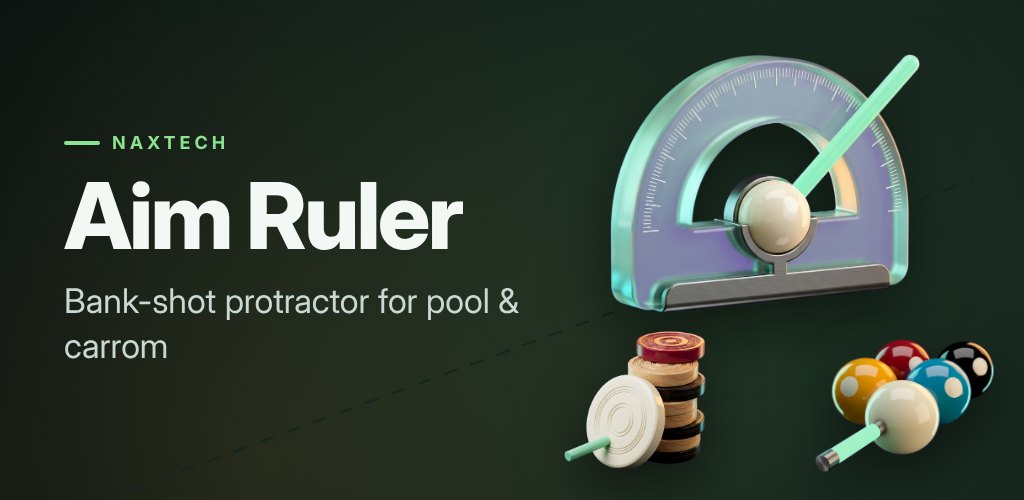
You can see the bank shot in your head — off the far cushion, back across the table, into the pocket — but your fingers never quite trust the angle, and the ball drifts wide again. That gap between knowing the geometry and feeling it is what Aim Ruler was built to close, without ever touching the game you are playing.
Aim Ruler is a see-through angle protractor you place yourself. It draws a floating ruler on top of whatever pool or carrom app is open, so you line up the rebound by hand and watch the bank line update as you turn the handle. Nothing is automated and nothing is read from the game — the overlay only shows lines you move with your own finger.
Because every table on screen is a different size, you fit the tool once. In fit mode you drag the four corners of a green box onto the cushion edges, then tap Lock box to save it. Carrom boards snap to a true 1:1 square so the geometry stays honest. Each fitted box becomes a reusable table preset you can rename or delete, stored only on your phone, so a different game or zoom level is one tap away next time.
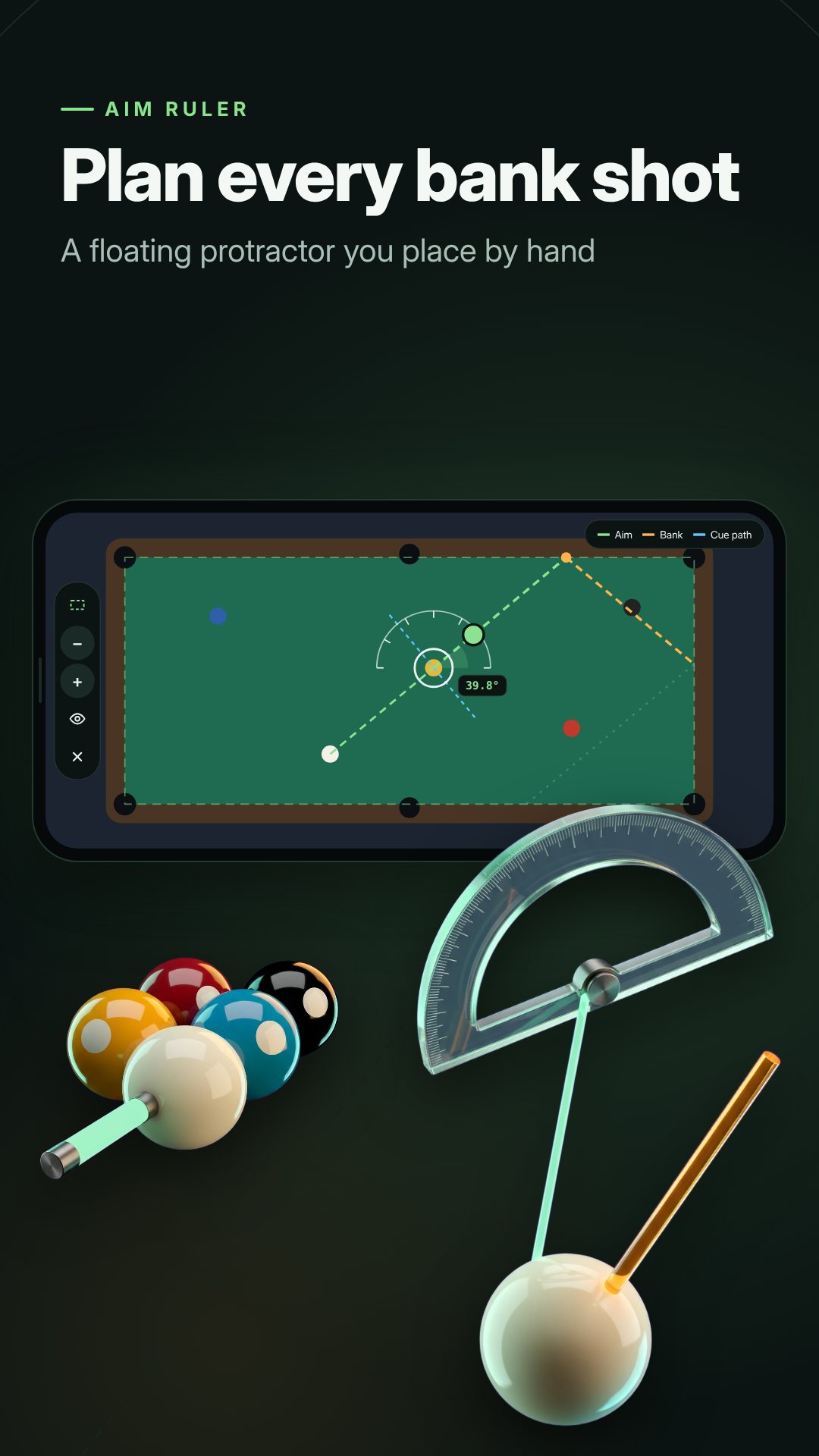
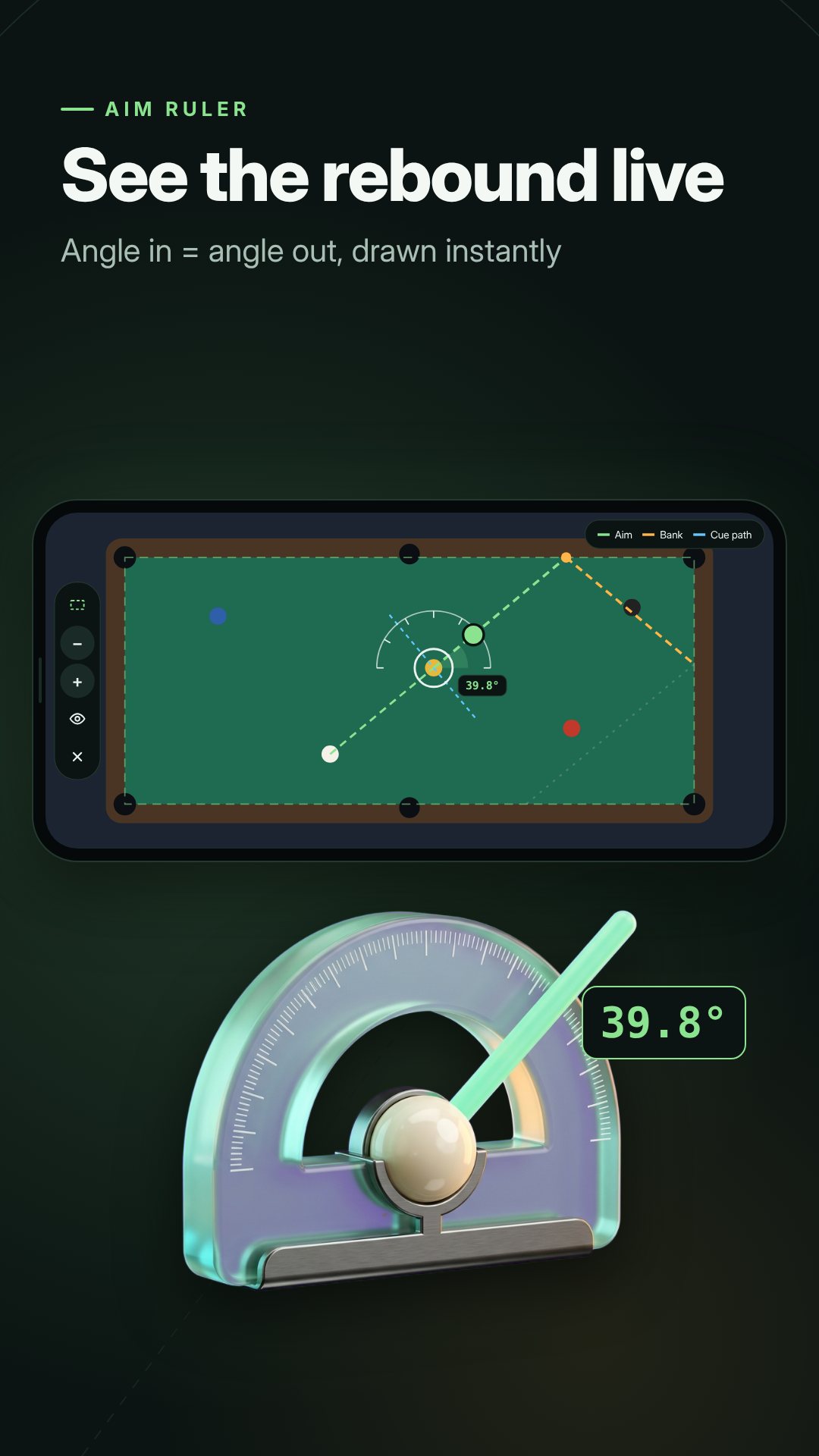
Switch to aim mode and the real work begins. You drop a white pivot circle at the spot where the cue ball will actually touch the target — not on the target itself — and turn a green knob to rotate the aim. A protractor ring of degree ticks sits around the pivot, and −/+ buttons nudge the angle in fine steps (hold to repeat), with an optional vibrate on every half-degree so you can feel the adjustment. Three lines do the thinking:
When the line looks right, tap Play. The overlay turns click-through: the lines stay painted on screen but your taps pass straight to the game underneath, so you can actually take the shot. A small floating bubble sits at the edge of the screen; tap it to jump back to aim mode and tweak the angle for the next ball.
The line style is yours to set. Pick an aim colour from green, white, blue, pink or yellow, choose thin, medium or bold thickness, and dial the opacity up or down so the ruler reads clearly over felt or a dark board. You can hide the 90° cue path or the protractor ring for a cleaner view, and lock the box after fitting so a stray touch never drags it out of place.
Aim Ruler asks for no screen capture, no accessibility service and no storage access. It never reads the game screen or memory; it only draws the lines you place by hand, and everything works offline with no account. The optional Pro set — 3-cushion bank lines, a neon laser theme and numbered cushions — is unlocked for 45 minutes at a time by watching one short rewarded video, and you can repeat it whenever you like.
The lines are pure geometry. Spin, speed, cushion softness and each game’s own physics will bend the real path, so treat the ruler as a practice guide rather than a guarantee. Some online games also forbid overlay tools in ranked or competitive matches, so check each game’s rules first. Aim Ruler is a standalone practice aid and is not affiliated with any game or publisher. The app is free and contains ads.
No. It uses no screen capture, accessibility service or storage access — it only draws lines you place with your finger, fully offline.
Yes. The protractor floats over any app, and you switch between Pool and Carrom modes, with Carrom locking a true 1:1 square box.
A Pro set of multi-cushion bank lines, a neon laser theme and numbered cushions, unlocked for 45 minutes by watching one short rewarded ad.
The lines follow exact geometry — angle in = angle out and the 90° split — but spin and speed bend the real path, so use it as a practice guide.