 By the NAXTECH team · Published 8 Oct 2026 · Updated 1 Nov 2026 · Hands-on with v2.0
You already know your four letters — but a label on a card never answers the questions you actually care about. How do you handle stress? Why does one coworker drain you and another one click? And is your partner really the type you keep guessing they are? Most personality quizzes hand you a result and stop there. MBTI - 16 Personalities keeps going.
It starts with a proper 60-question test across the four classic dimensions — Extraversion/Introversion, Sensing/Intuition, Thinking/Feeling, Judging/Perceiving — then turns your result into something you can explore, compare and come back to. Everything runs on the device, with no account, so your answers stay on your phone.
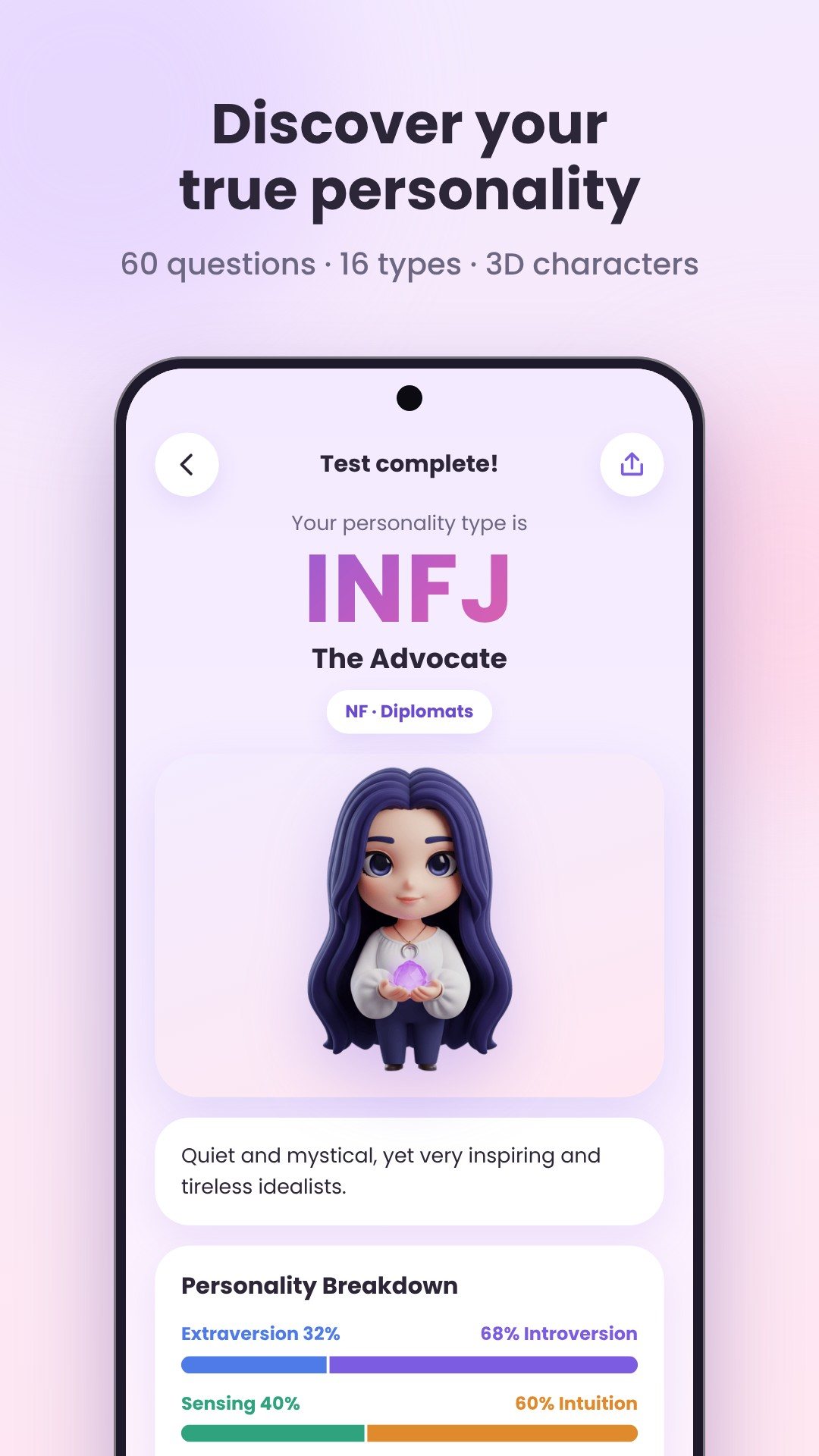
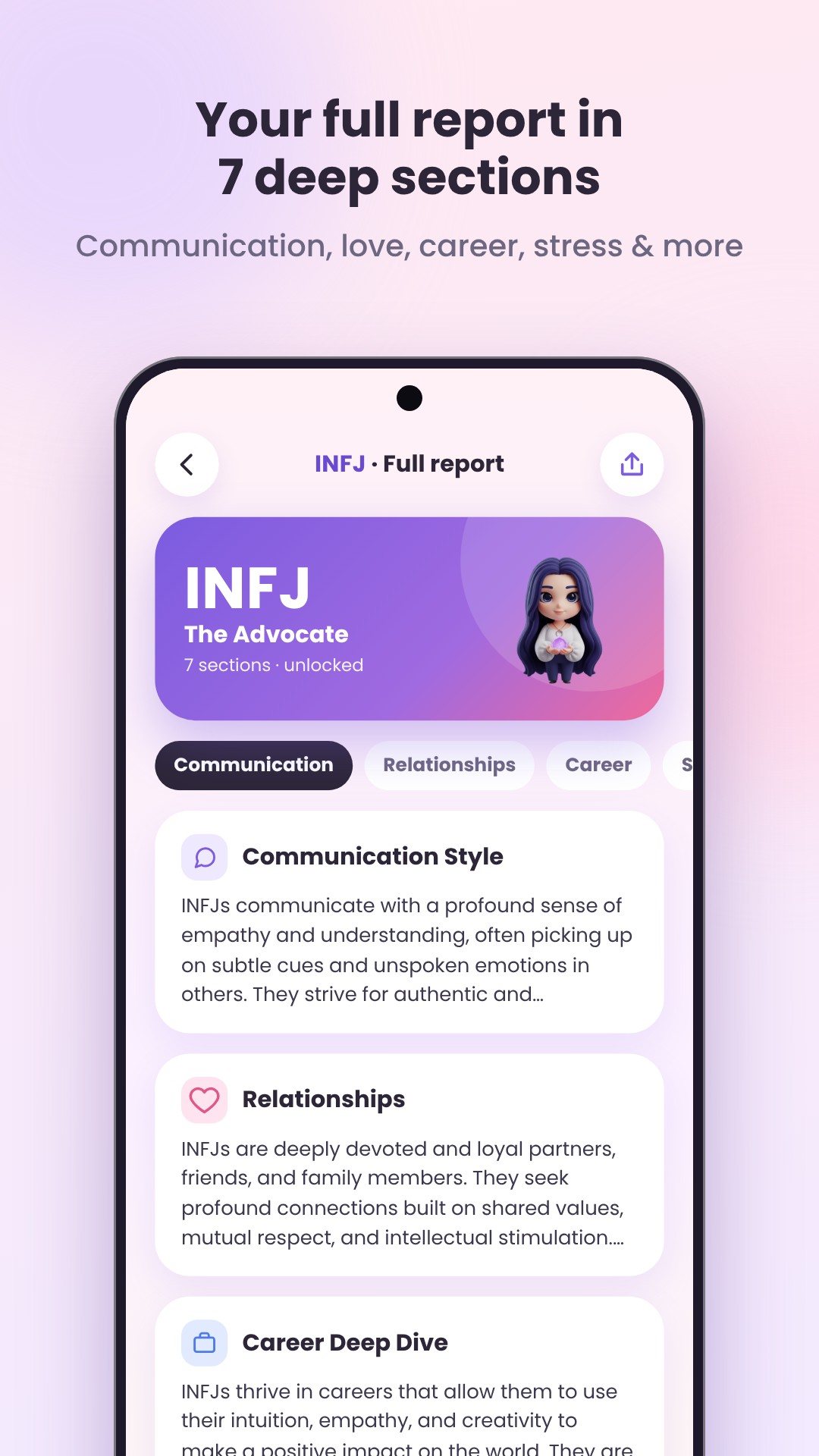
The test opens with a quick gender step so the wording fits, runs 60 questions with a progress bar you can pause and resume, and ends on an analyzing screen before it reveals your type. Each of the 16 types has its own detailed profile, and the full report is split into seven sections: communication style, relationship dynamics, a career deep dive, stress response, growth areas, daily habits and famous people who share the type. The first section is a free preview; the rest open with a single rewarded video per type and stay unlocked for good.
This is the part most MBTI apps do not have. Detective Mode lets you create a profile for a friend, partner or colleague and answer 38 observation questions about how they actually behave — "they seem energized after time in a group," and so on — instead of asking them to sit a quiz. You log observations in short rounds of five questions, and the app sharpens its best guess at their type the more you notice. It is a gentle, judgement-free way to understand someone who would never take the test themselves.
Pick any two of the 16 types and the Compatibility tool gives a score from 1 to 10 with a plain label — from excellent and great down through moderate, challenging and difficult — plus a short read on why the pairing works or rubs. It covers all 256 combinations, including a type paired with itself, so you can check a relationship, a friendship or a new team member in seconds.
The whole app runs on a local database with no account, so your results and the people you profile never leave the device unless you export them yourself. The interface is available in 16 languages — English, Spanish, Portuguese, French, German, Italian, Russian, Turkish, Hindi, Indonesian, Vietnamese, Thai, Japanese, Korean, Chinese and Arabic — so the test reads the way you think.
MBTI - 16 Personalities is made for self-reflection, entertainment and better conversations, not clinical or diagnostic use, and it is not affiliated with the official MBTI® instrument or its publisher. It is free with ads; some report sections unlock by watching a rewarded video, and nothing is sold inside the app.
The full test is 60 questions across the four MBTI dimensions, and you can pause and resume it without losing your place.
It lets you profile another person by answering 38 observation questions about their behaviour, so you can estimate their likely type without them taking the quiz.
Yes. The test, reports, compatibility and your saved profiles all run on the device with no account, so nothing needs a connection.
Yes, it is free to download with ads; extra report sections unlock permanently by watching a rewarded video, and there are no in-app purchases.
Get MBTI - 16 Personalities on Google Play →
 By the NAXTECH team · Published 23 Jun 2026 · Updated 19 Aug 2026 · Hands-on with v1.0
You scroll past another personality quiz that asks forty earnest questions and hands back a label you forget by lunchtime. Most of them feel like paperwork. Color Personality takes the opposite route: it asks you to do the one thing you already do without thinking — pick the color that pulls at you right now — and reads your instincts from the choices you make.
The whole test is twelve visual questions, each offering four colors to choose from. There is nothing to type and nothing to overthink. You answer with your gut, the app tallies which colors you reach for, and at the end it names your dominant color personality out of eight.
Every question is a prompt like “Pick the color that calls to you right now,” followed by four swatches. Because you are choosing on instinct rather than rating statements on a scale, the test moves fast — most people finish in a couple of minutes — and it feels more like play than a profile form. The twelve questions sweep across moods, settings and preferences so no single answer decides your result.
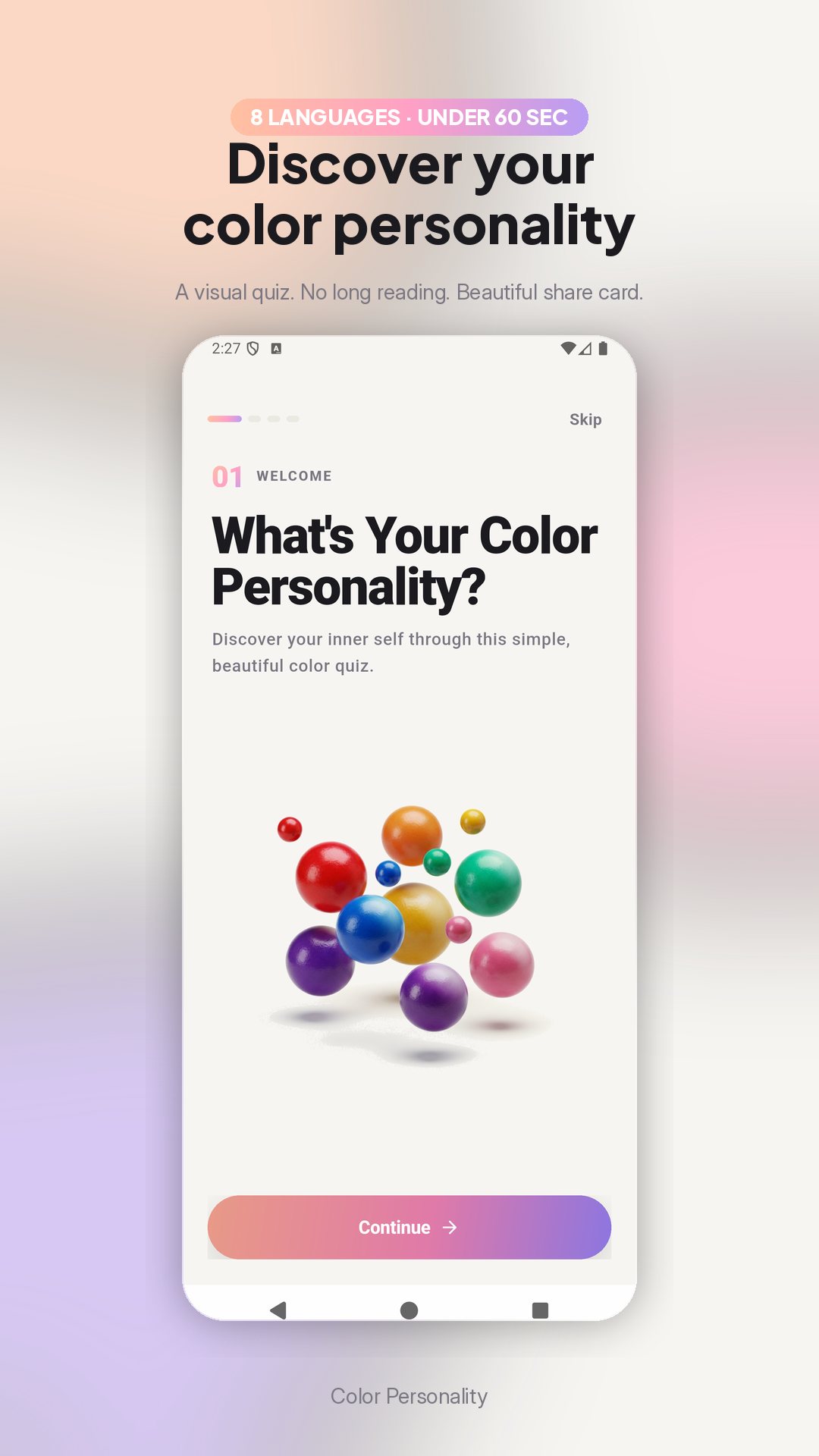
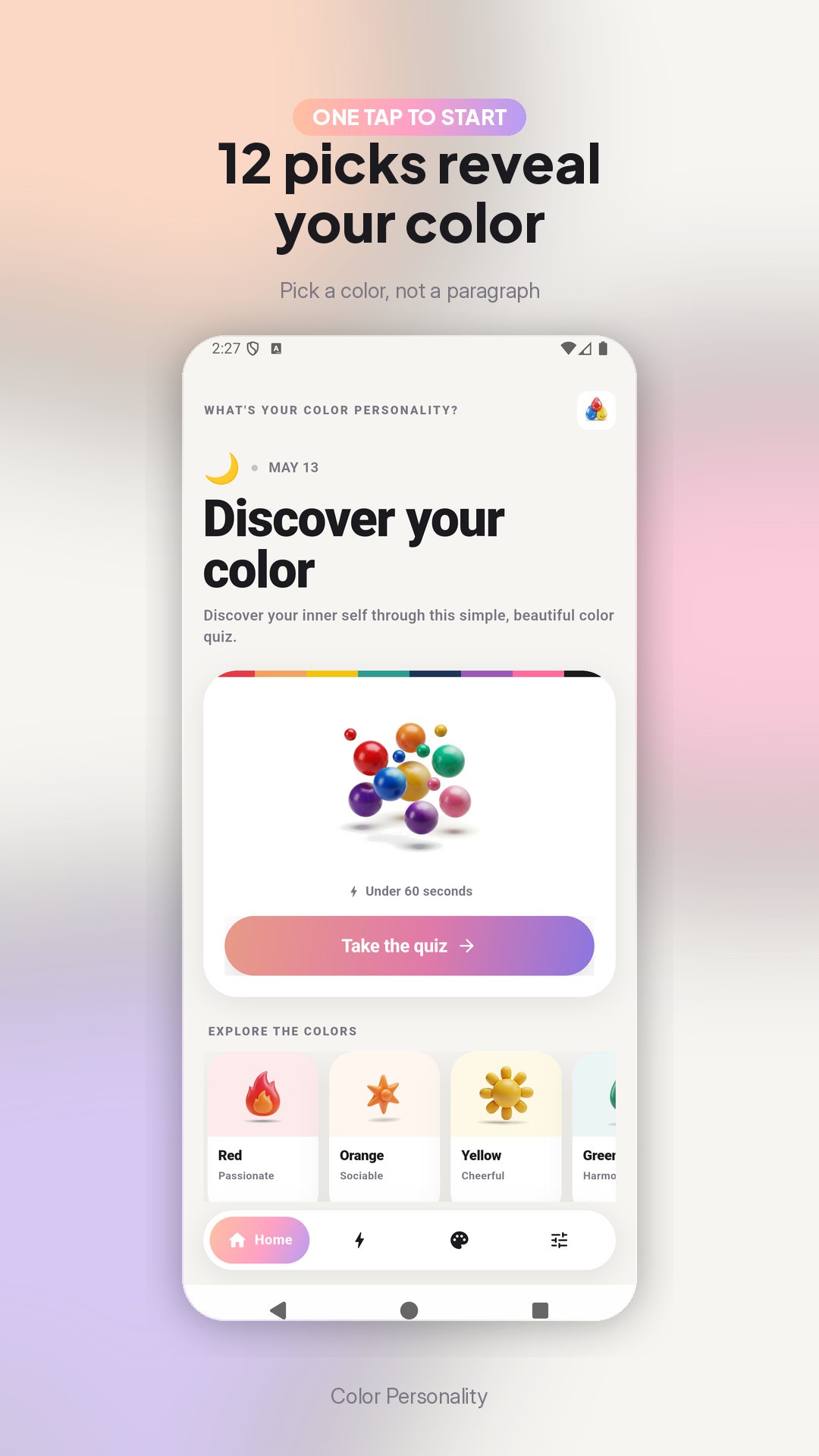
Your answers map onto one of eight color personalities, each with its own character and four headline traits:
Each result opens with a short read of who you are, then a fuller description of your strengths and how your color shows up in daily life — plus a ready-made tagline like “My personality is Blue! I’m a calm and trustworthy thinker,” made to share.
People are rarely a single shade. The Palette Pro view takes your top three colors by how often you picked them and blends them into one portrait — which color leads, which shades are woven in, and what that mix says about you. It is the difference between “you are Blue” and “Blue leads, with threads of Green and Purple” — a layered read that fits real people better.
The Combinations screen pairs your primary color with its best matches across three areas — love, career and style. If your color is Blue, for instance, the app points you to the shades it harmonises with in each, a playful way to think about who you click with and what suits you.
Moods move, and so can your result. Color Personality keeps a history of your past results — up to fifty — stored on your device, so you can retake the quiz another day and watch how your dominant color shifts over time. Nothing needs an account, and your results stay on your phone.
Color Personality is made for self-discovery and fun, not clinical assessment — it is a playful quiz, not a diagnostic test. The app is free with ads and offers a single optional in-app purchase, and its content is available in several languages. Compare results with friends and family to see how well you really know each other.
About two minutes. It is twelve visual questions, and you answer each by tapping a color rather than typing anything.
Eight — Red, Orange, Yellow, Green, Blue, Purple, Pink and Black — each with its own description and four key traits.
Yes. The app keeps a history of your results on your device so you can retake the quiz and see how your color changes over time.
Yes, it is free to download with ads, and offers one optional in-app purchase for the extended palette view.
Get Color Personality on Google Play →
 By the NAXTECH team · Published 19 Jun 2026 · Updated 13 Sept 2026 · Hands-on with v1.1
You already know you are good at something — you just cannot put a name to it. You are the friend who smooths over an argument, or the one who can see three moves ahead, or the one who makes a dull commute funny. Generic "find your strengths" advice never quite lands, because it asks you to grade yourself before you know what you are even looking for. Hidden Talent flips that around: it asks easy questions and does the naming for you.
Hidden Talent is a lighthearted personality quiz that turns 18 quick questions into one of 15 named talents — from The Hidden Comedian to The Hidden Strategist, The Hidden Healer to The Hidden Dreamer. There are no right or wrong answers, nothing to study, and nothing to sign up for. The whole thing runs on your phone, so you can take it on a plane, in a queue, or passing the phone around a dinner table.
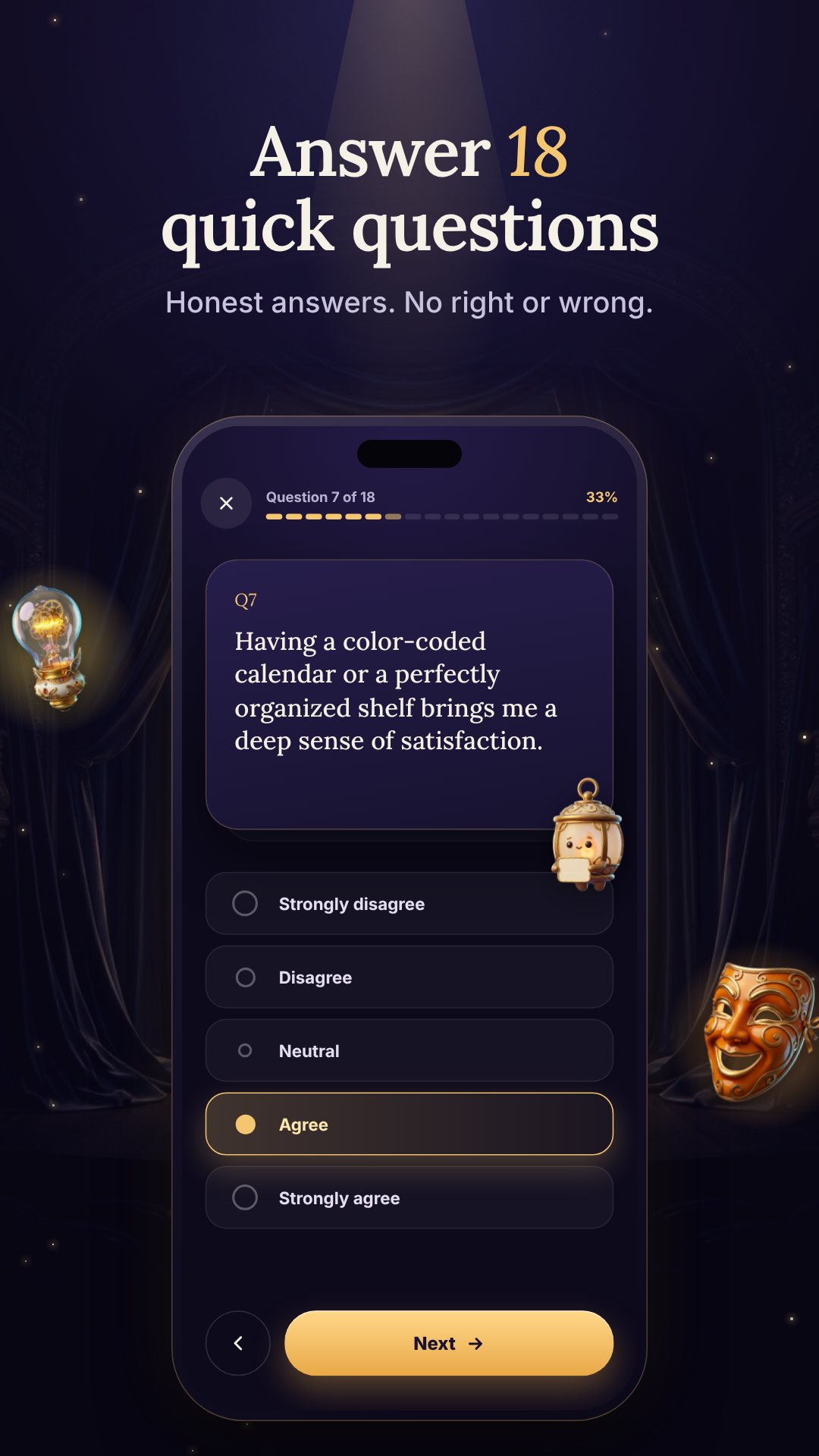
The quiz is a single pass of 18 questions about how you see the world, deal with people, and tackle problems. You answer each one on a familiar five-point scale — Strongly disagree, Disagree, Neutral, Agree, Strongly agree — so it feels less like a test and more like thinking out loud. Neutral answers simply sit out of the scoring, so the result leans on the questions you actually felt strongly about. Your guide through it all is Lumi, a lantern mascot who lights the stage one question at a time.
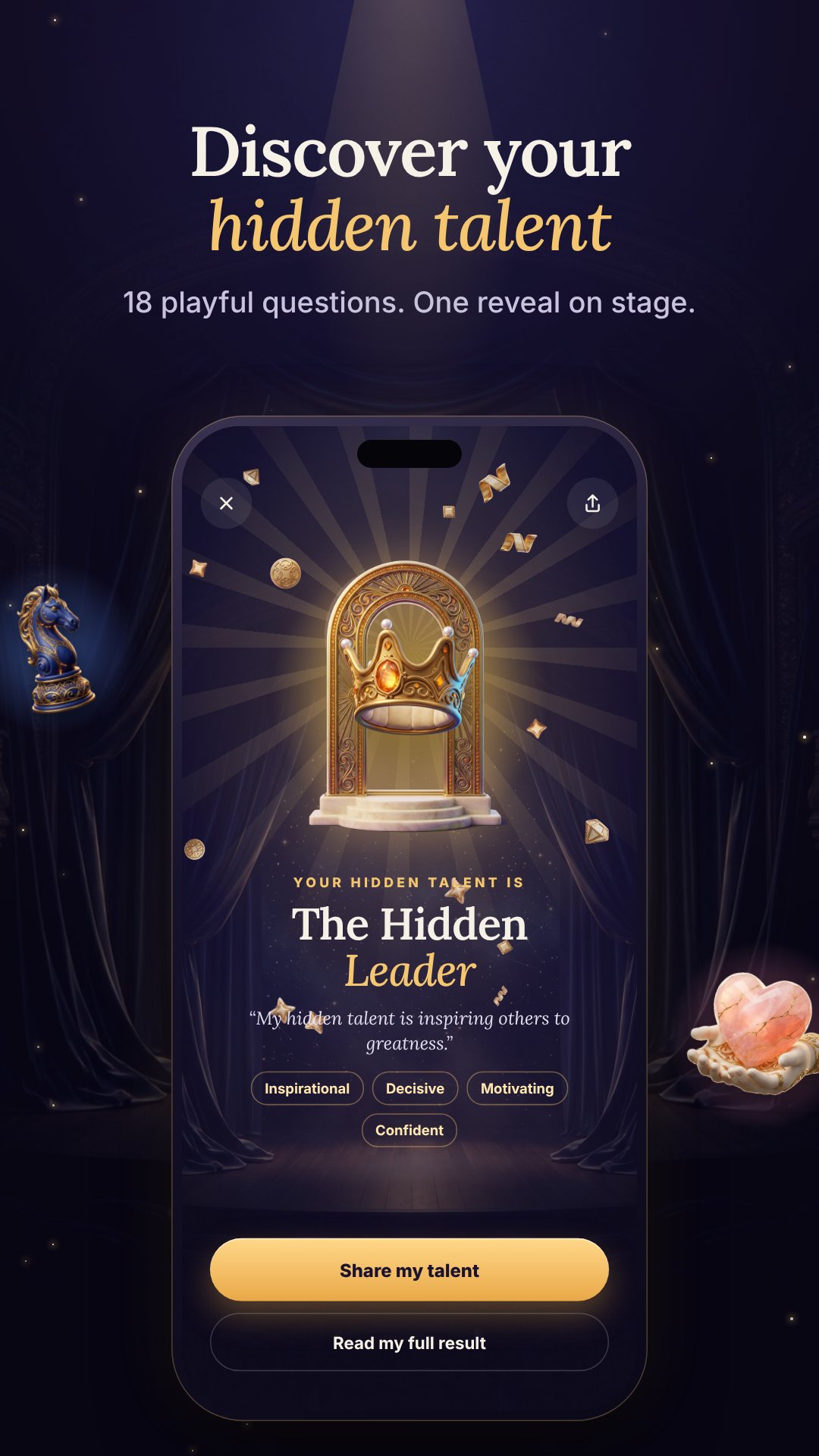
Most quizzes sort you into a handful of broad types. Hidden Talent scores your answers across 15 distinct talents, and every one of them can win — there is no "default" result. Each talent arrives with its own write-up: a short summary, a longer celebration of what makes it special, four trait keywords (The Hidden Strategist, for example, reads as Analytical, Logical, Forward-thinking and Methodical), and a one-line share tagline. It is a genuine reveal, not a label slapped on at the end.
Your headline talent is the one your answers leaned toward most, shown with a match percentage — a higher number means your answers pointed more strongly at that talent. If one result is not enough, the optional Top 3 Talents unlock reveals your three strongest talents side by side with a bar-chart breakdown, which is where most people find the real surprise sitting in second or third place.
Everything happens on your device. Hidden Talent works fully offline, with no accounts and no servers — your answers never leave your phone, and your saved history lives only on it. The app is free to download with ads, and offers a single optional in-app purchase for the Top 3 breakdown. It is made for fun and self-reflection, not clinical assessment.
About two to three minutes — it is a single pass of 18 short questions with nothing to read up on first.
Fifteen named talents, and every one can be your result, so friends taking it rarely land on the same one.
Yes. It runs entirely on your device with no account and no internet connection required, so your answers stay private.
Yes, it is free with ads. An optional in-app purchase unlocks the Top 3 Talents bar-chart breakdown.
Get Hidden Talent on Google Play →
 By the NAXTECH team · Published 9 May 2026 · Updated 30 Aug 2026 · Hands-on with v3.0
You already half-know how you work — you charge at problems, or you smooth them over, or you want the spreadsheet to add up before anyone moves. What you usually can't do is put it into words a teammate will actually understand, or explain why the person across the desk drives you up the wall. DISC Personality was built to give that instinct a name, a shape and a map — in about three minutes.
DISC is one of the most widely used models of workplace behaviour, and it sorts how you act into four styles: Dominance, Influence, Steadiness and Conscientiousness. This app runs the whole test, scoring and result on your device, so you can take it on a commute with no signal and nothing to sign up for.
The quiz is 24 forced-choice questions. Each one puts a real situation in front of you — "When a project stalls…" — and asks you to pick between two honest reactions, like stepping in to set the next move versus mapping out what went wrong first. There's no 1-to-5 scale to game and no obvious "right" answer; every pick simply adds a point to one of the four dimensions. A halfway checkpoint keeps the momentum going, and a short analysing beat builds to the reveal.
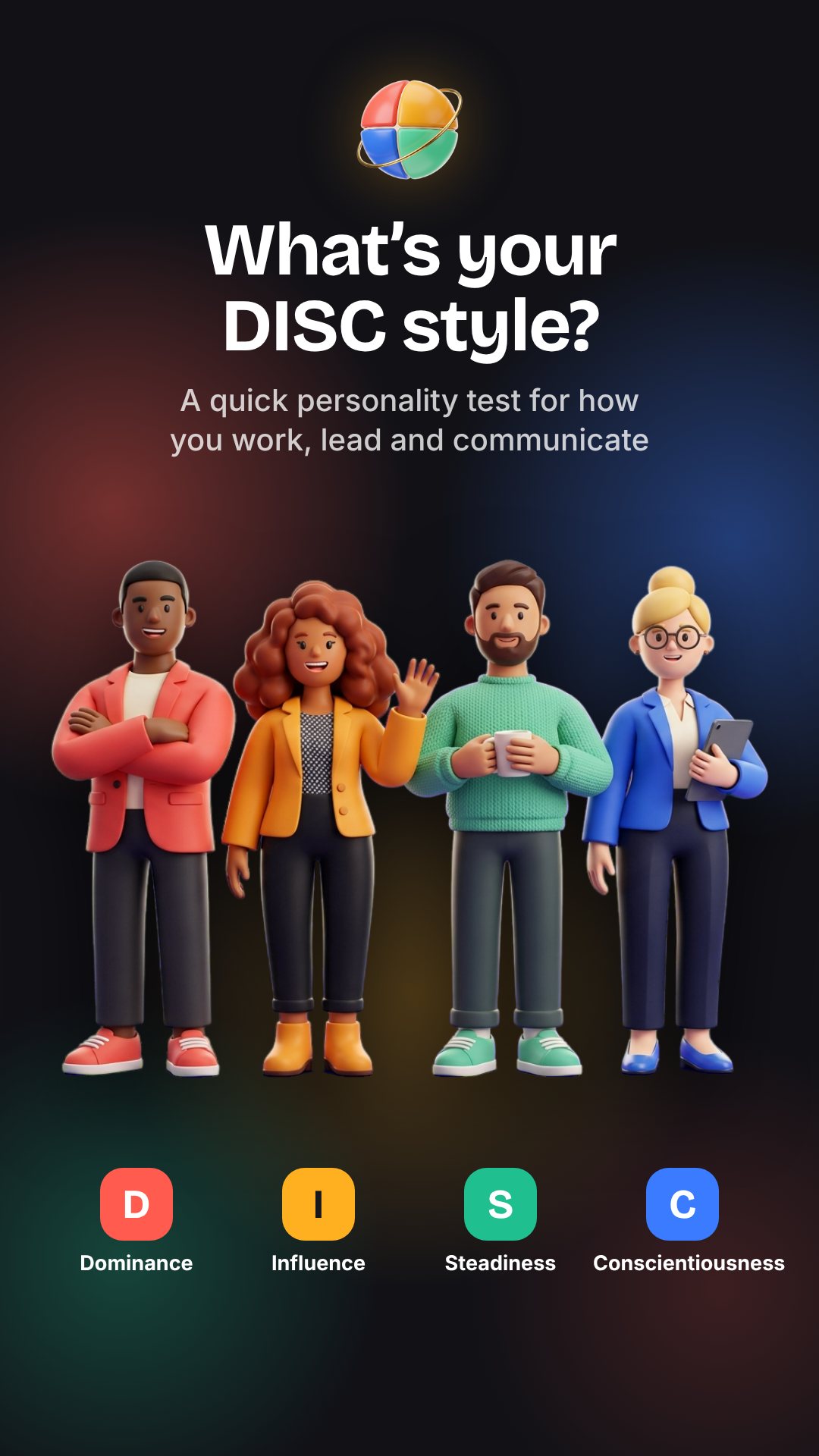
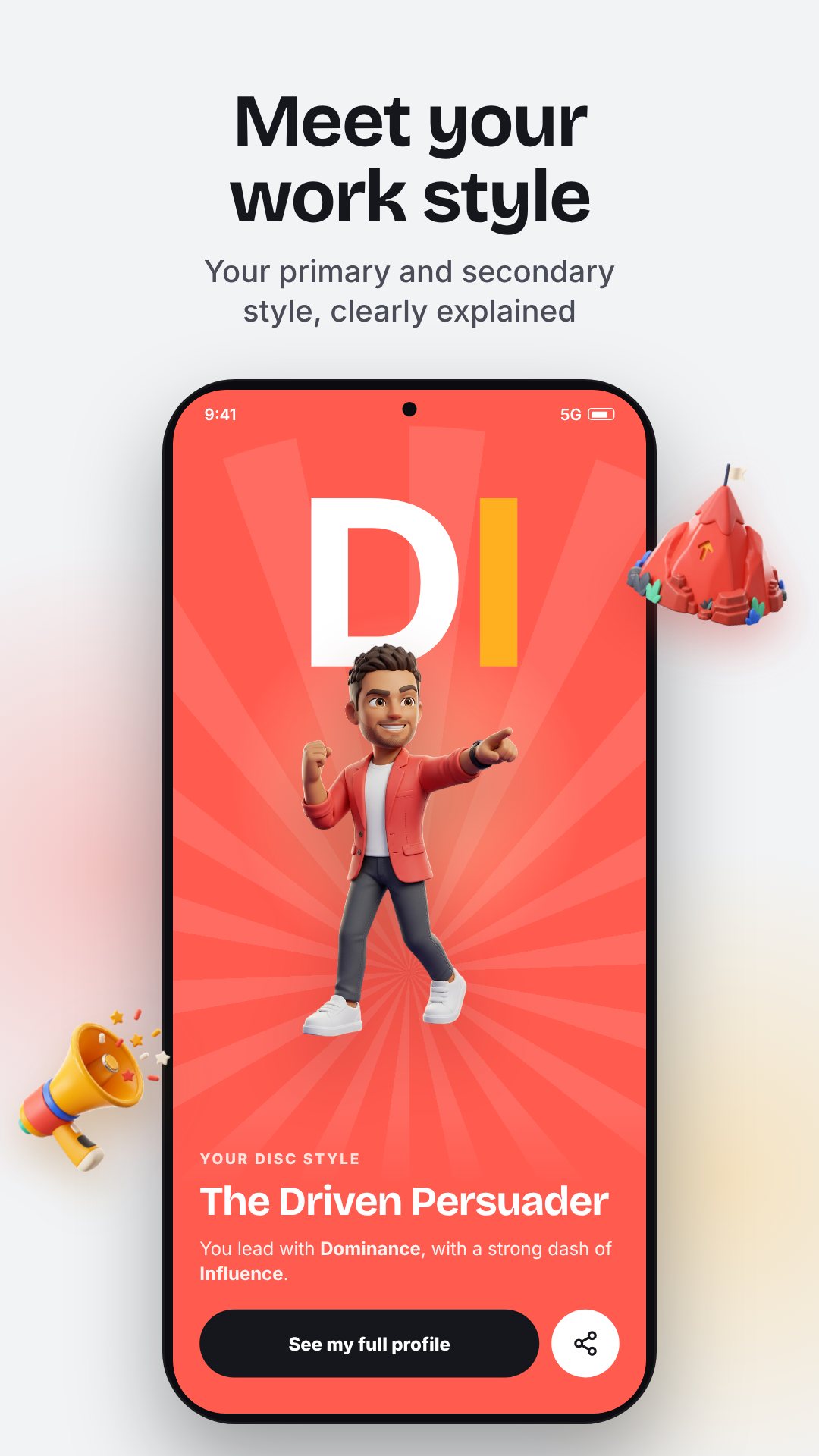
Your result isn't a single letter. The app ranks all four dimensions and gives you a primary and a secondary style, which combine into one of 12 named profiles — a "DI" reads as The Driven Persuader: bold calls, big energy, gets it done. Each of the four styles carries its own character: Dominance is direct, decisive, driven; Influence is warm, persuasive, energetic; Steadiness is calm, loyal, supportive; Conscientiousness is precise, analytical, thorough.
The result screen plots you on a DISC map with two axes — task versus people, and reserved versus fast-paced — so you see at a glance where your style actually sits rather than just reading a label. Open the detail view and you get the full write-up for your style, a list of real strengths, and the blind spots that come with them, because the point is to work better, not just to feel flattered.
For the part most tests skip, the Workplace section breaks your style down into how you communicate, how you handle conflict, what you look like under stress, and the roles you tend to thrive in — plus practical tips. The communication read is a free preview; the rest unlocks with the optional Workplace pack.
DISC gets useful the moment a second person is involved. The Compare tool lets you pick your style and a colleague's, name them, and see the pairing — where you overlap, where the friction lives, and specific tips for each side. It's the difference between "we just clash" and knowing exactly why a fast-paced D and a careful C keep missing each other.
When you land on a result you like, build a share card — a 9:16 story or a 1:1 post — and send it straight out as an image. Every test you take is saved to a history on the device, so you can retake it over time, compare past results and delete any you don't want to keep.
DISC Personality is a self-knowledge and team-communication tool for personal and workplace reflection; it isn't a clinical or psychometric diagnosis and doesn't replace professional advice on hiring, health or employment. The test, scoring and your history all run on the device and work offline. The app is free with ads and offers an optional in-app purchase.
About three minutes — it's 24 forced-choice questions, each a single pick between two options.
Dominance, Influence, Steadiness and Conscientiousness — the four behaviour styles in the DISC model, and you get a primary and a secondary.
Yes. The test, scoring, results and your saved history all run on your device with no account needed.
Yes, it's free with ads. The workplace deep-dive beyond the communication preview unlocks with an optional in-app purchase.
Get DISC Personality on Google Play →
 By the NAXTECH team · Published 24 Feb 2026 · Updated 30 Jul 2026 · Hands-on with v2.0
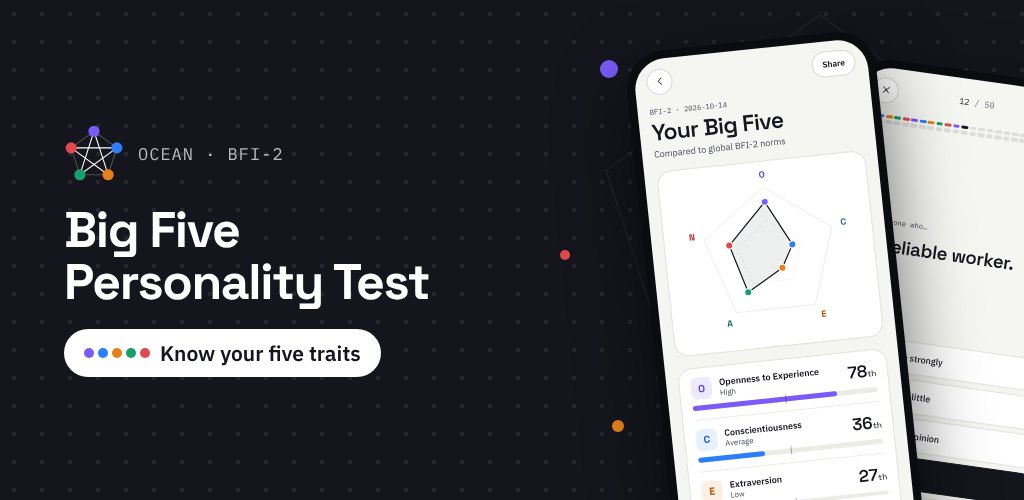
You have taken one of those "which character are you" quizzes, got a four-letter badge, and quietly suspected it was made up. Most free personality tests are. Big Five was built for the opposite feeling: a result you can actually trust, grounded in the model psychologists themselves use — the Five-Factor Model, better known by its initials, OCEAN.
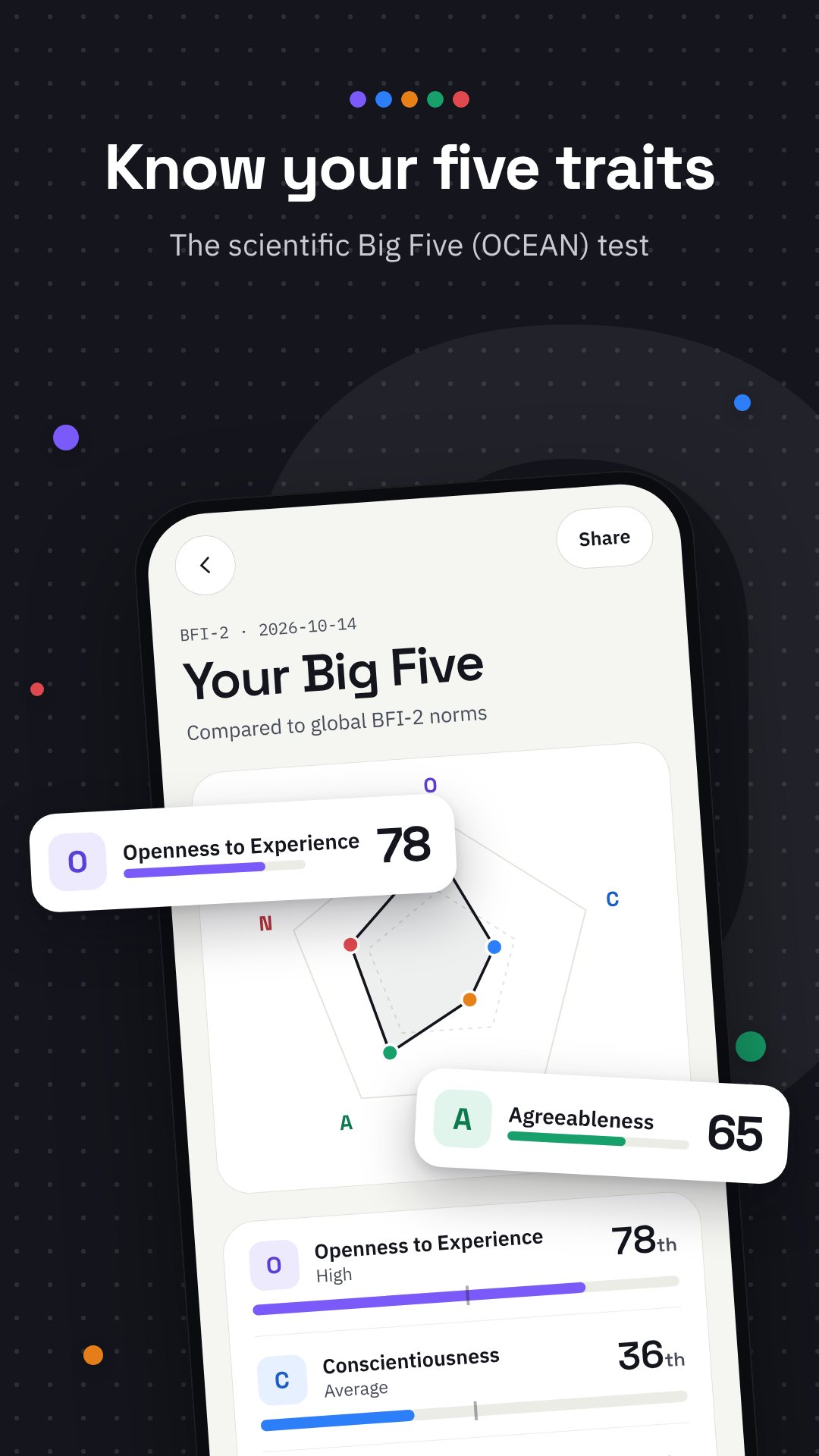
Instead of sorting you into a type, Big Five measures five independent traits — Openness, Conscientiousness, Extraversion, Agreeableness and Neuroticism — and shows where you land on each as a percentile against the general population. Everything is scored on your device, with no account and no sign-up, so a private self-assessment stays private.
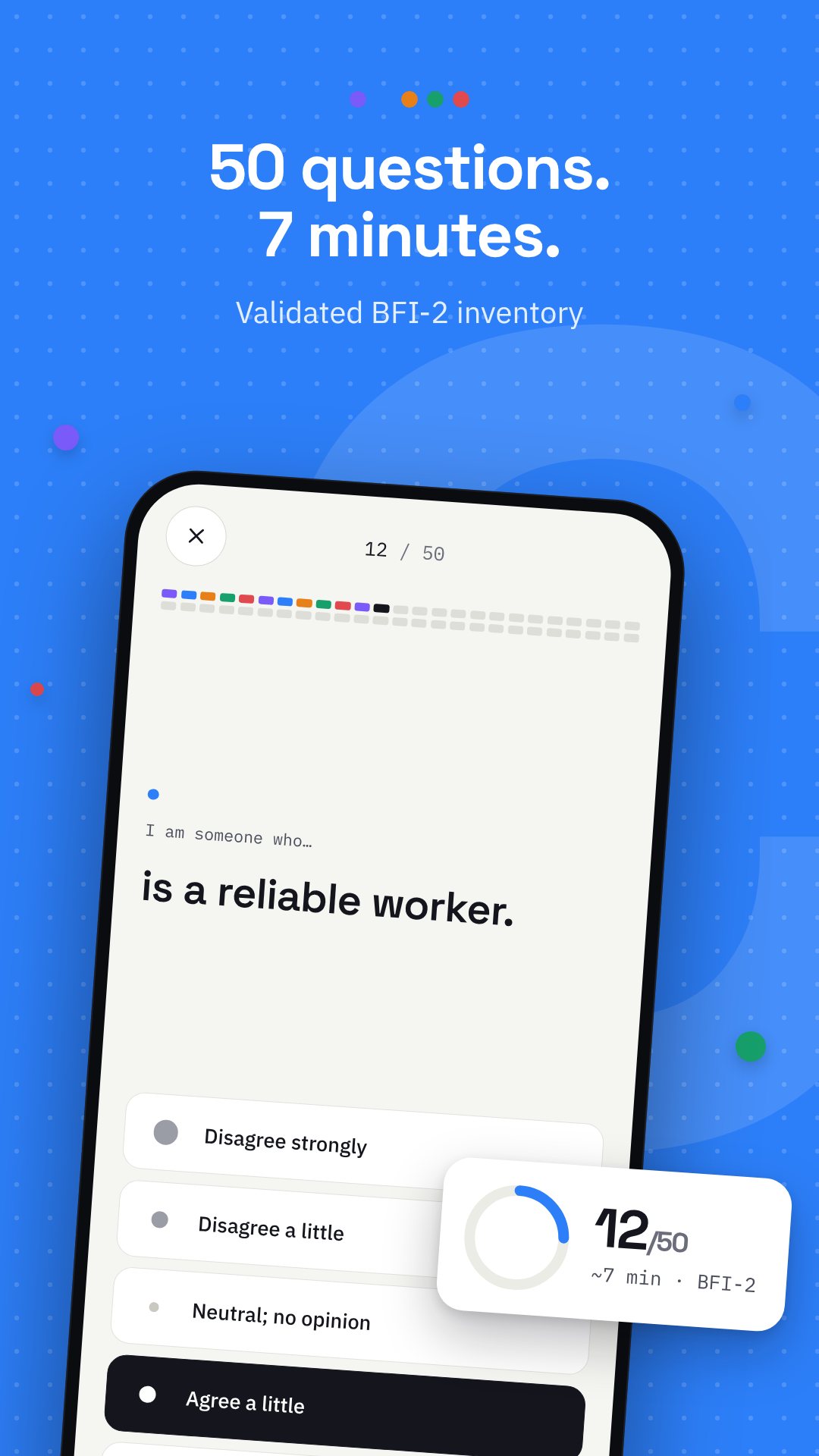
The core assessment is the 50-item Big Five Inventory-2 (BFI-2), a published, validated questionnaire rather than a novelty quiz. You rate each statement on a five-point scale — from Disagree strongly to Agree strongly — and it takes only a few minutes. The app handles the fiddly parts for you: reverse-scored items are flipped automatically, each trait is averaged, and your raw score is converted into a percentile using BFI-2 population norms. The result is a radar chart that reveals all five traits at once, with a plain-language high or low write-up for every one.
When five traits are not enough, the optional Pro test runs 120 items and breaks each trait into six facets — 30 in total. Openness, for example, splits into Imagination, Artistic Interests, Emotionality, Adventurousness, Intellect and Liberalism, so you can see that two people with the same Openness score can be open in completely different ways. The Pro result keeps the same percentile approach at both the trait and facet level, giving you a far more detailed map of your personality in one sitting.
The Career Compass takes your OCEAN result and ranks 40 occupations — from Software Engineer and Data Scientist to UX Designer, Registered Nurse and Physical Therapist — by how closely their typical personality profile sits to yours. It is a conversation starter for anyone weighing a direction, not a verdict, and it reads directly from the test you just took.
Curious how you line up with a friend? Big Five turns your five percentiles into a short offline code (and a matching QR code) that encodes only those numbers plus a checksum. Your friend scans it with the camera or types it in, and the app shows a side-by-side comparison — all on device, with nothing uploaded to a server. The camera permission exists purely to scan that QR code.
Every result can be exported as a polished 1080×1920 "My Big Five" story card straight to the share sheet, and the app saves past results so you can retake the test later and watch your profile shift over time.
Big Five is a tool for self-discovery, reflection and curiosity — it is not a clinical or diagnostic instrument and does not replace professional advice. Percentiles compare you to general-population norms, so they describe tendencies, not fixed labels. The app is free with ads, processes your answers on device, and offers an optional in-app purchase to unlock the Pro test.
Yes. It uses the 50-item Big Five Inventory-2 (BFI-2), a validated questionnaire built on the widely studied Five-Factor (OCEAN) model, and reports your results as percentiles against population norms.
It works fully offline and needs no account. Your answers are scored on your device, and nothing is uploaded to a server.
The free test is 50 items and scores the five traits; the optional 120-item Pro test adds 30 facets, six per trait, for a more detailed profile.
Your five percentiles become a short code and QR that a friend scans or types in. Only those numbers are shared, entirely on device.