 By the NAXTECH team · Published 15 May 2026 · Updated 22 Aug 2026 · Hands-on with v1.0
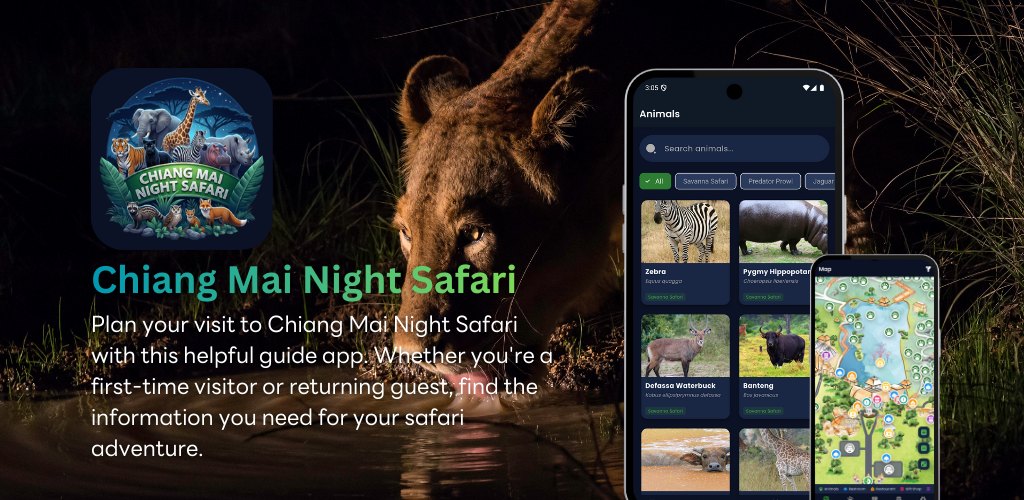
It is 7 p.m., the park spans more than 800 acres in the dark, and you have no idea whether the Savanna tram leaves in five minutes or fifty. A night zoo is a wonderful place to be lost in — and a frustrating one when you miss the Wild Animal Show because you were walking the wrong trail. This guide app was built for exactly that evening: it keeps the map, the animals and the timetable in your pocket so you spend the night watching wildlife instead of hunting for signs.
It is an unofficial companion to the Chiang Mai Night Safari, organised around the four walking and tram zones you will actually move through — Savanna Safari, Predator Prowl, Jaguar Trail and Swan Lake. Once it has loaded, the core screens run offline, which matters in a park where signal comes and goes under the canopy.
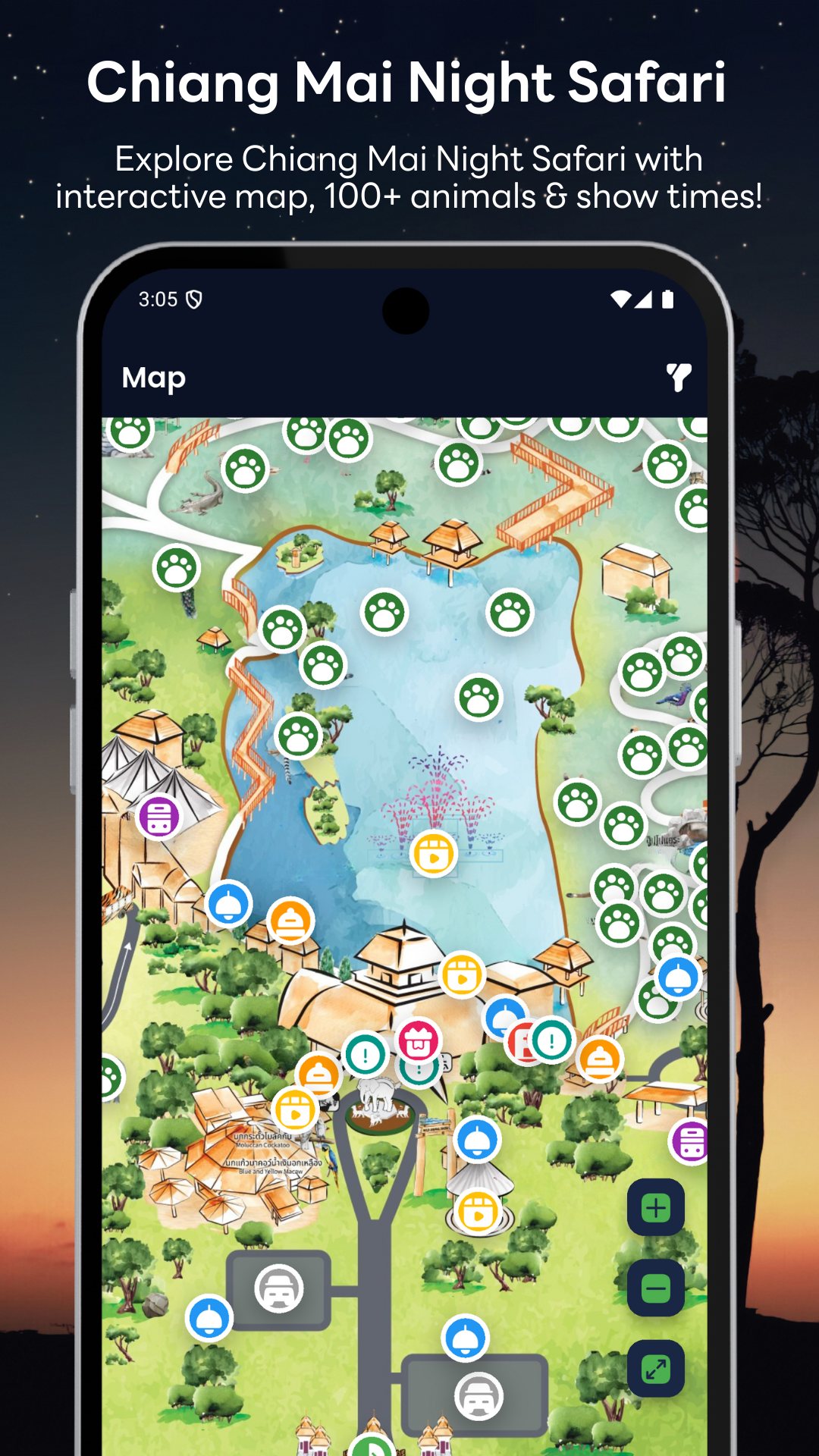
The whole app wears a dark theme on purpose, so the screen does not blind you between enclosures. The map is a single high-resolution park plan you can pinch to zoom or step through with dedicated zoom buttons, and it carries around 30 marked points across eleven kinds of pin — animals, restrooms, restaurants, gift shops, parking, first aid, information, entrances and exits, tram stations and show stages. Tap the filter to show only what you need right now, and tapping an animal marker zooms the map straight in on its spot.
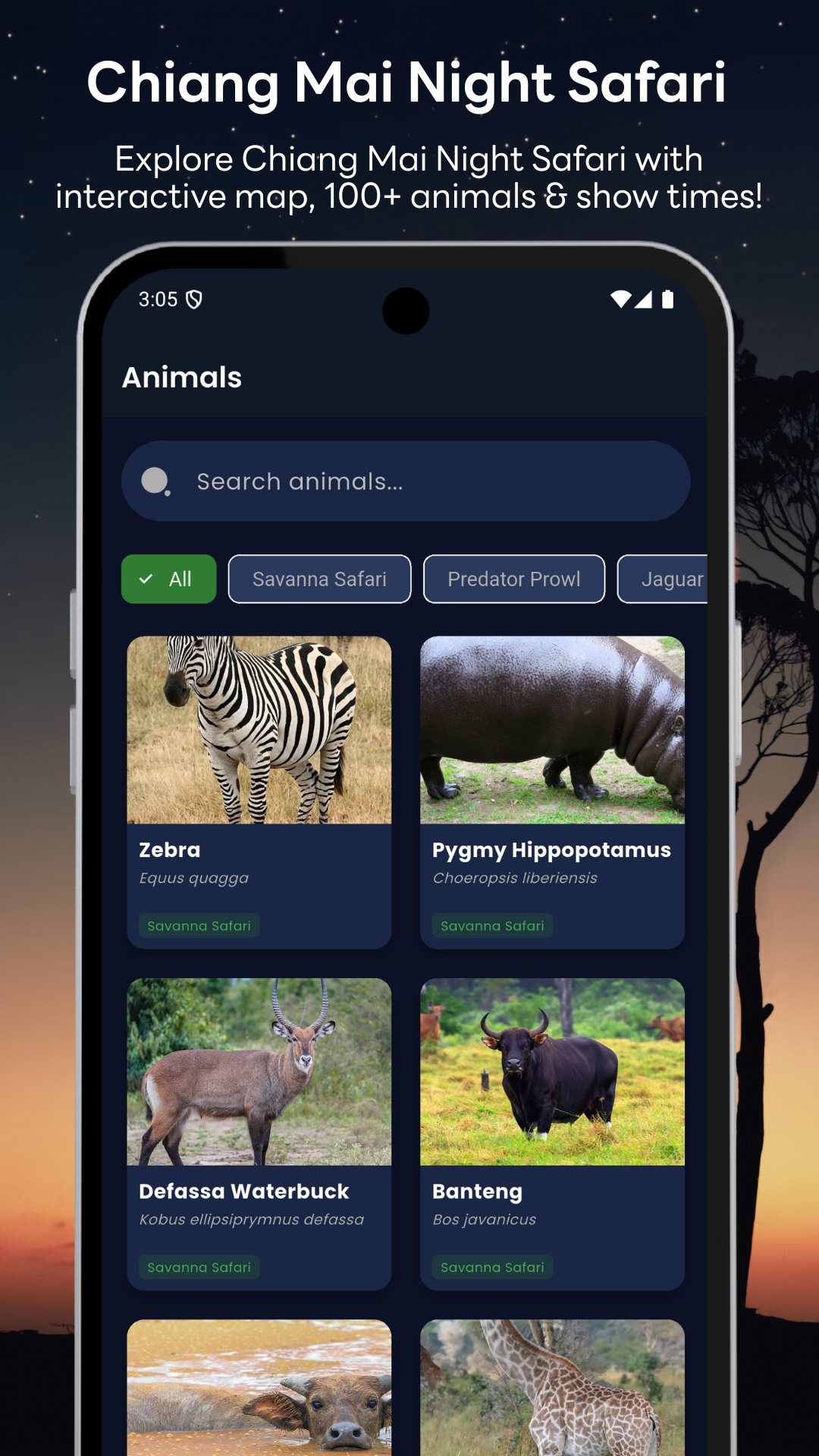
The guide lists roughly 100 animals drawn from across the park's continents. Search by name or filter by zone, then open a profile for the scientific name, diet, behaviour, lifespan, size, conservation status and a few genuinely interesting fun facts. Each profile also shows which zone the animal lives in, and a tap takes you back to its marker on the map — so "where are the white rhinos?" becomes a two-tap question rather than a long walk.
The schedule is split into four tabs — trams, shows, walking zones and activities — so the night is easy to plan. You get the Savanna and Predator tram routes, the Wild Animal Show, the Cowboy Show, Dancing performances, the Musical Fountain, photo-with-animals sessions, and the opening hours for the Jaguar Trail and Tiger World walking zones. Each entry shows its time (or time range), how long it runs and where to stand, with notes where a show only runs on weekends and holidays.
When you are ready to buy, the booking screen lists what a ticket typically includes — tram rides, night shows, the fountain, walking trails and animal-feeding experiences — and hands you off to a partner page on Trip.com to complete the purchase. A short onboarding walkthrough sets your language and introduces the map and animal features the first time you open the app.
This is an independent guide app and is not affiliated with or endorsed by the Chiang Mai Night Safari; times and ticket details can change, so treat the schedule as a plan rather than a guarantee and confirm on arrival. The app is free and contains ads. It needs only an internet connection for ads and to open the booking page — there is no GPS tracking or camera access — and the map, animal profiles and timetable are available in 13 languages.
Yes. After the first load the map, animal profiles and show schedule are cached, so they keep working when the signal drops under the trees.
No. It is an independent visitor guide and is not affiliated with the park, so always confirm show times and ticket details on site.
Around 100 animal profiles across four zones, plus the tram routes, Wild Animal Show, Cowboy Show, Dancing performances and Musical Fountain in a single timetable.
You review what each ticket includes in the app and complete the purchase on the linked Trip.com partner page.