 By the NAXTECH team · Published 19 May 2026 · Updated 22 Oct 2026 · Hands-on with v1.1
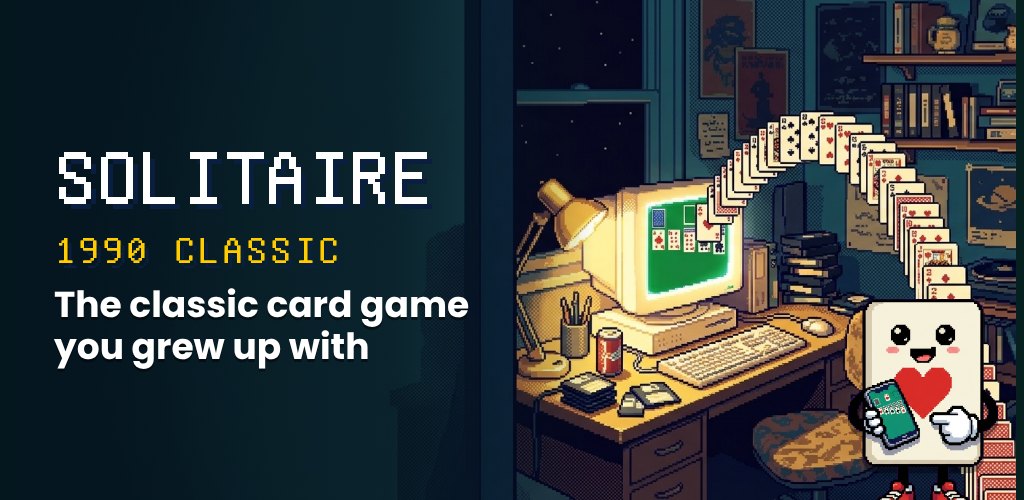
You remember it: the green felt, the little stack of cards that bounced down the screen when you won, and a quiet afternoon on a beige PC. Most solitaire apps on your phone today bury that feeling under banner ads, pop-ups and video interruptions. Solitaire 1990 Classic was built to hand it straight back to you.
This is a careful recreation of the Windows Klondike Solitaire that a whole generation learned to play — the same deal, the same rules, the same look — rebuilt natively for Android so it runs offline, with no account and no advertising of any kind.
Under the retro skin is a complete Klondike engine. Every game deals a shuffled 52-card deck into seven cascades — one card in the first column up to seven in the last, with only the top card face-up — and holds the remaining 24 cards in the stock. You build the four foundations up from Ace to King by suit, and stack the tableau down in alternating red and black. Each deal is tied to a game number, so the same seed always produces the same layout if you want to replay a hand.
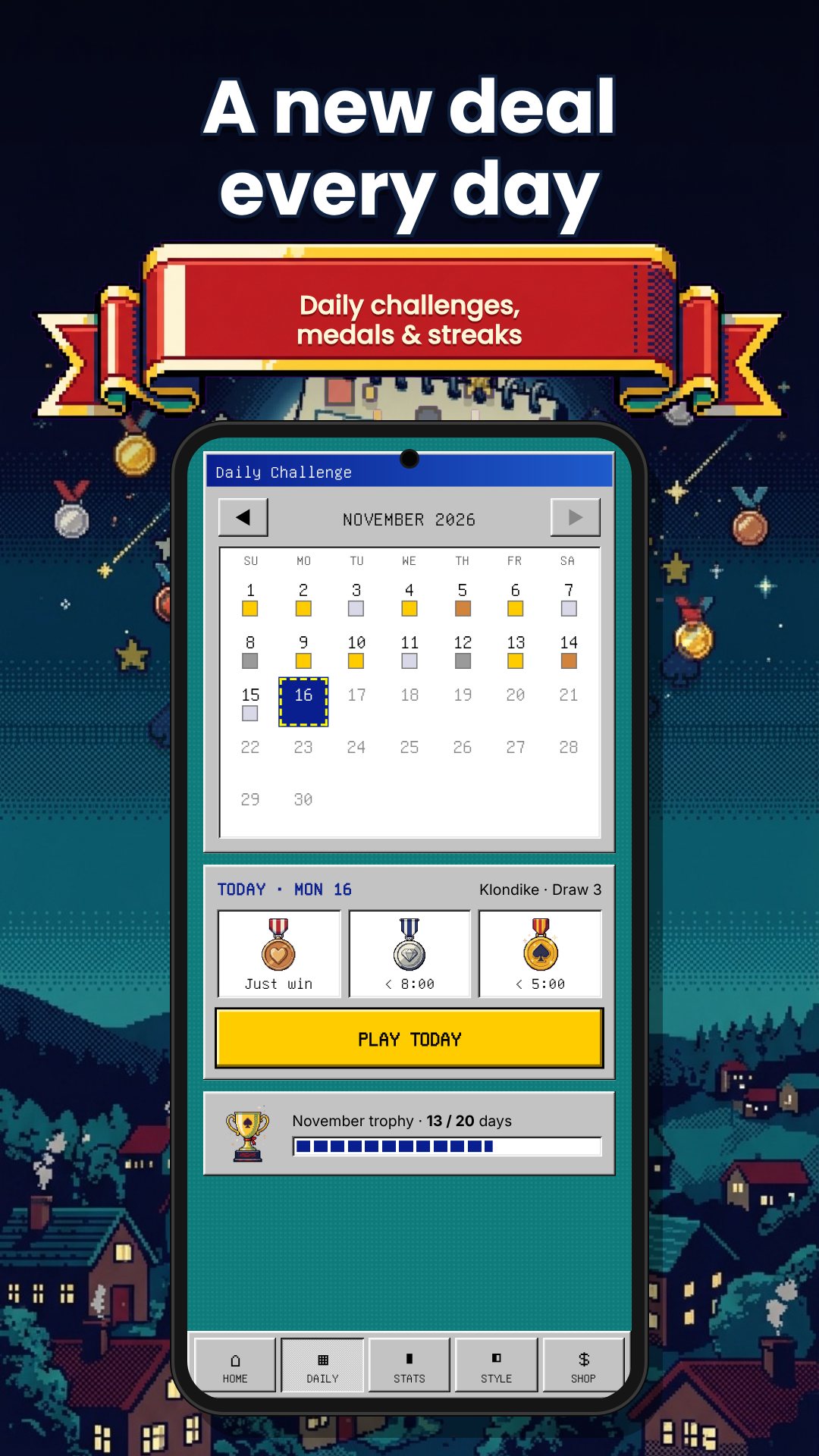
Pick the challenge you grew up with. Draw 1 turns over a single card from the stock for a gentler game; Draw 3 deals them in threes for the harder, more strategic version. You can switch at any time, and when the stock runs out the waste pile recycles back so you can keep working the hand.
The table plays in both portrait and landscape, and a built-in zoom runs from 0.7× to 1.5× in small steps so you can size the cards to suit you — a genuinely useful touch for older players or anyone on a small screen. A reset returns you to 1× whenever you want the default view back.
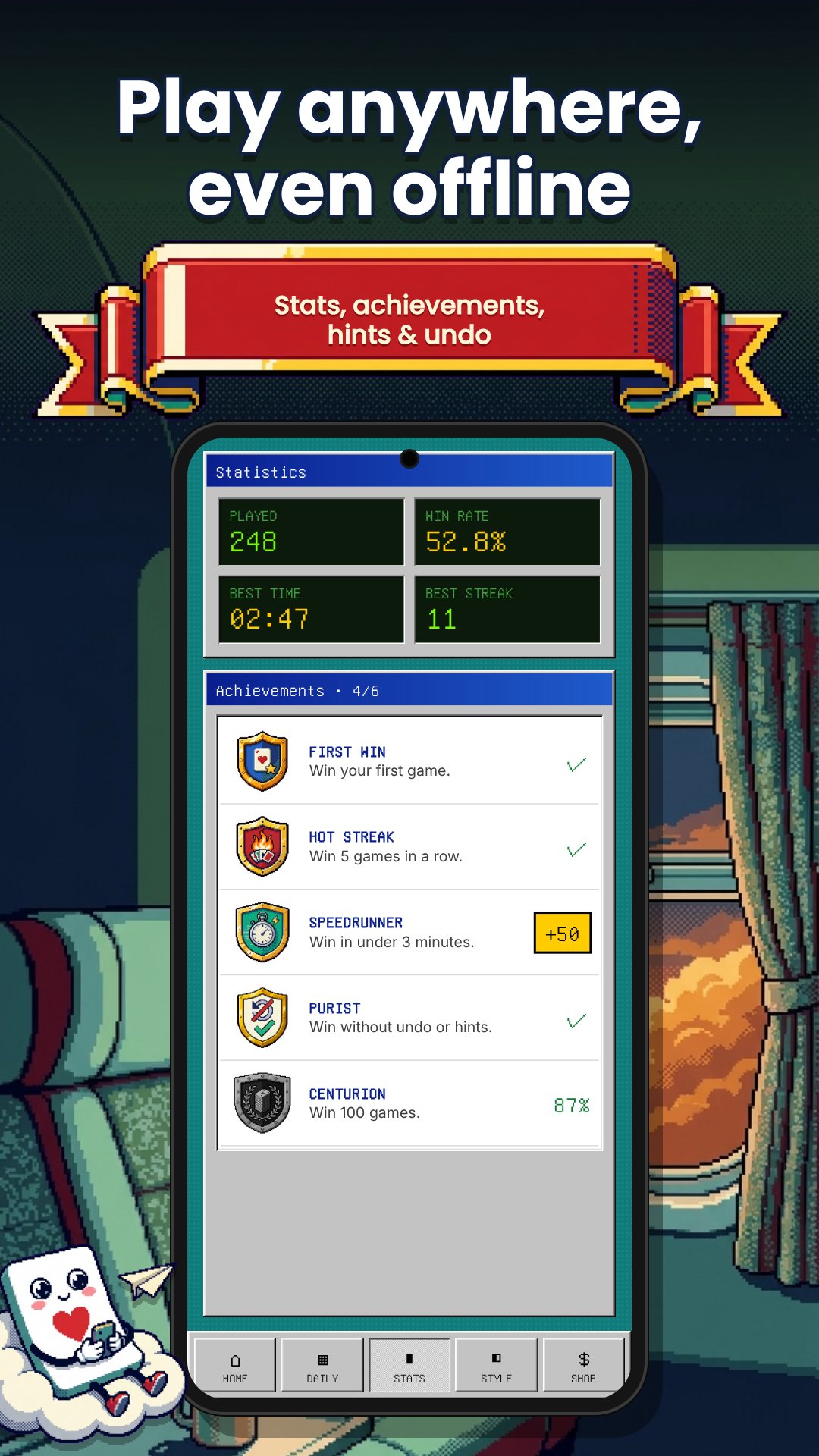
There are no banner ads, video ads or pop-ups anywhere in the game. The developer built it as a tribute to simpler times and kept it free with no limitations; a single optional in-app donation is the only purchase, and it unlocks nothing you don't already have. The app needs no internet connection and no sign-in — the only permission it requests is the billing permission that powers that optional donation.
Solitaire 1990 Classic is rated for everyone, with no violence or inappropriate content, which makes it an easy pick for kids, parents and grandparents alike. Everything runs on your device, so you can play on a plane, on the train or anywhere with no signal.
No. There are no banner, video or pop-up ads anywhere; the game is completely free with only one optional donation to support the developer.
Yes. You can switch between Draw 1 and Draw 3 at any time from the Game menu to match the difficulty you prefer.
Yes. The whole game runs on your device with no account and no internet connection required.
Yes. A built-in zoom scales the table from 0.7× up to 1.5×, and it plays in both portrait and landscape for comfortable viewing.
Get Solitaire 1990 Classic on Google Play →
 By the NAXTECH team · Published 26 Jan 2026 · Updated 3 Sept 2026 · Hands-on with v1.0
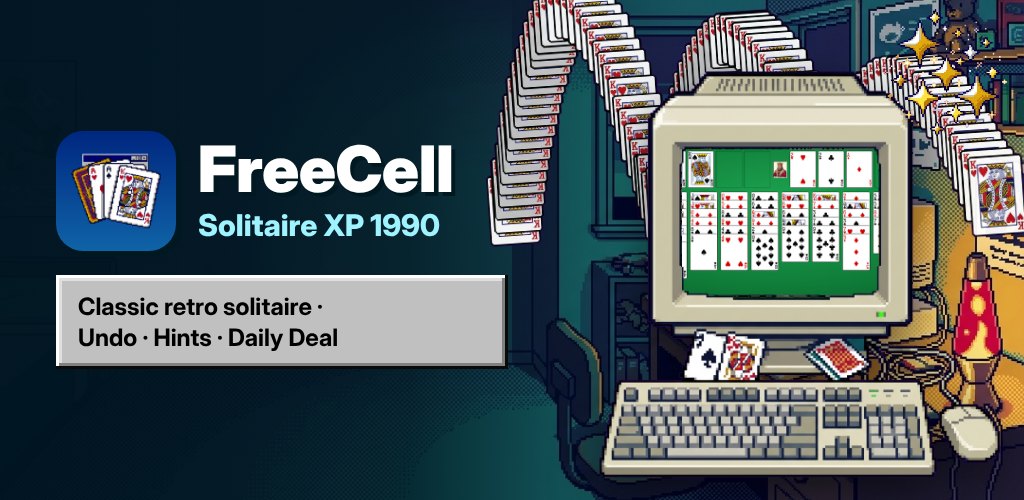
You remember the game that lived on every office PC in the 1990s — the green table, the four little free cells, the quiet satisfaction of a board solved without luck. Then you go looking for it on your phone and every result is a flashy clone buried under banner ads and pop-ups. That gap between the clean, focused game you remember and the noisy apps on the store is exactly what FreeCell Solitaire XP 1990 was built to close.
This is a deliberate, detail-faithful rebuild of classic Windows FreeCell for Android. It keeps the rules that make FreeCell a game of skill rather than chance, wraps them in a genuine Windows 95 interface, and — importantly — never shows you a single advertisement.
The layout is the one you know: eight cascades deal out the full 52-card deck, with four free cells for temporary storage on the left and four foundations on the right that you build up from Ace to King, one suit each. You stack cards down in alternating colours across the cascades, park an awkward card in a free cell when you need breathing room, and race every suit home. Because almost every deal is solvable with the right sequence of moves, winning comes down to planning — not the shuffle.
Moving a run of cards works the way serious FreeCell players expect, too. The game calculates how many cards you may shift at once from your empty free cells and empty columns — the classic (free cells + 1) × 2^(empty columns) supermove rule — so a well-prepared board lets you relocate a long ordered sequence in a single drag instead of one card at a time.
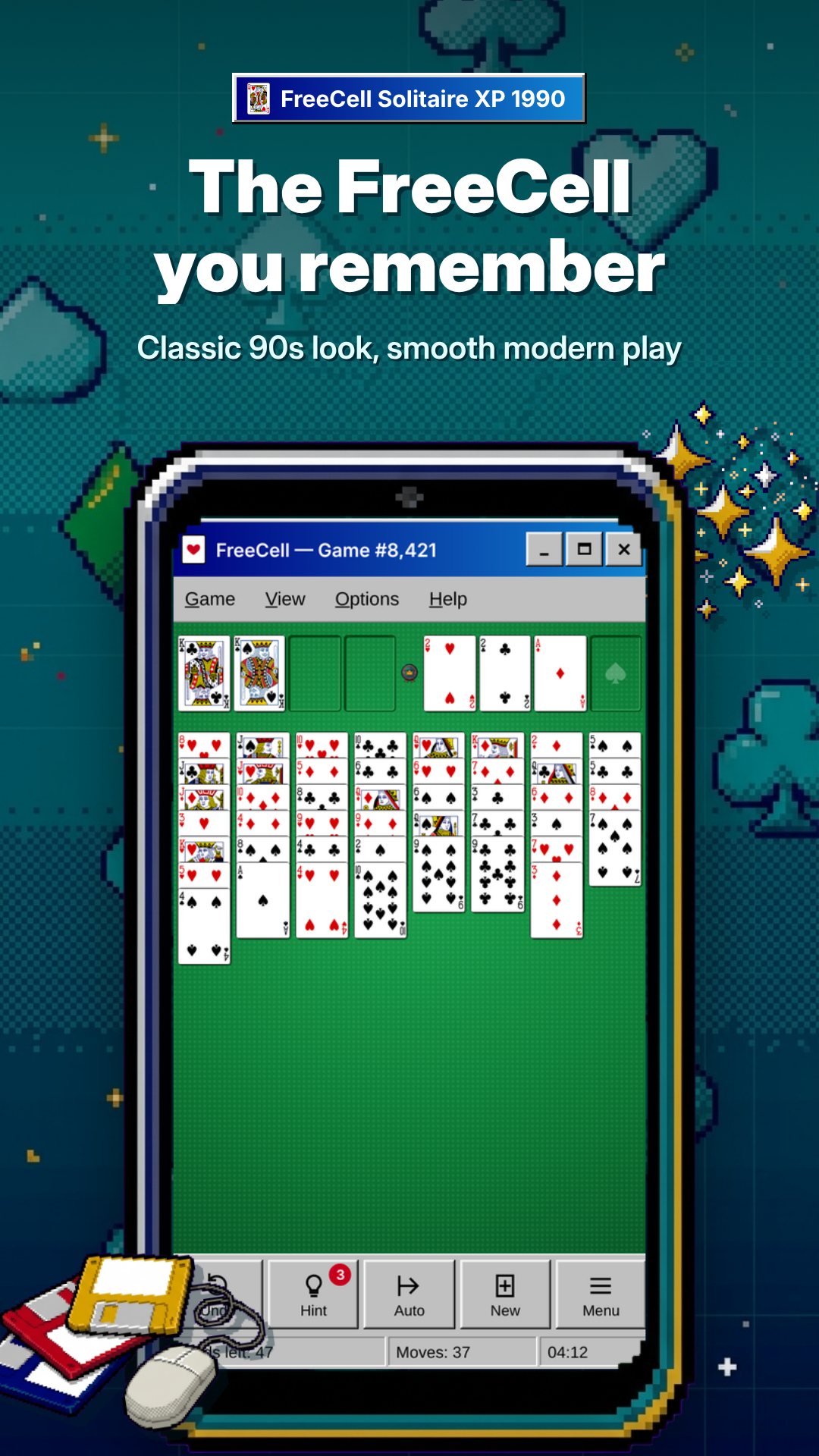
The nostalgia is in the chrome, and this app commits to it. There is a proper title bar, a working Game / View / Help menu bar, and the genuine raised-and-sunken 3D borders that defined that era's look. A status bar runs along the bottom showing your current game number and move count, just like the original. Even the table is the right shade of green. If you grew up with CRT monitors and a ball mouse, it will feel immediately, almost physically, familiar.
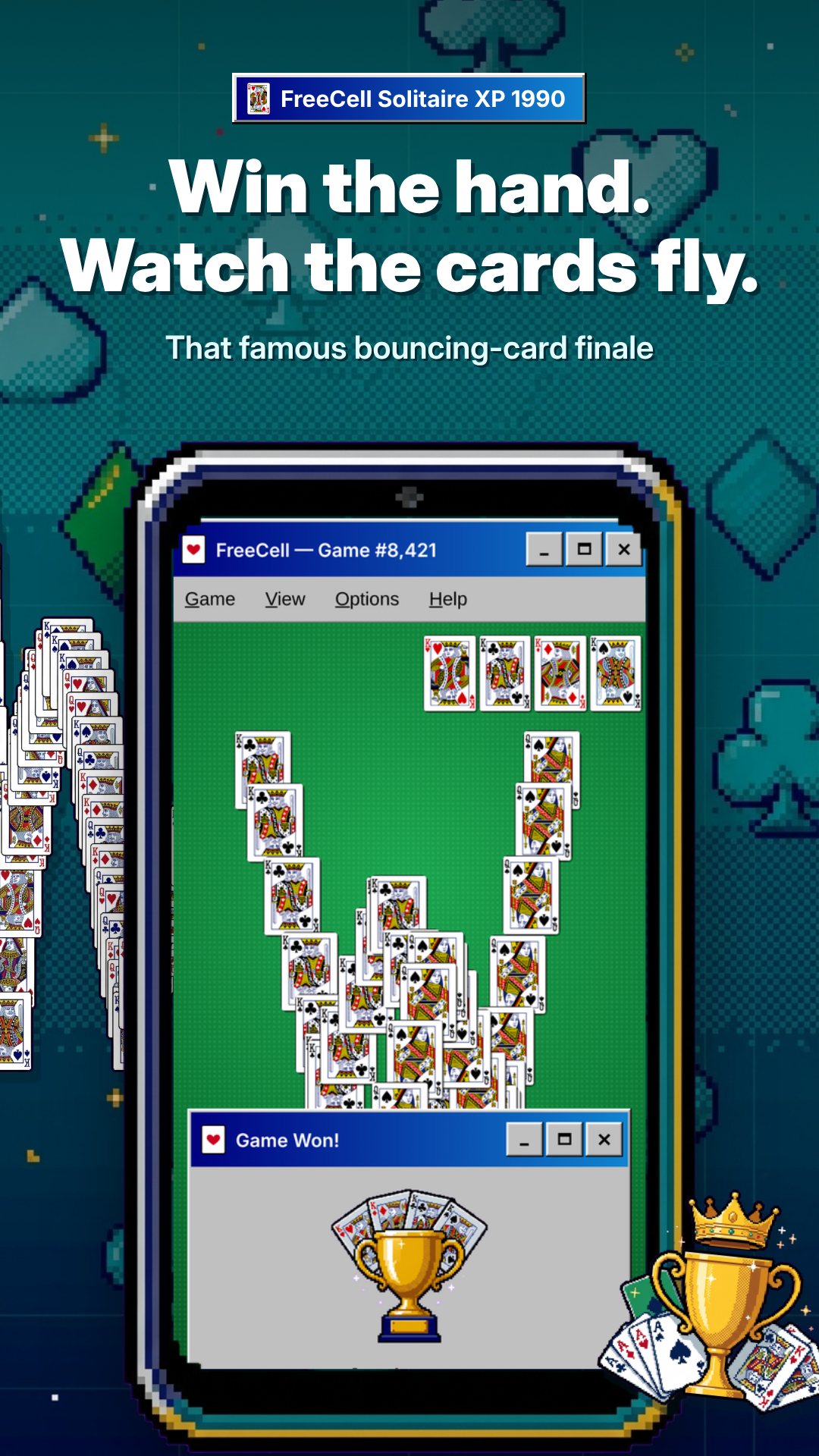
You can play however suits your hands: drag and drop a card or a whole valid sequence onto its destination, or tap to select and tap again to place. When a card is safe to send home, the game's auto-move whisks it to the foundations for you — using a conservative safe-play rule so it never buries a card you still needed below. Clear every suit to King and you are rewarded with the classic bouncing-cards win animation cascading down the screen.
FreeCell Solitaire XP 1990 contains no advertisements at all: no banners, no video ads, no pop-ups. The whole game is free with no locked features and nothing to unlock. It needs no internet connection and no account, so you can play on a plane, in a tunnel or anywhere else. The only in-app purchase is an entirely optional one-time donation to support the developer — the full game is identical whether or not you ever tap it.
No. There are no banners, video ads or pop-ups anywhere in the game, and the complete game is free with no locked features.
Yes. Every deal has a number from 1 to 1,000,000; use Select Game to enter one, or Restart to re-deal the game you are on.
Yes. The game needs no internet and no account — it runs entirely on your device, so you can play anywhere.
Yes. The View menu zooms the board from 70% to 150%, which helps on small screens or for players who want larger cards.