 By the NAXTECH team · Published 12 Jun 2026 · Updated 27 Oct 2026 · Hands-on with v1.0
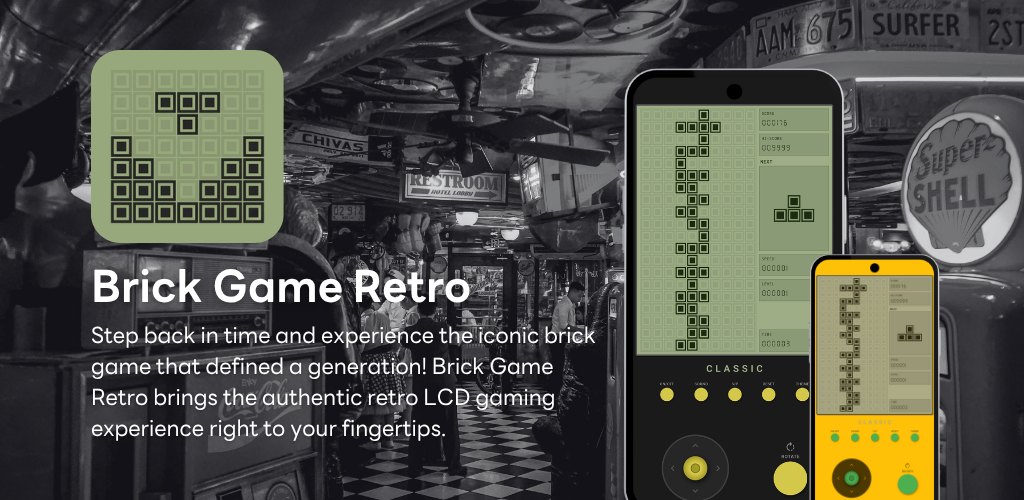
You still remember the little grey console with the green screen — the one you buried in a jacket pocket and played under the desk at school. Somewhere along the way it broke, got lost, or ran out of batteries for the last time. Every modern block-puzzle clone you have tried since feels too polished, too loud, too far from the thing you actually miss. Brick Game Retro was built to bring that exact handheld back.
It is a falling-block puzzle you already know how to play, wrapped in the look and feel of the original LCD device — the tinted screen, the chunky pixel blocks drawn as an outline around a filled square, the "CLASSIC" badge under the display, and a seven-segment font ticking over your score. Everything runs on your phone with no connection required, so a quick game on the train never waits for a signal.
The playfield is the familiar 10 columns by 20 rows, and all seven standard pieces are here — I, O, T, S, Z, J and L. Fill a complete row and it clears; clear up to four rows at once for the biggest reward. Scoring follows the classic curve: a single line is worth 100 points, a double 300, a triple 500, and a four-line clear 800, each multiplied by your current level, so the deeper you get the more every clean stack pays off.
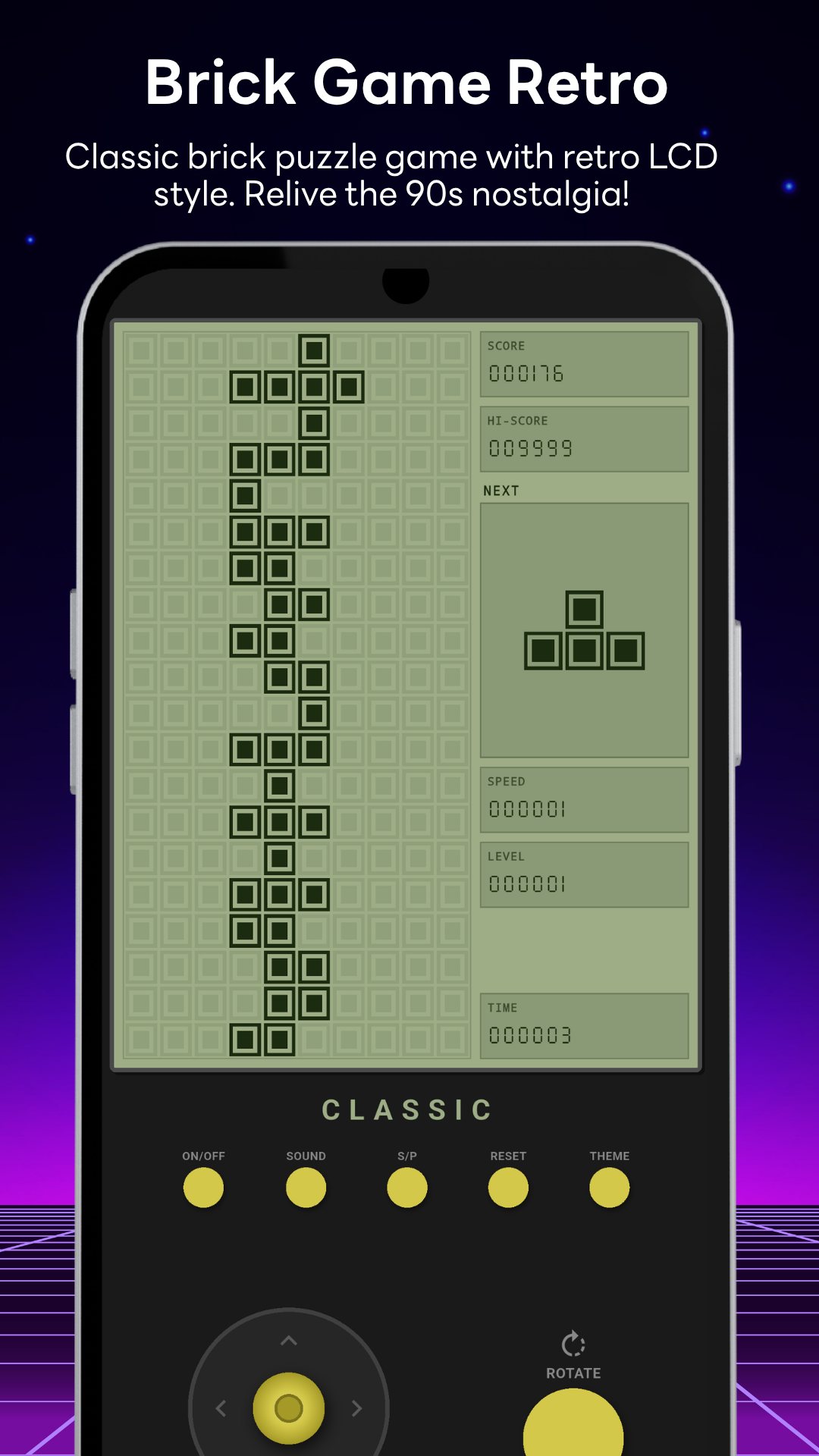
Instead of a stiff four-way pad, Brick Game Retro gives you a virtual analog stick: push left or right to slide a piece, hold down to drop it faster, and flick up for a hard drop that slams the piece straight to the bottom and adds two points for every row it falls. A dedicated ROTATE button spins the piece, and it is smart about tight spots — if a rotation would clip a wall, the game nudges the piece sideways to make the turn fit. A translucent ghost piece shows exactly where the current block will land, and the NEXT box previews what is coming so you can plan two moves ahead.
Every ten lines you clear bumps you up a level, and each level shortens the drop interval by a tenth of a second, so the pieces fall faster and faster until the game is a genuine test of nerve. The LCD panel keeps you honest with live SCORE, LEVEL, SPEED and TIME readouts in that seven-segment digital font. Your best run is saved to the device as the HI-SCORE, so it is still waiting the next time you open the app — no more watching your record vanish the moment you close the game.
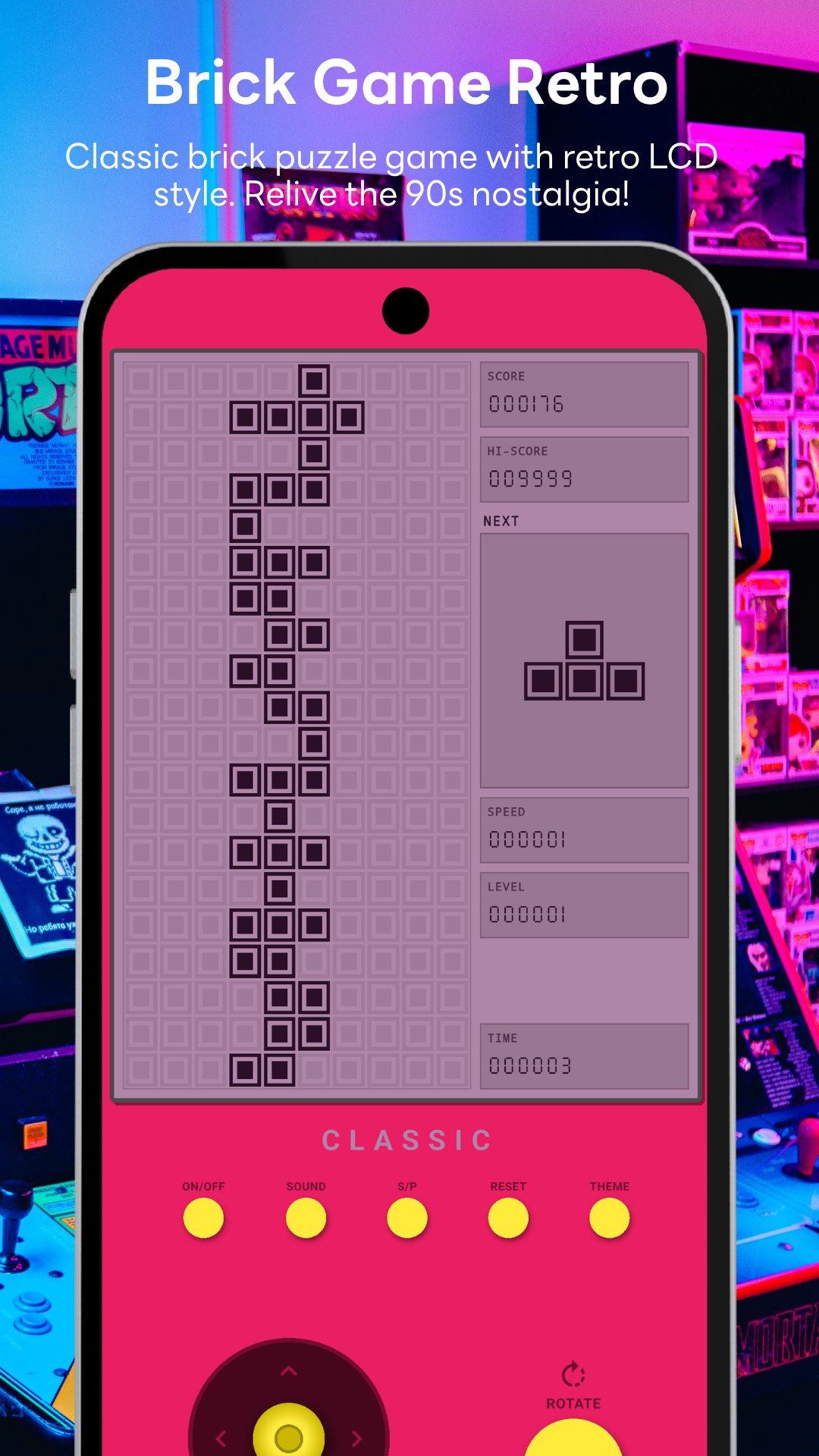
Tap the THEME button to cycle through six colour schemes for the screen and body: Green (the classic), Blue, Red, Yellow, Pink and Black. The green is the one you remember; the others are there for when you want the same game to feel a little different. You can also pause and resume mid-game with the S/P button, or reset the console entirely to start fresh.
Brick Game Retro plays entirely on your device, needs no account, and requests no special permissions. It is free to download and supported by a banner ad plus an occasional full-screen ad between games — there are no purchases required to play. The game runs in portrait, full-screen, and is tuned for quick sessions whenever you have a spare minute.
Yes. The whole game runs on your phone with no connection, so you can play on a plane, a subway or anywhere with no signal.
Yes. Your best score is stored on the device and shown as HI-SCORE every time you return.
All seven classic blocks (I, O, T, S, Z, J, L) and six LCD colour themes you can switch between any time.
Yes, it is free to download and play, with a banner ad and an occasional full-screen ad between games.