Auto Swipe Match: a hands-free auto swiper for dating apps
 By the NAXTECH team · Published 7 Mar 2026 · Updated 5 Jul 2026 · Hands-on with v2.0
Auto Swipe Match at a glance
- What it is
- A hands-free, human-like auto swiper for card-swipe dating apps.
- Platform
- Android · uses the Accessibility Service to perform swipe gestures only.
- Price
- Free with 150 swipes a day and ads; optional Pro for unlimited.
- Styles
- Seven presets — Natural Like, Like All, Pass All, Turbo, Night Owl, Picky, Weekend Marathon — plus your own.
- Privacy
- Never reads your messages, profiles or screen text.
- Best for
- Anyone tired of thumbing through hundreds of cards by hand.
It is 11pm, you are half-watching something, and your thumb has been flicking the same card stack for twenty minutes. Swiping on a dating app is mostly repetition — the same gesture, hundreds of times, for a handful of matches. Auto Swipe Match was built to take that chore off your hands and give the minutes back.
Set a style once, open your dating app, and tap play. A small floating bar does the swiping for you — at a human-like pace you control — while you do something else. It works with any card-swipe app, because it never touches the app's internals; it just performs the same left and right gestures you would.
A floating bar that drives any swipe app
Once you tap Start, a compact bar floats on top of whatever app is open. It has four controls: play / pause the auto-swiping, pass one card left, like one card right, and a menu for speed and stop. You can drag the bar anywhere on screen so it never covers a photo, and a long-press ends the session instantly. Because the bar sits above the app rather than inside it, the same setup works across different card-swipe dating apps.
Swipe styles, from gentle to turbo
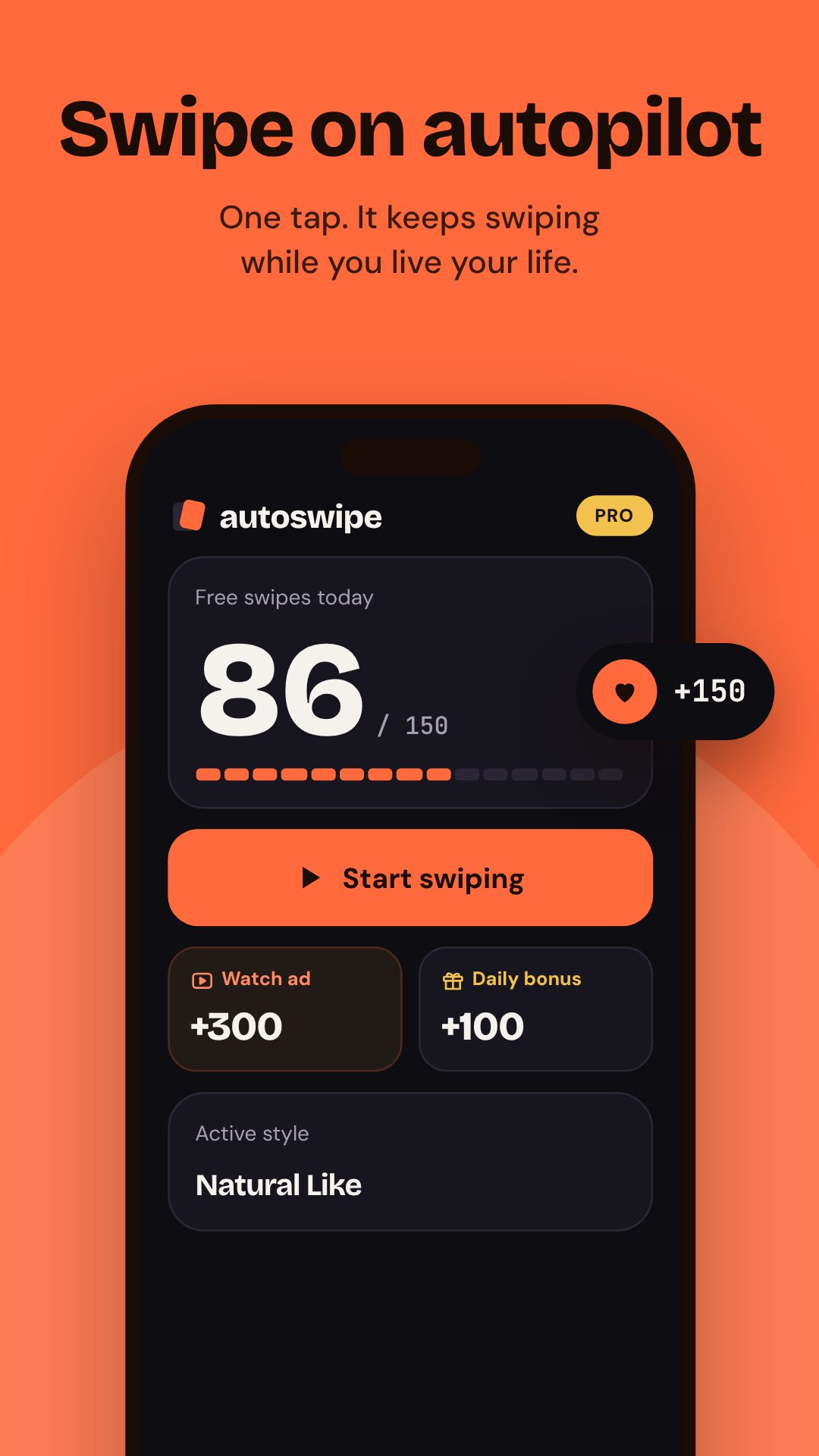
A "style" is a saved recipe for how the app swipes. Seven presets ship in the box: Natural Like and Like All swipe right, Pass All swipes left, Picky likes about a third of cards and passes the rest, Night Owl runs slow and pause-heavy, Turbo runs flat-out, and Weekend Marathon runs long with a rest break every hundred swipes. You can also build your own — set the direction, a like ratio, a stop limit, a floating-button colour and a name, then launch it from Home in one tap.
Human-like, not robotic
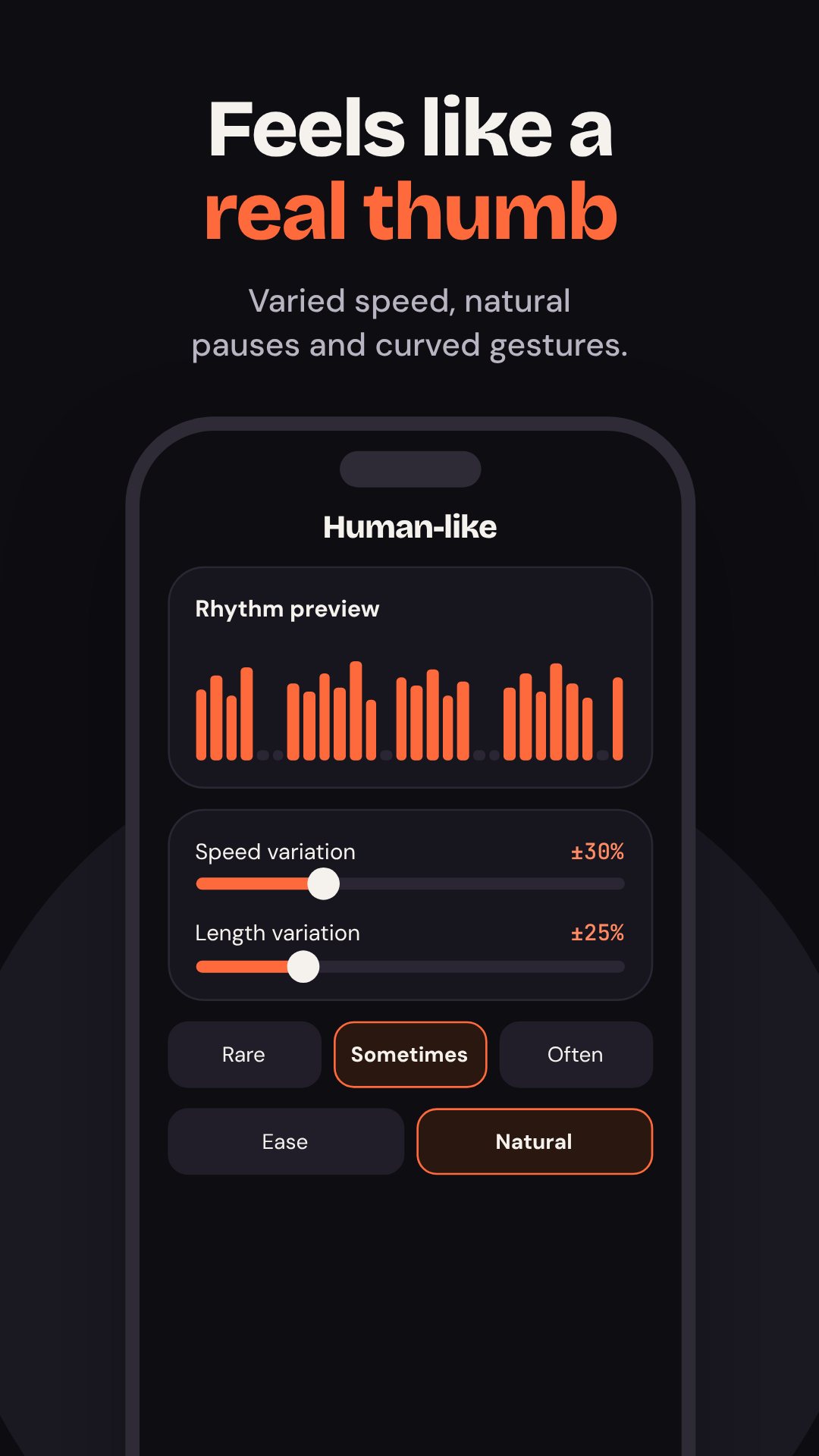
The whole point is to not look like a machine. Speed runs from about 12 to 60 swipes a minute, and with human-like rhythm on, the app varies the timing like a real thumb would. You can tune speed variation, length variation, how often it takes random pauses (rare, sometimes or often) and how long they last, pick a gesture curve (Linear, Ease, Natural or Curved), and add tiny micro-movements. Pro adds back & forth gestures — a glance back, a re-read, an overshoot — for the most natural pattern of all.
Practice mode before the real thing
Not sure the swipes will land? Practice runs the engine on 20 sample cards so you can watch it work — and it is free, it never spends your daily swipes. It tells you how many of the swipes landed on the cards, and if some miss it suggests fixes like a longer swipe length or the Linear curve.
Schedules, stats and a free daily top-up
Pro users can set scheduled sessions that start on their own at a chosen time on chosen days, pointed at a specific app from the installed-apps picker. Everyone gets stats: a swipes-per-day chart, an estimate of the time you saved, and a list of recent sessions. On the free plan you get 150 swipes a day, up to five rewarded ads for +300 swipes each, and a 7-day streak bonus whose seventh day unlocks a free day of Pro.
How to run your first auto-swipe session
- Pick a swipe style on Home — like all, pass all, or a human-like rhythm — and set a stop limit.
- Turn on Accessibility for Auto Swipe Match when asked; it is what performs the gestures.
- Tap Start, then open your dating app so the floating bar appears on top.
- Tap play on the bar and let it swipe; drag the bar aside if it covers a card.
- It stops at your limit and shows a summary — likes sent and the minutes you saved.
Private by design
Auto Swipe Match uses Android's Accessibility Service for one job only: to perform swipe gestures after you tap Start. It is configured so it cannot read window content — it never sees your messages, profiles or screen text, and it does not collect or send personal data. The permissions it asks for are the ordinary ones for an app like this: vibrate, notifications, run after reboot for schedules, and billing for Pro. The app is free with ads and offers optional in-app purchases.
Frequently asked questions
Does Auto Swipe Match read my matches or messages?
No. The Accessibility Service is set so it cannot read screen content — it only performs left and right swipe gestures, and no personal data is collected or sent.
Which dating apps does it work with?
Any card-swipe app, because the floating bar performs the same gestures over the top rather than hooking into a specific app.
How many swipes do I get for free?
150 a day, plus up to five rewarded ads for +300 swipes each, and a 7-day streak that unlocks a free day of Pro. Pro removes the limit entirely.
What if the swipes land in the wrong place?
Lower the swipe length in Setup or switch the gesture curve to Linear; you can test the result risk-free in Practice mode first.